Instagram Carousel Best Practices (2025–2026)
The difference between a carousel that gets saved 500 times and one that gets ignored is usually just three things. Let's go through them.


1. How to Engineer a Viral Carousel
Start with a plan, not a blank slide
Map out your carousel before touching any design tool. Give each slide one job: slide 1 hooks, slides 2 to 4 deliver value, the last slide drives action.
- Use the problem, solution, proof, CTA structure as your default.
- One idea per slide. If it needs two points, split it into two slides.
- Use ChatGPT to draft your outline fast. Try this prompt:
I'm creating a 7-slide Instagram carousel about [topic] for [audience]. Give me a slide-by-slide outline with a hook for slide 1, 4 value slides, a proof/example slide, and a CTA on the last slide.
Refine the output, then use it as your blueprint.
The one thing nobody tells you about carousels 😅
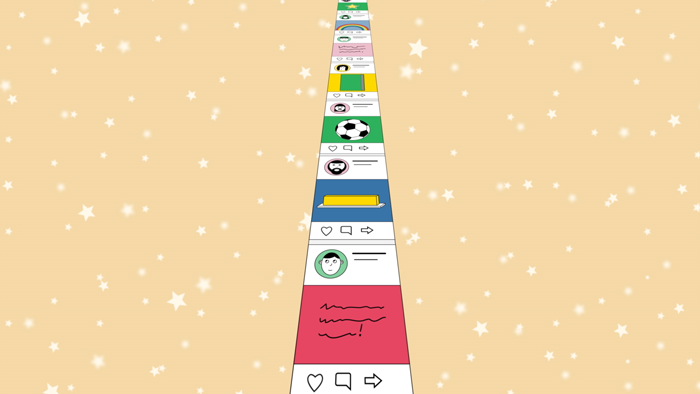
Nobody swipes a carousel they weren't already interested in. That means slide 1 is doing 90% of the work and the other slides just have to not ruin it.
Most people obsess over the content inside the carousel and spend 10 seconds on the cover. Flip that. Spend more time on your first slide than any other.
- A bold question works: 'Why does your Instagram content get ignored?'
- A surprising stat works: 'Carousels get 3x more reach than single posts.'
- A direct promise works: '5 things I wish I knew before posting my first carousel.'
Keep it to one line. No clutter. If it doesn't make someone stop, nothing else matters.
Don't waste your last slide

Don't bolt a CTA onto the last slide as an afterthought. It should feel like the natural next step after everything you just shared. Keep it simple: 'Save this for later', 'Try it free', or 'Drop a comment below'. Use a contrasting color so it stands out, and match the tone of the rest of the carousel. A CTA that fits the content converts far better than a generic one.
2. Do's and Don'ts
Do these things

- Do hook in the first slide with a bold claim, stat, or question.
- Do keep one idea per slide, no exceptions.
- Do use consistent fonts and colors across every slide.
- Do end with a clear, simple CTA.
- Do save your design as a reusable template.
- Do check your swipe-through rate after every post and adjust.
- Do add alt text to each slide for accessibility.
Don't do these things
- Don't cram too much text onto a single slide.
- Don't use more than 2 or 3 fonts in one carousel.
- Don't post without a CTA. Every carousel needs a next step.
- Don't use low-res images. Instagram will compress them further.
- Don't dump 30 hashtags. A focused set of 8 to 12 works better.
- Don't ignore your analytics. They tell you exactly what to fix.
- Don't make every slide look different. Inconsistency kills brand recall.
3. Best Tools to Use in 2025–2026
DesignLumo for AI carousel design
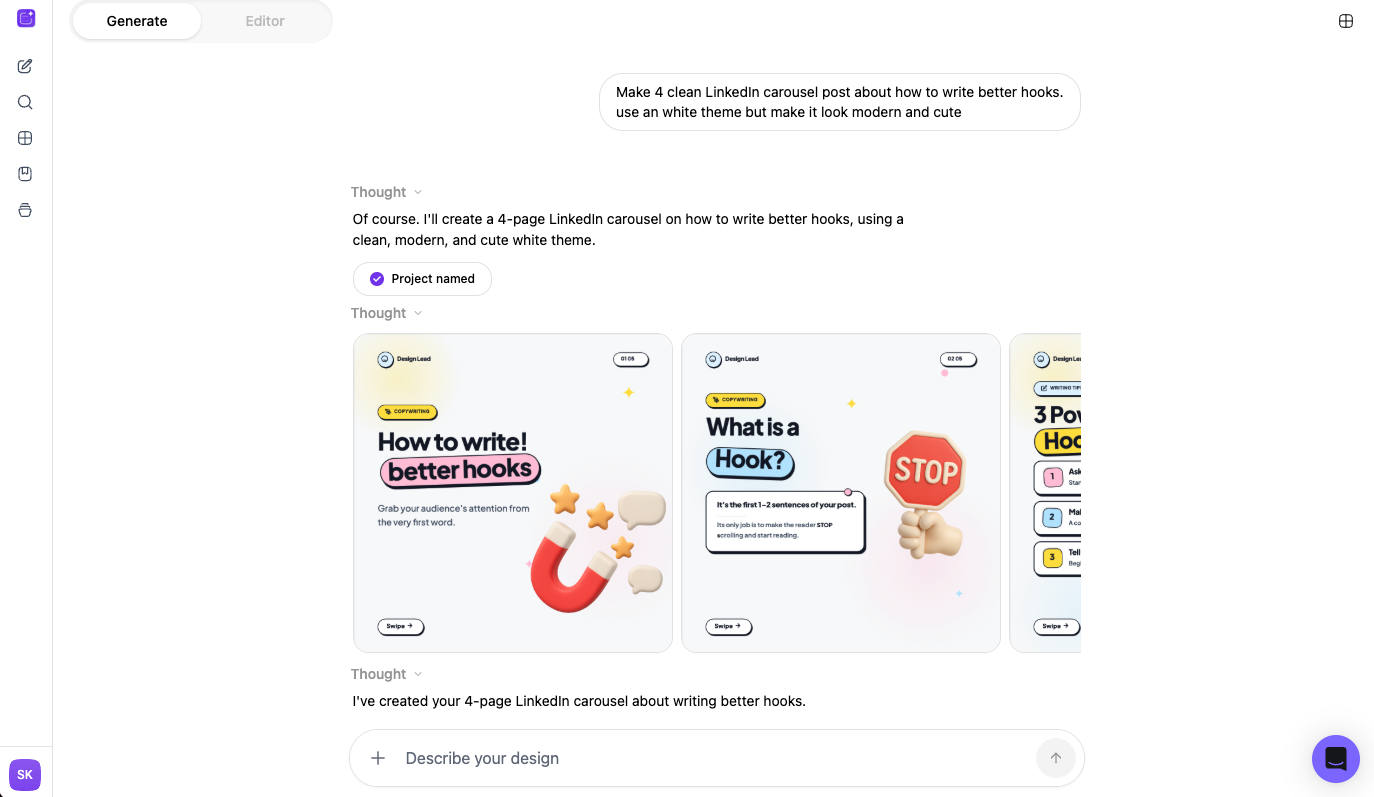
The fastest way to go from idea to a finished, on-brand carousel. Describe what you need, pick a style, and DesignLumo generates layered, editable slides in seconds. Built specifically for social media formats so you don't have to fiddle with dimensions or templates.
ChatGPT for content and copy planning
Use ChatGPT to plan your slide outline, write hook variations, and draft caption copy. It's especially useful when you're stuck on structure. Give it your topic and audience and ask for a full slide-by-slide breakdown. Pair it with DesignLumo and you can go from blank page to published carousel in under 20 minutes.
Claude for long-form content and strategy
Claude by Anthropic is great for more nuanced content work like writing detailed descriptions, refining tone, or thinking through a multi-post content strategy. If you need something more thoughtful than a quick outline, Claude tends to produce cleaner, more natural copy than other AI tools.
Canva for template-based design
Canva is a solid option if you prefer working from pre-built templates. It has a large library of carousel layouts and is easy to pick up. The trade-off is that Canva designs can look generic if you don't customize them heavily, and it doesn't generate designs from a prompt the way DesignLumo does.
Before you go
- Save your carousel template in DesignLumo so you can spin up new posts in minutes without starting from scratch each time.
- Put your logo or watermark on the first and last slide only. It keeps branding visible without cluttering every frame.
- End your last slide with a question. It's the simplest way to drive comments and signal to the algorithm that your post is worth showing to more people.















Ready to create your first design?
Join thousands creating professional designs in seconds.
Create with DesignLumo
Related Resources
The Ultimate Instagram Carousel Mockup Guide: From Concept to Click‑Ready Slides
Step‑by‑step Instagram carousel mockup guide: plan your story, design layered slides with DesignLumo, and export ready‑to‑post files for maximum impact.
Instagram Carousel Splitter Guide: From Free Tools to Pro Publishing
Learn how to split Instagram carousel posts quickly with free tools, desktop software, and mobile apps. Follow our step‑by‑step guide and boost engagement.
Can You Add a Photo to an Instagram Carousel After Posting? (2026 Reality)
Instagram's March 2026 update lets you reorder and delete carousel slides — but you still cannot add new photos after posting. Here's what you can do instead.
The Ultimate Instagram Carousel Size Guide for 2024: Boost Engagement
Learn the exact dimensions, aspect ratios, and export settings for Instagram carousel posts. Get actionable tips to design eye‑catching carousels that look perfect on every device.
How to Make an Instagram Carousel: A Complete Step‑by‑Step Guide
Learn how to make an Instagram carousel that captures attention, drives engagement, and boosts brand visibility with practical planning, design, and publishing tips.
How Many Photos in an Instagram Carousel? (Quick Answer + What Actually Works)
Instagram carousels allow up to 20 slides. But the real question is how many you should use. Here's what actually drives engagement.