Can You Add a Photo to an Instagram Carousel After Posting? (2026 Reality)
Short answer: no. Instagram does not let you add new photos or videos to a carousel after it's been published. A March 2026 update brought reordering and slide deletion — but adding new media still isn't possible without deleting and reposting the en…


1. What Instagram's March 2026 Update Actually Allows
Reorder Existing Slides
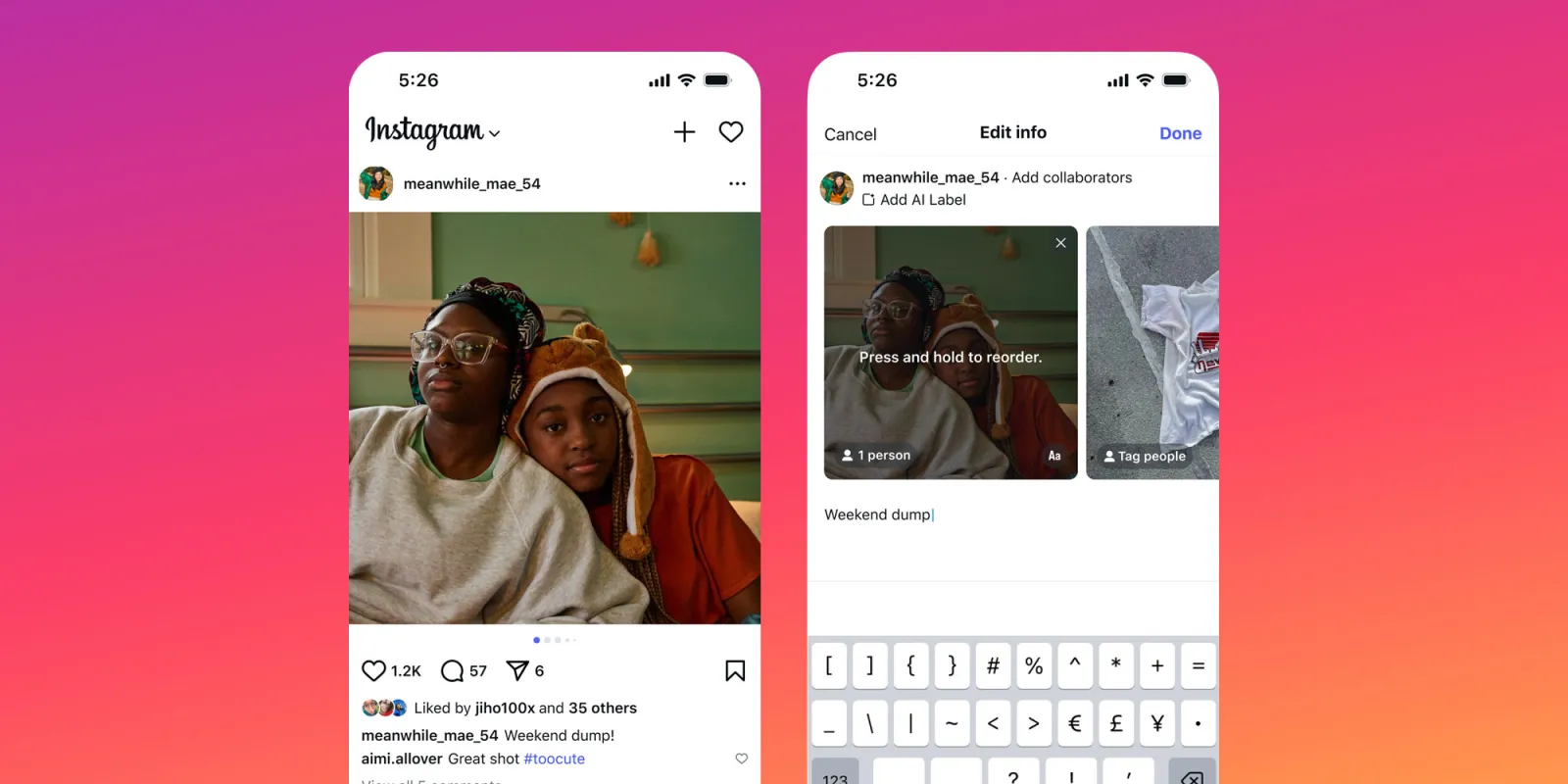
You can now change the order of photos and videos in a published carousel. Go to your post, tap the three dots in the top right, select Edit, then long-press any slide to drag and rearrange it. Tap Done to save. This is great for fixing the slide sequence without losing engagement.
Delete a Specific Slide

You can remove an individual slide from a published carousel without deleting the whole post. Open the post, tap Edit, swipe to the slide you want to remove, and tap the delete option. All other slides and your existing likes and comments stay intact.
2. Workarounds When You Need to Add a New Photo
Use DesignLumo to Rebuild the Carousel Quickly
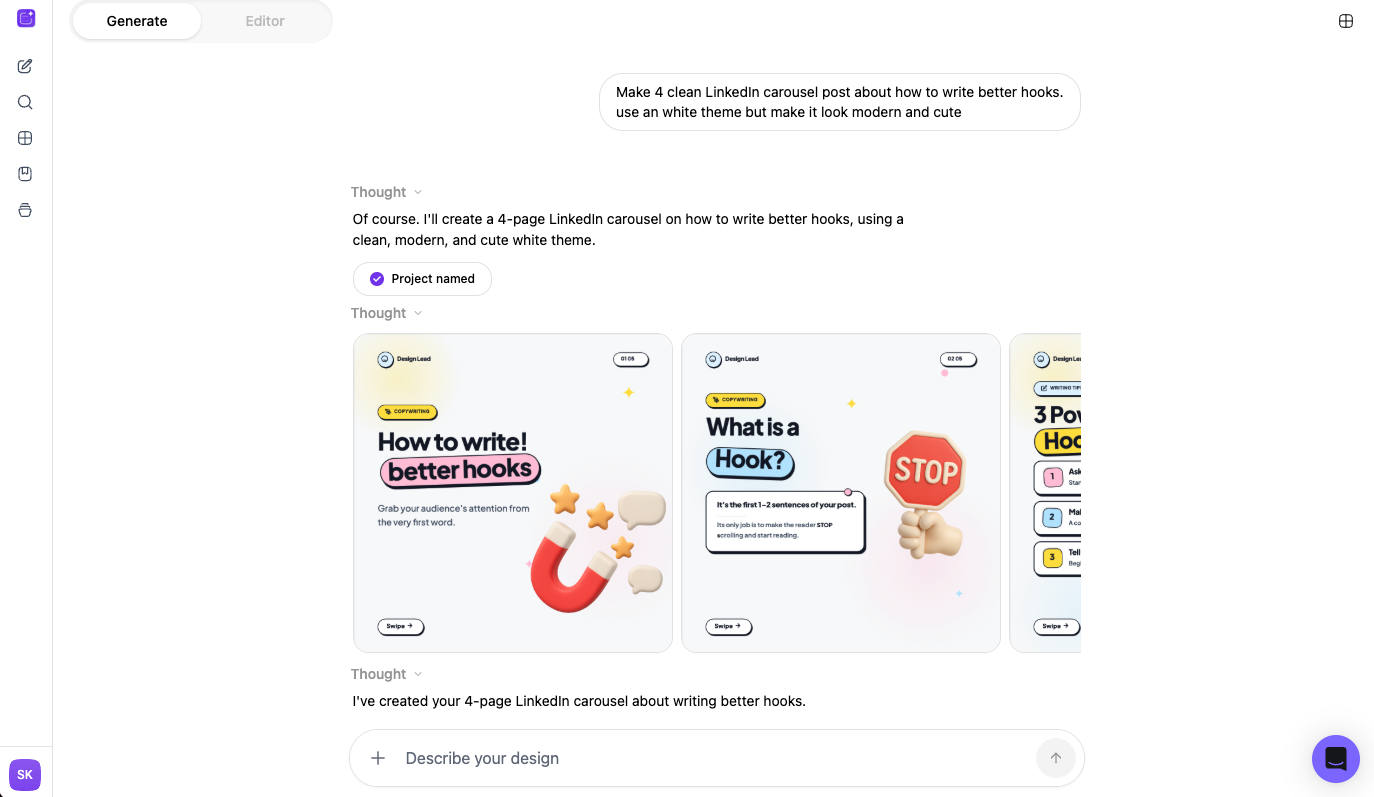
If you need to repost with the new slide included, DesignLumo's Instagram Carousel Maker lets you recreate or extend your carousel fast. Keep your original design file saved so rebuilding takes minutes, not hours. Export the updated set and repost with the new image in the right position.
3. How to Avoid This Problem Next Time
Read our Instagram Carousel Best Practices guide
The best way to avoid this situation is to plan your carousel properly before posting. Our Instagram Carousel Best Practices (2025–2026) guide covers exactly how to structure your slides, what to include, and how to use tools like ChatGPT and DesignLumo to get it right the first time.
Before you go
- Always save your original carousel assets before posting — if you need to repost, you'll have everything ready.
- Use the new reorder feature to put your strongest slide first without losing any engagement.
- If a slide is underperforming, delete it rather than reposting — you keep all your existing likes and comments.















Ready to create your first design?
Join thousands creating professional designs in seconds.
Create with DesignLumo
Related Resources
The Ultimate Instagram Carousel Mockup Guide: From Concept to Click‑Ready Slides
Step‑by‑step Instagram carousel mockup guide: plan your story, design layered slides with DesignLumo, and export ready‑to‑post files for maximum impact.
Instagram Carousel Splitter Guide: From Free Tools to Pro Publishing
Learn how to split Instagram carousel posts quickly with free tools, desktop software, and mobile apps. Follow our step‑by‑step guide and boost engagement.
The Ultimate Instagram Carousel Size Guide for 2024: Boost Engagement
Learn the exact dimensions, aspect ratios, and export settings for Instagram carousel posts. Get actionable tips to design eye‑catching carousels that look perfect on every device.
How to Make an Instagram Carousel: A Complete Step‑by‑Step Guide
Learn how to make an Instagram carousel that captures attention, drives engagement, and boosts brand visibility with practical planning, design, and publishing tips.
How Many Photos in an Instagram Carousel? (Quick Answer + What Actually Works)
Instagram carousels allow up to 20 slides. But the real question is how many you should use. Here's what actually drives engagement.
Instagram Carousel Best Practices (2025–2026)
Practical Instagram carousel best practices for 2025 and 2026, covering content strategy, do's and don'ts, and the best tools to boost engagement and reach.