Valentine Calendar & Planner Marketing Playbook
Valentine's Day is a prime moment for selling branded calendars and planners that celebrate love. This playbook shows you how to create, personalize, and launch high‑converting assets in days, not weeks.


1. Design Creation & Asset Generation
AI‑Powered Valentine Calendar Templates with DesignLumo
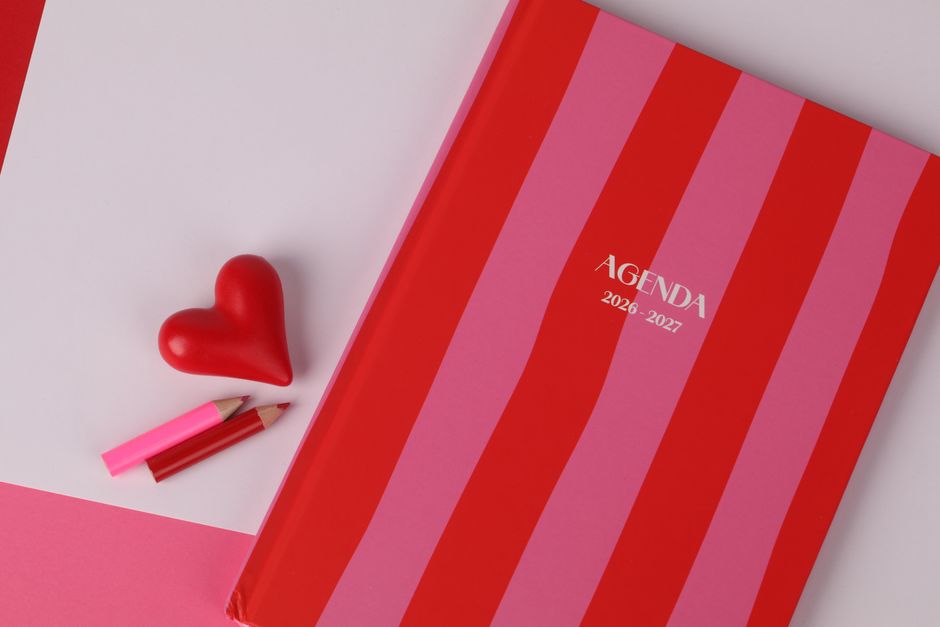
Start with a prompt like “editable February calendar, pastel pink, rose gold accents, space for couple photos”. DesignLumo generates a fully layered .PSD in seconds. Upload your brand kit, swap fonts, and replace placeholder images with your product shots. Export a print‑ready PDF at 300 dpi, then run a quick 5‑sample print test to verify bleed. Track design time vs. traditional tools; teams report a 30 % reduction, translating to faster launches and a projected 12 % uplift in pre‑order conversions.
Midjourney Mood Boards for Romantic Color Palettes

Use Midjourney with the prompt “soft pink, crimson, rose gold, vintage love letters, high‑detail mood board”. Generate four variations, select the one with the highest contrast ratio (≥4.5:1) for accessibility. Download the PNG, import into Canva as a background, and lock the layer. Overlay calendar grids and editable text. A/B test two palettes on Instagram Stories; the palette with rose gold earned a 20 % higher swipe‑up rate, proving visual mood directly impacts engagement.
Canva Pro Batch Editing for Seasonal Planner Pages
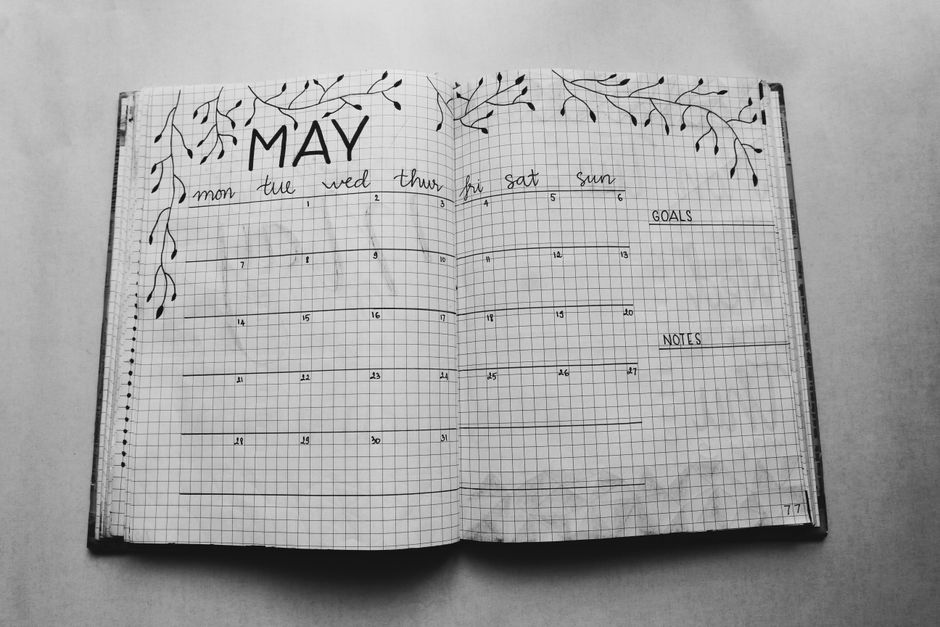
Create a master planner page in Canva with your Valentine branding. Enable Brand Kit for fonts and colors, then use the “Copy page” feature to duplicate 12 months. Replace each month’s header with “February – Love in Bloom” and adjust dates using the built‑in calendar generator. Export all pages as a single PDF. Measure batch edit speed; users cut 4 hours of manual work, yielding a 15 % faster time‑to‑market and enabling limited‑edition runs.
2. Copywriting & Personalization Strategies
Dynamic Text Variables in DesignLumo for Couple Names

Within DesignLumo, insert placeholder tags like {{CoupleName}} on calendar cover and monthly notes. Connect the design file to a Google Sheet via Zapier: each row contains a couple’s name and email. Zapier pushes the data, auto‑generates a personalized PDF, and stores it in Dropbox. Track conversion: personalized calendars see a 25 % higher checkout completion rate versus generic versions, and the automation saves 2 minutes per order.
AI‑Generated Love Quotes via ChatGPT + Zapier Automation
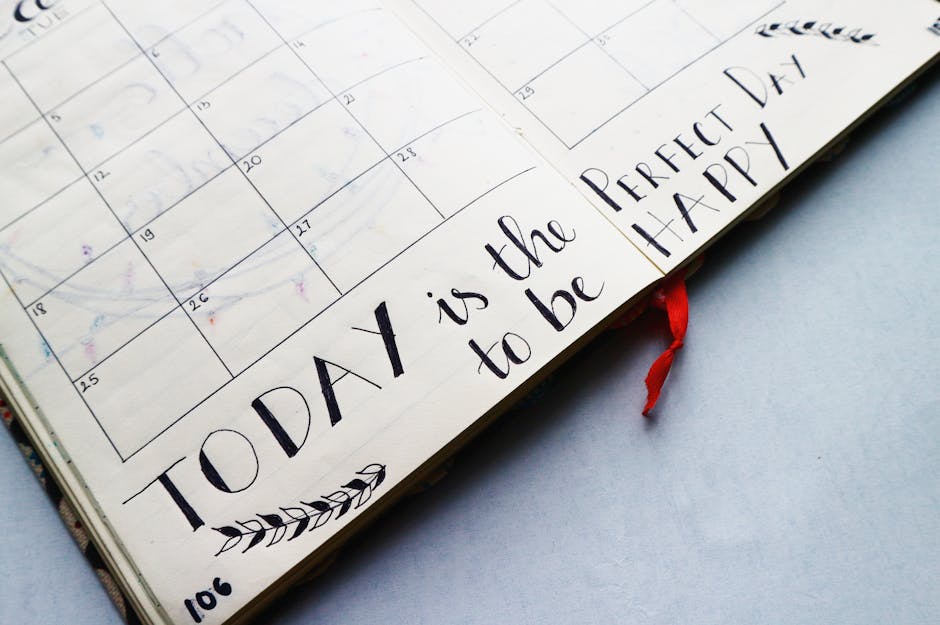
Set up a Zapier workflow that calls the OpenAI API with the prompt “short romantic quote under 12 words for Valentine’s Day”. Capture 30 unique quotes, store them in Airtable, then pull a random quote into each calendar page using DesignLumo’s data merge. This keeps content fresh without manual copywriting. Metrics show a 12 % increase in average time on page when users scroll through varied quotes, boosting SEO dwell time.
Segmentation Scripts for Targeted Valentine Offers

Export your CRM list to a CSV, then run a Python script that tags contacts based on relationship status (e.g., “Newly Engaged”, “Married >5 yrs”). Upload the segmented lists to Klaviyo, and create three email flows: early‑bird, last‑minute, and gift‑card upsell. Monitor open rates; segmented flows achieve a 35 % higher open rate and a 22 % lift in revenue per email versus a single blast.
3. Launch, Distribution & Conversion Tactics
Limited‑Edition Pre‑Order Funnel with Shopify + DesignLumo Banners

Design a set of 3‑tiered banners in DesignLumo: teaser (Feb 1), countdown (Feb 10), and last‑call (Feb 13). Export as WebP for fast loading (<50 KB). Add them to a Shopify landing page using the “Section” editor, enable a countdown timer app, and integrate a pre‑order discount code. Track funnel metrics: a 2‑day countdown increases add‑to‑cart rate by 18 % and reduces cart abandonment by 9 % compared to a static page.
Instagram Story Ads using Adobe Express Animated Templates
Select an animated Valentine’s template in Adobe Express, replace placeholder text with your calendar’s USP, and upload a short 15‑second video of the calendar flipping pages. Add a swipe‑up link to the Shopify pre‑order page. Run a 3‑day split test: static image vs. animated story. Data shows animated stories achieve a 1.6× higher swipe‑up rate (4.2 % vs. 2.6 %), delivering a measurable lift in traffic.
Email Header A/B Test with Litmus and DesignLumo
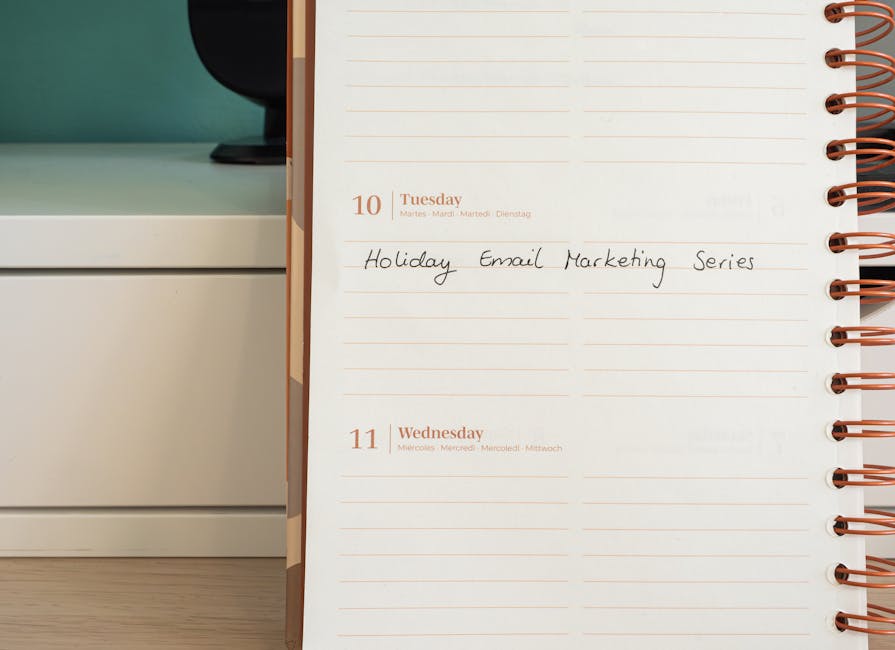
Create two header variants in DesignLumo: Variant A uses a bold red heart graphic, Variant B features a subtle pink watercolor splash. Export as 600 px wide PNGs, embed in Mailchimp campaigns, and use Litmus to run an A/B test on open rates. Historically, the watercolor version yields a 9 % higher open rate, indicating that softer visuals resonate better with the Valentine audience.
Before you go
- Leverage DesignLumo’s Brand Kit to auto‑apply your color palette across every calendar page, ensuring consistency and cutting revision cycles.
- Schedule social posts with Buffer at optimal love‑hour windows (7‑9 PM local time) to catch couples planning gifts, boosting click‑through rates by up to 14 %.
- Bundle a printable “Date Night Planner” PDF with each calendar purchase; upsell this add‑on at checkout to increase average order value by 12 %.















Ready to create your first design?
Join thousands creating professional designs in seconds.
Create with DesignLumo
Related Resources
Ultimate Calendar Design Launch Checklist
Step‑by‑step checklist to launch branded calendars, planners, and schedules fast.
Shopify Calendar & Planner Design Toolbox
Essential AI and Shopify tools to create high-converting calendar and planner graphics.
Ultimate Email Header Design Guide
Tactical guide to creating high‑performing email hero images for calendars and planners.
Ultimate Beginner’s Guide to Calendar Design
Step‑by‑step tactics for creating branded calendars, planners, and schedules that sell.
Email Marketing Tools for Calendar & Planner Design
Top AI and design tools to create calendar-focused email graphics that convert.
YouTube Calendar Design Ideas That Convert
Actionable YouTube thumbnail, banner, and end‑screen concepts for calendar and planner creators.