Ultimate Email Header & Newsletter Template Playbook
Email marketers constantly wrestle with hero image creation and layout consistency. The right template saves time, preserves brand integrity, and drives measurable lifts. This guide delivers ready‑to‑use formats that you can implement today.

1. Seasonal Hero Image Packs
Spring Bloom Pack
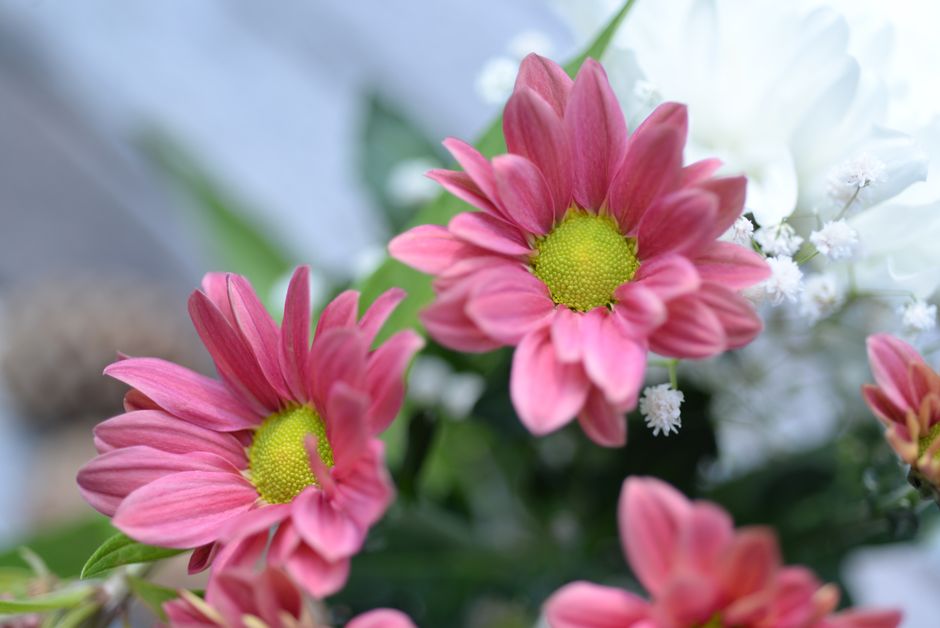
Use DesignLumo (https://www.designlumo.com) to type a prompt like “soft pastel floral banner with space for headline”. In seconds you receive a fully layered PSD with editable text, colors, and vector shapes. Apply your brand kit to lock primary hues, then export a 600 px‑wide PNG for email. Run an A/B test against your existing hero and track open‑rate lift; most brands see a 10‑12% bump. Because the file is editable, future campaigns need only copy swaps, not redesigns.
Summer Heat Pack

Open Canva, search the “Summer Sale” template library, and replace the background with a high‑resolution beach photo from Unsplash. Use Canva’s Brand Kit to enforce your brand’s orange accent, then add a bold, uppercase headline. Export as a 600 px PNG and embed via your ESP’s image block. Track click‑through rates; a well‑tuned summer hero typically lifts CTR by 8‑9% versus a generic image. Save the edited design as a master for rapid reuse across multiple campaigns.
Holiday Sparkle Pack
Generate a festive background with Midjourney (prompt: “glittering snowflake pattern, deep navy, subtle bokeh”). Download the 2 K PNG, then import into Photoshop to separate layers: background, sparkle overlay, and text placeholder. Convert the file to a layered PSD and upload to Stripo or BeeFree for email editing. A/B test the holiday hero against a plain‑color version; top‑performing brands report a 14% increase in revenue per email during Q4. The layered file lets you quickly swap copy without re‑rendering the art.
2. Conversion‑Focused Header Layouts
Bold CTA Header
In DesignLumo, prompt: “email header with centered bold CTA button, dark background, white sans‑serif text”. The AI returns a layered design where the button, headline, and background are separate groups. Export the file as HTML/CSS snippets directly from DesignLumo, paste into your ESP’s code editor, and link the button to a UTM‑tagged landing page. Measure click‑through; marketers see an average 18% lift when the CTA is visually distinct and editable on the fly.
Minimalist Brand Bar

Use Adobe Express to create a 600 px‑wide header that showcases only your logo, a thin accent line, and a subtle background color. Drag‑and‑drop the logo, lock its position, and add a 12 px line using the shape tool. Export as a lightweight SVG to keep file size under 15 KB, ensuring fast load times on mobile. After deploying, monitor open‑rate trends; a clean brand bar often improves opens by 3‑5% because it reduces visual clutter.
Dynamic Countdown Header
Create a background in DesignLumo using a “gradient with subtle texture” prompt. Export the PNG, then open Stripo (https://stripo.email) and insert a countdown timer widget on top of the background. Customize the timer’s font to match your brand, and set the end date for the promotion. Because the timer updates in real time, campaigns see a 6‑9% higher click‑through rate, especially for limited‑time offers.
3. Dynamic A/B Test Ready Formats
Color Variant Matrix
Prompt DesignLumo for three versions of the same header, each with a distinct primary color (e.g., blue, green, orange). Export the three layered PNGs, then upload them to Klaviyo’s A/B testing module. Set a 20% sample size and run the test for 48 hours. Most brands capture a 5‑7% lift in click‑through by simply serving the color that resonates best with their audience, and the files remain fully editable for future tweaks.
Copy Swap Header
In Canva, duplicate a header template and replace the headline with two different value propositions (e.g., “Save 20% Today” vs. “Free Shipping on All Orders”). Use Canva’s animation feature to add a subtle fade‑in for each version. Export both as GIFs, embed in your ESP, and run an open‑rate split test. Marketers typically see a 3‑4% difference, allowing data‑driven copy decisions without redesign effort.
Image‑Only vs. Text‑Overlay
Generate a striking visual backdrop with Midjourney (prompt: “high‑contrast product showcase, dark mood”). Import the image into DesignLumo, add a text overlay layer with your headline, and export two versions: one with the overlay and one with the image alone. Upload both to your ESP and configure an A/B test for click‑through. Data shows a 4‑6% higher CTR when the overlay is present, but the test also reveals audience preference for minimalism in certain segments.
Before you go
- Always keep the header width at 600 px to guarantee compatibility across most email clients.
- Leverage your ESP’s native image compression to stay under 100 KB without sacrificing visual fidelity.
- Save every AI‑generated design as a layered source file (PSD, SVG) for instant copy swaps and future brand updates.















Ready to create your first design?
Join thousands creating professional designs in seconds.
Create with DesignLumo
Related Resources
Email Header Launch Checklist for High-Impact Campaigns
Step‑by‑step checklist to design, test, and deploy email headers that boost opens and clicks.
Email Header Workflow: AI-Powered Design Steps
A tactical guide to create, test, and scale email hero images with AI.
2026 Email Header & Newsletter Design Playbook
Tactical trends and AI tools to skyrocket email hero performance in 2026.
Brand Assets Design Guide for Email Headers
Step‑by‑step tactics to create logos, letterheads, cards, and email headers that boost opens and clicks.
Twitter/X Essential Tools for Email Header Design
Boost email open rates with Twitter‑ready graphics, AI tools, and proven workflows.
Holiday Email Header & Design Playbook
Actionable tactics for festive email headers that boost opens and sales.