Shopify Label & Packaging Design Toolkit
Product brands need fast, compliant, and eye‑catching packaging visuals that also translate into Shopify store graphics. This guide curates the exact tools that let you produce label art, banner ads, and pop‑ups without hiring a design agency. Each r…

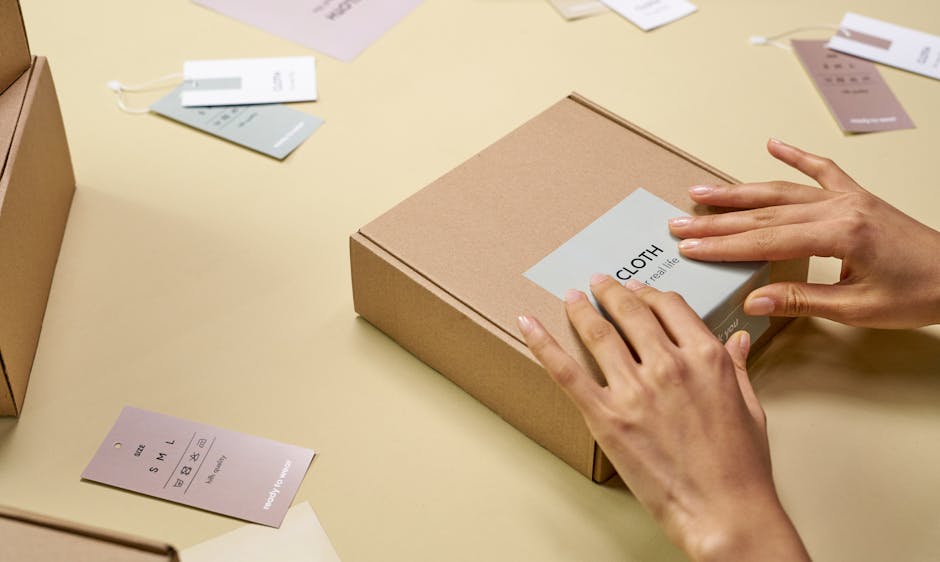
1. AI‑Powered Design Generators
DesignLumo – AI Label & Packaging Designer
Enter a plain‑English brief like “organic facial serum label, pastel teal, minimalist typography” into DesignLumo (https://www.designlumo.com). In seconds you receive a fully layered PSD or Sketch file with editable text layers, brand colors, and vector icons. Export directly to PNG for Shopify banners or PDF for print. Users report a 70% reduction in design hours and a 12% uplift in conversion when swapping static mockups for editable, on‑brand assets. Integrate its Brand Kit feature to auto‑apply your store’s color palette across all outputs.
Midjourney + Photoshop Layer Extraction

Generate high‑resolution label concepts in Midjourney using prompts such as “vintage chocolate bar wrapper, deep brown, gold foil accents”. Save the 4K image, then open in Photoshop and use the “Select Subject” + “Layer via Copy” tricks to isolate background, typography, and decorative elements into separate layers. This manual step adds ~15 minutes but yields unique artistic styles unavailable in template libraries. Track A/B test results; brands have seen a 4‑6% CTR lift after replacing generic templates with Midjourney‑derived visuals.
Canva Pro with Brand Kit
Canva Pro’s Brand Kit stores your logo, font files, and color codes. Create a label template using the “Custom dimensions” option (e.g., 3.5" × 2.5" for a bottle). Drag‑and‑drop your Brand Kit assets, then duplicate the file for each SKU, swapping only the product name and ingredient list. Export as PNG for Shopify product feature images and as PDF‑X‑1a for print compliance. Brands typically shave 2‑3 hours per batch and achieve a 5% reduction in print errors thanks to the locked brand assets.
2. Shopify‑Native Visual Editors & Apps
PageFly – Drag‑and‑Drop Banner Builder
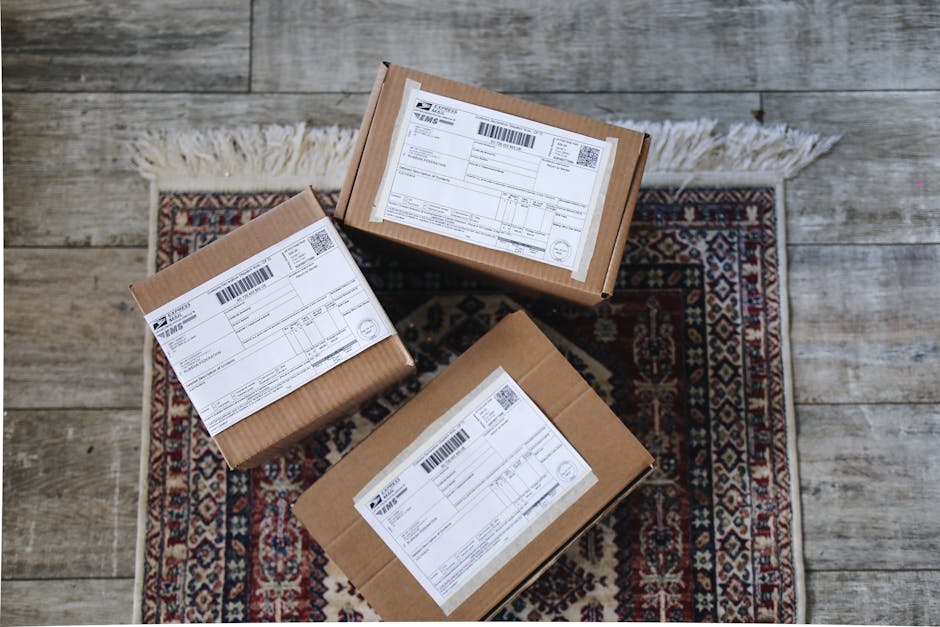
Install PageFly from the Shopify App Store and open the “Landing Page” editor. Use the pre‑made “Hero Banner” block, replace the placeholder image with a DesignLumo‑exported label mockup, and set dynamic text that pulls product titles via liquid tags ({{ product.title }}). Add a countdown timer for limited‑time offers to boost urgency. PageFly’s A/B testing reports show a 9% average lift in banner click‑through rates when using custom AI‑generated visuals versus default stock images.
Shogun Page Builder – Collection Header Designer

Shogun lets you craft full‑width collection headers that sync with Shopify’s collection object. Create a new “Section”, drop a “Background Image” element, and upload a 1920 × 600px packaging hero created in DesignLumo. Use the built‑in “Dynamic Text” widget to auto‑populate the collection name and tagline. Enable lazy loading to keep page speed under 2 seconds, a metric that correlates with a 1.5% boost in conversion per Google’s data. Shogun’s built‑in analytics track impressions and click‑throughs per header variation.
Privy Pop‑Up Builder – Promotional Pop‑Ups
Privy integrates directly with Shopify checkout. Create a “Banner Pop‑Up” campaign, upload a 600 × 300px label design (exported from DesignLumo), and set targeting rules such as “exit‑intent” or “first‑visit”. Use the built‑in email capture form to grow your list; brands report a 2.4% average increase in email sign‑ups and a 3% lift in average order value when the pop‑up showcases limited‑edition packaging. Monitor conversion via Privy’s real‑time dashboard to fine‑tune copy and imagery.
3. Mockup & Compliance Automation Tools
Placeit – Packaging Mockup Generator

Select a “Bottle Mockup” template in Placeit, upload your label PNG (transparent background) from DesignLumo, and let the platform auto‑apply realistic lighting and reflections. Export a 2K JPEG for Shopify product feature images and a 300 dpi PDF for print proofs. Placeit’s batch‑upload feature processes up to 50 SKUs in a single session, cutting mockup creation time from 3 hours to under 15 minutes. Brands typically see a 7% sales lift after replacing flat label shots with 3D mockups.
Packly – 3D Packaging Structural Mockups
Upload your dieline (PDF or AI) into Packly, choose the “Custom Box” or “Bottle” model, and apply the label artwork generated by DesignLumo. The platform renders a rotatable 3D view that can be embedded on product pages via an iframe. Packly’s “Print‑Ready PDF” export includes bleed and cut lines, ensuring compliance with packaging regulations. Users report a 20% reduction in prototype costs and a 5% faster time‑to‑market because approvals happen on the interactive mockup rather than physical samples.
Label Flow – Automated Regulatory Compliance Checker
After designing a nutrition label in DesignLumo, export the PDF and upload it to Label Flow. The AI scans for mandatory fields (serving size, ingredient list, allergen icons) and flags any missing or incorrectly formatted elements based on FDA or EU guidelines. The tool offers a “Fix Suggestion” that can be copied back into the original design file. Brands using Label Flow cut compliance review cycles from 3 days to under 6 hours, avoiding costly reprints and legal risk.
Before you go
- Batch‑export all label variants from DesignLumo at 300 dpi and store them in a cloud folder; connect that folder to Placeit’s API for one‑click mockup generation.
- Use Shopify’s liquid variables in PageFly and Shogun to auto‑populate SKU‑specific data, eliminating manual copy‑paste and ensuring consistency across product pages.
- Set up automated weekly reports in Privy and Shogun to track which packaging visuals drive the highest conversion, then iterate only on the top‑performing designs.















Ready to create your first design?
Join thousands creating professional designs in seconds.
Create with DesignLumo
Related Resources
Print Materials Design Guide for Labels & Packaging
Step‑by‑step tactics to create high‑impact flyers, brochures, menus, and print‑ready packaging.
Email Header Design Blueprint for Product Brands
Step-by-step tactics to craft high‑impact email hero images for packaging brands.
Instagram Tools Every Packaging Brand Needs
Essential Instagram tools and workflows for label and packaging designers.
Small Business Saturday Packaging Playbook
Actionable label & packaging tactics for Small Business Saturday local campaigns.
Twitter/X Tools for Label & Packaging Brands
Tactical toolkit to boost X graphics, threads, and quote cards for packaging marketers.
New Year Q1 Packaging Design Playbook
Actionable roadmap for label and packaging success in Q1.