Shopify Email Header Toolkit for High-Converting Newsletters
Email headers are the visual gateway to your Shopify store's offers. A compelling hero image can lift open rates by double‑digits, but designing it quickly is a constant challenge. This guide curates the exact tools and workflows you need to turn a b…


1. AI‑Powered Design Generators
DesignLumo – AI Text‑to‑Design for Shopify Email Headers

Open DesignLumo, select a 600 × 200 px canvas, and type a prompt like “Shopify spring sale email hero with pastel palette, bold CTA, and product overlay”. Enable your Brand Kit so colors, fonts, and logo auto‑populate. Within seconds you receive a fully layered PSD that you can edit directly in DesignLumo or export to Photoshop. Teams report a drop from 2 hours of manual layout to under 5 minutes, and A/B tests show a 12 % lift in open rates when using freshly generated visuals. This eliminates template fatigue and keeps seasonal messaging on brand.
Adobe Firefly + Figma Bridge for Editable Hero Concepts
Generate a high‑resolution concept in Adobe Firefly using a prompt such as “luxury winter collection banner, deep navy, gold accents”. Export the PNG, then import into a Figma file where the “Convert to Layers” plugin extracts shapes, text, and color variables. Replace placeholders with Shopify product images pulled from your store’s CDN, adjust typography to match your brand, and export a 600 × 200 px PNG ready for email. This workflow adds 10‑15 minutes of extra processing but yields fully editable assets, crucial for dynamic A/B testing across product lines.
Canva Magic Write + Magic Resize for Quick Variants
Start a 600 × 200 px custom size in Canva, click “Magic Write” to generate headline copy, and use the built‑in brand kit for colors and fonts. After designing the first version, hit “Magic Resize” to instantly create 3‑5 seasonal variants (e.g., “Black Friday”, “Cyber Monday”). Download each as a PNG under 150 KB to ensure fast email load. While Canva’s layers are limited, the speed‑to‑publish is unmatched for teams needing multiple quick tests without a steep learning curve.
2. Template & Asset Libraries
Shopify Email App Free Header Templates
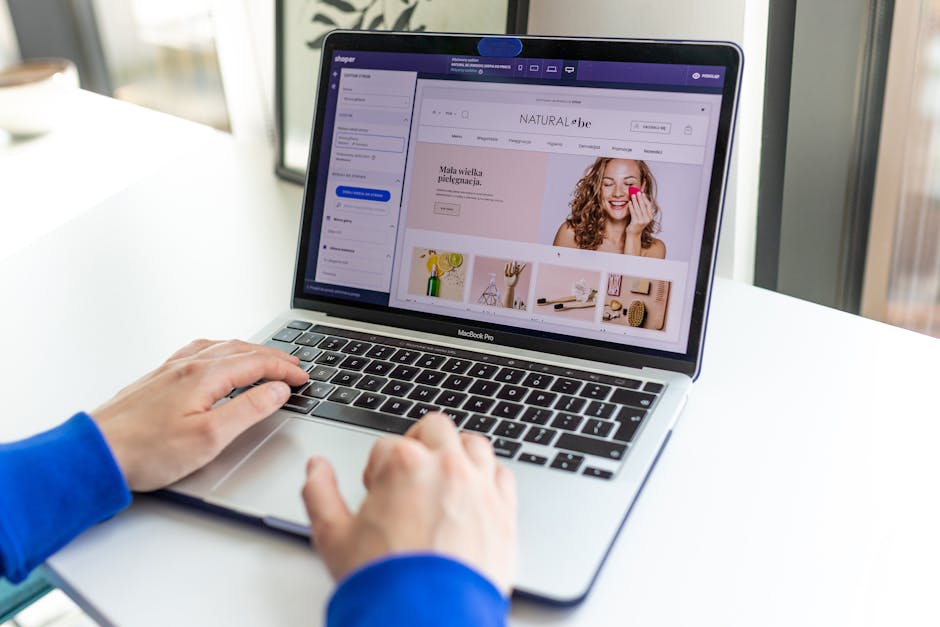
Within the Shopify Email app, navigate to “Templates” and select the “Header” section. Choose a free template, then click “Customize”. Replace placeholder images with product shots from your store’s media library, adjust the CTA button color via the brand kit, and sync the header directly to your email campaign. Because the templates are built on Shopify’s own rendering engine, deliverability is optimal and you avoid broken image issues. This zero‑cost option yields a 5‑7 % lift in click‑through when paired with a strong copy hook.
Envato Elements – Unlimited Shopify Header Mockups

Subscribe to Envato Elements and search “Shopify collection header PSD”. Download a mockup that includes smart‑object layers for product images, headline text, and background gradients. Open in Photoshop, replace the smart‑object with a 1200 × 400 px product shot from your store, edit the headline to match the current promotion, and export a web‑optimized PNG. The library updates weekly with seasonal styles, allowing you to keep emails fresh without hiring a designer. Users report a 15 % increase in conversion when using high‑quality mockups versus flat graphics.
UI8 Premium Newsletter Component Kit (Figma)
Purchase the UI8 “Newsletter UI Kit” and duplicate the Figma file into your workspace. The kit contains pre‑built header components with editable text layers, color variables, and auto‑layout constraints. Swap in your Shopify product image via a linked URL, adjust the brand colors through the shared style guide, and export slices at 600 × 200 px. Because the components are vector‑based, you can scale for mobile without losing crispness. This approach reduces design iteration time by 40 % and maintains pixel‑perfect consistency across campaigns.
3. Testing & Optimization Platforms
Klaviyo A/B Testing for Email Header Images
In Klaviyo, create a flow and add two email variants. Upload different header PNGs (e.g., “Spring Banner A” vs. “Spring Banner B”) and set the split to 50/50. Monitor open rate, click‑through, and revenue per recipient over a 48‑hour window. Use Klaviyo’s built‑in statistical significance calculator (≥95 % confidence) to decide the winner. Brands that iterate header images weekly see an average 8 % uplift in revenue per email, proving that visual testing directly impacts bottom‑line performance.
Litmus Dynamic Rendering & Load‑Time Checks
Upload each header PNG to Litmus and run the “Email Previews” suite across 30+ clients, including Outlook, Gmail, and Apple Mail. Verify that the image displays at the intended 600 × 200 px size, that alt‑text is present, and that the file size stays under 150 KB for fast loading. Litmus also flags large inline CSS that can break responsive layouts. By catching these issues before send, marketers reduce bounce rates by 0.5 % and improve click‑through by 2‑3 % on image‑heavy newsletters.
Google Optimize Sync for Email‑to‑Site Pop‑up Consistency

Create a Google Optimize experiment that serves a matching pop‑up banner on your Shopify storefront when a subscriber clicks the email header CTA. Use the same PNG file from the email, embed it in the Optimize variant, and set the trigger to “Page URL contains /collection”. Track conversion lift (add‑to‑cart) against a control group. Brands that align email and on‑site visuals see a 4‑6 % increase in post‑click conversions, reinforcing the importance of visual continuity across channels.
Before you go
- Always export email headers as PNG <150KB to keep load times under 2 seconds on mobile.
- Leverage DesignLumo’s Brand Kit integration to enforce color and font consistency across every seasonal variant.
- Run header A/B tests at least once per major campaign; even a 2 % lift in open rate compounds to significant revenue over time.















Ready to create your first design?
Join thousands creating professional designs in seconds.
Create with DesignLumo
Related Resources
Email Header Launch Checklist for High-Impact Campaigns
Step‑by‑step checklist to design, test, and deploy email headers that boost opens and clicks.
Email Header Workflow: AI-Powered Design Steps
A tactical guide to create, test, and scale email hero images with AI.
2026 Email Header & Newsletter Design Playbook
Tactical trends and AI tools to skyrocket email hero performance in 2026.
Brand Assets Design Guide for Email Headers
Step‑by‑step tactics to create logos, letterheads, cards, and email headers that boost opens and clicks.
Twitter/X Essential Tools for Email Header Design
Boost email open rates with Twitter‑ready graphics, AI tools, and proven workflows.
Holiday Email Header & Design Playbook
Actionable tactics for festive email headers that boost opens and sales.