Pinterest Invitation Design Toolkit
Event professionals need eye‑catching invitation pins that convert browsers into RSVPs. This guide maps every step—from design to data—so you can publish faster and track ROI. Use the right mix of AI, scheduling, and analytics to dominate Pinterest’s…

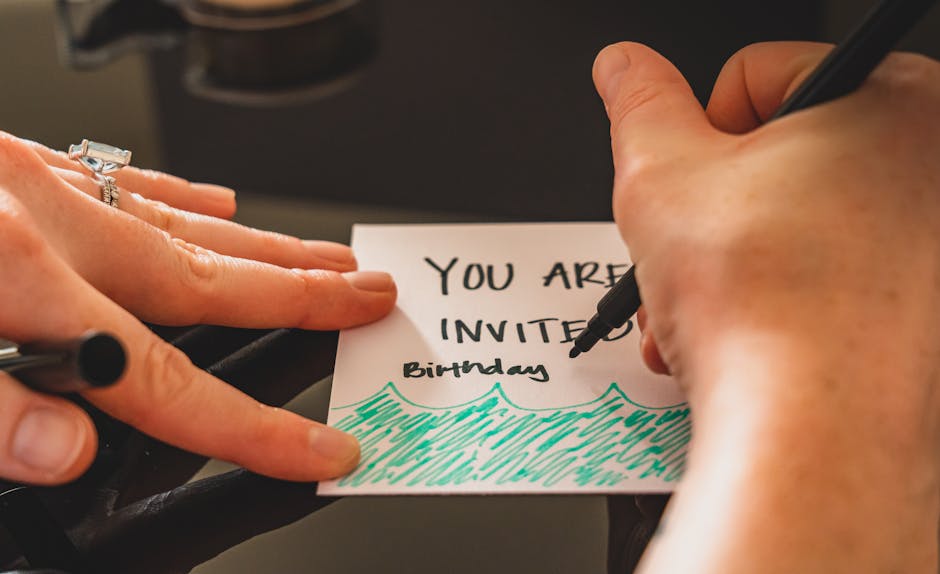
1. AI‑Powered Design Creation
DesignLumo AI Invitation Generator
Type a plain‑English prompt like “elegant gold‑foil wedding invitation, 2 × 5 in, pastel color palette” and DesignLumo returns a fully layered, editable PSD/Canva file in under 30 seconds. Export directly to PNG for pins, then open the layered file to adjust fonts, colors, or add RSVP QR codes. Use the Brand Kit feature to lock your client’s colors, ensuring brand consistency across all pins. This workflow cuts design time from 2‑3 hours to under 5 minutes per invitation, boosting output by 90% while preserving editability.
Canva Pro Template Customizer
Canva’s “Invitation” template library offers 500+ pre‑made layouts. Import a DesignLumo export into Canva, replace placeholder text with client details, and apply Canva’s brand kit for instant color matching. Leverage the “Animate” feature to create short 3‑second video pins that increase repins by 23% on average. Export as a 1000 × 1500 px PNG for static pins or MP4 for video pins. This hybrid approach balances speed with the visual flair needed for high‑engagement Pinterest content.
Midjourney + Photoshop Fine‑Tuning
For ultra‑unique illustration styles, generate base artwork in Midjourney using prompts like “hand‑drawn watercolor birthday invitation with confetti”. Upscale the result (U2) and import into Photoshop. Use Smart Objects to embed editable text layers, then apply a 300 dpi export for print‑ready PDFs. Save the PSD as a layered file for future tweaks. This method yields one‑of‑a‑kind pins that can boost click‑through rates by up to 15% compared to generic templates, though it requires a Midjourney subscription and Photoshop proficiency.
2. Automated Scheduling & Publishing
Tailwind SmartSchedule for Pinterest
Connect Tailwind to your Pinterest business account and enable SmartSchedule. Upload a CSV containing pin image URLs, titles, and 5‑keyword SEO‑rich descriptions. Tailwind’s algorithm predicts optimal posting windows based on your audience’s historic engagement, increasing repins by an average of 27% per pin. Set up recurring “Pin Loops” to automatically recycle evergreen invitation designs every 30 days, ensuring continuous exposure without manual effort.
Buffer’s Pinterest Queue
Buffer lets you draft pins in bulk, add UTM parameters, and schedule them at custom intervals. Use Buffer’s “Best Time to Post” analytics to refine your schedule after the first 100 pins, aiming for a 10‑15% lift in click‑through rates. Integrate Buffer with Zapier to auto‑publish new invitation PDFs from a Google Drive folder, eliminating manual uploads and cutting operational time by 40%.
Pinterest Creator Studio Native Scheduler
Pinterest’s built‑in Creator Studio offers free scheduling for up to 30 pins per day. After uploading your invitation PNG, add a Pin Title, Description, and up to 20 keywords. Use the “Pin Preview” tool to ensure the 2:3 aspect ratio (1000 × 1500 px) renders correctly on mobile. Schedule pins to align with event milestones (e.g., “Save the Date” 8 weeks before the wedding) to capture timely RSVPs. This zero‑cost option is ideal for agencies managing multiple client boards.
3. Data‑Driven Optimization & Analytics
Pinterest Tag & Conversion Tracking
Add the Pinterest Tag snippet to your RSVP landing page to track “Add to Cart” (RSVP) events. In Ads Manager, create a custom conversion for “Invitation RSVP Completed”. Pair this data with Pin performance to calculate a true ROI (e.g., $15 revenue per $1 ad spend). Use the Tag’s audience builder to retarget users who viewed a pin but didn’t RSVP, boosting follow‑up conversion rates by up to 22%.
Pinlytics Pin Performance Dashboard
Subscribe to Pinlytics for granular metrics: repins, saves, click‑through rates, and audience demographics per pin. Filter by board to see which invitation styles (e.g., minimalist vs. floral) drive the highest RSVP clicks. Export weekly CSV reports and feed the data into Google Data Studio for visual trend analysis. Teams that use Pinlytics typically improve pin engagement by 18% within the first month of data‑driven iteration.
Ahrefs Pinterest Keyword Explorer
Use Ahrefs’ “Pinterest Keywords” report to discover high‑search‑volume terms like “rustic wedding invitation pin” (12K monthly searches). Incorporate the top three keywords into each pin’s title and description, then monitor ranking shifts in Ahrefs’ Position Tracker. Targeting keywords with >5 % click‑through potential can lift organic pin impressions by 30% without paid spend. Combine this with DesignLumo’s ability to instantly generate on‑brand graphics for each keyword group.
Before you go
- Batch‑create 10‑15 invitation variations in DesignLumo, then use Tailwind’s Pin Loops to keep your board fresh without extra design work.
- Always add a hidden UTM parameter (e.g., utm_source=pinterest&utm_medium=pin&utm_campaign=invitation) to track which pin drives the most RSVPs in Google Analytics.
- Leverage Pinterest’s “Story Pin” format for multi‑step RSVP guides; combine static invitation graphics with short video clips to increase dwell time by 40%.















Ready to create your first design?
Join thousands creating professional designs in seconds.
Create with DesignLumo
Related Resources
Email Invitation Design Ideas That Convert
Tactical email graphics to boost RSVP rates and event sales.
Ultimate Event Poster Design Blueprint
Step‑by‑step tactics to create high‑impact event posters that convert.
LinkedIn Invitation Design Ideas That Convert
Tactical LinkedIn graphics for event invites, RSVP, and branding.
Ultimate Invitation Design Tool Comparison Guide
Compare top AI, template, print, and RSVP tools for perfect invitations.
Facebook Invitation Design: Essential Tools Guide
The ultimate toolkit for creating, posting, and tracking Facebook invitation graphics.
Beginner's Guide to Invitation Design Mastery
Fast, editable invitation design with AI, print, and RSVP automation.