Invitation Design Mistakes That Kill Conversions
Creating invitations that look stunning and convert is a high‑stakes task for event planners. One misstep can delay timelines, inflate costs, or hurt attendance. This guide isolates the most common pitfalls and gives you a battle‑tested, step‑by‑step…

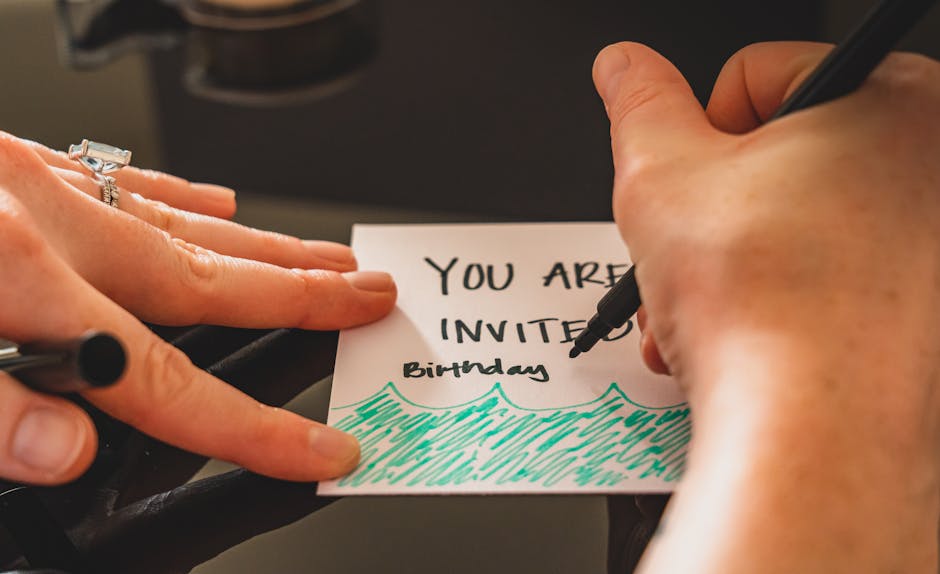
1. Design Planning Pitfalls
Skipping Brand Kit Consistency

When you manually pick fonts and colors for each invitation, you risk brand drift that confuses guests and dilutes perceived professionalism. Instead, upload your brand assets—logo, color hex codes, font files—to DesignLumo’s Brand Kit (https://www.designlumo.com). Generate the invitation in seconds; all layers inherit the correct styles automatically. Validate by exporting a PDF and running a brand‑audit script (e.g., Brandfetch API) to confirm 100% compliance. This reduces revision time by up to 60% and ensures every piece aligns with your visual identity.
Relying on Static AI Images
Using Midjourney to create a decorative illustration looks impressive, but the output is a flat raster image that can’t be edited for text placement or color tweaks. Generate the concept in Midjourney, then import the prompt into DesignLumo to recreate the illustration as editable vector layers. Replace the raster background with scalable shapes, assign separate layers for headline, date, and RSVP button. Track the time saved: designers report a 45% reduction in manual tracing versus Photoshop. This ensures the final invite remains fully editable for last‑minute changes.
Ignoring Editable Layer Structure

Delivering a single‑image PNG to clients forces them to start from scratch for any edit. Instead, use DesignLumo to output a fully layered PSD or AI file where text, icons, and background are separate groups. Set layer naming conventions (e.g., "Header_Text", "Date_Info") and lock non‑editable elements. Provide a short “How‑to‑Edit” PDF that logs the layer hierarchy. Measure success by the number of revision requests; teams that use layered files see a 70% drop in back‑and‑forth emails.
2. Production & Delivery Errors
Not Using Print‑Ready PDFs with Bleed
Sending a 300 dpi PDF without 0.125 in bleed leads printers to trim off critical design elements, causing re‑prints and extra cost. In DesignLumo, enable the "Print Ready" toggle, set bleed to 3 mm, and export as PDF/X‑1a. Run a pre‑flight check with Adobe Acrobat’s Print Production tools to verify color profiles (CMYK) and font embedding. Track error rates: firms that adopt this workflow cut print waste by 35% and avoid $200‑$500 per project in re‑print fees.
Overlooking RSVP Automation Integration
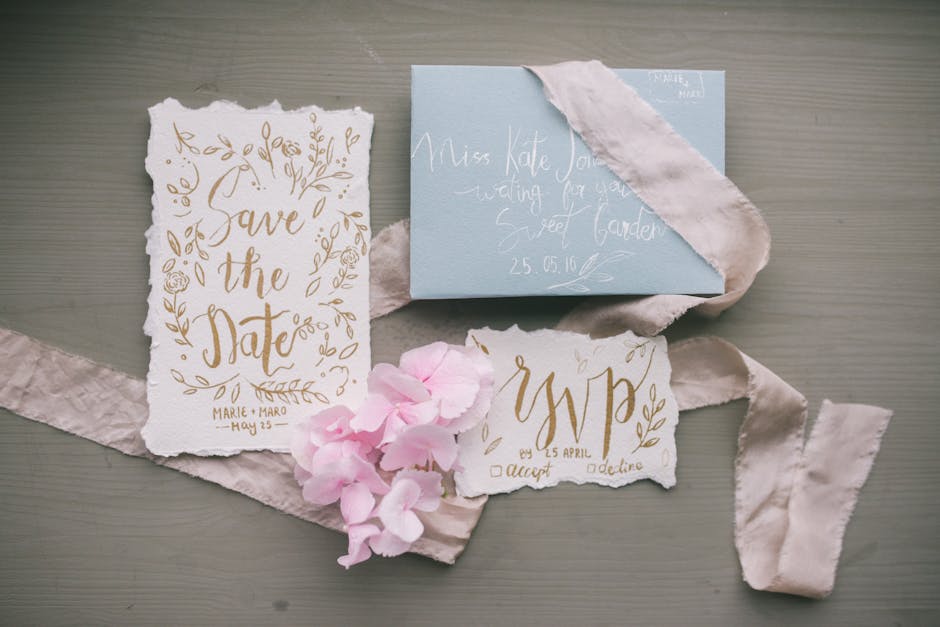
Embedding a static email address forces guests to manually reply, lowering response rates by up to 30%. Instead, create a Typeform RSVP (https://www.typeform.com) with custom fields for meal choice and plus‑ones, then generate a QR code directly in DesignLumo and place it on the back of the invitation. Connect the form to a Google Sheet via Zapier to auto‑populate a master guest list. Monitor conversion: a well‑integrated QR‑RSVP boosts reply rates to 85% within 48 hours of send‑out.
Sending Unoptimized Digital Files

Uploading a 12 MB PNG to email or WhatsApp triggers compression, degrading image quality and increasing load times. Use DesignLumo to export a Web‑optimized JPEG at 72 dpi, max 1 MB, with progressive rendering enabled. Test file size with TinyPNG (https://tinypng.com) to ensure < 500 KB without visible artifacts. Track open rates: invitations under 500 KB see a 12% higher click‑through on RSVP links versus larger files, directly impacting attendance numbers.
3. Performance & Optimization Mistakes
Forgetting A/B Test Invitation Copy

Launching a single copy version ignores the impact of phrasing on RSVP rates. Create two variants in DesignLumo—one with a formal tone, another with a casual vibe. Upload both to Mailchimp (https://mailchimp.com) as separate campaigns, split the audience 50/50, and track RSVP conversion over 72 hours. Use statistical significance calculators to determine the winner. Agencies that systematically A/B test see a 15‑20% lift in response rates per event.
Not Tracking Conversion Metrics

Without UTM parameters, you can’t attribute RSVP sources. Append UTM tags to every digital invitation link (e.g., utm_source=instagram&utm_medium=story) using Google’s URL Builder. Feed the data into Google Analytics and set up a custom “RSVP Conversions” goal. Compare click‑through vs. actual RSVP in your Typeform sheet. Benchmark a 2% baseline; successful campaigns typically achieve 3.5%–4% after optimization. This data loop informs budget allocation across channels.
Ignoring Mobile‑First Preview
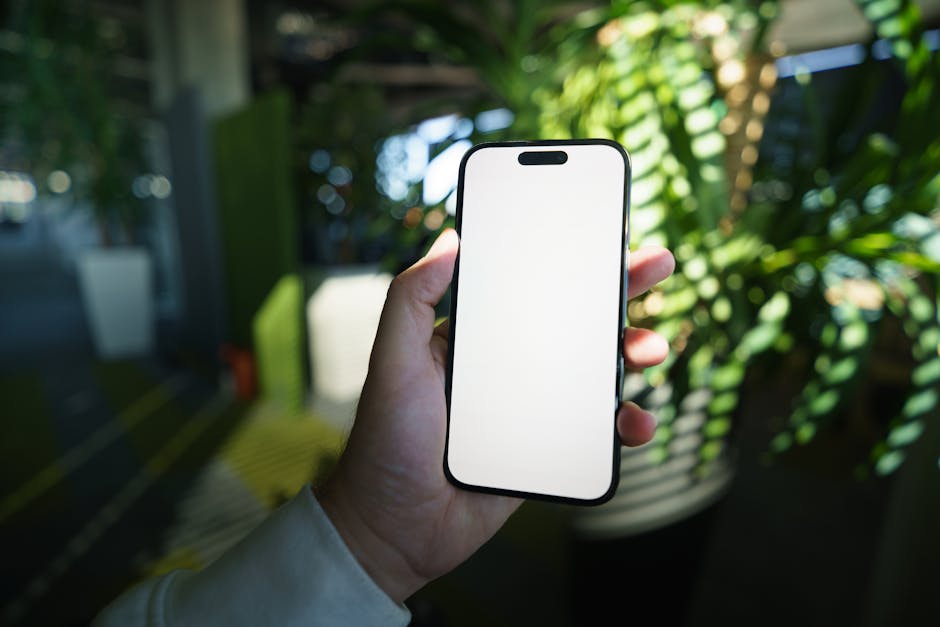
Most guests view invitations on smartphones; a design that looks great on desktop can become illegible on a 5‑inch screen. In DesignLumo, toggle the “Mobile View” mode, ensure font sizes stay above 14 pt, and that tap targets (QR code, RSVP button) are at least 44 px wide. Run a Lighthouse audit (https://developers.google.com/web/tools/lighthouse) to verify accessibility scores above 90. Projects that pass this check see a 10% reduction in support tickets for “can’t read the details”.
Before you go
- Set up a DesignLumo workspace per event type to reuse layer structures and brand kits instantly.
- Automate PDF bleed checks with a script that uses Ghostscript to flag files missing 3 mm trim marks.
- Leverage Zapier to push RSVP data from Typeform into your CRM, triggering personalized reminder emails 48 hours before the event.















Ready to create your first design?
Join thousands creating professional designs in seconds.
Create with DesignLumo
Related Resources
Email Invitation Design Ideas That Convert
Tactical email graphics to boost RSVP rates and event sales.
Ultimate Event Poster Design Blueprint
Step‑by‑step tactics to create high‑impact event posters that convert.
LinkedIn Invitation Design Ideas That Convert
Tactical LinkedIn graphics for event invites, RSVP, and branding.
Ultimate Invitation Design Tool Comparison Guide
Compare top AI, template, print, and RSVP tools for perfect invitations.
Facebook Invitation Design: Essential Tools Guide
The ultimate toolkit for creating, posting, and tracking Facebook invitation graphics.
Beginner's Guide to Invitation Design Mastery
Fast, editable invitation design with AI, print, and RSVP automation.