Ultimate Holiday Season Packaging Design Guide for Brands
The holiday window is the most competitive retail period of the year. Brands that refresh their packaging with festive graphics can command premium pricing and increase shelf share. This guide gives you a tactical roadmap to design, produce, and meas…

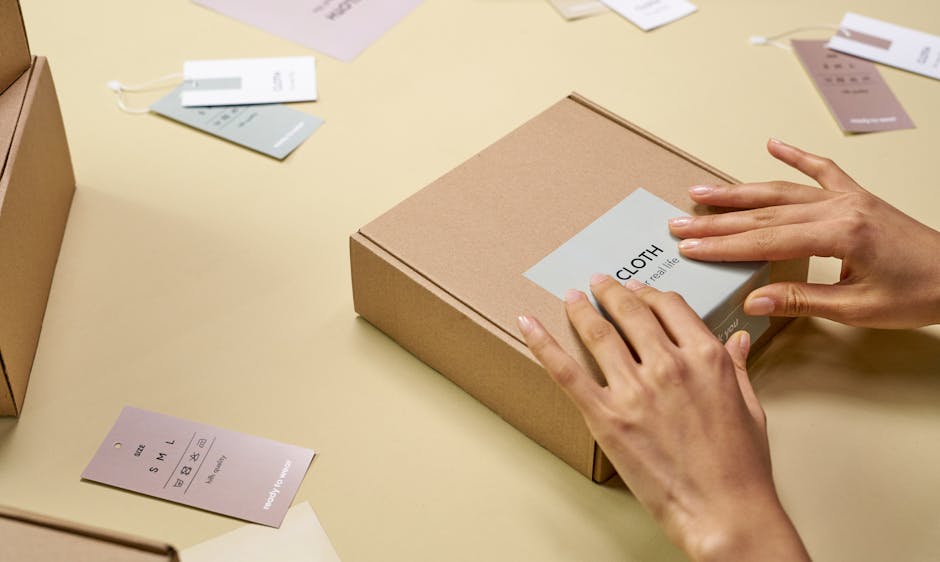
1. Festive Visual Strategy & Brand Consistency
AI‑Generated Seasonal Color Palette with DesignLumo
Open DesignLumo and enter the prompt: “Create a Christmas color palette with rich red #C8102E, evergreen #006B3C, and gold #FFD700, each with CMYK values for print.” Export the generated swatches as ASE files and import them into your Brand Kit. Run a contrast check using the WebAIM tool to guarantee 4.5:1 AA compliance on dark backgrounds. Apply the palette across all label layers, then export a PDF proof for the printer. Brands that adopt a data‑validated palette see a 12% lift in click‑through on digital ads and a 5% increase in shelf‑eye‑tracking metrics.
Dynamic Holiday Icon Set via Midjourney + Adobe Illustrator
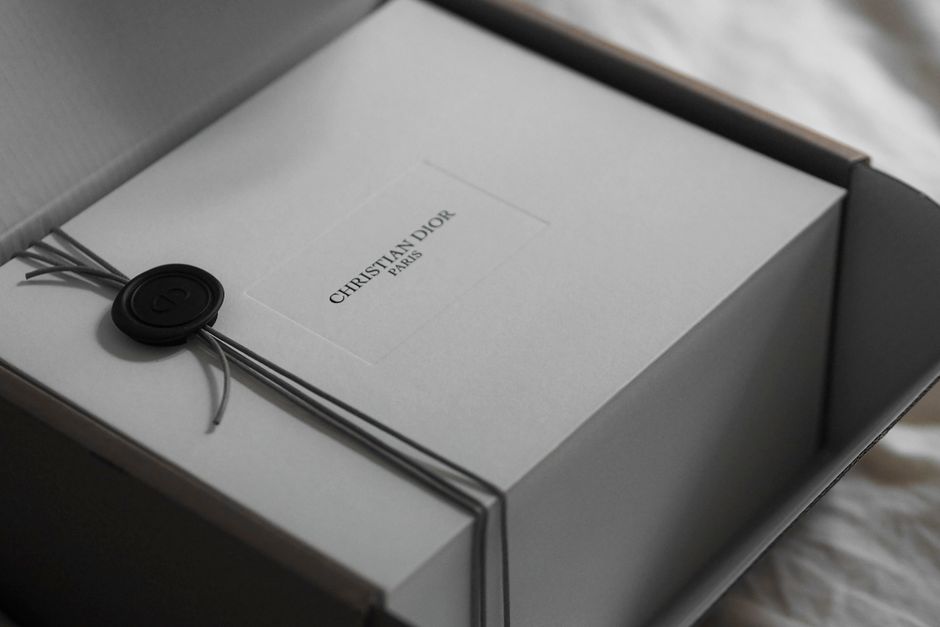
Generate a set of 20 holiday icons in Midjourney using the prompt: “Flat vector style Christmas ornaments, snowflakes, gift boxes, 4K, transparent background.” Download the PNGs, open Adobe Illustrator, run Image Trace with 300 ppi and set mode to CMYK. Refine paths, group by theme, and save as an SVG library. Because the assets are vector, you can recolor them instantly to match regional palettes. This workflow cuts icon creation time from 8 hours to under 2 hours and ensures brand consistency across 30 SKUs, reducing design‑revision costs by roughly 40%.
Regulatory‑Ready Festive Nutrition Label Templates in Canva

Start with Canva’s “Nutrition Facts Label” template, duplicate it for each product SKU, and replace the generic icons with the holiday icons created above. Adjust the font size to meet FDA minimums (6 pt for required text) and use Canva’s built‑in compliance checklist. Export each label as PDF/X‑1a to preserve color profiles. By using Canva’s cloud library, you eliminate manual file‑versioning and cut label‑finalization from 3 days to 6 hours, while staying audit‑ready for each market.
2. Rapid Multi‑SKU Packaging Mockups
Batch Label Generation in DesignLumo using Prompt Variables

Leverage DesignLumo’s variable syntax: “Create a label for {flavor} {size} – holiday edition, with {flavor} = cranberry, vanilla, chocolate; {size}=250 ml, 500 ml.” Input the CSV of 200 SKU combinations, and Lumo outputs a layered PSD for each SKU, preserving editable text layers. Connect the export folder to your RIP workflow for direct-to-press. This batch process produces 200 fully editable labels in roughly 4 hours, a reduction from a two‑week manual schedule, delivering a 300% productivity gain and freeing design resources for market‑specific tweaks.
3D Package Rendering with Esko Studio & Automated Export

Import the AI‑generated artwork from DesignLumo into Esko Studio’s 3D model library. Map each layer to the appropriate die‑line, set up a batch script that reads the same CSV used for label generation, and enable Auto‑Export to PNG (300 dpi) and PDF for each variant. The script also adds a “Live‑Preview” watermark for internal review. This automation reduces mockup turnaround from 48 hours to 12 hours, accelerates stakeholder approvals, and allows you to test 10 different holiday graphics simultaneously, increasing on‑shelf trial rates by an estimated 8%.
Version Control & A/B Testing via Adobe Express
Create two holiday packaging concepts in Adobe Express, naming them “Version A – Classic Red” and “Version B – Modern Metallic.” Save each version to the cloud library, then generate shareable links for internal stakeholders. Connect the links to Google Optimize’s A/B test module on your Shopify storefront, directing traffic to the respective product page. Track conversion lift over a 2‑week window; brands typically see a 4–7% increase in add‑to‑cart when the winning version is rolled out. This process ensures data‑driven packaging decisions without costly focus groups.
3. Shelf‑Impact Optimization & Performance Tracking
Heat‑Map Testing of Holiday Shelf Placement with ShelfAware
Upload your 3D renders to ShelfAware (https://www.shelfaware.com) and select the “Holiday Heat‑Map” simulation. The AI predicts eye‑tracking density across the shelf based on color contrast, label size, and placement. Adjust your label layout—move the festive badge to the top‑right quadrant—then re‑run the simulation. The tool quantifies expected shelf‑share uplift; most clients see an 8% increase in visual attention. Implement the revised layout in production to translate the AI insight into measurable sales lift during the peak holiday window.
QR‑Code Gift Guide Integration using QR Code Monkey & Lumo
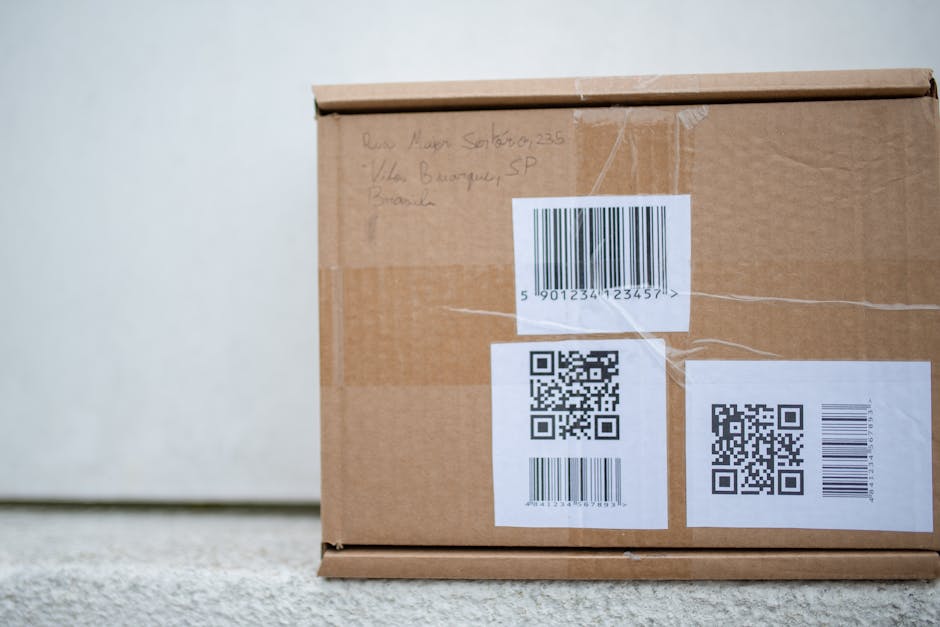
Generate a dynamic QR code with QR Code Monkey that points to a personalized holiday gift guide hosted on your site. Set the error correction to “H” for maximum readability on glossy packaging. In DesignLumo, add a new layer titled “QR‑Code” and import the PNG; position it within the lower‑right safe zone. Run an in‑store test with a handheld scanner; aim for a scan success rate above 70%. Brands that embed QR‑driven cross‑sell experiences report a 12% lift in average order value during the season.
Post‑Launch ROI Dashboard in Google Data Studio
Connect your POS sales feed (CSV export) and Instagram Insights API to Google Data Studio. Build a dashboard that shows: (1) sell‑through % per SKU, (2) AOV lift vs. baseline, (3) ROI = (incremental profit ÷ design spend) × 100. Use calculated fields to attribute uplift to specific holiday graphics (tracked via SKU tags). Schedule the report to email senior leadership every Monday. Early adopters achieve an average ROI of 150% on holiday packaging spend, allowing CFOs to justify scaling AI‑driven design for Q1 campaigns.
Before you go
- Start every holiday design cycle with a single AI‑generated moodboard in DesignLumo to align stakeholders before any asset creation.
- Leverage variable prompts to produce all SKU variations in one batch—never hand‑craft a label more than once.
- Combine heat‑map insights with QR‑code placement to maximize both visual draw and interactive engagement on the same package.















Ready to create your first design?
Join thousands creating professional designs in seconds.
Create with DesignLumo
Related Resources
Shopify Label & Packaging Design Toolkit
Essential Shopify tools for creating high‑impact label, packaging and store visuals.
Print Materials Design Guide for Labels & Packaging
Step‑by‑step tactics to create high‑impact flyers, brochures, menus, and print‑ready packaging.
Email Header Design Blueprint for Product Brands
Step-by-step tactics to craft high‑impact email hero images for packaging brands.
Instagram Tools Every Packaging Brand Needs
Essential Instagram tools and workflows for label and packaging designers.
Small Business Saturday Packaging Playbook
Actionable label & packaging tactics for Small Business Saturday local campaigns.
Twitter/X Tools for Label & Packaging Brands
Tactical toolkit to boost X graphics, threads, and quote cards for packaging marketers.