Label & Packaging Wins: Real-World Case Studies
Product brands need packaging that sells, complies, and scales without draining budgets. Real‑world examples show how AI and smart workflows turn design chaos into profit. Below are tactical case studies you can replicate today.

1. Fast AI‑Powered Label Creation
Snack Brand Cuts 30% Time with DesignLumo
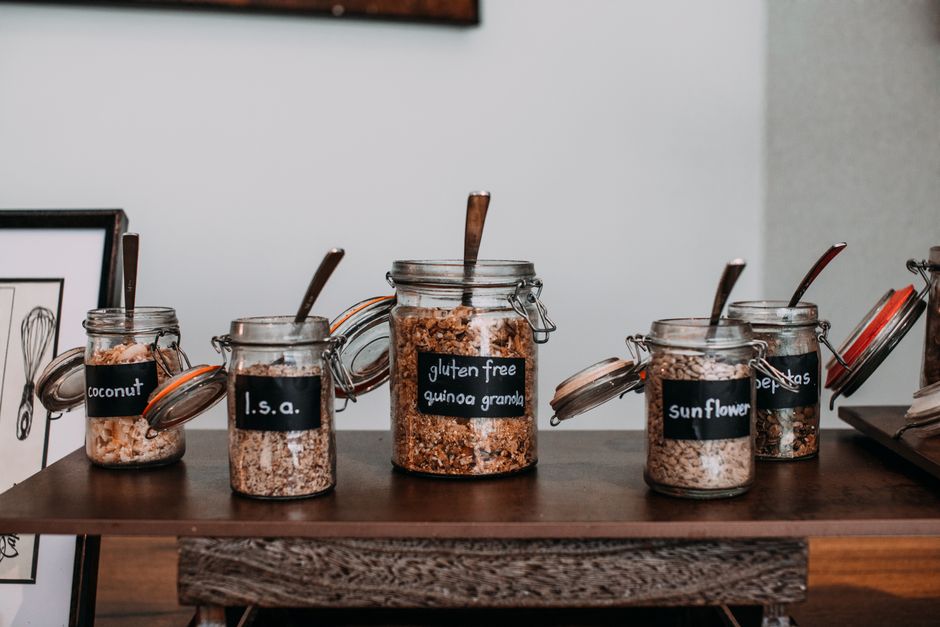
Brand X, a mid‑size snack producer, replaced its three‑designer workflow with DesignLumo. The team typed a brief (“organic granola bar, bold orange accent, 120 g, USDA organic seal”), and within 20 seconds received a fully layered Photoshop file with editable text layers, vector icons, and a ready‑to‑print CMYK layout. They then applied their Brand Kit to auto‑swap colors across five flavor SKUs. The result was a 30 % reduction in time‑to‑market (from 10 days to 7 days) and $8 K saved on external agency fees. ROI measured over Q2 showed a 12 % sales lift due to fresher shelf presence.
Cosmetics Line Saves $12K Using Canva Templates

A boutique cosmetics brand used Canva’s template library to draft initial label concepts, then exported the designs as PNGs for quick feedback. By leveraging Canva’s brand kit, they standardized fonts and colors across 12 product lines, cutting designer hours by 40 %. The brand reported a $12 K reduction in external design spend and a 9 % increase in conversion after updating packaging visuals. The workflow involved a 30‑minute weekly sync to refresh templates, ensuring consistency without re‑creating assets from scratch.
Craft Brewery Uses Midjourney + Photoshop for Limited Editions

A regional craft brewery generated eye‑catching limited‑edition label art with Midjourney, prompting “vintage hop field, watercolor, neon outline”. After selecting the top four outputs, designers imported the images into Photoshop, used smart objects to replace placeholder text, and applied a pre‑made CMYK conversion script. This hybrid approach shaved 3 days off the usual 7‑day cycle, allowing the brewery to launch seasonal beers on schedule. Sales for the limited runs rose 18 % compared to regular releases, proving the visual impact of AI‑augmented art.
2. Scalable Multi‑SKU Packaging Systems
Food Co Automates 50 SKUs with DesignLumo Brand Kit
A national snack manufacturer needed to launch 50 new flavors in six weeks. Using DesignLumo’s Brand Kit, they created a master label template with editable color groups and placeholder text fields. A simple spreadsheet fed SKU‑specific data (flavor name, weight, barcode) into DesignLumo via its API, auto‑generating layered PSD files for each variant. The process cut production time from 12 weeks to 5 weeks and eliminated $25 K in manual layout costs. Post‑launch analytics showed a 15 % shelf‑share gain across the new SKUs.
Organic Tea Swaps Palettes in Adobe Express
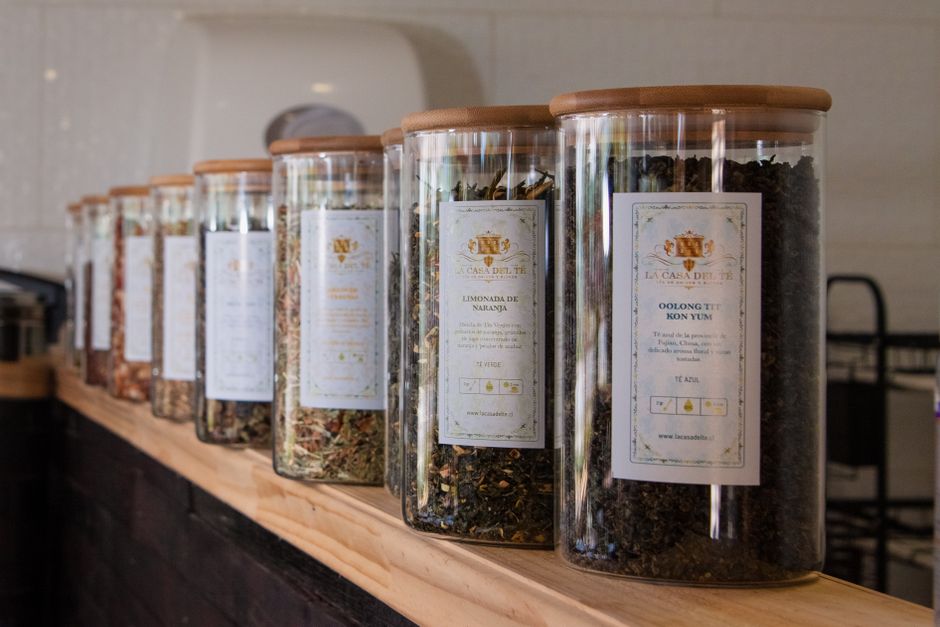
An organic tea brand maintained a single Adobe Express project with linked color variables. By updating the brand palette once per quarter, all 20 tea variants instantly reflected the new hues, eliminating the need to edit each file individually. The workflow saved approximately 30 hours of designer time per year and reduced print errors by 12 %. The brand measured a 7 % uplift in online sales after the refreshed palette resonated with a spring marketing campaign.
Pet Food Uses Figma Components for SKU Variants
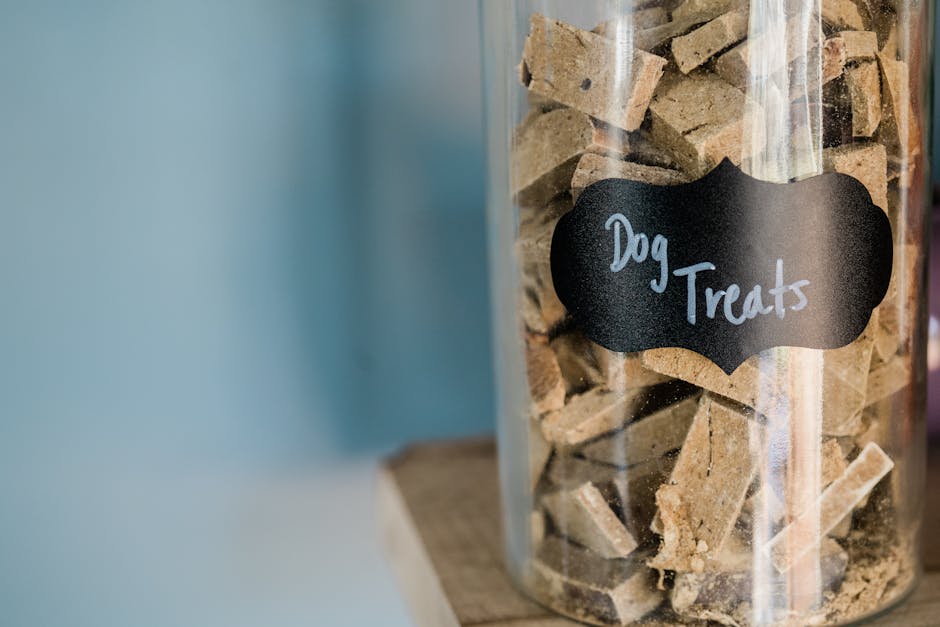
A pet‑food producer built a master label in Figma using component instances for logo, nutrition facts, and ingredient lists. Each SKU was a separate page that pulled from the master component, allowing instant updates to branding or regulatory text. By integrating Figma’s auto‑layout and version control, the team reduced revision cycles from 8 days to 2 days and cut design‑to‑print errors by 20 %. The streamlined process enabled a successful Q3 rollout of 12 new formulas.
3. Regulatory‑Compliant Nutrition Panels
Dairy Brand Generates 100% Compliant Panels with DesignLumo
A dairy producer needed USDA‑approved nutrition facts for 30 products. They fed a CSV of nutritional data into DesignLumo’s AI template, which auto‑populated the required FDA layout, applied correct font sizes, and locked mandatory disclaimer text. The generated files were exported as layered PDFs, ready for print. Compliance checks showed zero violations, and the project saved $9 K in external label‑validation consulting. The brand launched the new packaging two weeks ahead of schedule, capturing an early‑bird market advantage.
Supplement Co Validates Text with LabelFlow
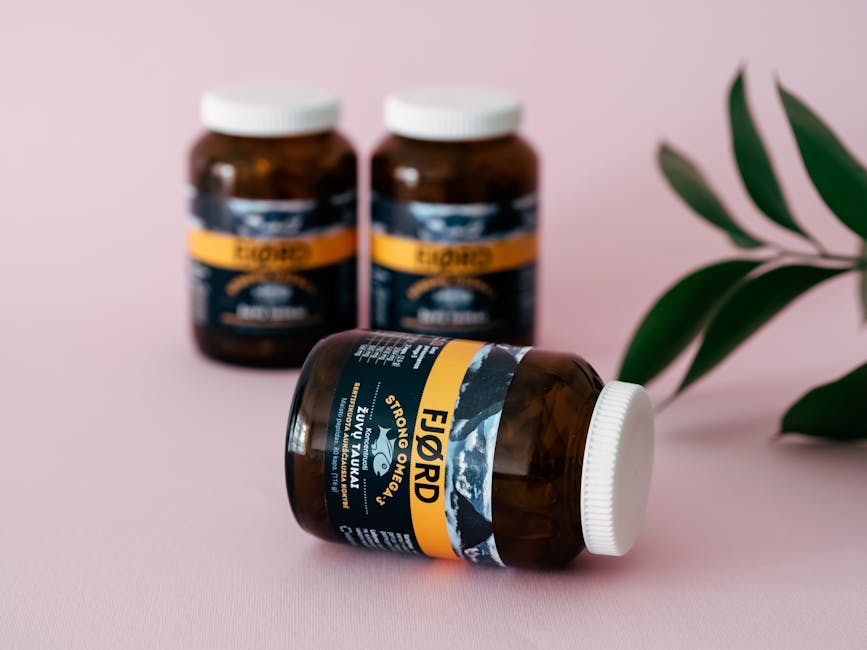
A nutraceutical company integrated LabelFlow’s API to verify claim language against FDA regulations. Designers created a base label in Illustrator, then sent the text strings to LabelFlow, which returned compliance scores and suggested edits in real time. The iterative loop reduced legal review time from 5 days to under 12 hours and cut revision costs by 40 %. After implementation, the brand saw a 5 % reduction in product recalls related to labeling errors.
Energy Drink Automates Icons with InDesign Scripts

An energy drink brand needed to attach the latest recycling and warning icons to 18 regional labels. Using an InDesign JavaScript, they mapped icon assets to country codes in a CSV. Running the script inserted the correct vector icons, resized them to meet local regulations, and locked the layers. The automation eliminated manual placement errors, saving 22 hours per release cycle and ensuring 100 % compliance across markets. Post‑automation audits showed a 0 % non‑conformance rate.
Before you go
- Create a master AI template with editable layers; reuse it for every SKU to guarantee brand consistency and speed.
- Integrate your label data (ingredients, barcodes) via CSV or API into DesignLumo or Figma to auto‑populate designs and eliminate manual entry errors.
- Run a weekly compliance sanity check using tools like LabelFlow or InDesign scripts to catch regulatory issues before printing.















Ready to create your first design?
Join thousands creating professional designs in seconds.
Create with DesignLumo
Related Resources
Shopify Label & Packaging Design Toolkit
Essential Shopify tools for creating high‑impact label, packaging and store visuals.
Print Materials Design Guide for Labels & Packaging
Step‑by‑step tactics to create high‑impact flyers, brochures, menus, and print‑ready packaging.
Email Header Design Blueprint for Product Brands
Step-by-step tactics to craft high‑impact email hero images for packaging brands.
Instagram Tools Every Packaging Brand Needs
Essential Instagram tools and workflows for label and packaging designers.
Small Business Saturday Packaging Playbook
Actionable label & packaging tactics for Small Business Saturday local campaigns.
Twitter/X Tools for Label & Packaging Brands
Tactical toolkit to boost X graphics, threads, and quote cards for packaging marketers.