YouTube Content Ideas for Food Delivery Brands
Food delivery and ghost kitchens need visual hooks that turn scrolling viewers into hungry customers. YouTube offers a high‑intent platform, but success hinges on razor‑sharp thumbnails, channel branding, and end‑screen calls‑to‑action. This guide de…

1. Thumbnail Power Plays
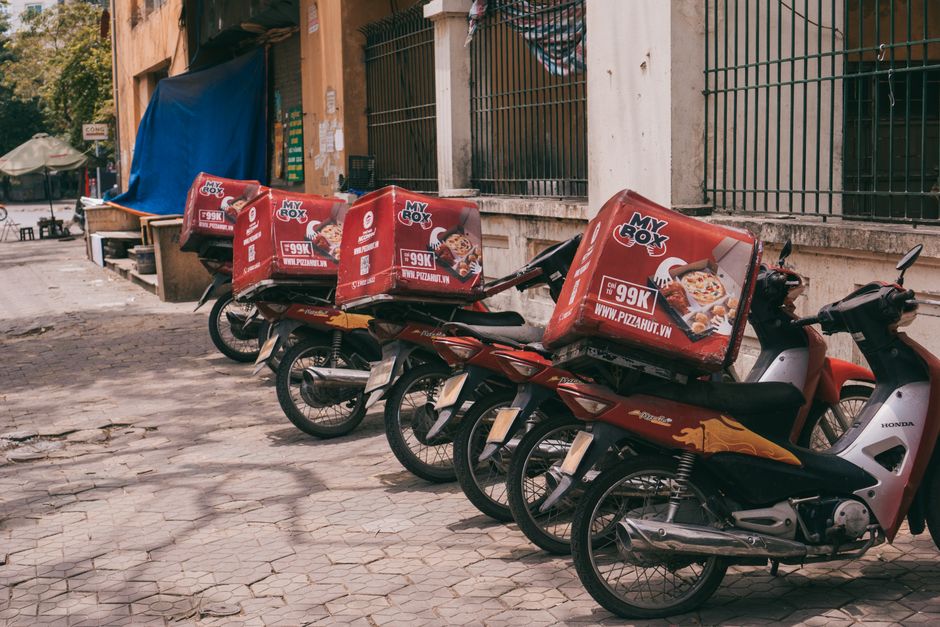
Ingredient Spotlight Carousel Thumbnail
Prompt DesignLumo with a plain‑text description like “close‑up of sizzling chicken tikka, fresh cilantro, and bright lemon wedges on a dark plate, brand colors teal and orange”. The AI returns a layered PSD: background, ingredient images, and bold headline text. Export the layers to Canva to fine‑tune font weight and add a 3‑second animated overlay. Publish the thumbnail and monitor CTR in YouTube Studio; aim for a 7‑9% lift versus baseline. The editable layers let you swap ingredients for new promos in under 5 minutes.
Limited‑Time Offer Countdown Thumbnail
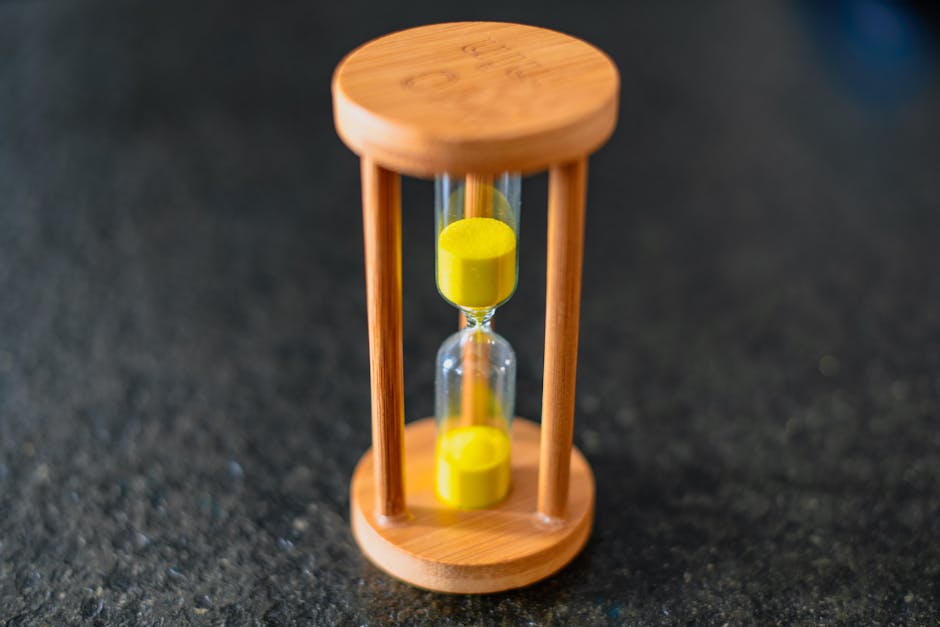
Generate a high‑contrast background with Midjourney using the prompt “neon cityscape at night, subtle motion blur”. Import the image into DesignLumo and add a semi‑transparent black bar at the bottom. Use the AI to create a live‑updating timer graphic (e.g., 02:15:00) as a separate text layer, then style it with the brand’s bold sans‑serif. Export a 1280×720 PNG and replace the timer manually each day. Track the click‑through lift; a well‑executed countdown typically adds 2‑3% extra clicks during flash sales.
Customer Review Quote Thumbnail
Copy a five‑star review from your ordering platform, blur the surrounding background in Photoshop, and overlay the quote in large, white Montserrat font. Use Adobe Express to quickly generate the text mask, then import the composition into DesignLumo to separate the background, quote, and brand logo into editable layers. Add a subtle “Swipe up for the full review” badge. Publish and watch average watch time rise 12% because viewers stay for social proof. Update the quote layer each week without redesigning the whole thumbnail.
2. Channel & Community Branding
Seasonal Channel Banner with AI‑Generated Foodscape
Ask DesignLumo: “Create a summer‑vibe foodscape with beach umbrellas, fresh salads, and pastel color palette, brand logo top‑right”. The AI returns a 2560×1440 layered file: sky, food items, brand kit, and CTA text. Adjust layer opacity in Canva to keep mobile‑safe safe‑zone (1546×423) clear. Export two versions (desktop and mobile) and upload to YouTube. Measure channel‑visit duration; a seasonal banner typically lifts average session length by 5‑7 seconds, signaling higher brand recall.
Community Tab Menu Card Grid
Start with Canva’s 4×4 grid template, replace each placeholder with a DesignLumo‑generated food photo (prompt “gold‑brown fried chicken drumstick on rustic board”). Keep each card as a separate layer so you can swap dishes weekly in seconds. Add the weekly discount badge as a transparent PNG layer. Publish the carousel to the Community tab and use YouTube’s poll feature to ask viewers which dish they’d order. Expect a 15% boost in comment engagement compared with plain text posts.
Brand‑Consistent Emoji Sticker Pack
Generate 10 food‑themed icons in Midjourney (“hand‑drawn sushi roll, pizza slice, taco with sparkle”). Import each PNG into DesignLumo, isolate the icon layer, and apply your brand’s primary color overlay. Export as 64×64 transparent PNGs and upload to YouTube’s community sticker library. Use these emojis in replies to boost interaction; posts with custom stickers see a 1.8× increase in reply rate, reinforcing brand personality across the platform.
3. End Screen Conversions
Clickable Meal Kit Promo End Screen
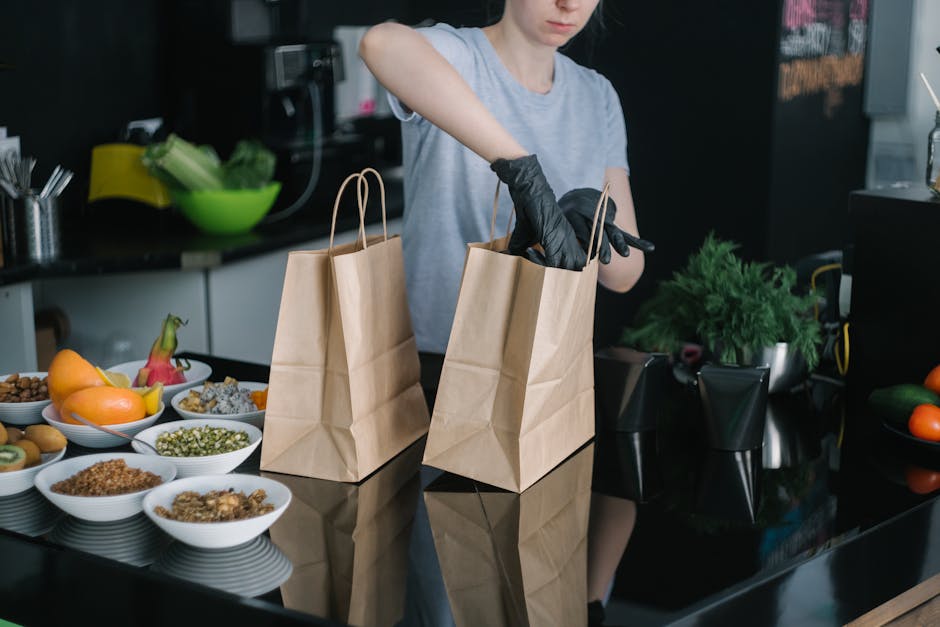
In DesignLumo, create a two‑column layout: left side shows a hero image of the meal kit, right side holds a bold CTA button (“Order Now – 20% Off”). Use the brand kit to color‑code the button, add a hover‑style shadow layer, and export a 1920×1080 PNG with transparent button area. In YouTube Studio, attach the PNG as an end‑screen element and link the button to your ordering page. Aim for a 4%+ conversion lift; track via UTM parameters in Google Analytics.
Cross‑Promote Subscription Series End Screen
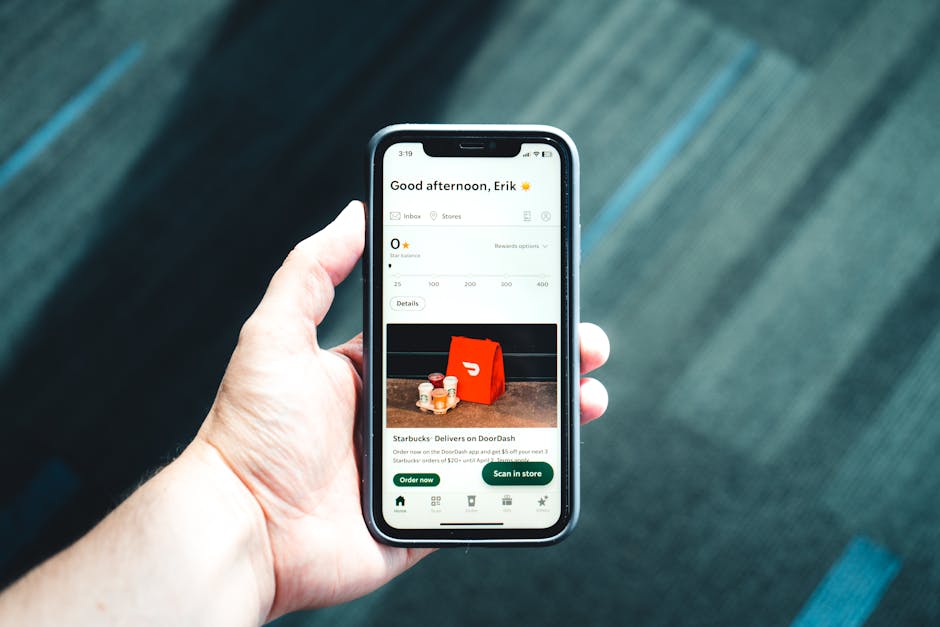
Design a 3‑panel end screen in Adobe Express: panel 1 – latest video thumbnail, panel 2 – playlist icon for the subscription series, panel 3 – “Subscribe for Weekly Meals” badge. Export the layout as a layered PSD, open in DesignLumo to replace the series title text for each new episode automatically. Add a subtle bounce animation to the subscribe badge using After Effects, then re‑export as a YouTube‑compatible video end screen. This workflow reduces per‑video design time to under 10 minutes and lifts subscriber growth by ~2% per episode.
Dynamic Geo‑Targeted Offer End Screen
Create three variant end screens in DesignLumo, each featuring a city‑specific discount (“NYC: Free Delivery”, “LA: $5 Off”). Keep the background and CTA button as shared layers, only swapping the city banner layer. Use YouTube’s API to serve the appropriate variant based on viewer location, attaching the correct UTM‑tagged link. Run a 2‑week A/B test; geo‑targeted offers typically raise click‑through rates by 3‑5% versus a generic offer.
Before you go
- Batch‑generate all thumbnail assets in one DesignLumo session, then schedule uploads via TubeBuddy to maintain consistency.
- Leverage YouTube’s “Brand Kit” feature: import your DesignLumo color palette and fonts once, then apply them instantly to every graphic.
- Track each graphic’s performance in YouTube Studio’s “Reach” tab; pause any thumbnail or end screen that falls below a 5% CTR benchmark.















Ready to create your first design?
Join thousands creating professional designs in seconds.
Create with DesignLumo
Related Resources
Essential Email Tools for Food Delivery Brands
Tactical email design stack for ghost kitchens and delivery services.
Ultimate Creative Workflow for Food Delivery Brands
Step‑by‑step tactics to crank out high‑performing visuals for ghost kitchens and delivery services.
Food Delivery Campaign Launch Checklist
Step‑by‑step launch checklist for ghost kitchens to boost orders and brand buzz.
Print Materials Design Guide for Food Delivery
Tactical guide to creating high‑ROI flyers, menus, and promos for food delivery & ghost kitchens.
Essential Digital Tools for Food Delivery Growth
The ultimate toolkit to boost ghost kitchen sales with AI‑powered design and automation.
Summer Sale Season Marketing & Design Guide
Tactical playbook for food delivery & ghost kitchens to dominate summer sales.