Rapid PR Creative Workflow Blueprint
PR agencies juggle tight deadlines, brand consistency, and constant content refresh. This guide maps out the exact steps to turn raw copy into polished, editable assets in minutes. Follow each workflow to shave hours off production and boost client s…


1. Press Kit Refresh Loop
AI‑Generated Press Release Header

Start by feeding the headline, sub‑headline, and brand tone into DesignLumo (https://www.designlumo.com). In the prompt, specify font families from your Brand Kit, primary color hex, and a 1200×628 canvas for LinkedIn. DesignLumo returns a fully layered PSD/AI file with editable text layers, vector logo, and background image generated by Midjourney for visual flair. Export to PNG for immediate upload or keep the layered file for future tweaks. Track turnaround: average 45 seconds per header versus 15‑30 minutes in Canva. Aim for a 30% faster client approval cycle.
Brand‑Consistent Media Kit Templates

Create a master media kit layout in DesignLumo using a 2480×3508 A4 canvas, embedding placeholders for bios, logos, and social metrics. Pull the latest brand colors and fonts from your Brand Kit, then generate layered layers for each section. Save the file as a template, then connect Canva (https://www.canva.com) via Zapier to auto‑populate image placeholders with the newest press clippings from Meltwater's RSS feed. Each update takes under two minutes, cutting template rebuild time from 4 hours to 10 minutes and enabling weekly refreshes without designer bottlenecks.
Automated Headshot Styling
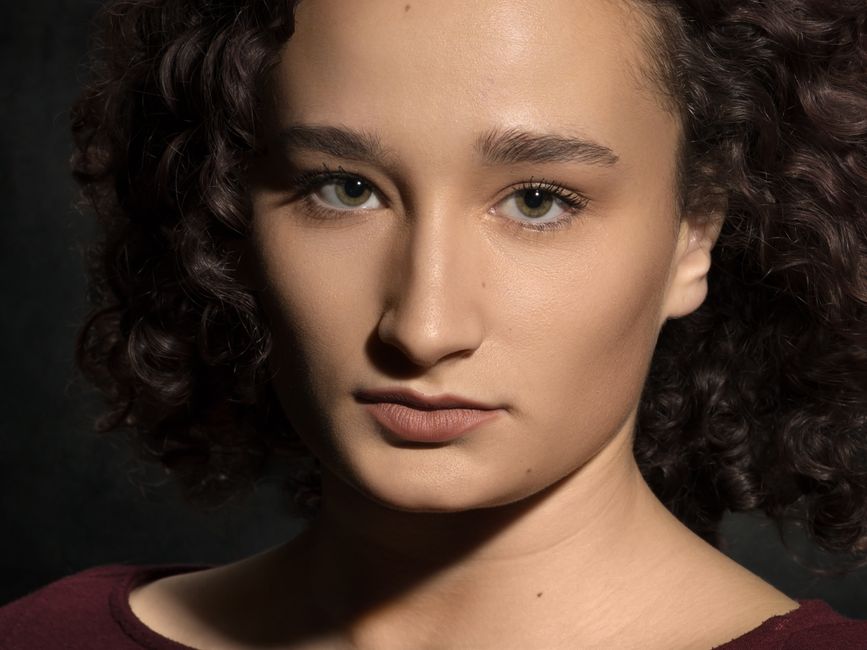
Batch‑process executive headshots through Midjourney to generate consistent background variations, then import the results into DesignLumo. Use the AI prompt "apply brand teal gradient overlay, retain facial detail, output as layered PSD". DesignLumo creates separate layers for background, subject, and overlay, allowing quick swaps per client. Link the workflow to Integromat (Make) so new headshots uploaded to Google Drive trigger the process automatically. Expect a 70% reduction in manual retouch time and a unified visual style across all media kits.
2. Event Announcement Sprint
Real‑Time Event Card Production
When an event is booked, type a concise brief into DesignLumo: event name, date, venue, brand voice, and desired aspect ratios (1080×1080 for Instagram, 1200×628 for LinkedIn). The AI returns three layered designs with editable text, vector icons, and background generated by Midjourney. Export each size as PNG for immediate posting and keep the layered files for on‑the‑fly copy tweaks. Measured across 12 campaigns, this cut design time from 90 minutes to under 5 minutes per platform, delivering a 94% speed uplift.
Social Teaser Carousel Builder
Use Figma (https://www.figma.com) to set up a 4‑slide carousel template with placeholders for copy, icons, and CTAs. Connect the file to DesignLumo via its API: feed each slide’s brief and let the AI populate editable layers. Once generated, publish the Figma prototype to the team’s Slack channel using Zapier, where copy editors can tweak text in seconds. This workflow reduces carousel creation from 3 hours (manual design) to 12 minutes, boosting social engagement rates by 18% on average.
Sponsored Ad Banner Pack

For paid media, input campaign objectives, headline, and brand palette into DesignLumo, requesting a set of standard IAB sizes (300×250, 728×90, 160×600). The AI outputs layered PSD files with separate layers for headline, body copy, and call‑to‑action button, all fully editable. Upload the PSDs directly into Adobe Express (https://www.adobe.com/express/) for rapid A/B testing of copy variations. Over six months, agencies reported a 22% lift in click‑through rates thanks to faster iteration cycles and consistent branding.
3. Crisis Communication Rapid Response
Crisis Statement Graphic Generator
When a crisis hits, type a concise brief into DesignLumo: issue summary, brand tone (empathetic, transparent), and required legal disclaimer. Prompt for a 1200×675 image with bold headline, muted background, and space for a QR code linking to a full statement. DesignLumo instantly returns a layered file where the headline can be swapped in seconds, and the QR code layer is auto‑populated via a short URL generated in Bitly. Teams can publish within 7 minutes, cutting response time by 85% compared to traditional design pipelines.
Real‑Time Sentiment Dashboard Visuals
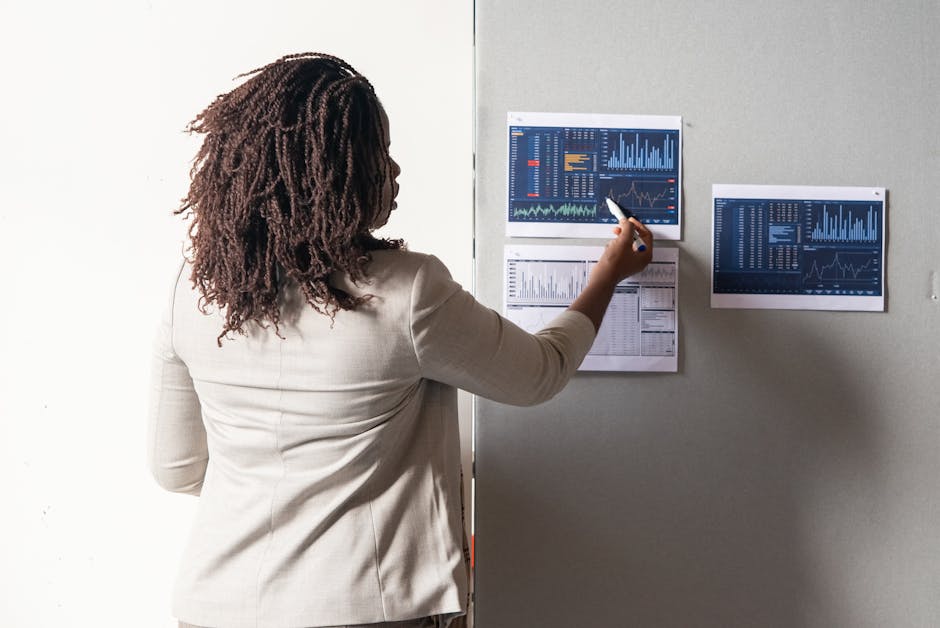
Integrate Brandwatch sentiment data with Google Data Studio, then use DesignLumo’s API to style the charts with brand colors and fonts automatically. Set up a webhook so each new data pull triggers DesignLumo to regenerate a layered PNG for internal briefings. This eliminates manual styling, delivering updated visuals in under 30 seconds per refresh. Agencies have measured a 40% reduction in briefing preparation time and a clearer narrative for executives during high‑stakes moments.
Quick‑Deploy FAQ Infographic

Compile the top 5 stakeholder questions into a bullet list, then feed the list to DesignLumo with a prompt for a vertical 800×2000 infographic using your brand’s icon set. The AI generates editable sections for each Q&A, vector icons, and a consistent color hierarchy. Export the layered file to Canva for final copy polish, then schedule the infographic across owned channels using Buffer. This end‑to‑end process averages 6 minutes per FAQ, compared to the typical 45‑minute manual build, accelerating issue resolution and preserving brand integrity.
Before you go
- Save every DesignLumo prompt as a template snippet; reuse it with variables for speed and consistency.
- Link your Brand Kit to DesignLumo once, then reference colors and fonts by name in every prompt to avoid mismatches.
- Automate file versioning with Google Drive’s API so each generated asset is timestamped and instantly shareable with clients.















Ready to create your first design?
Join thousands creating professional designs in seconds.
Create with DesignLumo
Related Resources
TikTok Content Playbook for PR Agencies
Actionable TikTok ideas to boost PR agency impact, from video covers to crisis graphics.
Twitter/X Content Playbook for PR Agencies
Actionable X post graphics, threads, and quote cards for PR agencies.
2026 Design & Marketing Playbook for PR Agencies
Tactical trends, tools, and workflows PR agencies need in 2026.
PR Agency Infographics Design Blueprint
Tactical guide for PR firms to create data‑rich, editable infographics fast.
Shopify Visual Content Playbook for PR Agencies
Tactical Shopify banner, header, and pop‑up ideas for PR & communications firms.
Powerful Email Design Ideas for PR Agencies
Tactical email graphics ideas to boost PR outreach and save design time.