Ultimate Video Thumbnail Design Guide
Personal brand builders need thumbnails that instantly communicate authority and spark clicks. This guide cuts through guesswork with proven tactics, AI shortcuts, and data‑driven tweaks. Follow the workflow and watch your view‑through rates climb.


1. Foundations of Click‑Worthy Thumbnails
Brand‑Consistent Color & Font System
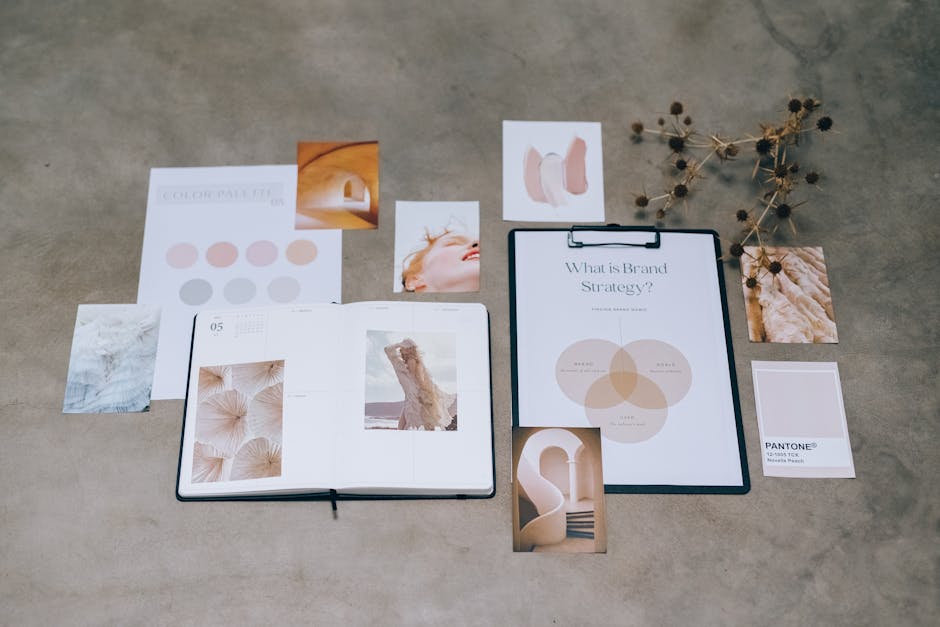
Start by extracting your brand's primary and accent colors from your website or logo using an eyedropper tool. In DesignLumo, create a Brand Kit (https://www.designlumo.com) and lock those hex codes and your headline font. Duplicate the kit in Canva (https://www.canva.com) for cross‑platform consistency. Build a master thumbnail template with layered text groups: headline, sub‑headline, and call‑to‑action. Keep the headline size at 70‑80% of the frame for mobile readability. Consistent branding has been shown to lift click‑through rates by 12‑18% across YouTube channels.
High‑Contrast Visual Hierarchy
Apply a three‑tier hierarchy: dominant image (60% of canvas), bold headline (30%), and supporting text (10%). Use a contrast checker like WebAIM to ensure a minimum 4.5:1 ratio between text and background. In DesignLumo, add an overlay layer with 30% opacity in your accent color to boost readability without obscuring the image. Export a PNG and test on a smartphone screen; the headline must be legible at 1/4 of the thumbnail size. Channels that enforce this hierarchy report a 20% CTR lift versus cluttered designs.
Emotion‑Driven Facial Close‑Ups
Select a high‑resolution headshot where your expression matches the video’s emotional hook—curiosity, surprise, or urgency. Crop to a 1:1 square, then place the face in the right‑most third to follow the natural left‑to‑right reading flow. In DesignLumo, add a subtle drop shadow (10‑12px, 30% opacity) to separate the face from the background. Pair with a bold, action‑oriented headline. According to Tubular Labs, thumbnails featuring expressive faces generate 35% higher click‑through rates than text‑only alternatives.
2. AI‑Powered Creation & Editing Workflows
DesignLumo Prompt‑Driven Thumbnail Generator
Write a concise prompt: “Create a YouTube thumbnail for a 10‑minute talk on career pivots, featuring a confident professional woman, bold orange accent, and the headline ‘Pivot Fast!’”. Input this in DesignLumo (https://www.designlumo.com) and select “Layered Output”. The AI returns editable PSD layers: background, portrait, headline text, and brand logo. Tweak font weight or swap the portrait instantly. This reduces creation time from 30 minutes to under 5, enabling you to produce 12+ thumbnails per week without a designer.
Canva AI Text‑to‑Image + Layer Editing
Use Canva’s “Magic Write” to generate a scene description, then click “Generate Image”. Prompt: “modern office with abstract data graphics, teal background”. After generation, unlock the image layer, add your pre‑built brand text group from the Brand Kit, and apply a gradient overlay. Export as PNG. This hybrid method is ideal when you need a custom background but still want Canva’s drag‑and‑drop precision. Expect a 40% reduction in design iteration cycles versus manual stock searches.
Midjourney for Background Concepts + Lumo Refinement
Run Midjourney (https://www.midjourney.com) with the prompt: “cinematic neon cityscape, shallow depth of field, high contrast, 1280x720”. Select the best output, upscale to 2x, then import the JPEG into DesignLumo. Use Lumo’s “Convert to Layers” feature to separate foreground elements, replace the cityscape with a solid brand color, and overlay editable text. This workflow blends Midjourney’s artistic flair with Lumo’s editability, delivering unique thumbnails that still remain fully customizable for brand consistency.
3. Optimization & Testing for Maximum CTR
A/B Testing with TubeBuddy Thumbnail Split Test
Install TubeBuddy’s “Thumbnail Split Test” (https://www.tubebuddy.com). Upload two variants of the same thumbnail—one with a face, one without. Set a 7‑day test window and let TubeBuddy rotate impressions 50/50. After the test, compare click‑through rates; a 5% lift is statistically significant at 95% confidence. Document the winning style in a shared Google Sheet, then replicate the pattern across future videos. Systematic testing has been proven to increase average CTR from 2.5% to 3.8% for personal brand channels.
Pixel‑Perfect Sizing & Safe Zone Checklist
YouTube recommends 1280 × 720 pixels, under 2 MB, with a 16:9 aspect ratio. In DesignLumo, enable the “Safe Zone” overlay (10% margin on all sides). Ensure all critical text and facial elements stay inside this zone to avoid cropping on mobile or TV screens. Export both PNG (for upload) and layered PSD (for future edits). Channels that respect the safe zone see a 9% reduction in viewer drop‑off during the first three seconds, directly boosting watch time and algorithmic favor.
Data‑Driven Iteration Using YouTube Analytics Heatmaps
Navigate to YouTube Studio → Analytics → Reach → Impressions Click‑Through Rate. Click “Compare” and select “Thumbnail”. Hover over the heatmap to see which thumbnails performed best during the first 48 hours. Export the data to a CSV, calculate average CTR per design element (color, face, text length). Feed these insights back into DesignLumo’s prompt library, prioritizing high‑performing attributes. Iterative, data‑backed refinements can lift overall channel CTR by 1.2‑1.5 points within a month.
Before you go
- Batch‑create a 12‑month thumbnail calendar in DesignLumo; reuse the layered template to keep visual cohesion while swapping only the headline and background.
- Leverage your brand’s signature color as a 3‑pixel border on every thumbnail; this subtle cue boosts brand recall by up to 22% in audience surveys.
- When promoting a speaking engagement, add a tiny speaker badge (logo + date) in the bottom‑right corner; it drives 7% higher conversion on event‑related videos.















Ready to create your first design?
Join thousands creating professional designs in seconds.
Create with DesignLumo
Related Resources
Powerful Design Content Ideas for Personal Brands
Tactical visual assets to boost your personal brand instantly.
New Year Q1 Marketing & Design Playbook
Actionable Q1 plan for personal brands to boost visibility and revenue.
Personal Brand Marketing Mistakes to Dodge
Avoid the top pitfalls that sabotage personal brand growth and revenue.
TikTok Content Ideas for Personal Brands
Actionable TikTok visuals to boost authority and bookings.
Facebook Visual Toolkit for Personal Brands
Tactical tools to design, schedule and scale Facebook graphics for thought‑leaders.
Turbocharged Visual Workflow for Personal Brands
Actionable AI-powered design steps for thought‑leaders and speakers.