Twitter/X Toolkit for Design Agencies
Web design agencies need fast, polished visuals to win clients and showcase work on Twitter/X. This guide compiles the exact tools and step‑by‑step processes that turn raw ideas into click‑worthy tweet graphics. Follow the workflow and stop juggling…


1. AI‑Powered Graphic Generators
DesignLumo – AI Editable Tweet Graphics
Enter a concise prompt like “modern hero banner for a SaaS landing page, 1200×675, brand colors #0A74DA and #F5F5F5” into DesignLumo. In 5‑10 seconds you receive a fully layered PSD with editable text, fonts, and vector shapes. Export the PSD, drop it into Figma, and replace placeholder copy with client copy in seconds. Use the Brand Kit feature to auto‑apply your agency’s palette, guaranteeing consistency across all tweet assets. The workflow cuts mockup time from 30 minutes to under 3, delivering client‑ready graphics for hourly billing.
Canva Pro – Template‑Based Quick Turnaround

Select Canva’s “Twitter Post” preset (1080×1080) and activate the Brand Kit to lock your agency’s fonts and colors. Duplicate a quote‑card template, replace the placeholder text with client copy, and use the “Animate” button for subtle motion. Download a transparent PNG for overlay on screenshots or a short MP4 for carousel posts. Canva’s built‑in analytics track impressions per design, helping you identify top‑performing visual styles within a week of posting.
Midjourney + Photoshop – Concept‑First Visuals

Prompt Midjourney with “futuristic web dashboard UI, neon accent, 1200×675” and generate four variations in under a minute. Upscale the chosen image, then open it in Photoshop to isolate UI elements, add editable text layers, and apply a 10 % opacity overlay for brand watermarks. Save as a PSD, import to Figma for final tweaks, and export PNG for the tweet. This hybrid method yields unique, eye‑catching hero images that stand out in crowded timelines, though it requires a Photoshop license and 30‑minute iteration time.
2. Scheduling & Performance Dashboards
Buffer Publish – Unified Scheduling with UTM Builder
Upload your tweet graphics to Buffer, attach the copy, and enable the built‑in UTM builder to tag each post with source=x, medium=social, campaign=agency‑portfolio. Set a posting cadence for optimal times (e.g., 10 am EST on weekdays). Buffer’s analytics dashboard shows click‑through rate (CTR) per graphic, allowing you to A/B test two designs over a 7‑day window. A 15 % lift in CTR on a high‑performing visual translates directly into more site visits for client landing pages, justifying higher retainer fees.
Hootsuite Analytics – Deep Engagement Insights

Connect your X account to Hootsuite and create a custom “Twitter Graphics” stream. Use the “Performance” tab to pull metrics such as engagement rate, retweets per impression, and video view length for animated posts. Export a CSV weekly and feed the data into Google Data Studio for client reporting. By correlating design elements (color contrast, image type) with engagement spikes, you can iterate design guidelines that boost average engagement by 20 % across campaigns.
TweetDeck – Real‑Time Visual Swaps
Set up a dedicated column for your agency’s @handle and enable the “Media” filter to see all posted graphics in real time. When a tweet underperforms (e.g., <0.5 % engagement after 30 minutes), drag a higher‑performing image from your design folder onto the tweet via the “Edit” button to replace it instantly. This rapid swap capability keeps your timeline fresh without republishing, preserving tweet age for algorithmic advantage and saving up to 5 minutes per underperforming post.
3. Collaboration & Asset Management
Figma + DesignLumo Plugin – Live Asset Sync
Install the DesignLumo plugin in Figma; it pulls AI‑generated PSD layers directly into a Figma file as vector components. Team members can edit copy, swap colors, and resize assets without leaving Figma, keeping version history intact. Share a view‑only link with clients; they can comment on specific layers, and you can resolve feedback in real time. This eliminates the back‑and‑forth of emailed PNGs and reduces design approval cycles from 3 days to under 12 hours.
Notion + Loom – Centralized Briefs and Walkthroughs

Create a Notion database for each client project with fields for tweet copy, target KPI, and linked design files. Record a Loom video walkthrough of the graphics, embed it in the Notion page, and tag the client for review. All feedback lands as comments within Notion, instantly syncing to your design team. This single source of truth cuts email threads by 80 % and ensures that copy and design stay aligned, a critical factor for high‑value website launches.
Slack + Cloudinary – Automated Compression & Review
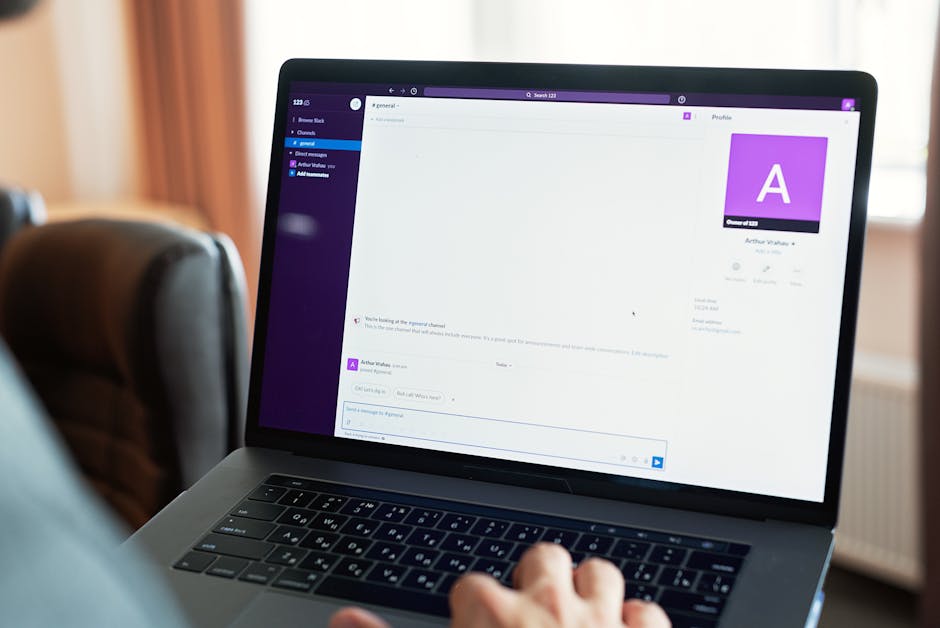
Integrate Cloudinary’s API with a Slack bot that watches a #design-assets channel. When a designer uploads a new tweet graphic, the bot auto‑compresses it to web‑optimal size (<150 KB), adds a version tag, and posts a preview link. Team members can react with ✅ to approve or 🙅♀️ to request changes, triggering a Zapier workflow that pushes the revised file back to the Figma library. This pipeline maintains high‑quality visuals while keeping file sizes low for faster tweet load times.
Before you go
- Always embed UTM parameters in tweet graphics URLs; track ROI per visual in Google Analytics.
- Leverage DesignLumo’s Brand Kit to auto‑apply client colors, guaranteeing brand consistency across all X posts.
- Schedule thread visuals in 30‑minute batches; use Hootsuite’s bulk upload CSV to maintain narrative flow without manual delays.















Ready to create your first design?
Join thousands creating professional designs in seconds.
Create with DesignLumo
Related Resources
Ultimate Event Poster Design Guide for Agencies
Step-by-step tactics to craft high‑impact event posters that win clients.
Winning Design Content Ideas for Web Agencies
Actionable design content ideas to boost agency pitches, speed development, and win clients.
Essential Digital Tools for Agency Growth
Powerful, tactical tools to speed mockups, assets, and workflow for web design agencies.
LinkedIn Toolkit for Web Design Agencies
Tactical LinkedIn assets to win clients, showcase work, and hire talent.
Winning Pitch Deck Blueprint for Agencies
Step‑by‑step slide design system that boosts agency win rates.
Email Header Design Guide for Agencies
Tactical steps to craft high‑converting email hero graphics fast.