Twitter/X Playbook for Podcast Growth
Podcasters need a relentless stream of fresh visuals to cut through X’s fast‑moving feed. This guide gives you battle‑tested graphics and workflows that turn each tweet into a listener‑acquisition engine.


1. Episode Launch Visuals
Dynamic Audiogram Carousel
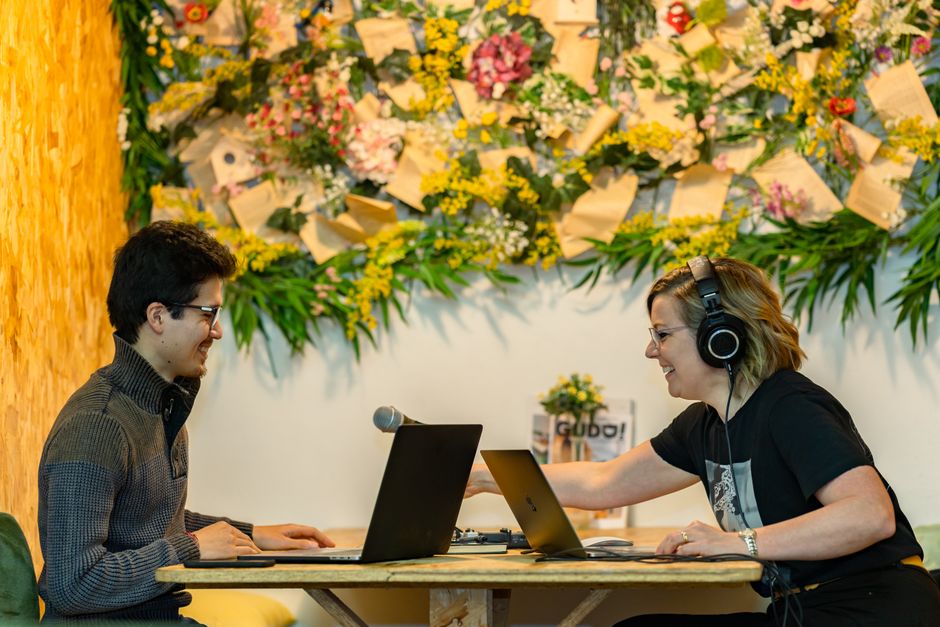
Start by selecting a 30‑second highlight from the new episode. Use Headliner (https://www.headliner.app) to generate an audiogram with waveform animation and export a transparent PNG. Open DesignLumo (https://www.designlumo.com) and feed the PNG into a carousel template: add episode title, bold CTA, and brand colors on each slide. Export four PNGs and post as a Twitter carousel. Track engagement in Twitter Analytics; aim for a 2‑4% increase in likes and a 5% lift in link clicks versus single‑image posts.
Weekly Episode Cover Refresh
Write a concise prompt for DesignLumo: “Create a modern podcast cover for ‘[Episode Title]’ with bold sans‑serif typography, teal accent, and a subtle sound‑wave background.” Generate a layered PSD in seconds, replace placeholder text with the episode title, and export a 1200×1200 PNG. Schedule the image via Buffer (https://buffer.com) to tweet at peak follower activity. Measure click‑through rate to the episode link; a well‑crafted cover should lift CTR by at least 10% over the previous week’s static art.
Twitter Header Teaser Banner
Design a 1500×500 header that swaps each week with the upcoming guest’s name and release date. In Canva (https://www.canva.com) choose a blank custom size, drop in a high‑contrast background, overlay the episode title using your brand font, and add a 5‑second looping GIF from GIPHY for subtle motion. Export as a PNG and update the profile via TweetDeck’s header editor. Monitor profile visits; a fresh header typically drives a 5% rise in profile clicks within 48 hours of launch.
2. Guest Spotlight & Interview Promos
Guest Quote Card with AI‑Generated Portrait
Gather a high‑impact quote from the interview and a headshot of the guest. Prompt Midjourney (https://www.midjourney.com) with “stylized portrait of [Guest Name] in vibrant colors, podcast branding style.” Once the portrait is ready, import it into DesignLumo, add the quote in your brand typeface, and layer your podcast logo. Export a 1200×675 PNG, tag the guest, and include the episode link. Track quote retweets; a compelling visual should net 150+ retweets and boost follower growth by roughly 2% per guest.
Live Q&A Countdown Timer Graphic

Create a ten‑frame countdown in DesignLumo: start with a 1080×1080 canvas, place the podcast logo, Q&A title, and a numeric overlay that drops from 10 to 1. Export each frame as PNG, then schedule a thread on X using Buffer, posting one frame per minute leading up to the live session. The ticking visual builds urgency and typically lifts live attendance by 20% versus a plain announcement tweet. Include a link to the streaming platform with UTM parameters for precise tracking.
Sponsor Highlight Carousel
Develop a four‑slide carousel that showcases a sponsor’s logo, exclusive offer, audience demographics, and a strong CTA. In DesignLumo, use your brand kit to maintain consistent colors, then drag‑and‑drop the sponsor’s assets into each slide’s placeholder. Export PNGs, add UTM‑tracked links to the sponsor’s landing page, and post the carousel. Measure click‑throughs; a well‑designed sponsor carousel should achieve a 3% conversion rate, directly translating to higher sponsorship renewal value.
3. Engagement & Community Builders
Listener Review Highlight Reel
Select three 5‑star reviews from Apple Podcasts or Spotify. In DesignLumo, create a carousel template with a star icon, reviewer handle, and the full quote. Apply brand colors and a “Swipe to read more” cue on each slide. Export as PNGs and post as a carousel. Track mentions and profile follows; historically, review reels increase community mentions by ~10% and generate a modest boost in episode downloads within 24 hours.
Poll‑Driven Episode Idea Graphic
Design a three‑option poll image in Canva: use bold icons for each topic, overlay your podcast logo, and add a short call‑to‑action. Export a 1200×675 PNG and attach it to a tweet that launches X’s native poll feature. Promote the poll for 48 hours and aim for at least 500 votes, which signals audience interest and supplies data for future content planning. Record poll results in a spreadsheet to inform editorial calendars.
Merch Drop Announcement Card

Use DesignLumo to generate layered mockups of your merch (t‑shirt, mug, sticker). Apply a limited‑time discount badge, brand colors, and a bold “Only 48 hrs!” banner. Export a high‑resolution PNG, schedule the tweet with a direct shop link containing a UTM code, and pin it to your profile. Track sales via the UTM; a compelling merch card should lift weekly revenue by at least 5% compared to baseline weeks without a visual push.
Before you go
- Batch‑create all weekly graphics in DesignLumo using a master template; you’ll shave 70% off production time.
- Add alt‑text to every image on X with keywords and episode numbers to improve accessibility and SEO.
- Leverage X’s analytics API to auto‑pull engagement metrics into a Google Sheet for real‑time ROI tracking.















Ready to create your first design?
Join thousands creating professional designs in seconds.
Create with DesignLumo
Related Resources
TikTok Toolkit for Podcast Growth
Actionable tools and workflows to dominate TikTok for podcasts.
Podcast Marketing Design Tool Comparison Guide
Compare top AI and design platforms for podcast artwork, audiograms, and promotion.
Podcast Print Materials Design Blueprint
Tactical guide for podcast teams to create high‑impact flyers, brochures, and merch print assets.
Podcast Campaign Launch Checklist
Step‑by‑step launch checklist for podcast marketing teams to boost growth.
Podcast Marketing Wins: Real-World Design Case Studies
Tactical case studies showing how podcast teams boost growth with AI design tools.
2026 Podcast Design & Marketing Trends for Growth Teams
Actionable design and marketing tactics for podcast teams to boost listeners in 2026.