2026 Design & Marketing Trends for Authors
Authors now compete on visual storytelling as much as on prose. The right graphics can turn a quiet release into a viral moment. This guide distills the most effective design tactics you can deploy this year.

1. Launch‑Centric Visual Assets
AI‑Powered Cover Reveal Carousel
Prompt DesignLumo with your book title, tagline, and genre mood to generate three fully editable slide layers (background, title, author photo). Export the PSD, open in Canva, add a subtle slide‑in animation, and schedule the carousel to post at peak engagement times (7 pm EST on weekdays). Track carousel swipe‑through rate; aim for ≥3 % to validate visual resonance. Use UTM parameters on the final slide link to attribute traffic to the carousel. Difficulty: Intermediate. ROI: High.
Instagram Stories Countdown Timer
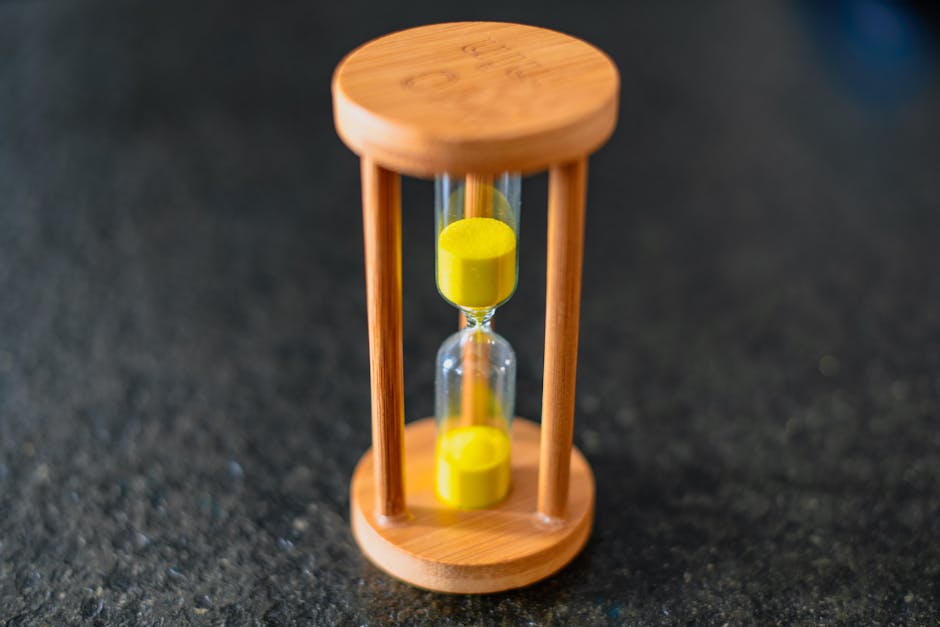
Create a 24‑hour countdown template in Adobe Express, then replace the static timer with a GIF generated by Midjourney (prompt "digital neon countdown clock, 1080x1920"). Import both layers into DesignLumo to keep text editable for each day (e.g., "5 days left"). Publish via Buffer, setting daily reminders. Aim for ≥5 % swipe‑up rate; compare against baseline story views to quantify lift. Difficulty: Beginner. ROI: Medium.
Print‑Ready Launch Flyer with QR Code
Use DesignLumo to generate a layered A5 flyer (cover art, tagline, event details). Export as PDF, then run the file through QR Code Generator (qr-code-generator.com) to embed a scannable link to your pre‑order page. Upload the final PDF to Canva's Print service for on‑demand distribution. Track QR scan conversions; a 1 % scan rate on 5,000 printed copies yields 50 direct sales. Difficulty: Intermediate. ROI: High.
2. Community Engagement & Review Amplification
Reader Review Highlight Cards

Collect top five Amazon/Goodreads reviews, paste each into DesignLumo using a "review card" prompt (include star rating graphic). Export PNGs, then batch‑upload to Later for Instagram carousel scheduling. Add a branded hashtag and a CTA to "share your thoughts." Monitor engagement; an average of 150 likes per card signals strong community resonance. Difficulty: Beginner. ROI: Medium.
Live‑Stream Overlay Pack
Generate a 1080p overlay set in DesignLumo: lower‑third author name, top‑corner book cover, and a scrolling ticker for live Q&A prompts. Export as transparent PNG layers, import into OBS Studio, and link to a Streamlabs alert for new chat messages. During a 60‑minute stream, aim for ≥30% viewer retention and a 2.5% conversion to pre‑order links tracked via Streamlabs URL shortener. Difficulty: Advanced. ROI: High.
Author AMA Branded Backgrounds
Use Canva's "brand kit" to apply your cover colors, then import a custom pattern generated by Midjourney (prompt "soft watercolor literary background"). Layer the pattern in DesignLumo to keep it editable, add a semi‑transparent text box for the AMA title, and export as 1920×1080 JPG. Schedule the background on Twitter Spaces via TweetDeck, and include a pinned tweet with a link to the recording. Track tweet impressions; a 10% increase over baseline indicates successful branding. Difficulty: Intermediate. ROI: Medium.
3. Monetization & Event Promotion
Workshop Registration Banner Suite
Prompt DesignLumo for three banner sizes (Facebook 1200×628, LinkedIn 1200×627, Instagram 1080×1080) using your workshop title, date, and a call‑to‑action button. Export layered PSDs, then in Figma replace the button with a dynamic link to Eventbrite. Run A/B tests on two copy variations, measuring click‑through rate; aim for ≥4% to justify ad spend. Difficulty: Intermediate. ROI: High.
Speaking Engagement One‑Pager
Create a one‑page PDF in Adobe Express that combines a headshot, bio, speaking topics, and past client logos. Use DesignLumo to keep each text block editable for rapid customization per venue. Attach a Calendly link with UTM parameters to track booking conversions; a 2% inquiry rate from 500 downloads is a solid benchmark. Difficulty: Beginner. ROI: Medium.
Book Signing Instagram Ads
Generate a split‑screen ad in DesignLumo: left side shows the signed book, right side displays event details in bold serif type. Export PNG, upload to Facebook Ads Manager, and target "book lovers" interests with a lookalike audience of past purchasers. Set a $5 daily budget; monitor cost‑per‑lead (CPL). Aim for CPL ≤ $0.50 to keep ROI positive. Difficulty: Advanced. ROI: High.
Before you go
- Batch‑generate all visual assets in DesignLumo using a single prompt template; this cuts production time by up to 70%.
- Always embed UTM parameters on every CTA graphic to attribute traffic accurately across platforms.
- Refresh your brand kit colors quarterly; AI tools will adapt instantly, keeping your visuals feeling fresh without redesign.















Ready to create your first design?
Join thousands creating professional designs in seconds.
Create with DesignLumo
Related Resources
Valentine's Day Author Marketing & Design Playbook
Tactical guide for authors to boost sales and engagement with Valentine-themed assets.
Small Business Saturday Author Marketing Blueprint
Tactical guide for authors to boost Small Business Saturday sales with editable AI designs.
Author Marketing & Design Starter Blueprint
Tactical guide for authors to create launch graphics, event promos, and monetization assets.
Facebook Content Playbook for Authors
Tactical Facebook post, event, and ad ideas for authors to boost sales and engagement.
Must‑Have Email Design Tools for Authors
Tactical toolkit for creating high‑impact email graphics that sell books.
Holiday Marketing Blueprint for Authors & Writers
Step‑by‑step holiday design tactics to boost book sales, events, and author brand.