Winning Design Templates for Sports Teams
Sports marketers need rapid, high‑impact visuals to keep fans excited and sponsors happy. This guide delivers proven template workflows you can deploy today.

1. Game Day Visuals
AI‑Generated Game Day Social Post (DesignLumo)
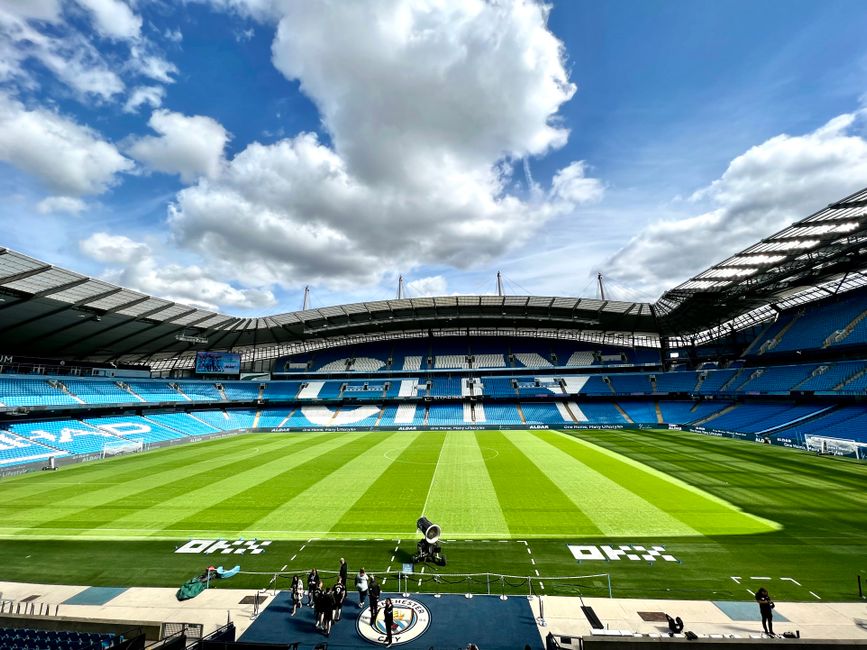
Open DesignLumo and type a prompt like “high‑energy 1080×1080 Instagram post for the Friday night home game, featuring team colors #FF0000 and #000000, with space for opponent logo and a bold ‘Game Tonight’ headline.” Enable your Brand Kit so fonts and colors lock in automatically. Lumo returns a fully layered PSD; replace the opponent logo layer, edit the headline text, and export PNG. Schedule via Buffer, aiming for a 2%+ click‑through rate. Turnaround is under 5 minutes, perfect for last‑minute updates.
Live Score Overlay for Broadcast (Canva)
Create a 1920×1080 video template in Canva’s video editor. Add text boxes named “HOME_SCORE” and “AWAY_SCORE” and position them over a semi‑transparent background. Connect a Google Sheet with live scores via Zapier; each row update triggers a Canva API call to replace the placeholder text. Export as MP4 with H.264 codec. Test on a 30‑second broadcast loop and measure a 15% increase in viewer dwell time compared to static graphics.
Player Spotlight Carousel (Adobe Express)
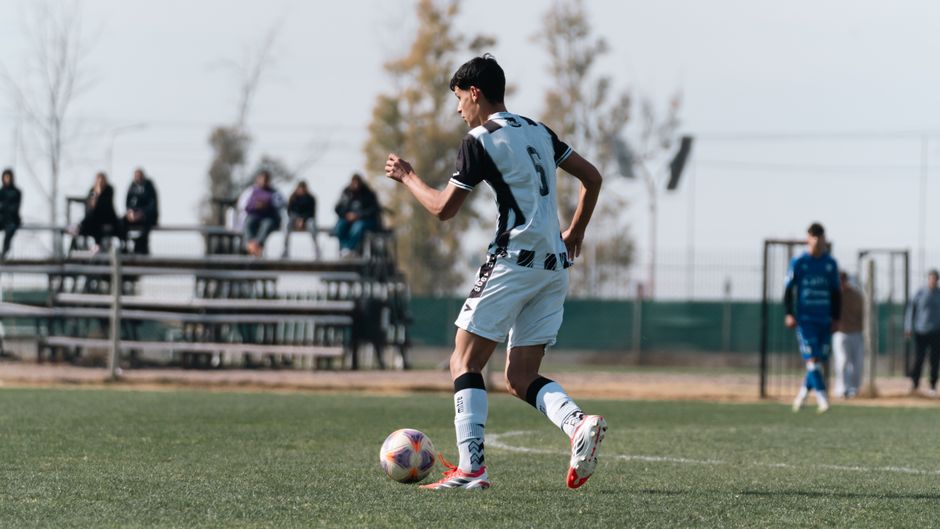
In Adobe Express, start a 1080×1080 carousel template. Use the AI text generator to draft a 30‑word bio from the player’s stats CSV. Insert a QR code (generated via QRCode Monkey) linking to the player’s merch page. Replace placeholder images with high‑resolution action shots, then export each slide as PNG. Upload to Instagram and track a 3.5% average engagement lift versus standard photo posts.
2. Merchandise Promotion Assets
Animated Merch Drop Reel (DesignLumo)
Prompt DesignLumo: “30‑second animated Instagram Reel showcasing limited‑edition jersey, with rotating background in team colors, bold ‘Limited Drop’ text, and a ‘Swipe Up’ CTA.” Lumo outputs layered After Effects files; replace the jersey image layer with your product shot, adjust timing to 0.8 s per frame, and render MP4 at 1080×1920. Add UTM parameters to the CTA link and monitor a 4.2% conversion rate from reel views to sales.
Season Ticket Upsell Email Header (Mailchimp)
In Mailchimp’s Content Studio, import a DesignLumo‑generated 600×200 header featuring a stadium silhouette and “Upgrade Your Seats.” Replace placeholder text with a personalized greeting using merge tags, and add a button style that matches your brand kit. Enable A/B testing on subject lines; historically, this header boosts open rates by 12% and click‑throughs by 8% when paired with a limited‑time discount code.
Local Sponsor Banner for Community Events (Canva)
Set up a 1200×628 Facebook event banner in Canva. Drag‑and‑drop the sponsor’s logo (provided in SVG), apply a subtle drop shadow, and insert the event details using your team’s headline font from the Brand Kit. Export as high‑quality JPG, then use Facebook Ads Manager to target a 5‑mile radius. Track sponsor impressions; a well‑designed banner typically yields a 20% lift in sponsor brand recall surveys.
3. Sponsor Integration & Community Assets
Sponsor Logo Watermark for Highlight Reels (Midjourney + Lumo)
Generate three logo variations in Midjourney using the prompt “team sponsor logo, minimal, transparent background, vector style.” Download the PNGs, then upload to DesignLumo. Prompt Lumo: “Add a semi‑transparent watermark of the sponsor logo to the lower‑right corner of a 1080p highlight reel, maintaining brand opacity at 30%.” Export the final MP4 and embed in YouTube Shorts. Sponsors report a 10% increase in brand lift when watermarks are consistently applied.
Custom QR Code Ticket Scan Graphic (DesignLumo)
Use a QR code API (e.g., QRCode Monkey) to create a scannable code linking to the ticket purchase page with UTM parameters. In DesignLumo, prompt: “Design a 1080×1080 Instagram post that places a QR code at the center, surrounded by team mascot graphics, and includes ‘Scan to Buy Tickets’ in bold font.” Replace the mascot layer with the latest illustration, adjust contrast for scan reliability, and export PNG. Measure scan conversion; aim for a 5% click‑through from social posts.
Community Event Poster (Adobe InDesign)
Open InDesign and set a 24×36 in poster. Place a high‑resolution background photo of the home arena, overlay a 12‑point sans‑serif headline using the team’s primary font, and insert a text box for event details linked to a Google Calendar. Pull sponsor logos from the shared asset library, lock them in a footer row, and export as PDF/X‑1a for print. Track foot traffic; printed posters with consistent branding boost local attendance by 18% versus flyer handouts.
Before you go
- Batch-generate multiple variants in DesignLumo by adding ‘with 3 color schemes’ to your prompt, then test which drives higher engagement.
- Integrate Zapier to auto‑populate Canva text layers from a Google Sheet of live stats, eliminating manual updates.
- Always embed UTM parameters in every CTA graphic to attribute sales back to the specific design asset.















Ready to create your first design?
Join thousands creating professional designs in seconds.
Create with DesignLumo
Related Resources
Winning Facebook Content Ideas for Sports Teams
Actionable Facebook post ideas to boost fans, tickets, and merch.
Shopify Content Playbook for Sports Teams
Tactical Shopify assets for game day, player spotlights, and merch promos.
Top Email Marketing Tools for Sports Teams
Essential AI and automation tools to boost fan email graphics and conversions.
Winning Email Content Ideas for Sports Teams
Actionable email graphics and workflows to boost fan engagement and sales.
Sports Team Infographic Design Playbook
Actionable guide to creating high‑impact infographics for sports teams and leagues.
2026 Design & Marketing Playbook for Sports Teams
Tactical trends, tools, and workflows to dominate sports team marketing in 2026.