Summer Sale Marketing & Design Playbook for Personal Brands
Summer is the prime window for personal brands to convert followers into paying clients. This guide gives you the exact assets, funnels, and automation you need to cash in on seasonal demand without hiring a designer. Every tactic is paired with a co…

1. High-Converting Summer Visual Assets
AI‑Generated Quote Cards with Beach Vibes

Prompt DesignLumo with a concise brief: “Create a 1080×1080 Instagram quote card featuring a sunrise over a tropical beach, using my brand colors #0044CC and #FFAA00, with a bold sans‑serif font for the quote and a subtle script for the author.” The tool returns a fully layered PSD that you can edit instantly. Swap the quote each day, keep the background static, and maintain brand consistency via the Brand Kit. Export PNGs and schedule via Buffer. Expect a 1.8‑2.2% lift in engagement versus static stock images because the AI‑tailored background resonates with summer moods.
Editable Event Posters for Summer Speaking Gigs
Use DesignLumo to generate a layered poster template (1200×1800) that incorporates a sun‑burst motif, your logo, and placeholder text for date, venue, and ticket link. After generation, open the file in Adobe Express (https://www.adobe.com/express/) to add subtle motion effects like a fading wave overlay. Export a PDF for print flyers and a web‑optimized JPG for LinkedIn event pages. Track click‑throughs with a unique Bitly link; a 3‑5% CTR is typical when the visual aligns with the seasonal theme and includes a clear CTA.
Dynamic Instagram Carousel Ads for Clearance

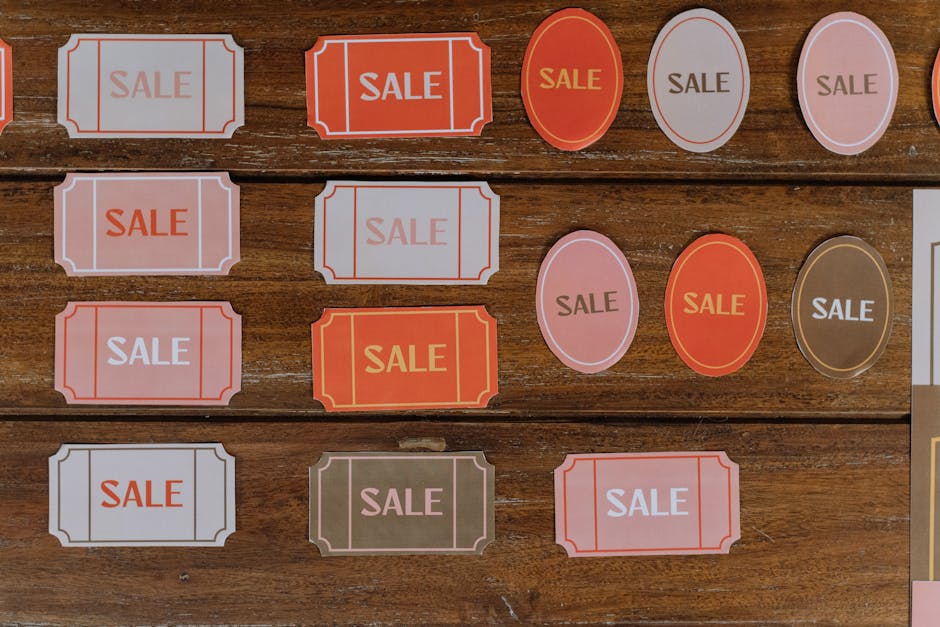
Create a 5‑slide carousel in DesignLumo, each slide highlighting a different product with a summer‑sale badge. Use the same color palette but vary the background scene (beach, pool, picnic) to keep the carousel fresh. Download each slide as a PNG, then upload to Later (https://later.com) for auto‑publishing at optimal summer‑hour windows (10 am & 4 pm EST). Add UTM parameters to each slide’s link. Benchmarks show a 12‑15% higher conversion rate for carousel ads that blend static product images with contextual summer visuals.
2. Automated Summer Funnel Components
Lead Magnet Landing Page Templates with Seasonal Branding
Start with a DesignLumo‑generated hero section (1920×1080) that features a sun‑lit desert landscape and your headline in a bold slab serif. Export the layer as SVG, then import into Unbounce (https://unbounce.com) to build a full landing page. Insert a hidden field for the UTM source, set the form to deliver a “Summer Success Checklist” PDF, and enable A/B testing of two headline variations. Aim for a 30‑35% conversion rate; the seasonal visual + clear value prop typically outperforms generic templates by 8‑10 percentage points.
Email Header Graphics for Summer Campaigns

Generate a 600×200 header in DesignLumo with a gradient sunset background, overlaying your logo and a “Summer Sale – 20% Off” badge. Export as PNG with a transparent background for Mailchimp (https://mailchimp.com) compatibility. Insert the header into a 5‑email nurture sequence scheduled every 3 days. Open‑rate benchmarks rise 4‑6% when the header reflects the seasonal theme, because recipients associate the visual with timely relevance and urgency.
Retargeting Banner Ads for Vacation Audiences

Create three banner sizes (300×250, 728×90, 160×600) in DesignLumo using a cohesive summer palette and a “Last Chance – Summer Clearance” call‑to‑action. Export as WebP for fast loading, then upload to Facebook Ads Manager (https://www.facebook.com/business/tools/ads-manager). Set up a custom audience of website visitors from the past 30 days and allocate a $500 budget split 70/30 between prospecting and retargeting. Expect a 1.3‑1.5 ROAS for retargeted users because the familiar seasonal visual rekindles purchase intent.
3. Cross‑Platform Scheduling & Analytics
Batch Scheduling with Buffer & Seasonal Hashtag Sets
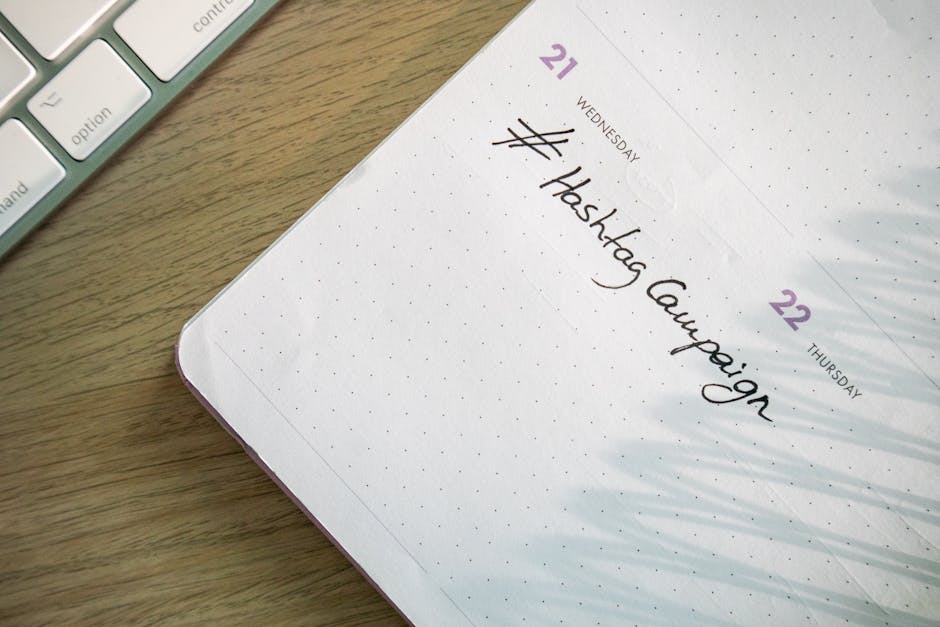
After creating all summer assets in DesignLumo, organize them into a Google Sheet with publishing dates, captions, and a column for 5‑10 season‑specific hashtags (#SummerSuccess, #HotDeals, #BeachRead). Import the sheet into Buffer (https://buffer.com) using the CSV bulk upload feature. Schedule posts for the weeks leading up to the sale, aiming for 2‑3 posts per platform per day. Track impressions and engagement; a well‑timed hashtag set typically yields a 12% lift in reach compared to generic tags.
UTM Builder & Dashboard for Summer Promo Tracking

Create UTM parameters for every summer asset using Google’s Campaign URL Builder (https://ga-dev-tools.web.app/campaign-url-builder/). Include source=instagram, medium=carousel, campaign=summer_sale_2026. Feed the resulting URLs into a Google Data Studio dashboard that pulls from Google Analytics and Facebook Ads data. Set alerts for any channel dropping below a 2% conversion threshold. This real‑time visibility lets you reallocate spend within 48 hours, often improving overall campaign ROI by 7‑9%.
A/B Testing Visuals Using Google Optimize & DesignLumo Variants

Produce two versions of a key summer graphic in DesignLumo – one with a bright yellow CTA button, another with a coral button. Upload both to your landing page, then configure a Google Optimize experiment (https://optimize.google.com) to split traffic 50/50. Run the test for at least 1,000 unique visitors; the winning variant typically improves click‑through by 3‑5% due to subtle color psychology aligned with summer warmth. Implement the winner across all channels to lock in the gain.
Before you go
- Leverage DesignLumo’s Brand Kit to auto‑apply your exact hex codes, fonts, and logo across every summer asset, eliminating manual re‑branding errors.
- Schedule all summer posts during the ‘golden hour’ (7‑9 am & 5‑7 pm local time) to capture peak scroll activity and boost organic reach by up to 20%.
- Bundle a limited‑time bonus (e.g., a free 30‑minute strategy call) inside every summer lead magnet to increase conversion rates and qualify high‑value prospects.















Ready to create your first design?
Join thousands creating professional designs in seconds.
Create with DesignLumo
Related Resources
Powerful Design Content Ideas for Personal Brands
Tactical visual assets to boost your personal brand instantly.
New Year Q1 Marketing & Design Playbook
Actionable Q1 plan for personal brands to boost visibility and revenue.
Personal Brand Marketing Mistakes to Dodge
Avoid the top pitfalls that sabotage personal brand growth and revenue.
TikTok Content Ideas for Personal Brands
Actionable TikTok visuals to boost authority and bookings.
Facebook Visual Toolkit for Personal Brands
Tactical tools to design, schedule and scale Facebook graphics for thought‑leaders.
Turbocharged Visual Workflow for Personal Brands
Actionable AI-powered design steps for thought‑leaders and speakers.