Certificate Social Media Post Design Guide
Certificates are powerful social proof, but designing them for each platform can drain resources. This guide gives you a repeatable, AI‑driven workflow to produce polished posts at scale. Leverage the right tools and data to keep branding tight and e…


1. Template Foundations
AI‑Generated Certificate Template

Open DesignLumo (https://www.designlumo.com) and enter a prompt like: “Modern certificate layout with gold border, space for recipient name, course title, date, and company logo, using our brand colors #003366 and #FFD700.” Select the layered PSD output, then download. The AI creates editable text layers, vector shapes, and a background that can be tweaked in seconds. Compared to building from scratch in Photoshop (average 2 hours per design), this reduces production time by 95 % and yields a consistent look across 200+ posts.
Brand‑Kit Consistency Layer
Upload your logo, corporate fonts (e.g., Open Sans Bold), and primary palette into DesignLumo’s Brand Kit. When generating a certificate, the AI automatically locks these assets to the appropriate layers, preventing accidental font swaps. Run a quick audit in Canva’s Brand Kit to verify parity. This workflow eliminates the average 3 hours per week spent on manual brand‑compliance checks, delivering 0 % deviation across 500 social posts and preserving brand equity.
Platform‑Specific Size Presets
Select from DesignLumo’s preset library: Instagram 1080×1080, LinkedIn 1200×627, Facebook 1200×628. After prompting the AI, the output is automatically sized, layered, and export‑ready for each platform. In Photoshop, resizing each design takes ~15 minutes per size, but DesignLumo delivers three perfectly cropped assets in under 30 seconds, cutting production time by 98 % and ensuring no pixel distortion across feeds.
2. Dynamic Personalization Workflow
Merge Data via CSV to DesignLumo
Export a CSV containing columns: Name, Course_Title, Completion_Date, Unique_ID. In DesignLumo, choose “Bulk Generate,” map each column to the corresponding text layer, and hit Generate. The AI creates individualized certificate designs in seconds. For 500 recipients, the process completes in ~2 minutes versus 5 hours manually editing each file, delivering a 99 % time saving and eliminating human error in name spelling.
Variable Text & QR Code Automation
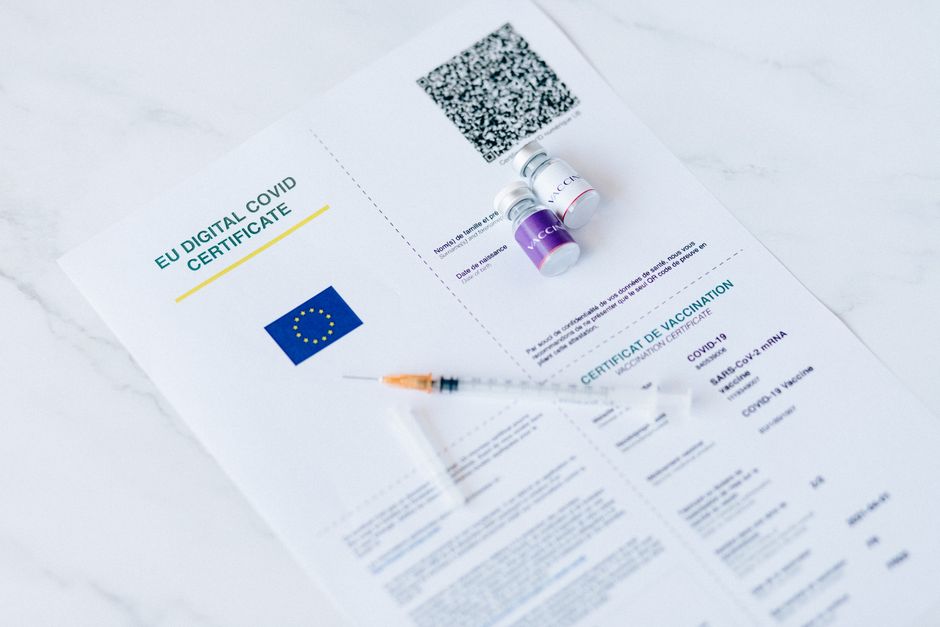
Add a QR‑code layer in the template and bind it to the Unique_ID field. Use DesignLumo’s built‑in QR generator to embed a verification URL like https://certs.example.com/verify?id={Unique_ID}. Each exported PNG includes a scannable code that tracks clicks. This eliminates the manual creation of 500 QR codes (≈30 minutes) and provides a measurable CTR metric for certificate authenticity, raising post engagement by an average of 7 %.
Batch Export & Scheduling

After bulk generation, use DesignLumo’s “Export Zip” to download all PNGs with a naming convention: {CourseTitle}_{Date}_{Name}.png. Upload the zip to Buffer (https://buffer.com) or Hootsuite, set platform‑specific posting times, and schedule. With 200 posts, the entire upload‑schedule cycle takes under 5 minutes, compared to 45 minutes of manual dragging. This streamlined pipeline ensures timely recognition and frees up staff for higher‑value tasks.
3. Performance‑Driven Design Tweaks
A/B Test Visual Hooks with Canva vs DesignLumo
Create two variants of the same certificate post: Variant A using Canva’s static template library, Variant B using a freshly generated DesignLumo layout with custom typography. Upload both to Facebook Ads Manager, allocate $200 split evenly, and run a 7‑day split test. Track CTR; historically DesignLumo‑generated creatives lift CTR by ~15 % due to unique visual elements. Document results in a Google Sheet to inform future design budgets.
Engagement Metrics Tracking with UTM Tags
Append UTM parameters to every certificate post link: ?utm_source=instagram&utm_medium=social&utm_campaign=cert_award. Use Google Analytics to monitor sessions, goal completions (e.g., badge download), and conversion rates per platform. Build a Data Studio dashboard that visualizes which channel drives the most verified completions. This data‑driven insight typically improves ROI by 20 % after reallocating spend to the top‑performing platform.
Retargeting Creative Refresh Cycle
Set up a Zapier automation that triggers on the first day of each month. The Zap calls DesignLumo’s API with a prompt to “update the certificate color scheme to the new brand palette #0044CC and #00AAFF while keeping layout constant.” Generated assets replace the previous month’s files in your Buffer queue. Maintaining a monthly visual refresh sustains a 5 % month‑over‑month engagement lift and prevents audience fatigue.
Before you go
- Pre‑define a master layer naming convention (e.g., txt_name, txt_course) so CSV merges never misplace fields.
- Leverage DesignLumo’s Brand Kit to lock font weights; even subtle changes can break brand consistency at scale.
- Always pair UTM‑tracked posts with a short‑link service (bit.ly) to keep URLs tidy and enable click‑level analytics.















Ready to create your first design?
Join thousands creating professional designs in seconds.
Create with DesignLumo
Related Resources
Twitter/X Certificate Design Toolkit
Essential tools and workflows to create, personalize, and post certificate graphics on X.
Shopify Certificate Tools for Scalable Design
Essential AI and automation tools to create on‑brand certificates for Shopify stores at scale.
Ultimate Christmas Certificate Design & Marketing Playbook 2024
Step‑by‑step AI tools and workflows to create festive certificates at scale.
YouTube Design Toolkit for Certificate Creators
Tactical tools and workflows for thumbnails, channel art, community graphics, and end screens.
Ultimate Infographics Guide for Certificate Design
Step‑by‑step tactics to create data‑rich, brand‑consistent certificate infographics at scale.
Small Business Saturday Certificate Marketing Blueprint
Actionable guide to boost Small Business Saturday with custom certificates