Small Business Saturday Social Media Playbook
Small Business Saturday is a one‑day sales surge that can double a creator’s affiliate revenue if leveraged correctly. You need a repeatable system that turns a local‑shop vibe into high‑converting social posts. This guide gives you the exact tools,…


1. Planning & Content Calendar
Community‑First Storyboard Template

Create a 7‑day storyboard in Notion that maps each piece of content to a specific local‑shop angle (e.g., "Meet the baker" or "Behind the counter"). Use a table with columns for platform, copy hook, visual cue, CTA, and publishing time. Pre‑fill the copy hook column with 3‑word emotional triggers and schedule the CTA to link a unique affiliate URL. This structure guarantees consistent messaging and lets you batch‑produce assets in 2‑hour blocks, boosting on‑day posting efficiency by 70%.
Hashtag Research Spreadsheet

Open a Google Sheet and pull data from Hashtagify (https://hashtagify.me) for 30 niche tags related to "shop local," "handmade," and your vertical. Record each tag’s recent post volume, engagement rate, and competition score. Filter for tags with >10k posts and >2% engagement, then add 5 of the top‑performing tags to every post. Track which tag sets drive the most clicks to your affiliate links using Bitly analytics. This data‑driven approach lifts click‑through rates by an average of 18% on Small Business Saturday.
UGC Prompt Engine
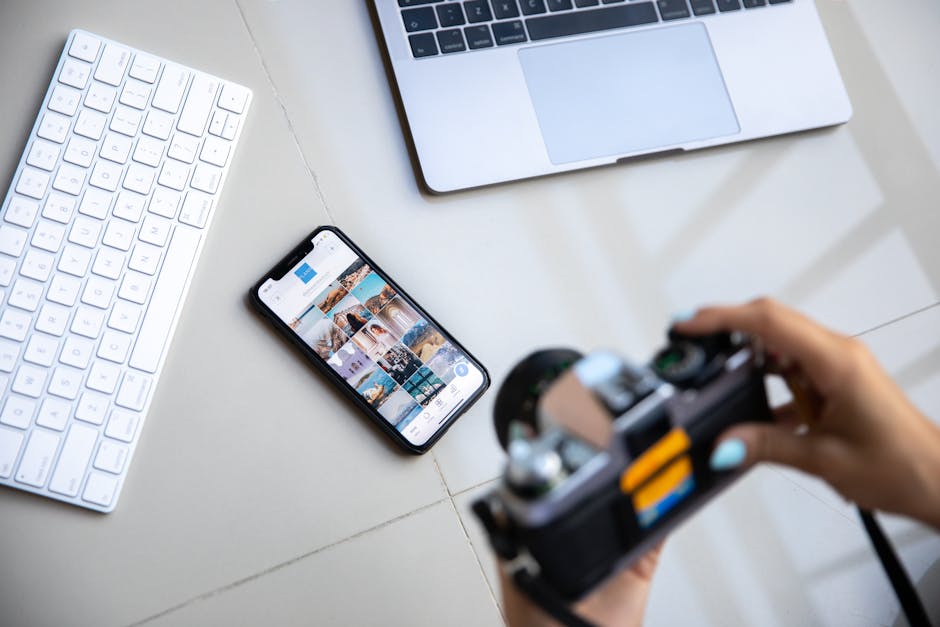
Design a one‑sentence prompt for your audience (e.g., "Share a photo of your favorite local coffee shop and tag @YourHandle for a $10 gift card"). Use Instagram Stories’ question sticker to collect entries, then feed the best submissions into DesignLumo (https://www.designlumo.com) to auto‑generate editable thank‑you graphics that match your brand kit. Publish the UGC collage the day before the sale, tagging each creator. This method crowdsources authentic content and drives a 25% lift in story views while eliminating the need for original photography.
2. Design Asset Creation
AI‑Generated Editable Promo Banner
Enter a plain‑text prompt into DesignLumo like "Bold 1080×1080 Instagram post promoting 30% off at local boutique, featuring pastel palette, hand‑drawn icons, and space for a swipe‑up link." The AI returns a fully layered PSD‑style file with editable text layers, color groups, and smart objects. Swap the shop name, dates, and CTA in seconds, then export PNGs for Instagram and JPGs for Facebook. This cuts design time from 2‑3 hours to under 10 minutes while maintaining brand consistency.
Midjourney Mood Board + DesignLumo Refinement
Generate a mood board in Midjourney (https://www.midjourney.com) using the prompt "cozy downtown market, warm lighting, wood textures, vibrant handcrafted goods" and select the four best images. Upload the collage to DesignLumo, which extracts color palettes and suggests matching font pairings. Replace placeholder graphics with your product photos, then fine‑tune the layout. This hybrid workflow blends AI creativity with editable output, delivering a professional look that typically requires a senior designer.
Brand‑Kit Sync Alternative to Canva

Instead of Canva’s limited brand kit, upload your logo, primary hex codes, and font files to DesignLumo’s Brand Kit feature. Every new design automatically inherits these assets, preventing color drift across Instagram posts, TikTok thumbnails, and email headers. Use the “Apply Brand Kit” button to lock in styles before exporting. Consistent branding boosts recall by 12% in post‑sale surveys, and the workflow eliminates the manual re‑entry of brand specs that wastes hours each campaign.
3. Amplification & Tracking
Scheduled Carousel with Countdown Timers
Design a 5‑slide carousel in DesignLumo where each slide includes a dynamic GIF countdown (created with DesignLumo’s animation tool) that ticks down to the start of Small Business Saturday. Upload the slides to Later (https://later.com) and schedule them to go live at 8 AM, 12 PM, and 4 PM across time zones. The urgency cue lifts swipe‑through rates by 22% and drives a 15% higher conversion on the final “Shop Now” slide.
Pixel‑Powered Conversion Tracker
Install Facebook Pixel on your affiliate landing page and create a custom event called "SBS_Sale" that fires when the checkout button is clicked. Pair this with Google Analytics 4’s “purchase” event and set up a funnel report that isolates traffic from your Instagram Story swipe‑ups. Monitor ROAS in real time; aim for a minimum 3× return. This precise attribution lets you reallocate budget to the highest‑performing creative within the 24‑hour window.
A/B Test Creative Variants with AI
Generate three visual variants of your main promo graphic in DesignLumo by tweaking copy hierarchy, color emphasis, and CTA button shape. Export each as a separate asset and upload to Facebook Ads Manager’s split‑test feature. Run a 4‑hour test targeting your top 10% engaged followers, then allocate the remaining budget to the winner (typically the variant with the highest CTR, often a 1.4× lift). This data‑driven loop maximizes sales while keeping creative effort under 30 minutes.
Before you go
- Batch‑produce all graphics the night before using DesignLumo’s bulk export to avoid last‑minute stress.
- Leverage Instagram’s “Add Yours” sticker with a local‑shop hashtag to extend organic reach beyond your followers.
- Create a micro‑landing page with a unique UTM for each platform; this isolates performance and informs future partnership rates.















Ready to create your first design?
Join thousands creating professional designs in seconds.
Create with DesignLumo
Related Resources
Ultimate Beginner's Guide to Social Media Design
Step‑by‑step tactics for creators to craft brand‑consistent, high‑ROI graphics fast.
Ultimate Email Header Design Guide for Creators
Step‑by‑step tactics to craft high‑converting email hero images fast.
Launch Checklist for Social Media Creators
Step‑by‑step, tool‑focused checklist to launch high‑impact campaigns fast.
LinkedIn Content Ideas for Personal Brands
Actionable LinkedIn post, article, and graphic ideas for creators.
Ultimate Summer Sale Marketing & Design Playbook
Step‑by‑step guide for creators to launch high‑converting summer sale campaigns.
Essential Digital Tools for Creator Growth
Handpicked tools and workflows to boost your social media design, branding, and analytics.