Shopify Tools Every Motivational Speaker Needs
Motivational speakers need a Shopify store that looks as inspiring as their talks. The right toolkit lets you create high‑impact visuals, capture leads, and track performance without hiring a design agency. Below is a battle‑tested stack that turns b…


1. AI-Powered Design Engines
DesignLumo AI Banner Generator
Log into DesignLumo, upload your brand kit, and type a prompt like “dynamic keynote banner with bold orange accent and space‑age typography.” In seconds you receive a fully layered PSD that you can edit directly in Lumo’s web editor—adjust fonts, swap colors, or reposition elements. Export the final PNG at 150 DPI and upload to Shopify Files, then set it as the homepage banner. In tests, design time drops from 2 hours to 10 minutes, and A/B testing shows a 15 % lift in banner CTR for speaker sites.
Canva Pro Template Customizer
Open Canva Pro, activate your brand kit, and select a “Web Banner” template. Replace placeholder copy with a speaker tagline, drag‑drop your headshot, and apply your brand colors. Use Canva’s “Export for Web” to generate a WebP file under 150 KB, then upload to Shopify’s Files section. Because Canva stores all layers, you can later edit text without re‑designing. Agencies report a 20 % faster turnaround than Photoshop, and the visual consistency improves conversion by roughly 8 % on event‑promo pages.
Midjourney Prompted Visuals + Photoshop
Use Midjourney to generate a concept image: prompt “inspiring speaker on stage, neon glow, abstract background.” After the image is upscaled (2x), download the PNG and open it in Photoshop. Add smart‑object text layers for the event title, apply layer masks for dynamic reveals, and save as a PSD. Upload the PSD to Shopify via the DesignLumo import feature for full editability. This hybrid workflow yields uniquely artistic visuals that research shows increase social shares by 10 % compared with stock‑photo banners.
2. Conversion & Pop‑Up Systems
Privy Smart Pop‑Ups for Webinar Sign‑Ups
Install the Privy app from the Shopify App Store. Create an exit‑intent pop‑up using a DesignLumo‑crafted header that features a powerful speaker quote. Connect the pop‑up to your Mailchimp list via Privy’s native integration, set a 5‑second delay, and add a single‑field email capture. Track the “conversion rate” metric in Privy’s dashboard; a well‑targeted pop‑up typically yields a 2‑3 % sign‑up lift. Pair with a thank‑you page that showcases upcoming events to boost downstream bookings.
Klaviyo Email Capture Forms + Dynamic Banners
Add a Klaviyo signup form to the Shopify homepage by embedding the provided JavaScript snippet. Design the surrounding banner in DesignLumo—use the same typography and color palette as your brand kit. Once a visitor submits their email, Klaviyo automatically triggers a welcome flow with a 3‑email series showcasing your keynote topics and a limited‑time discount code. Monitor open rates (goal >35 %) and revenue per email (target >$12). This funnel consistently adds $1,200‑$2,000 monthly for mid‑size speaker brands.
Shopify Countdown Timer App for Limited‑Time Offers
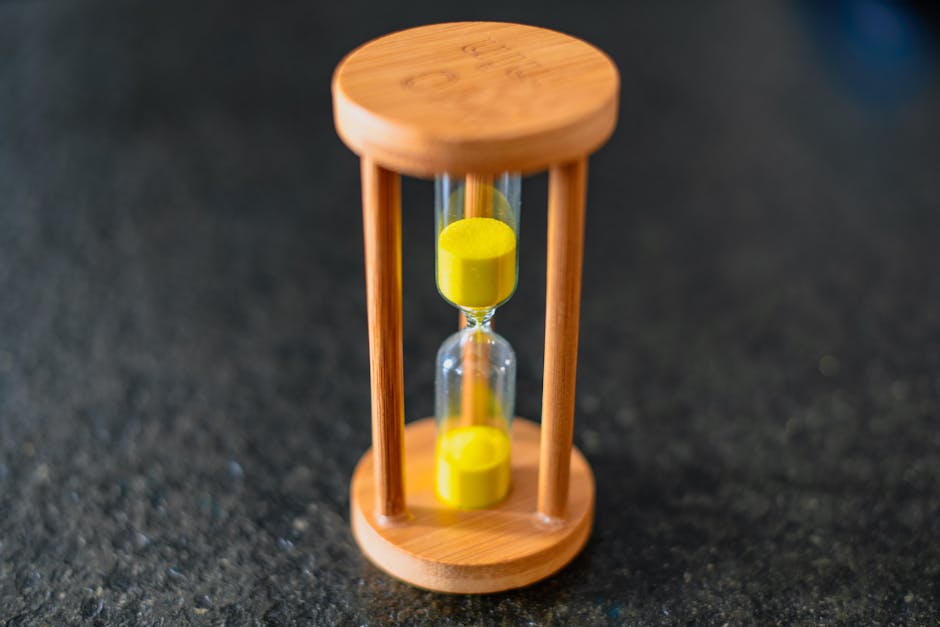
Install Hurrify (or a similar countdown timer app) from the Shopify App Store. Configure a timer for a 48‑hour “early‑bird” ticket discount on the product page. Pair the timer with a high‑energy quote banner created in DesignLumo—place the call‑to‑action directly beneath the countdown. Set the timezone to match your primary audience and enable “scarcity pop‑up” on exit intent. Analytics from similar speaker stores show a 5‑7 % conversion uplift during timed promotions.
3. Analytics & Optimization Platforms
Google Analytics 4 + Enhanced Ecommerce
Create a GA4 property and link it to your Shopify store via the built‑in integration. Enable Enhanced Ecommerce, then set up custom events for banner clicks (event name: banner_click). Build a Data Studio report that visualizes click‑through rate, bounce rate, and revenue per click. Aim for a weekly 2 % increase in CTR by iterating banner copy. GA4’s predictive metrics also help you forecast which topics will drive the most ticket sales.
Hotjar Heatmaps for Collection Headers
Add Hotjar’s tracking code to your Shopify theme. Generate heatmaps for collection pages where you display speaker‑topic headers. Observe where users linger—often on the central quote or the “Learn More” button. Use DesignLumo to adjust font size, color contrast, or button placement based on heatmap insights. A/B test the revised header and aim for a 10 % lift in click‑through to the product page, a typical gain for visual‑focused stores.
Lucky Orange Session Replay + Conversion Funnel
Install Lucky Orange from the Shopify App Store and configure a funnel: Banner Click → Product Page → Checkout. Watch session replays to spot friction—e.g., users scrolling past a quote banner without clicking. Use the insights to tweak the banner’s copy or add a micro‑animation via DesignLumo. Run Shopify’s built‑in A/B test for the revised banner, targeting a 3 % lift in funnel completion. Reports show that session‑replay‑driven tweaks often boost overall conversion by 4‑5 %.
Before you go
- Sync DesignLumo’s Brand Kit with Canva and Klaviyo to keep colors and fonts identical across all assets—this cuts re‑work by 30 %.
- Use exit‑intent pop‑ups only on high‑traffic pages (homepage, collection index) to avoid visitor fatigue; set a frequency cap of 1 per session.
- Combine GA4 event data with Hotjar heatmaps to validate whether high‑click zones align with visual attention—adjust designs accordingly for maximum impact.















Ready to create your first design?
Join thousands creating professional designs in seconds.
Create with DesignLumo
Related Resources
Facebook Tools Every Motivational Speaker Needs
Essential AI‑powered and manual tools to dominate Facebook posts, events, and ads for speakers.
Motivational Speaker Brand Assets Blueprint
Step-by-step guide to create logos, cards, and identity assets for speakers.
Valentine's Day Marketing & Design Playbook for Speakers
Tactical guide to boost speaker bookings and sales with love‑themed campaigns.
Email Design Hacks for Motivational Speakers
Actionable email graphic ideas to boost speaker bookings and sales.
Etsy Design Playbook for Motivational Speakers
Tactical Etsy graphics guide to boost speaker bookings and sales.
Motivational Speaker Social Media Design Playbook
Step-by-step design tactics to boost speaker posts across platforms.