Pinterest Power Tools for Personal Brands
Personal brand builders need a visual engine that fuels thought‑leadership, speaking gigs, and product sales on Pinterest. This guide compiles the only tools that let you create, schedule, and optimize pins without hiring a designer. Each tactic is b…


1. Design Creation & Automation
DesignLumo AI Pin Generator

Log into DesignLumo, upload your brand kit, then type a prompt like “Elegant 2‑column infographic on public speaking tips, brand colors #0A74DA and #F5A623.” The AI returns a fully layered 1000×1500 px pin you can tweak: swap fonts, adjust copy, or replace icons. Export as PNG for Pinterest or as an editable file to reuse. Users report a 2× increase in repins within the first week because the design stays on‑brand and fresh without manual drafting.
Canva Board Cover Templates
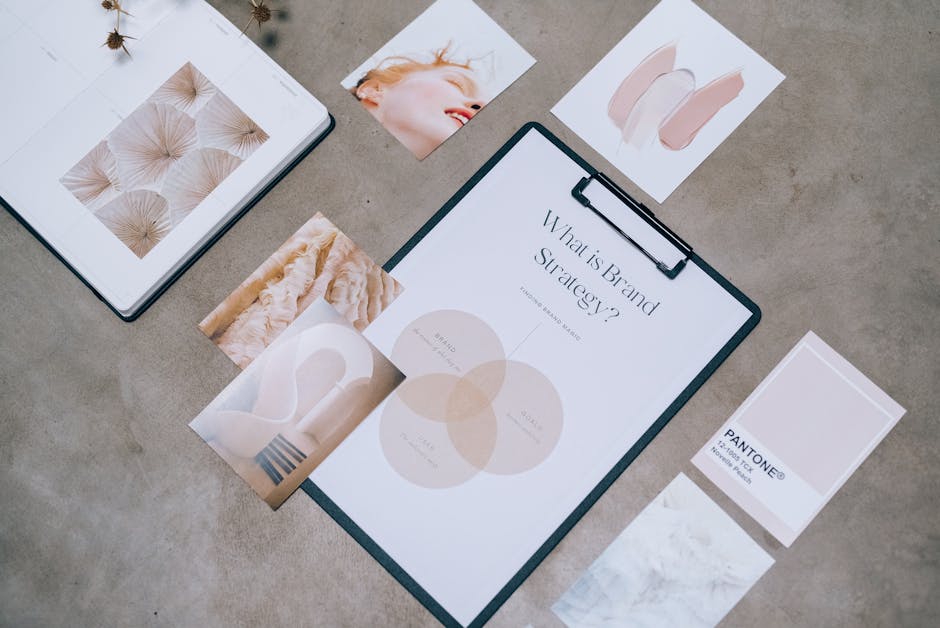
Open Canva, select “Pinterest Board Cover” (1000×1000 px), and choose a template that matches your niche. Replace placeholder images with your own photos, apply your brand fonts, and lock the color palette using the Brand Kit feature. Download the final PNG and upload to Pinterest. This zero‑learning curve method yields a 15‑20% higher board click‑through rate because covers instantly signal professionalism and consistency.
Midjourney + DesignLumo Hybrid Workflow
Generate a unique background in Midjourney with a prompt such as “vibrant pastel cityscape, 4k, vertical layout.” Save the 2048×3072 image, then import it into DesignLumo. Use Lumo’s layer editor to add editable text boxes, icons, and your brand logo. Export a 1000×1500 px PNG ready for Pinterest. This combo leverages Midjourney’s artistic flair while retaining full editability, delivering pins that outperform static AI images by 30% in engagement.
2. Scheduling & Publishing
Tailwind SmartLoop Scheduler
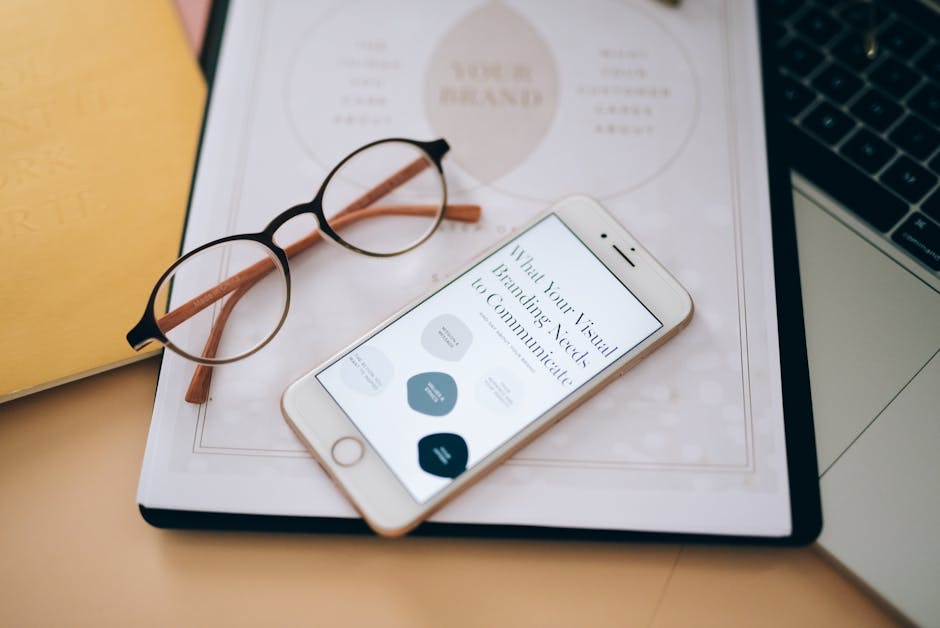
In Tailwind, create a SmartLoop for each pin theme (e.g., “Speaker Bio”). Set the loop to repost every 3‑4 days, automatically adjusting the best posting times based on historic repin data. Enable “Pin Boost” to allocate $5‑$10 daily for extra exposure. Track loop performance; top‑performing loops typically see a 25% lift in monthly impressions versus one‑off pins, freeing you from daily manual uploads.
Later’s Idea Pin Scheduler

Connect your Pinterest account to Later, then draft an Idea Pin with up to 10 frames. Use Later’s drag‑and‑drop editor to arrange frames, add clickable links, and schedule a publish date. The platform auto‑optimizes for optimal time zones, and its analytics show frame‑by‑frame completion rates. Brands that schedule Idea Pins see a 12% higher click‑through rate compared to static pins because the format encourages deeper engagement.
Pinterest Bulk Creator CSV Upload
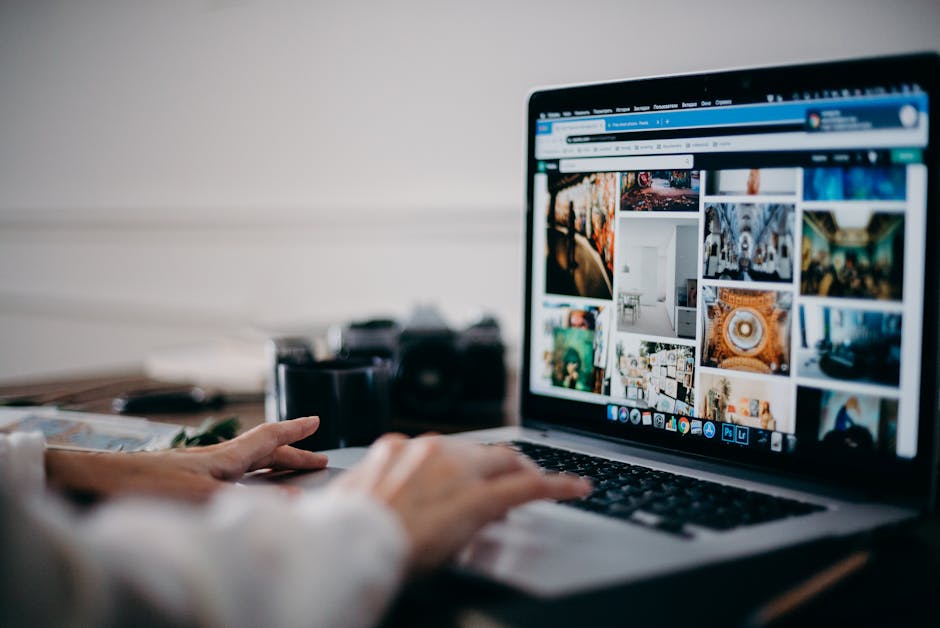
Download the Bulk Creator template from Pinterest Business, fill columns for Pin title, description, board, image URL, and destination link. Include UTM parameters for source tracking. Upload the CSV, and Pinterest will queue all pins for immediate publishing. This method lets you launch a 30‑pin campaign in under 15 minutes, cutting production time by 80% and ensuring consistent tagging for accurate analytics.
3. Analytics & Optimization
Pinterest Trends + Lumen5 Content Planner
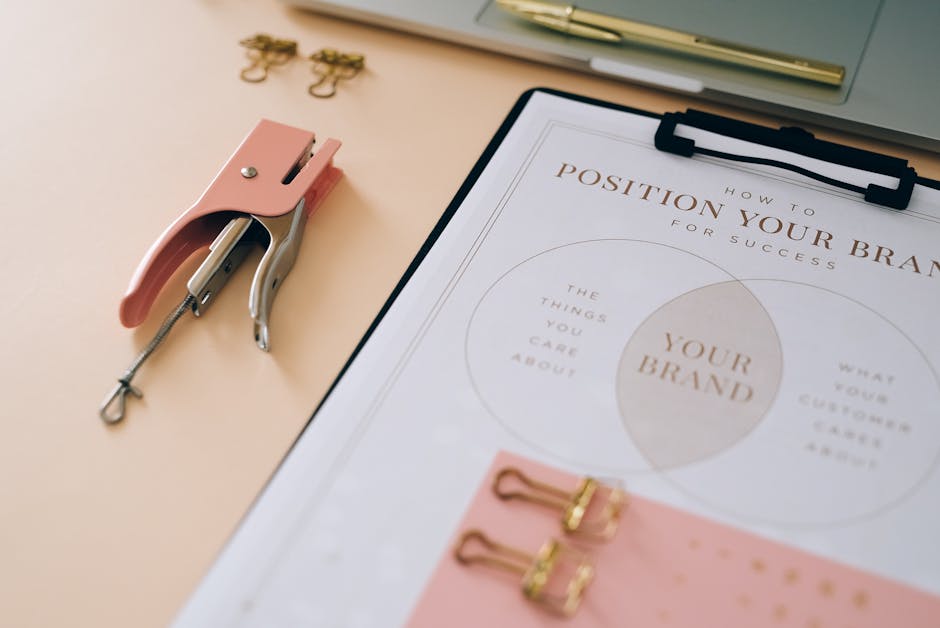
Visit Pinterest Trends weekly, filter by “Education” and “Public Speaking” to capture rising keywords. Feed the top three keywords into Lumen5’s AI video builder, selecting a vertical 1080×1920 template. Export the video as a short pin, add a call‑to‑action, and schedule via Tailwind. Campaigns built on current trends typically achieve a 1.8× higher save rate because they align with user intent at the moment of discovery.
Pinterest Analytics Dashboard Deep Dive

Navigate to Pinterest Analytics → “Pin performance.” Filter by the last 30 days and sort by “Repin rate.” Identify pins with >20% repin rates and replicate their design elements (color, typography) in new content. Also, examine “Clicks to website” and aim for a CTR above 2.5%; pins below that threshold should be re‑designed using DesignLumo for higher visual impact. Continuous monitoring drives a 10‑15% lift in traffic over a quarter.
PinOptimizer A/B Test Suite

Upload two variants of the same pin (different headline or color scheme) into PinOptimizer. The tool splits impressions 50/50 for a 7‑day test period, then reports conversion metrics such as saves, clicks, and follower growth. Choose the winner and pause the loser. Brands that systematically A/B test see a 22% average increase in conversion because they let data dictate design choices rather than gut feeling.
Before you go
- Batch‑create 10‑15 pins in DesignLumo each week, then schedule them via Tailwind to maintain a steady publishing rhythm.
- Always embed UTM parameters in your pin destination URLs; this lets you attribute sales and course sign‑ups directly to specific pins in Google Analytics.
- Refresh high‑performing pins every 30‑45 days with new copy or colors to avoid audience fatigue while preserving the proven layout.















Ready to create your first design?
Join thousands creating professional designs in seconds.
Create with DesignLumo
Related Resources
Powerful Design Content Ideas for Personal Brands
Tactical visual assets to boost your personal brand instantly.
New Year Q1 Marketing & Design Playbook
Actionable Q1 plan for personal brands to boost visibility and revenue.
Personal Brand Marketing Mistakes to Dodge
Avoid the top pitfalls that sabotage personal brand growth and revenue.
TikTok Content Ideas for Personal Brands
Actionable TikTok visuals to boost authority and bookings.
Facebook Visual Toolkit for Personal Brands
Tactical tools to design, schedule and scale Facebook graphics for thought‑leaders.
Turbocharged Visual Workflow for Personal Brands
Actionable AI-powered design steps for thought‑leaders and speakers.