Pinterest Infographic Design Toolkit for Marketers
Pinterest is the go‑to platform for visual discovery, and tall, data‑rich pins dominate the feed. Marketers need a repeatable system that turns raw data into shareable, brand‑consistent infographics without hiring a designer. This guide bundles the e…


1. Data Visualization & Chart Creation
DesignLumo AI Chart Builder
Enter a plain‑text prompt like “vertical bar chart showing 2023 Q1‑Q4 revenue in $M, brand colors teal and charcoal, 1000 × 2100px for Pinterest” and DesignLumo instantly returns a fully layered PSD with editable bars, axis labels, and legend. Tweak the data values directly in the layer panel, apply your brand kit, then export a PNG optimized for mobile. The workflow takes under two minutes, eliminates manual chart drawing, and guarantees commercial‑use rights for every pin. Difficulty: Beginner; ROI: High.
Piktochart Advanced Infographic
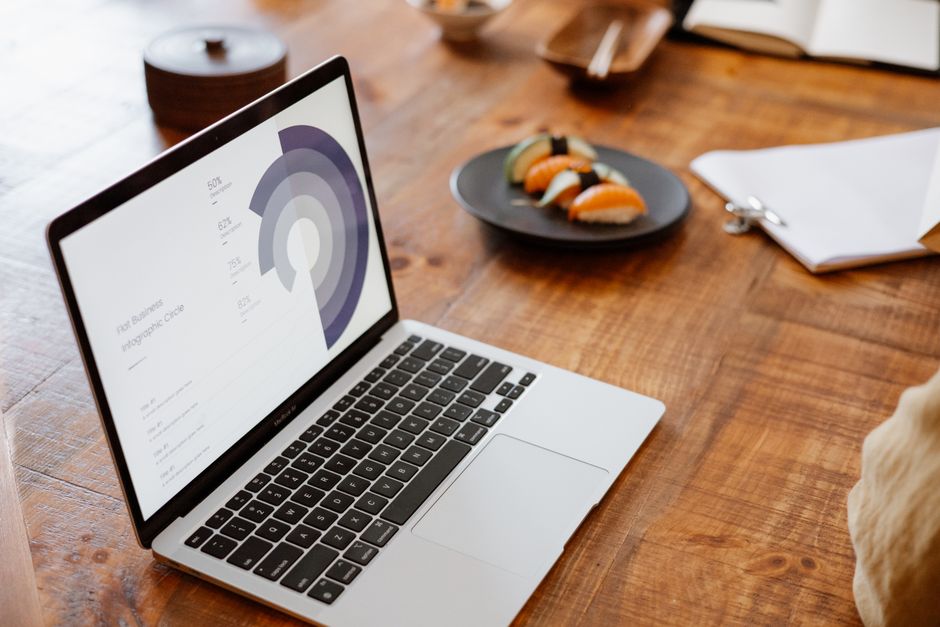
Upload your CSV into Piktochart’s Data Import, select a pre‑styled “Pinterest Tall Chart” template, and the platform auto‑maps columns to bar, line, or area charts. Replace placeholder colors with your brand palette, add iconography from the built‑in library, and set the canvas to 1000 × 2100 px. Export as PNG (max 2 MB) for fast Pinterest upload. This method is ideal when you need precise data labeling and a polished look without coding. Difficulty: Intermediate; ROI: Medium.
Google Sheets + Chartly Automation

Store raw numbers in Google Sheets, then run the Chartly add‑on to generate SVG charts that inherit sheet formulas. Copy the SVG into DesignLumo, where each chart element becomes an editable layer—adjust fonts, colors, and spacing instantly. Finally, export a 1000 × 2100 px PNG ready for Pinterest. This pipeline keeps data live, so any spreadsheet update propagates to the pin with a single click, cutting revision time by 80 %. Difficulty: Advanced; ROI: High.
2. Template & Layout Automation
Canva Tall Pin Template Pack
Canva’s free “Pinterest Idea Pin” pack includes 10 pre‑sized 1000 × 2100 px templates with placeholder sections for stats, process steps, and CTAs. Duplicate a template, swap in your data, apply your Brand Kit (fonts, colors, logo), and use the “Download as PNG, 2 × resolution” option to keep text crisp on retina screens. The drag‑and‑drop UI makes it possible for non‑designers to produce consistent pins in under five minutes. Difficulty: Beginner; ROI: Medium.
DesignLumo Prompt‑Driven Layouts

Craft a one‑sentence prompt: “Create a 1000 × 2100 px Pinterest infographic with three vertical sections—statistic headline, process flow diagram, and bold CTA—using brand colors navy and gold.” DesignLumo returns a fully layered AI file where each section is a separate group, ready for instant text edits and color swaps. No template hunting required; you get a custom layout in seconds, then fine‑tune typography directly in Lumo’s editor. Difficulty: Beginner; ROI: High.
Figma Component Library for Pinterest

Build a reusable component set in Figma: Header, Chart Block, Quote Card, and CTA Button, each with Auto Layout constraints and brand style variables. When a new infographic is needed, drag the components onto a 1000 × 2100 px frame, replace text, and let Figma auto‑resize. Export the whole frame as SVG, then import into DesignLumo for final layer polishing and commercial‑use confirmation. This system ensures visual consistency across dozens of pins while cutting design time by 60 %. Difficulty: Intermediate; ROI: Medium.
3. Optimization & Publishing Workflow
Tailwind Scheduler + Pin Optimize
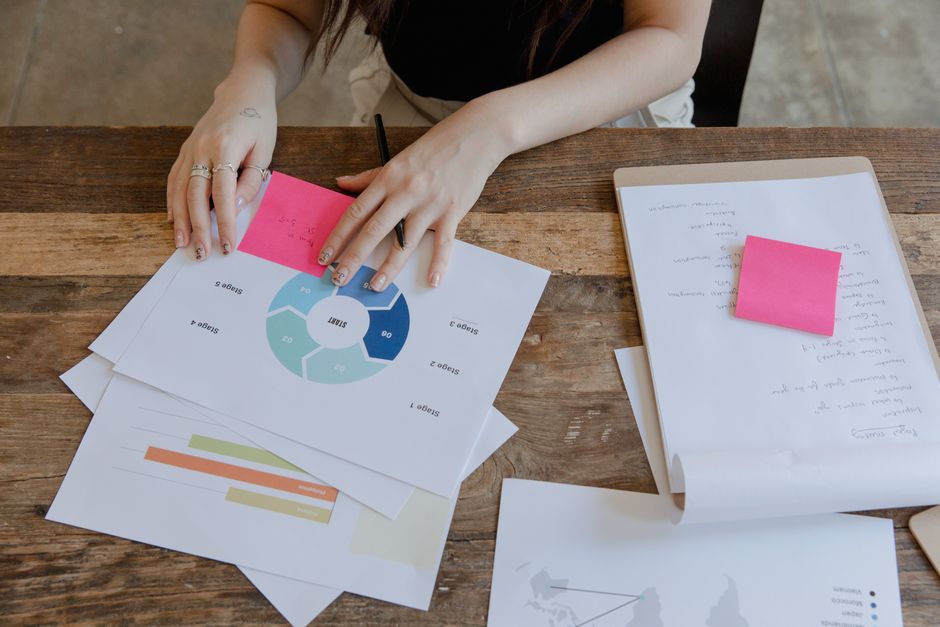
Upload your finished PNG to Tailwind, add an SEO‑rich alt text (e.g., “2023 social media growth stats infographic”), and choose optimal posting windows based on your audience’s historic engagement (usually 8 am – 10 am PST). Use Tailwind’s A/B testing to run two headline variants and monitor repin rate; aim for >5 % CTR as the success benchmark. Schedule a series of pins to keep your board fresh, and let Tailwind auto‑re‑pin top performers weekly. Difficulty: Beginner; ROI: High.
DesignLumo SEO‑Ready Text Layers
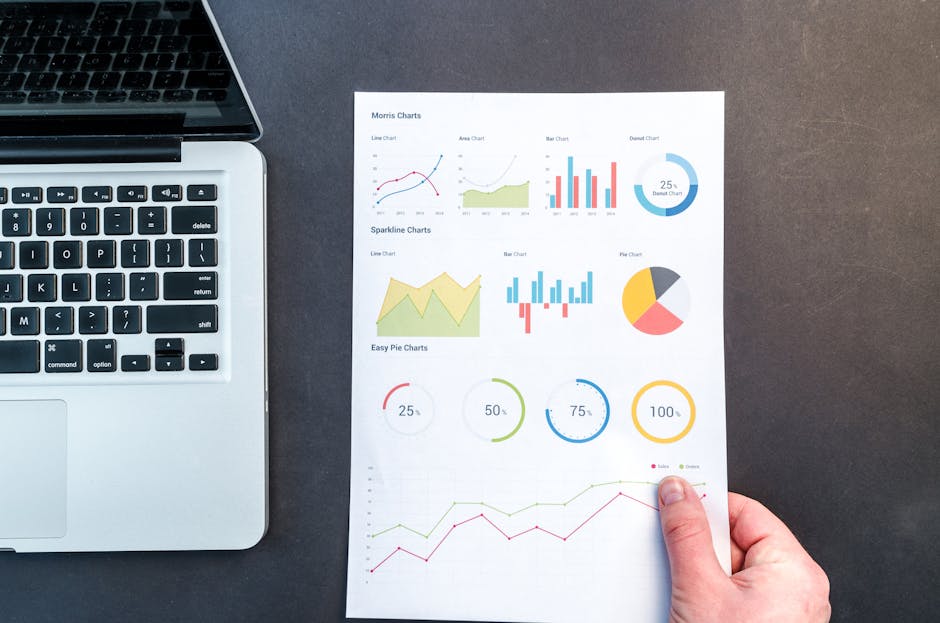
When generating an infographic, ask DesignLumo to create separate text layers labeled H1, H2, and Body. Export those layers as a .txt file, then copy‑paste the exact wording into your Pin description, embedding primary keywords (e.g., “Pinterest marketing statistics 2023”). Because the text is already hierarchically styled, you can also generate alt‑text automatically via Lumo’s “Export Alt Tags” feature, ensuring every pin is fully searchable. Difficulty: Intermediate; ROI: High.
Pinterest Analytics Deep Dive with Supermetrics

Connect Pinterest Business to Google Data Studio via Supermetrics. Build a dashboard that pulls Repins, Saves, Click‑through Rate, and Audience Demographics for each pin format (static, carousel, idea pin). Filter by pins with ≥1,000 impressions and sort by CTR to reveal which infographic styles (timeline vs. comparison) perform best. Use these insights to tweak colors, data density, and CTA placement in the next design cycle. Difficulty: Advanced; ROI: Medium.
Before you go
- Batch generate 5‑10 pins in one DesignLumo session, then use Tailwind’s bulk upload to schedule them over a month for consistent board activity.
- Always export pins at 2× resolution (2000 × 4200 px) and let Pinterest downscale; this preserves text sharpness on high‑DPI devices.
- Leverage Pinterest’s “Idea Pin” carousel to break a long infographic into 3–4 slides, adding a “Save for later” CTA on the final slide to boost repins.















Ready to create your first design?
Join thousands creating professional designs in seconds.
Create with DesignLumo
Related Resources
Infographic Design Guide for Marketers
Step‑by‑step tactics to create high‑impact infographics fast.
Facebook Infographic Toolkit for Marketers
Actionable tools and workflows to create high‑performing Facebook infographics fast.
Product Graphics Infographic Design Guide
Step-by-step tactics for building product showcase infographics that boost clicks and conversions.
Ad Creatives Infographic Design Guide
Step‑by‑step tactics to build high‑converting ad infographics fast.
Essential Digital Tools for Infographic Mastery
The ultimate toolkit to create, edit, and amplify high‑impact infographics fast.
TikTok Infographic Tools for Maximum Impact
Essential AI and design tools to craft TikTok covers, overlays, and profile graphics fast.