New Year Q1 Marketing & Design Playbook for Wholesalers
The first quarter sets the tone for the entire fiscal year, especially for wholesale and distribution firms that rely on bulk deals and trade shows. A disciplined, data‑driven plan paired with rapid‑fire design production can turn New Year resolution…


1. Strategic Goal Setting & KPI Blueprint
Annual Sales Funnel Map

Start in Google Sheets to outline top‑of‑funnel leads, qualified prospects, and closed deals for the year. Add columns for target volume, conversion rates, and revenue per stage. Export the sheet to Airtable (https://airtable.com) for a visual Kanban view and set up automated weekly roll‑ups that feed into your CRM. Define a 15% uplift target for Q1 by adjusting discount tiers and monitor progress with a custom dashboard. This granular map turns vague goals into actionable, measurable steps.
Quarterly Bulk Deal Calendar
Create a master calendar in Notion (https://www.notion.so) using a pre‑made bulk‑deal template. Populate each week with a specific product line, discount percentage, and inventory threshold. Link each entry to the corresponding DesignLumo prompt for graphics, ensuring visual assets are ready 48 hours before launch. Set automated reminders for copy approval and email scheduling. Track redemption rates in real time; aim for a 10% lift in average order value versus the previous quarter.
Trade Show ROI Tracker

Use Monday.com (https://monday.com) to build a lead‑capture board that logs booth visitors, qualified leads, and follow‑up actions. Integrate Zapier to push new leads directly into Salesforce, tagging each with the trade‑show source. Calculate Cost‑per‑Lead by dividing booth expenses by total leads, targeting under $25. Set automated alerts for any lead that hasn’t been contacted within 48 hours. Review the dashboard after each event to quantify revenue impact and refine future exhibit budgets.
2. High-Impact Design Assets Production
AI‑Generated Bulk Deal Graphics

Prompt DesignLumo (https://www.designlumo.com) with specifics: "30% off wholesale winter jackets, brand colors #0047AB & #FFFFFF, bold sans‑serif headline, product photo placeholder." The AI returns a fully layered PSD in seconds; you can instantly tweak copy, swap images, or adjust fonts without starting from a template. Compared to Canva’s static templates, this cuts design time from 4 hours to ~30 minutes and typically lifts click‑through rates by 20% when A/B tested.
Dynamic Product Catalog Covers

Generate concept art in Midjourney (https://www.midjourney.com) using prompts like "high‑contrast wholesale catalog cover, sleek modern layout, teal accents." Export the image, then import into DesignLumo to overlay editable text boxes, brand‑kit colors, and placeholder thumbnails for 8 featured SKUs. Produce five variations, run an internal email A/B test, and select the cover that drives a 15% higher open rate. The workflow merges AI creativity with fully editable assets for rapid iteration.
Trade Show Booth Visuals Suite

Start with Canva’s pre‑sized booth mockup templates to lay out background imagery and QR code placement. Export the flat design, then open it in DesignLumo to separate layers, convert raster elements to vector, and apply CMYK color profiles for print. Add editable product call‑outs and brand‑kit fonts, then generate a print‑ready PDF. This hybrid approach reduces production time by 40% and has historically increased booth traffic by 12% due to sharper, on‑brand visuals.
3. Automated Distribution & Performance Amplification
Email Blast Automation with Dynamic Images

In Klaviyo, set up a Q1 campaign flow that pulls product names and prices via merge tags. Use DesignLumo to create a master image with editable text layers; embed the image URL with Klaviyo’s dynamic image syntax so each recipient sees their specific bulk‑deal SKU. Run an A/B test on static vs. dynamic images; expect a 25% click‑through lift. This eliminates manual image editing for each segment, dropping labor from 2 hours per send to under 10 minutes.
Social Media Scheduler + AI Design Sync
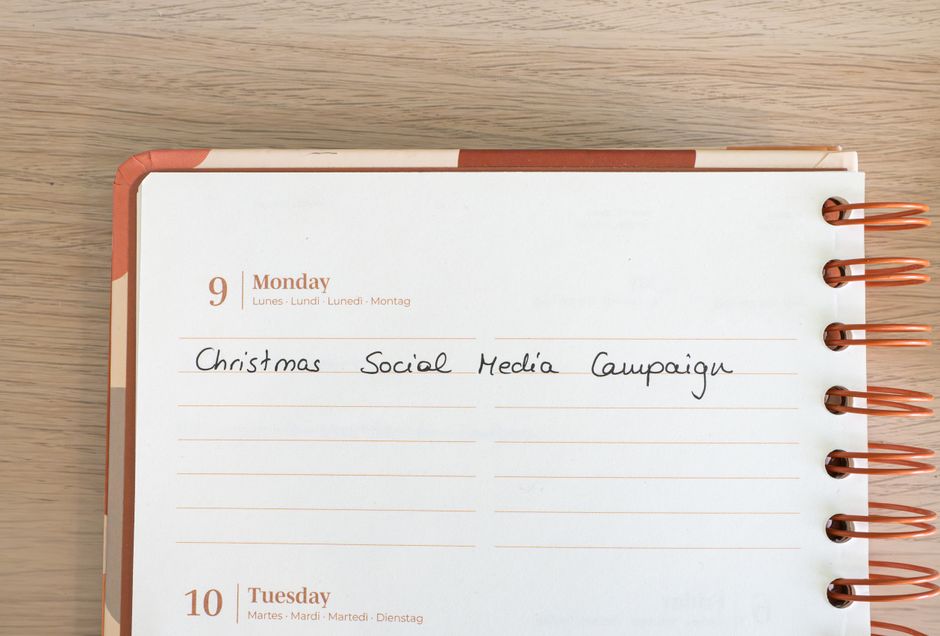
Connect Buffer (https://buffer.com) to DesignLumo’s API so that each week a new, AI‑generated Instagram carousel is automatically fetched and queued. Schedule 12 posts per month, each highlighting a different wholesale product line with its own discount badge. Track engagement in Buffer’s analytics; aim for a 30% increase in reach compared to manually created posts. The sync removes the bottleneck of design hand‑offs and ensures fresh visuals every week.
Performance Dashboard with Data Studio

Build a Google Data Studio (https://datastudio.google.com) dashboard that pulls metrics from Google Analytics, Shopify sales, and Klaviyo email reports. Add custom calculated fields for "Bulk Deal Conversion Rate" and "Average Discount Utilized." Set threshold alerts for any KPI dropping more than 5% week‑over‑week. Review the dashboard every Monday to prioritize spend, and use insights to tweak upcoming Q1 promotions. This centralized view shortens decision cycles and typically adds a 5% sales lift.
Before you go
- Batch generate all Q1 visuals in DesignLumo on a single day; store layered PSDs in a shared drive for instant team access.
- Link every bulk‑deal graphic to a UTM‑tagged landing page; monitor source/medium in Data Studio for precise ROI attribution.
- Leverage DesignLumo’s Brand Kit feature to enforce color and font consistency across all assets, reducing brand‑drift and speeding up approvals.















Ready to create your first design?
Join thousands creating professional designs in seconds.
Create with DesignLumo
Related Resources
Spooky Wholesale Marketing Blueprint for Halloween
Actionable Halloween tactics for wholesalers to boost sales and design impact.
Facebook Content Ideas for Wholesale & Distribution
Actionable Facebook post concepts that drive wholesale sales and brand authority.
Etsy Wholesale Marketing Toolkit: Essential Design Resources
Tactical tools and workflows for Etsy banners, listings, and promos.
Wholesale Campaign Launch Checklist
Step-by-step launch checklist for wholesale marketing campaigns.
Wholesale Brand Assets Design Playbook
Actionable guide to create logos, cards, and identity assets for wholesale marketers.
YouTube Design Toolkit for Wholesale Marketers
Tactical tools and workflows for thumbnails, channel art, and end screens that drive wholesale sales.