LinkedIn Essentials for Home Improvement Contractors
Contractors need visual assets that cut through LinkedIn’s feed and turn viewers into leads. This guide maps the exact tools and workflows that deliver high‑impact posts, page branding, and job‑board graphics. All recommendations are vetted for speed…


1. Graphic Creation for LinkedIn Posts
AI‑Powered Before/After Carousel with DesignLumo

Start by feeding DesignLumo a plain‑text brief: “Show a kitchen remodel before and after, highlight new cabinets, lighting, and flooring, keep brand colors #2A7D9B and #F2C94C.” The AI returns fully layered PSD files for each stage. Export each layer as a 1080×1080 PNG, then combine them in a 5‑slide carousel PDF. Upload to LinkedIn, add a hook caption, and use UTM parameters to track clicks. Benchmarks show carousel posts generate 3‑5× higher dwell time; aim for a 2% click‑through rate within the first week.
Template‑Driven Service Highlight in Canva
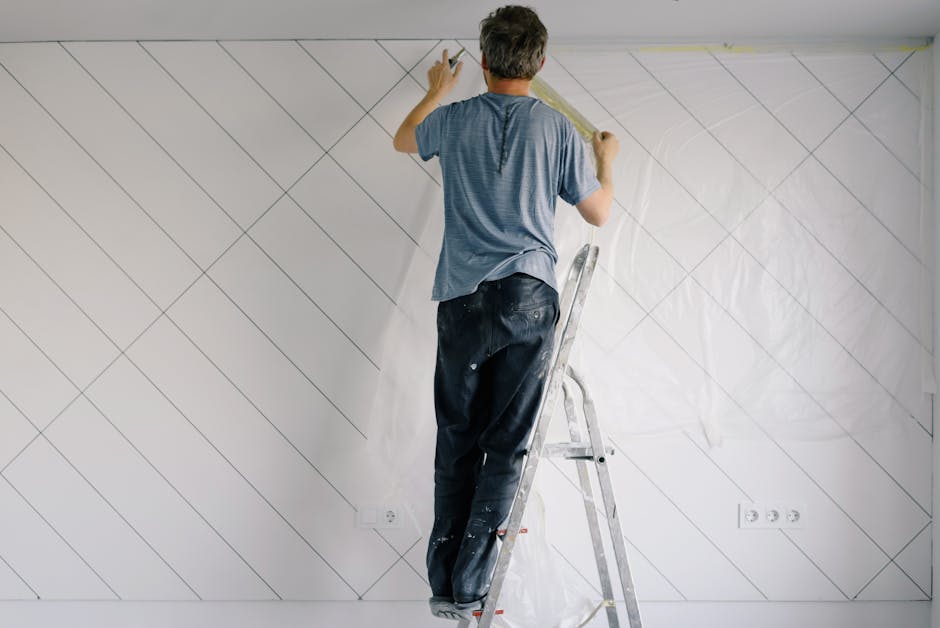
Select Canva’s “Service Spotlight” template, replace placeholder text with a concise headline (e.g., “Full‑Home Renovation in 30 Days”). Upload your brand kit (fonts, colors, logo) to ensure consistency. Use Canva’s built‑in photo editor to sharpen before/after shots, then add a CTA button linked to a Calendly booking page. Export as a 1200×627 PNG for optimal LinkedIn feed display. Track impressions and the “Link Clicks” metric; a 1.5% click‑through rate is typical for well‑targeted service ads.
Dynamic Seasonal Promo via Adobe Express

Create a seasonal banner (e.g., “Spring Roof Repair – 15% Off”) using Adobe Express’s “Seasonal Sale” preset. Insert a high‑resolution image of a roof, apply the “Overlay” effect with brand opacity, and set the primary CTA to “Get Quote.” Export as a 1200×627 JPG and schedule the post with LinkedIn’s native scheduler. Use LinkedIn Campaign Manager to allocate $200 budget; monitor Cost‑Per‑Lead (CPL) aiming for <$25, which aligns with industry averages for home‑service leads.
2. Company Page Branding Assets
Custom Company Banner with DesignLumo Brand Kit

Upload your brand colors, logo variants, and typography to DesignLumo’s Brand Kit. Prompt: “Design a LinkedIn company page banner for a residential contractor, include a subtle skyline silhouette, brand colors #2A7D9B and #F2C94C, and tagline ‘Building Dreams Since 1998.’” The AI returns a layered Illustrator file you can tweak instantly. Export at 1584×396 pixels, then replace the existing banner. Track page‑view growth; a fresh banner typically lifts visits by 12‑18% within 30 days.
Team Spotlight Cards using Visme
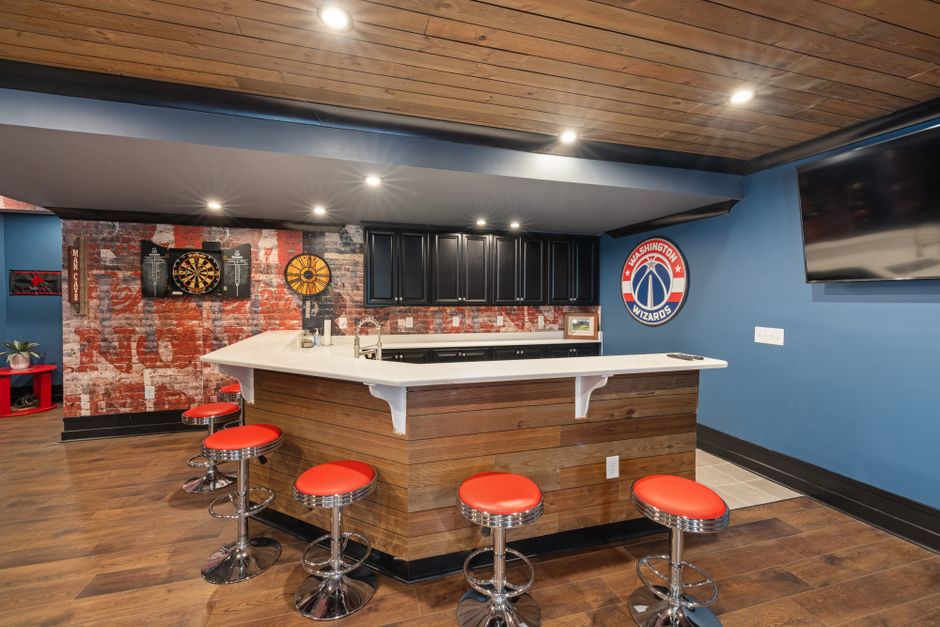
Visme’s “Team Member” card lets you showcase crew credentials. Upload headshots, add a short bio, and insert a “Projects Completed” badge. Use Visme’s data widgets to pull in a live count of jobs finished this quarter, updating automatically. Export each card as a 1200×1200 PNG and publish as a LinkedIn carousel. Measure engagement spikes; spotlight cards often increase profile follows by 8‑10% when posted weekly.
Service Matrix Infographic via Piktochart

Build a 3‑column matrix comparing “Standard Remodel,” “Premium Upgrade,” and “Turnkey Build.” Use Piktochart’s drag‑and‑drop editor, embed icons for each service, and apply your brand palette. Export as a 1200×627 PNG for the LinkedIn “About” section and as a PDF for downloadable lead magnets. Track PDF downloads through LinkedIn’s “Featured” analytics; a conversion rate of 4‑5% indicates strong interest from property managers.
3. Lead Generation & Job Posting Visuals
Clickable Job Post Graphic with DesignLumo

Prompt DesignLumo: ‘Create a LinkedIn job posting image for a senior project manager, include a construction blueprint background, brand colors #2A7D9B, and a “Apply Now” button.’ The AI outputs a layered PSD with a transparent button layer. Export as 1200×627 PNG, then add a URL to the “Apply Now” button using LinkedIn’s native ad builder. Monitor the “Application Click‑Through Rate”; aim for >1.2% to stay competitive in the contractor talent market.
Lead Magnet PDF Carousel using Lucidpress

Design a 4‑page PDF guide titled ‘Renovation ROI Calculator’ in Lucidpress. Use pre‑built grids, embed before/after photos, and integrate a fillable spreadsheet. Export each page as a 1080×1080 PNG and upload as a LinkedIn carousel with a CTA directing to a gated landing page. Track the number of leads captured; a well‑targeted carousel can generate 30‑45 leads per 1,000 impressions, delivering a CPL under $20.
Conversion‑Optimized Consultation Offer via VistaCreate

Use VistaCreate (formerly Crello) to craft a 1200×627 image that reads ‘Free 30‑Minute Renovation Consultation – Limited Slots.’ Apply a bold headline, brand‑colored button, and a subtle background of a completed remodel. Export as JPG, then boost the post with a $150 LinkedIn ad spend. Track Cost‑Per‑Consultation; successful campaigns hit $12‑$18, which translates to profitable pipeline for high‑ticket contracts.
Before you go
- Batch‑create a month’s worth of carousel assets in DesignLumo, then schedule them via LinkedIn’s native scheduler to maintain consistency.
- Always embed UTM parameters in image CTAs; combine LinkedIn Insights with Google Analytics to attribute leads accurately.
- Leverage LinkedIn’s “Featured” section to host downloadable PDFs generated in Lucidpress, turning your profile into a passive lead‑gen hub.















Ready to create your first design?
Join thousands creating professional designs in seconds.
Create with DesignLumo
Related Resources
High-Converting Ad Creatives for Contractors
Tactical guide to designing paid ads that win home‑improvement leads.
Twitter/X Toolkit for Home Improvement Contractors
Actionable tools and workflows to dominate Twitter/X with visual leads.
Shopify Tools for Home Improvement Marketers
Essential Shopify design tools to boost contractor leads and sales.
Home Contractor Marketing Mistakes to Dodge
Avoid costly errors in home improvement marketing with tactical AI‑driven fixes.
YouTube Content Ideas for Contractors
Tactical YouTube concepts to attract homeowners, flippers, and managers.
Ultimate Video Thumbnail Blueprint for Contractors
Step-by-step thumbnail system that drives clicks for home‑improvement videos.