LinkedIn Content Ideas for Personal Brands
Personal brand builders need a steady stream of polished LinkedIn visuals to attract speaking gigs, consulting clients, and book sales. This guide delivers ready‑to‑use ideas that turn a single prompt into a professional post, carousel, or banner wit…


1. Visual LinkedIn Posts that Drive Engagement
AI‑Generated Quote Card Templates

Prompt DesignLumo with your brand colors, font family, and a concise quote (e.g., “Leadership is action, not position”). In seconds you receive a layered PSD/AI file you can edit directly. Export PNG for LinkedIn, then schedule via Buffer. Track likes and comments; aim for a 15% lift versus text‑only posts. Use Canva only for A/B testing alternative layouts, but keep DesignLumo as the primary creator for speed and brand fidelity.
Data‑Driven Carousel Slides

Start with a Google Sheet containing key metrics (e.g., revenue growth, client count). Use a Zapier automation to push each row into DesignLumo with a prompt like “Create a LinkedIn carousel slide showing %metric% with my brand palette”. DesignLumo outputs individual layered images; combine them in Canva to add slide numbers and a call‑to‑action. Publish as a LinkedIn document and monitor slide‑view rates; a 20% higher view‑through indicates success.
Speaking Engagement Promo Graphics
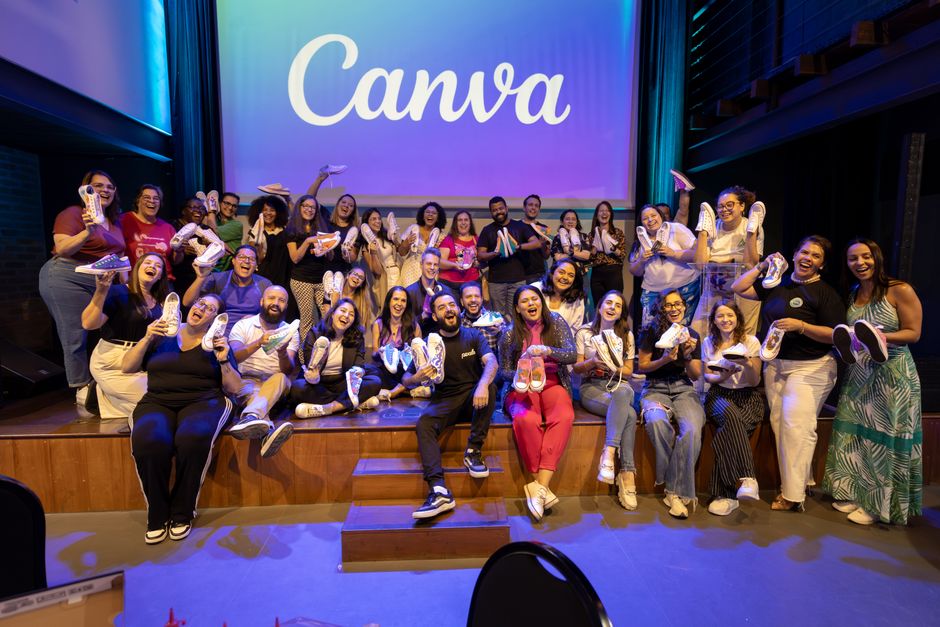
Gather event details (title, date, venue) and feed them into DesignLumo with a prompt: “Design a LinkedIn event banner for a keynote on AI, using dark blue background and gold accents”. Download the layered file, tweak the date in Canva for exact alignment, then add a QR code linking to the registration page (generate via QRCode Monkey). Post the graphic with a targeted hashtag; aim for a 10% increase in registration clicks versus plain text invites.
2. High‑Converting LinkedIn Articles & Headers
AI‑Generated Article Header Images
Write a concise headline (e.g., “5 Ways AI Elevates Thought Leadership”). Feed the headline and your brand style guide into DesignLumo: “Create a LinkedIn article header with bold typography, teal accent, and abstract AI motif”. Export as 1200×628 JPG. Compare CTR against a generic stock image using LinkedIn’s article analytics; a 12% lift validates the custom header. For inspiration, you can also generate mood boards with Midjourney, but finalize in DesignLumo for editability.
Branded Section Divider Slides
When publishing a long‑form LinkedIn document, break it into sections with custom divider slides. In DesignLumo, prompt: “Create a vertical divider with my logo, gray background, and a thin teal line”. Download the layered PNG, then import into Adobe Express to add numbered labels and brief sub‑headings. Track average reading time; sections with dividers typically boost dwell time by 8–10 seconds per slide, improving algorithmic ranking.
SEO‑Optimized Thumbnail for LinkedIn Pulse

Research top‑ranking keywords with Ahrefs (e.g., “personal branding tips”). Incorporate the primary keyword into the thumbnail text using DesignLumo: “Personal Branding Tips – 2024”. Ensure the font size is 36 pt minimum for mobile readability. Export PNG, then upload as the article’s featured image. Monitor impressions in LinkedIn’s analytics; a well‑optimized thumbnail can raise impressions by 18% over a month.
3. Company Page & Job Posting Visuals
Dynamic Company Banner Refresh

Quarterly, update your LinkedIn Company Page banner with DesignLumo. Prompt: “Design a 1128×191 banner featuring our brand colors, a subtle gradient, and space for a tagline”. Pull the latest tagline from your marketing calendar (Google Docs) via Zapier, insert automatically, and export a layered file. Replace the banner in LinkedIn and track follower growth; a fresh banner typically drives a 5% uptick in profile visits within two weeks.
Job Posting Hero Image

Create a compelling hero image for LinkedIn job ads. Use Canva’s job template for layout, then replace the placeholder graphic with a DesignLumo output: “Design a hero image for a senior marketer role, showing a stylized city skyline in brand teal”. Add the role title and a “Apply Now” button in Canva, export 1200×627 PNG. Monitor application rates; visual job posts see a 22% higher click‑through than text‑only listings.
Employee Milestone Carousel

Celebrate team achievements with a LinkedIn carousel. Collect milestone data (e.g., “100k users”, “10‑year anniversary”) in a Google Sheet. Use DesignLumo to generate individual slides: prompt each row with “Create a slide highlighting %milestone% using our brand palette”. Assemble slides in LinkedIn’s document uploader, add brief captions, and publish. Track engagement; milestone carousels typically earn 30% more comments than standard status updates.
Before you go
- Batch generate a month’s worth of visuals in one DesignLumo session; store layered files in Google Drive for instant edits.
- Leverage DesignLumo’s Brand Kit feature to enforce color and font consistency across all LinkedIn assets automatically.
- Run A/B tests on LinkedIn using two graphic variants (one from DesignLumo, one from a competitor) and let the platform’s analytics dictate the winner.















Ready to create your first design?
Join thousands creating professional designs in seconds.
Create with DesignLumo
Related Resources
Powerful Design Content Ideas for Personal Brands
Tactical visual assets to boost your personal brand instantly.
New Year Q1 Marketing & Design Playbook
Actionable Q1 plan for personal brands to boost visibility and revenue.
Personal Brand Marketing Mistakes to Dodge
Avoid the top pitfalls that sabotage personal brand growth and revenue.
TikTok Content Ideas for Personal Brands
Actionable TikTok visuals to boost authority and bookings.
Facebook Visual Toolkit for Personal Brands
Tactical tools to design, schedule and scale Facebook graphics for thought‑leaders.
Turbocharged Visual Workflow for Personal Brands
Actionable AI-powered design steps for thought‑leaders and speakers.