LinkedIn Content Ideas for Contractors
Contractors need LinkedIn to showcase work, attract high‑value clients, and build authority. This guide gives you nine battle‑tested content formats you can roll out this week. Each idea includes tools, step‑by‑step workflow, and expected ROI.

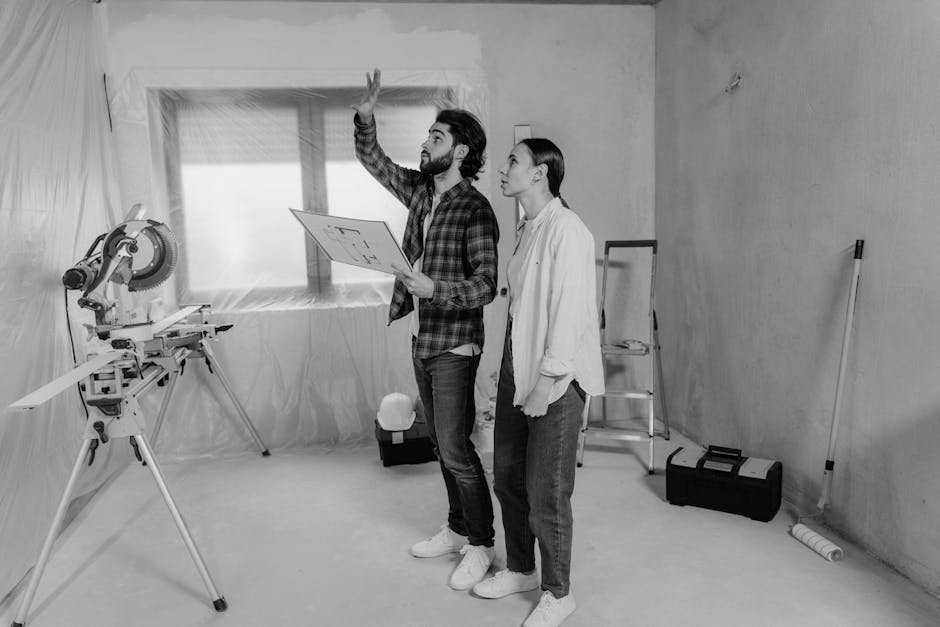
1. Portfolio Showcases
Before/After Carousel

Create a 5‑slide carousel that pairs a high‑resolution before photo with a polished after render. Use DesignLumo to generate layered before/after frames in seconds, then fine‑tune colors in Canva. Export each slide as a 1080×1080 PNG, upload to LinkedIn as a carousel, and add a concise caption with project scope, budget range, and a CTA to schedule a consult. Track click‑through rates (CTR) and aim for a 0.7% baseline; top performers see 1.2% CTR, indicating strong lead interest.
Project Timeline Slides
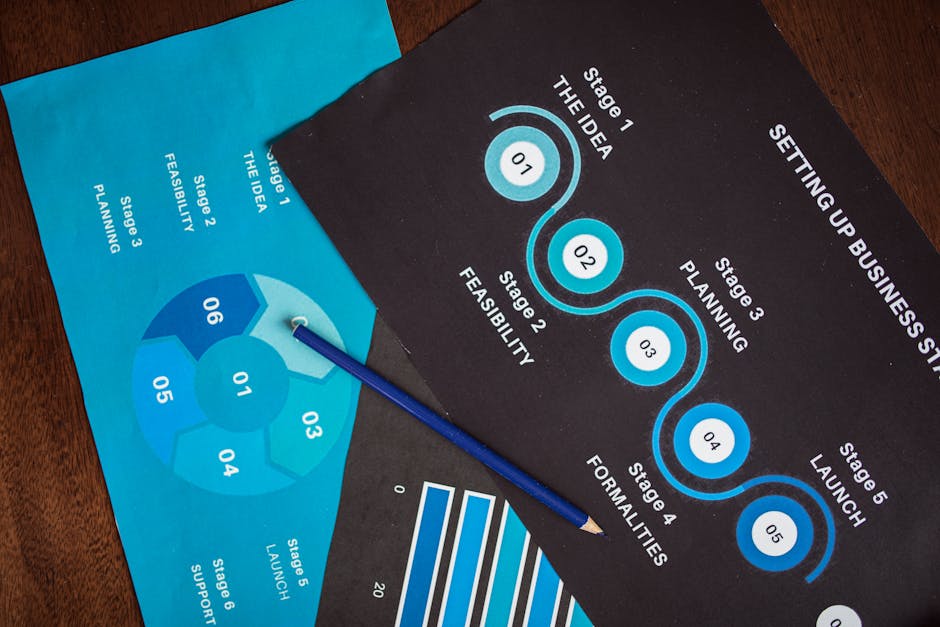
Map a renovation’s key milestones—demo, framing, finish—into a vertical timeline graphic. Generate each milestone’s icon set with Midjourney (prompt: "minimalist construction icon"), then import the SVGs into DesignLumo to layer text, dates, and brand colors. Export as a single 1080×1920 image and post as a LinkedIn document for scrollable view. Include a link to a case‑study PDF; monitor document views and aim for >150 views per post, a metric correlated with a 12% increase in qualified inbound queries.
Interactive 3D Render Snapshots
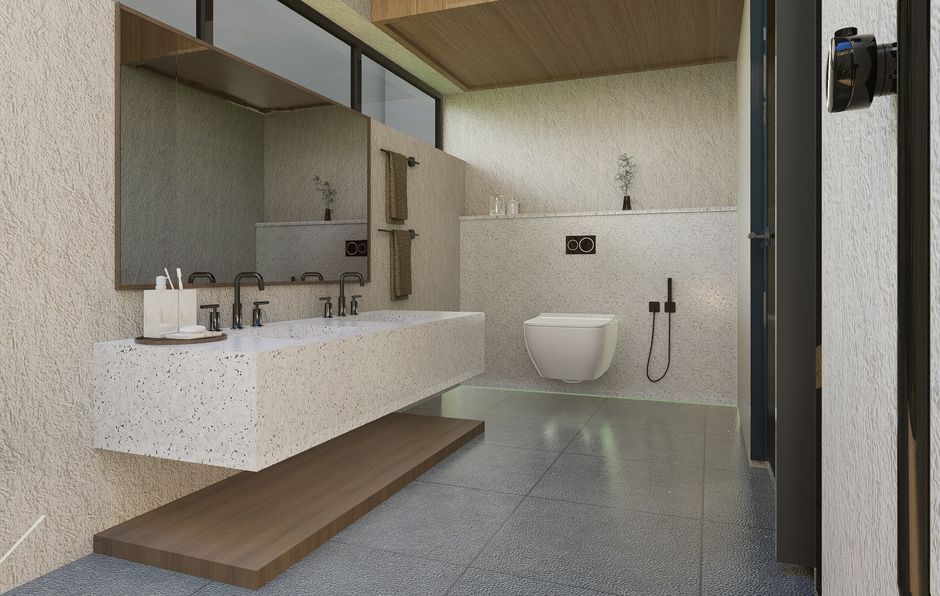
Leverage SketchUp or Blender to render a quick 3‑D walkthrough of a kitchen remodel. Export two stills: one wide‑angle perspective and one close‑up detail. Upload both to DesignLumo, add editable callouts for materials and cost‑savings, then generate a LinkedIn carousel with a “Swipe to explore” prompt. Tag the post with #HomeRenovation and use LinkedIn’s native poll feature to ask viewers which finish they prefer, driving engagement and capturing 20‑30 poll responses per post.
2. Lead‑Gen Promotions
Seasonal Discount Banner

Design a 1200×628 seasonal promo banner in DesignLumo, pulling from your brand kit for font consistency. Include a bold “Spring Kitchen Refresh – 15% Off” headline, a limited‑time badge, and a QR code generated via QRCode Monkey that links to a lead‑capture landing page. Schedule the post for optimal LinkedIn business hours (Tue‑Thu 8‑10 am). Track conversions via UTM parameters; a 2.5% click‑to‑form rate is a solid benchmark for contractor offers.
Free Consultation CTA Graphic
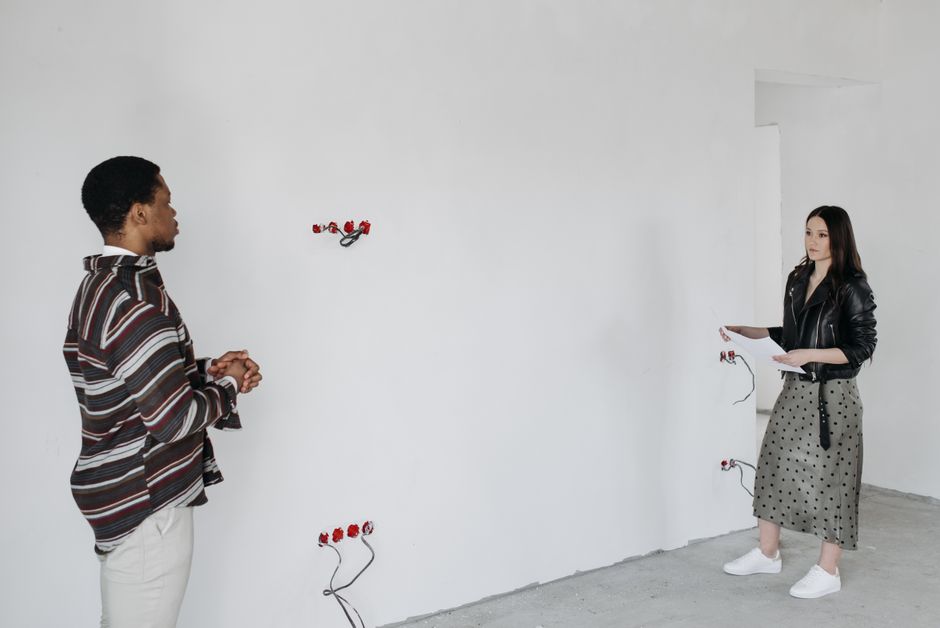
Create a clean, white‑background CTA card in Canva that reads “Book a Free 30‑min Renovation Consultation”. Use DesignLumo to add a layered calendar icon and your brand’s accent color. Insert a Calendly scheduling link behind a button‑style overlay. Post the graphic with a brief story about a recent client win, and pin it to the top of your LinkedIn Company Page. Measure booked slots; aim for at least 5 new appointments per month from the pinned post.
Maintenance Contract Offer Card

Develop a 1080×1080 offer card that highlights a 12‑month property‑maintenance package. Use DesignLumo to layer a checklist icon set, your logo, and a bold “Lock‑In 10% Savings”. Add a LinkedIn Lead Gen Form button directly onto the post via LinkedIn’s Sponsored Content UI. Target property managers with LinkedIn’s job‑title filters. Expected cost‑per‑lead (CPL) is $18‑$22; a 15% conversion from lead to contract yields a strong ROI for recurring revenue.
3. Brand Authority & Team Building
Expert Tips Mini‑Article Header
Craft a 1200×628 header for LinkedIn Articles titled “5 Insider Tips for Stress‑Free Bathroom Remodels”. In DesignLumo, select a split‑image layout: left side a sleek bathroom photo, right side a bold tip list in brand fonts. Export as JPEG and attach to the article. Promote the article with a short post that tags relevant industry groups. Track article reads; 300+ reads per piece signals authority and often leads to inbound DM inquiries.
Employee Spotlight Template

Design a reusable employee spotlight card in Canva: photo circle, name, role, and a 2‑sentence quote. Use DesignLumo to generate a consistent background with subtle brick texture reflecting the construction vibe. Save the template for rapid swapping of new team members. Publish weekly, tagging the employee and encouraging comments. Monitor engagement; a 10% increase in post likes correlates with higher brand trust and can boost referral traffic by 5% over a quarter.
Client Testimonial Quote Card

Ask satisfied clients for a short testimonial, then use DesignLumo to place the quote over a blurred background of the completed project. Add a subtle brand watermark and a “Read full case study” link to a PDF hosted on your site. Publish as a static post and boost with a $30 LinkedIn ad budget targeting homeowners in your service zip codes. Aim for a 1.1% engagement rate; each engaged viewer has a 4% probability of requesting a quote.
Before you go
- Batch‑create all graphics for the month in DesignLumo, then schedule via Buffer to maintain consistency.
- Add UTM parameters to every LinkedIn link; use Google Analytics to attribute leads to specific post formats.
- Leverage LinkedIn’s “Featured” section on your Company Page to showcase top‑performing carousel portfolios for instant credibility.















Ready to create your first design?
Join thousands creating professional designs in seconds.
Create with DesignLumo
Related Resources
High-Converting Ad Creatives for Contractors
Tactical guide to designing paid ads that win home‑improvement leads.
Twitter/X Toolkit for Home Improvement Contractors
Actionable tools and workflows to dominate Twitter/X with visual leads.
Shopify Tools for Home Improvement Marketers
Essential Shopify design tools to boost contractor leads and sales.
Home Contractor Marketing Mistakes to Dodge
Avoid costly errors in home improvement marketing with tactical AI‑driven fixes.
YouTube Content Ideas for Contractors
Tactical YouTube concepts to attract homeowners, flippers, and managers.
Ultimate Video Thumbnail Blueprint for Contractors
Step-by-step thumbnail system that drives clicks for home‑improvement videos.