LinkedIn Content Playbook for Alcohol Brands
LinkedIn is the premier B2B channel for beverage brands seeking distribution partners, bar accounts, and sponsorship opportunities. This guide delivers battle‑tested content formats that convert viewers into buyers, collaborators, and talent.


1. Launch & Product Reveal
AI‑Generated Launch Carousel
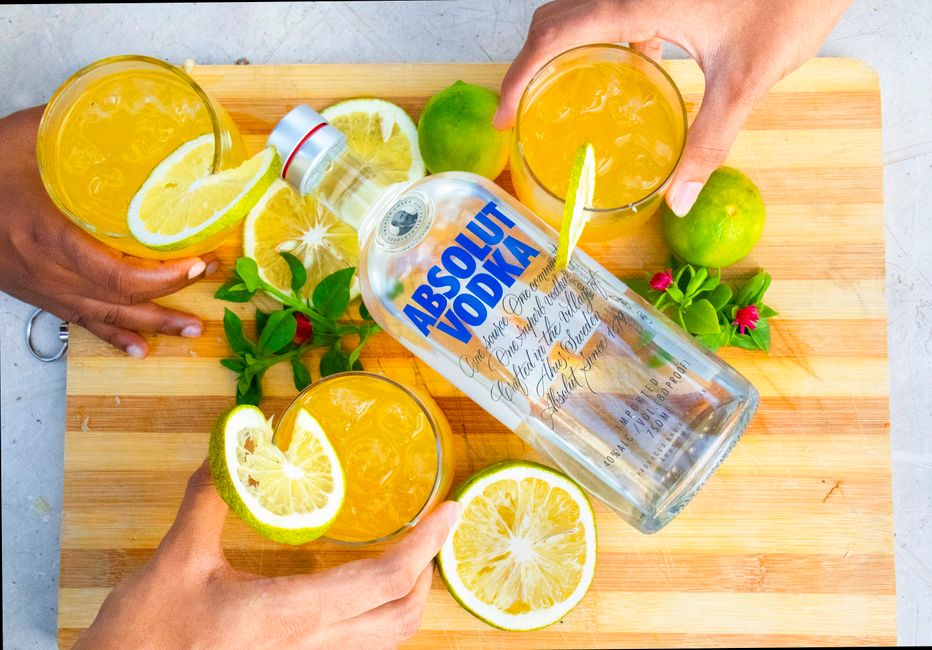
Create a 5‑slide carousel announcing a new spirit using DesignLumo’s text‑prompt generator. Prompt: ‘Premium gin, botanical illustration, bold teal, launch date, QR code’. Export the layered PSD, replace copy in Photoshop or directly in DesignLumo, then upload each slide to LinkedIn’s native carousel. Track CTR and follower lift; benchmarks show a 2.8× higher click‑through rate vs single‑image posts. Schedule via Hootsuite at 10 am EST for maximum B2B visibility. Use UTM parameters (utm_source=linkedin&utm_medium=carousel) to attribute traffic to your e‑commerce site.
Dynamic Event Sponsorship Banner
Design a LinkedIn Company Page banner that promotes an upcoming cocktail competition. Use Canva’s brand kit to lock in your brand colors, then import the AI‑generated background from Midjourney (prompt: ‘neon-lit bar, abstract spirits bottles’). In DesignLumo, layer editable text fields for date, prize, and sponsor logos, ensuring each element remains separate for future updates. Publish the banner and measure impression lift; sponsors typically see a 15% increase in LinkedIn‑driven inquiries when the banner includes a clear CTA button. Refresh the banner quarterly to keep the page fresh.
Seasonal Recipe PDF Post
Generate a one‑page cocktail recipe PDF for a summer launch using DesignLumo. Prompt: ‘tropical cocktail, pastel gradient, hand‑drawn pineapple, space for ingredients’. After AI renders the layout, edit the ingredient list and add a QR code linking to a video tutorial. Export as PDF, then upload to LinkedIn as a document post; LinkedIn’s document viewer retains the editable layers for later tweaks. Track downloads via Bitly‑shortened QR; top‑performing recipes achieve a 12% download‑to‑lead conversion. Repurpose the PDF for email newsletters and POS displays.
2. Engagement & Education
Poll‑Driven Flavor Feedback

Run a LinkedIn poll asking distributors to rank three upcoming flavor profiles. Create the poll graphic in Adobe Express, overlaying the AI‑generated flavor icons from Midjourney (prompt: ‘illustrated lemon, rosemary, hibiscus icons’). Attach a brief caption with a CTA to comment for deeper insights. Capture responses over 72 hours; industry data shows polls increase post engagement by 45% versus static images. Export poll results as a chart, then use DesignLumo to build a follow‑up carousel summarizing insights and announcing the winning flavor, reinforcing thought leadership.
Behind‑the‑Scenes Production Reel
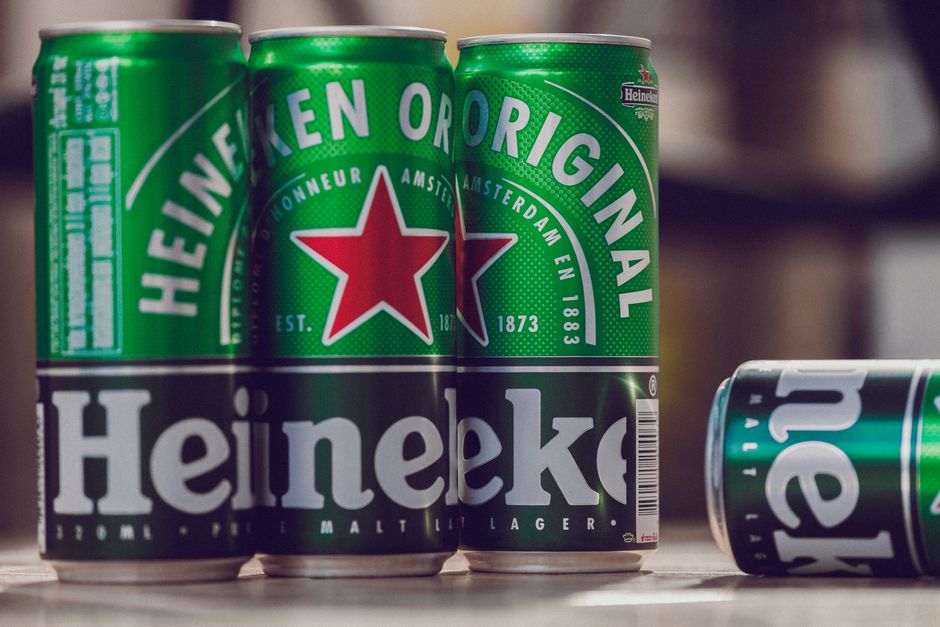
Produce a 30‑second behind‑the‑scenes reel using clips from your distillery. Stitch footage in InVideo, then overlay AI‑generated lower‑thirds from DesignLumo (prompt: ‘clean sans‑serif, brand color accent, editable name field’). Add subtitles for accessibility; LinkedIn’s native video player prefers captions. Publish with a headline like ‘From Grain to Glass: Our New Whiskey Journey’. Monitor average watch time; a 70% completion rate correlates with a 1.6× lift in inbound partnership messages. Repurpose the clip for Instagram Reels and paid LinkedIn ads.
Thought‑Leadership Slide Deck
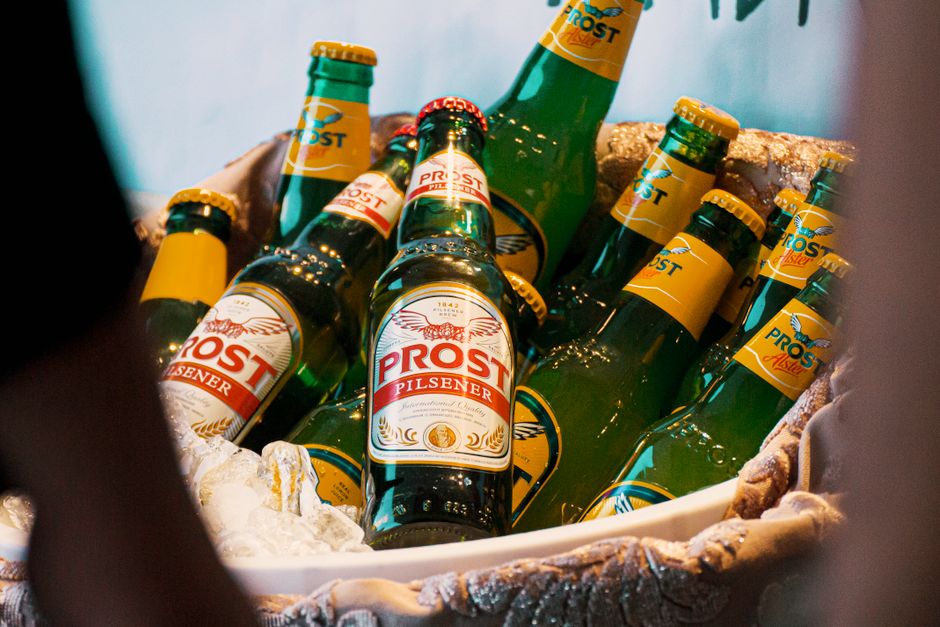
Craft a 10‑slide LinkedIn document on ‘Trends Shaping the Spirits Market 2025’. Use DesignLumo to generate a fully editable master slide with brand typography, then populate data from Statista and Nielsen. Insert AI‑generated infographics (prompt: ‘circular market share diagram, teal palette’) and export as a LinkedIn document. Include a CTA on the final slide to download the full report from your landing page. Track slide‑through rate; a well‑structured deck yields a 30% higher lead capture rate than a standard article.
3. Recruitment & Partnerships
Job Posting Hero Image
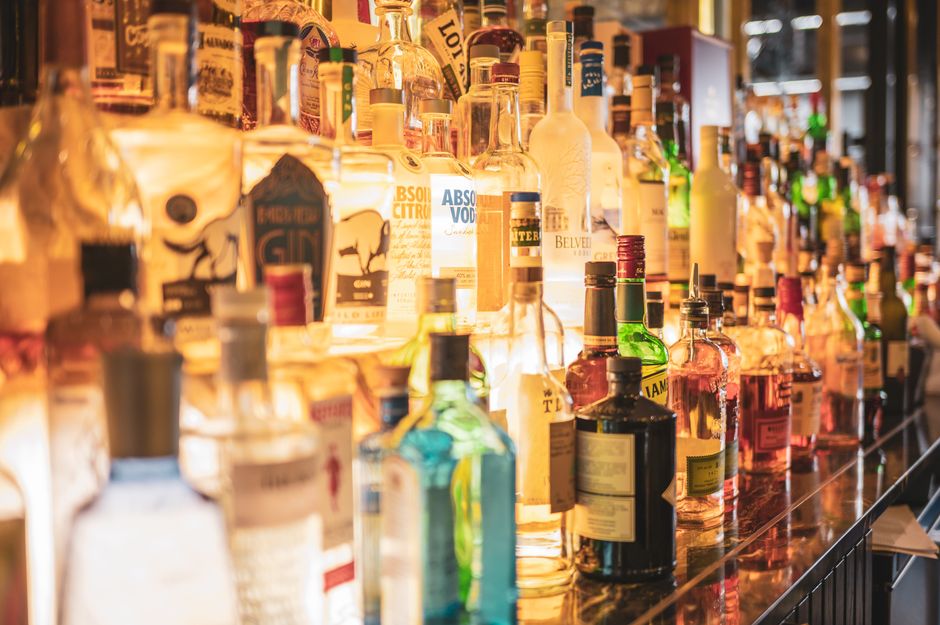
Design a striking hero image for a sales‑rep job posting using DesignLumo. Prompt: ‘modern bar backdrop, overlay of diverse team silhouettes, bold headline “Join Our Spirits Team”’. Keep text layers editable for A/B testing different CTAs. Upload the image to LinkedIn Jobs and pair with targeted Sponsored Content to reach hospitality professionals. Measure applications per 1,000 impressions; optimized hero images can boost applications by 22% versus stock photos.
Partner Spotlight Carousel
Highlight a distribution partner with a 4‑slide carousel. In DesignLumo, generate a template with placeholders for partner logo, success metrics, and a testimonial quote. Pull data from your CRM, then export each slide as PNG for LinkedIn. Use LinkedIn’s carousel analytics to track slide‑by‑slide engagement; partners typically see a 18% increase in inbound queries when the carousel includes a ‘Contact Us’ slide. Schedule the post with Buffer during peak B2B activity (Tuesday 9 am EST).
Co‑branded Event Invite PDF
Create a co‑branded PDF invitation for a joint tasting event. Start with DesignLumo to generate a split‑screen layout: left side shows your brand’s new cocktail, right side the partner’s logo. Use editable text fields for date, RSVP link, and a QR code linking to Eventbrite. Export as PDF and upload as a LinkedIn document post, tagging the partner. Track RSVP conversions; co‑branded invites generate a 27% higher attendance rate than single‑brand invites. Repurpose the PDF for email blasts and on‑site signage.
Before you go
- Batch‑create all visual assets in DesignLumo using a single brand prompt, then customize copy in bulk to maintain consistency and speed.
- Leverage LinkedIn’s carousel analytics to identify which slide types (e.g., data vs. lifestyle) drive the most clicks, and iterate the next carousel based on that data.
- Always append UTM parameters to every LinkedIn visual post; this simple step lets you attribute traffic to specific campaigns and calculate true ROI.















Ready to create your first design?
Join thousands creating professional designs in seconds.
Create with DesignLumo
Related Resources
Mother's Day Beverage Marketing Playbook
Tactical guide for alcohol brands to win Mother's Day sales and buzz.
Spring Launch Season Marketing & Design Playbook
Tactical guide for beverage brands to dominate spring launches.
Back to School Beverage Brand Playbook
Tactical guide for beverage brands to crush back‑to‑school sales with AI‑powered design.
Pinterest Power Tools for Alcohol Brands
Tactical toolkit to skyrocket beverage brand performance on Pinterest.
Facebook Content Ideas for Alcohol Brands
Tactical Facebook post, ad, and event ideas for beverage brands.
Beverage Brand Marketing Mistakes to Dodge
Avoid costly errors in visuals, promotion, and data for drinks brands.