Instagram Content Blueprint for Contractors
Contractors need a relentless Instagram strategy to turn visual work into booked jobs. This guide breaks down proven content types that showcase expertise, spark inquiries, and build trust. Each tactic includes the exact tools, workflow steps, and me…


1. Portfolio Showcases
Before/After Carousel with Layered Mockups

Shoot raw before and after photos on site, then upload them to DesignLumo (https://www.designlumo.com). Prompt the AI to generate a layered mockup that separates the ‘before’ image into a semi‑transparent overlay. Add bold, brand‑aligned text layers describing the scope, using your brand kit. Export each slide at 1080 × 1080 px, then schedule the carousel with Later at 11 am on weekdays. Track carousel swipe‑through rates; aim for a 3 % engagement lift versus single‑image posts. This workflow cuts design time by 70 % and drives visual proof of skill.
Dynamic Reel Cover Using AI‑Generated Textures

Generate a textured background in Midjourney (https://www.midjourney.com) with a prompt like ‘modern gray concrete texture, high contrast, 1080x1920’. Download the PNG and import into DesignLumo. Add a headline layer in your primary font, apply a subtle drop shadow, and insert your logo as a separate editable layer. Export the cover at 1080 × 1920 px and attach it to your Reel. Monitor Reel view‑through rate; a compelling cover can boost CTR by 15 %. This method produces a unique visual that stands out from generic templates.
Story Highlight Icons Built in Canva

Open Canva (https://www.canva.com) and select the ‘Instagram Highlight Icon’ template. Replace the default shapes with your brand’s line‑icon set, adjust colors to match your brand kit, and add a concise label (e.g., ‘Renovations’, ‘Reviews’). Export each icon as a transparent PNG (1080 × 1080 px) and upload to Instagram as highlight covers. Consistency drives recognition; accounts with uniform highlight icons see a 12 % increase in profile visits. This low‑effort design takes under 10 minutes per icon.
2. Lead‑Generating Promotions
Seasonal Discount Carousel with Countdown Timer

Create a 5‑slide carousel in DesignLumo, each slide highlighting a service tier and a live countdown. Use Adobe Express (https://www.adobe.com/express/) to generate a timer GIF set to your promotion end date, then import the GIF as a layer in DesignLumo. Add a bold CTA button (“Book Now”) linked via a UTM‑tagged landing page. Schedule the carousel for peak engagement (Wednesday 6 pm). Aim for a click‑through rate of 2 % and track new leads in your CRM; seasonal carousels typically lift conversion by 18 %.
Instagram Story Swipe‑Up Quote Form
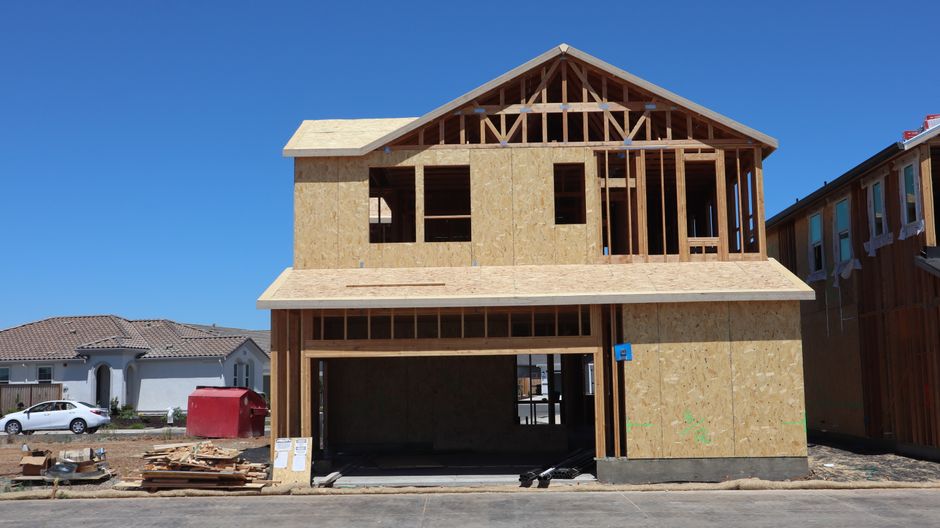
Design three sequential story frames in Canva, using your brand background pattern generated in DesignLumo. In the second frame, place a ‘Swipe Up for a Free Quote’ callout and embed the swipe‑up link to a Typeform questionnaire. Add an animated arrow created in Adobe Express to draw attention. Publish the story during your audience’s highest activity window (Monday 9 am). Monitor swipe‑up conversions; a well‑crafted story can achieve a 2.5 % lead capture rate, translating to roughly 5–10 qualified quotes per 1,000 impressions.
Reel Promo with UGC Montage

Collect short video clips from satisfied clients via DM, then stitch them together in Adobe Premiere Rush. Export a transparent lower‑third graphic from DesignLumo that includes your logo and a limited‑time offer. Overlay the graphic on each clip, add a final frame with a ‘DM us to schedule’ CTA, and export the Reel at 1080 × 1920 px. Post with a compelling caption and track direct‑message inquiries; UGC reels typically generate 30 % more leads than scripted promos. This approach leverages social proof while keeping production costs low.
3. Community & Trust Builders
Team Spotlight Carousel with Personal Quote
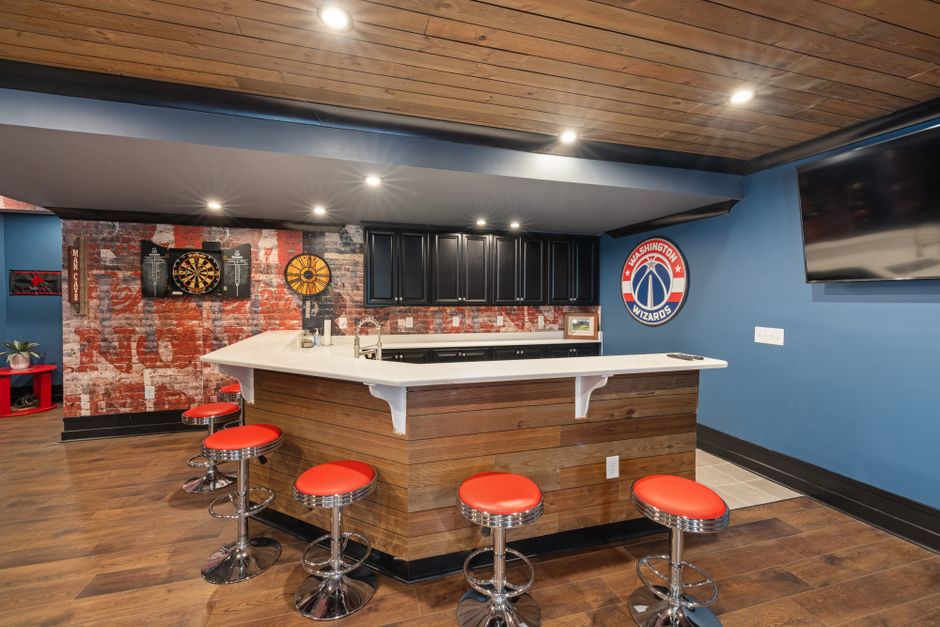
In DesignLumo, prompt the AI to create portrait frames that match your brand’s color palette. Upload each team member’s headshot, replace the placeholder, and add a text layer for a short personal quote about their craft. Export the carousel (1080 × 1080 px per slide) and schedule with Buffer. Encourage comments by asking followers to guess the team member’s favorite tool. Aim for at least five comments per slide; higher comment volume signals trust and improves algorithmic reach.
Live Q&A Countdown Sticker

Design a branded background in Canva that includes the live session title, date, and a bold ‘Tap Reminder’ callout. Upload the image as a story, then add Instagram’s native Countdown sticker on top. Promote the story three times leading up to the event (24 h, 12 h, 1 h before). Track the number of ‘Set Reminder’ taps; a well‑promoted Q&A typically yields a 20 % increase in live viewers versus unannounced sessions.
Project Timeline Infographic Reel
Map out a typical renovation flow (Demo → Framing → Finish) in DesignLumo, using vertical timeline graphics and brand icons. Export each phase as a separate PNG, then import into InShot to add smooth transitions and background music. Keep the Reel under 30 seconds and end with a CTA overlay (“Swipe up for a free consultation”). Measure saves and shares; timeline reels often achieve a 1.8 % save rate, indicating high perceived value and extending organic reach.
Before you go
- Batch‑create all graphics for a month using DesignLumo prompts, then schedule with a single tool to maintain consistency and save time.
- Always embed UTM parameters in every link; combine Instagram Insights with Google Analytics to attribute leads accurately.
- Leverage Instagram’s native insights to test posting times; shift your schedule by 30‑minute increments until you hit a 10 % higher engagement rate.















Ready to create your first design?
Join thousands creating professional designs in seconds.
Create with DesignLumo
Related Resources
High-Converting Ad Creatives for Contractors
Tactical guide to designing paid ads that win home‑improvement leads.
Twitter/X Toolkit for Home Improvement Contractors
Actionable tools and workflows to dominate Twitter/X with visual leads.
Shopify Tools for Home Improvement Marketers
Essential Shopify design tools to boost contractor leads and sales.
Home Contractor Marketing Mistakes to Dodge
Avoid costly errors in home improvement marketing with tactical AI‑driven fixes.
YouTube Content Ideas for Contractors
Tactical YouTube concepts to attract homeowners, flippers, and managers.
Ultimate Video Thumbnail Blueprint for Contractors
Step-by-step thumbnail system that drives clicks for home‑improvement videos.