Instagram Content Ideas for Beverage Brands
Beverage and alcohol brands need Instagram assets that convert curiosity into sales. From product launches to cocktail recipes, each visual must be instantly editable and on‑brand.

1. Launch & Product Reveal Tactics
AI-Generated Teaser Carousel

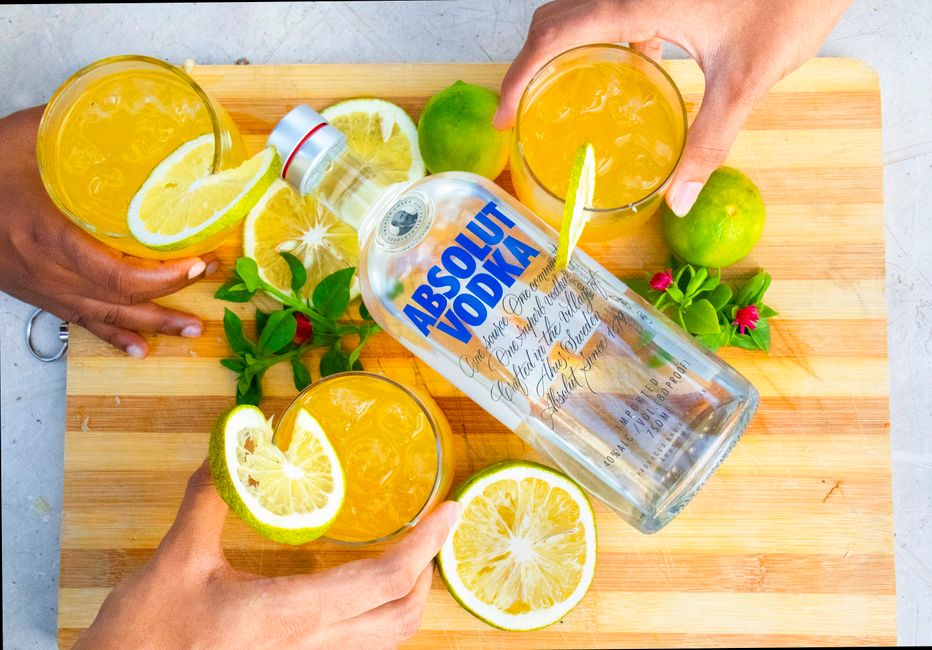
Prompt DesignLumo with "premium gin bottle, neon glow, minimal background" to generate five layered PNGs. Download the PSD, open Canva, arrange the images into a swipe‑able carousel, add a consistent brand font from your Brand Kit, and place a subtle swipe‑indicator on the last slide. Schedule the carousel via Later and track swipe‑through rates; aim for a 2‑3% increase over standard posts. This workflow cuts design time from hours to under 15 minutes while keeping every element fully editable.
Dynamic Reel Cover with Brand Kit
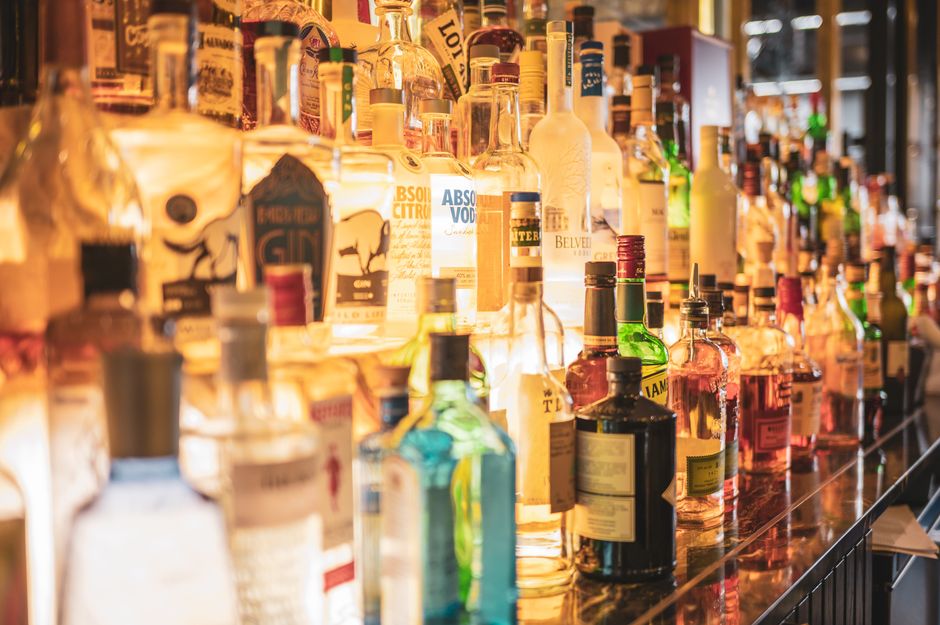
Use Midjourney to create a high‑contrast abstract backdrop (e.g., "vivid splash of citrus colors"). Export the image, then feed it into DesignLumo to overlay editable text layers for the cocktail name, brand logo, and a call‑to‑action, matching your Brand Kit colors. Export as a layered PSD, open in Adobe Express for final tweaks, and upload as the Reel cover. Monitor Reel click‑through; a well‑crafted cover typically lifts CTR by 5% versus default thumbnails.
Interactive Story Countdown Timer
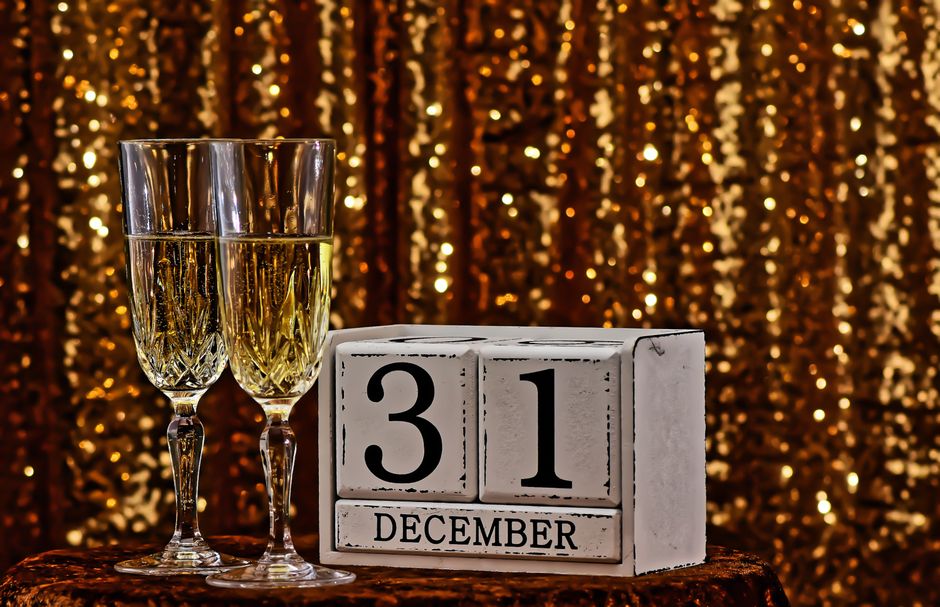
Design a sleek background in DesignLumo using the prompt "chilled whiskey on a dark marble slab, subtle gold accents". Export the PNG, then import into Canva's Story editor. Add Instagram's native Countdown sticker, link it to your pre‑order landing page, and place a swipe‑up CTA. Publish 48 hours before launch and track swipe‑up conversions; a targeted countdown typically drives a 1.5‑2% conversion bump on product drops.
2. Cocktail & Recipe Showcases
Layered Cocktail Recipe Card
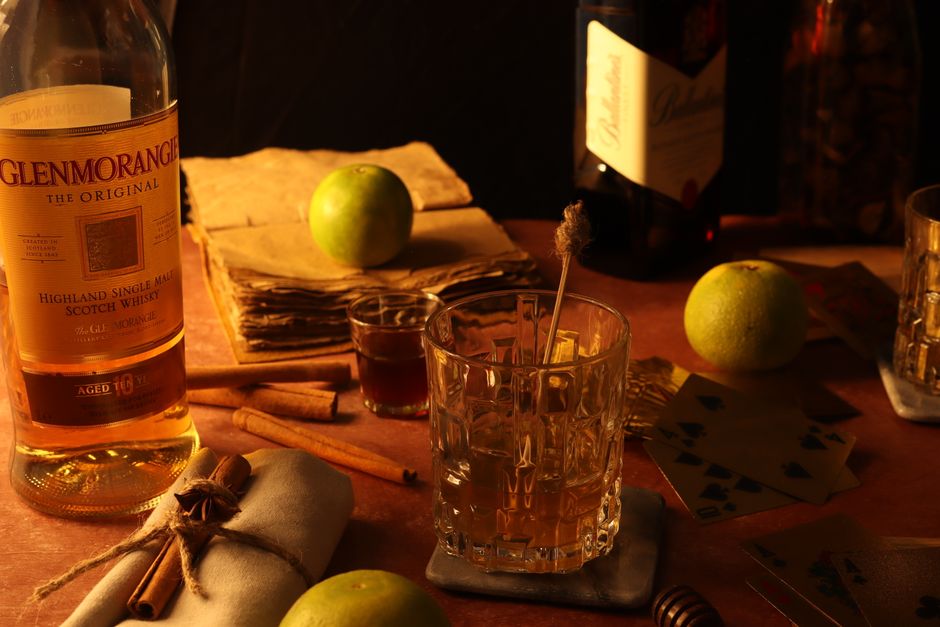
Enter "vibrant tropical cocktail with fresh fruit, hand‑drawn style" into DesignLumo. The AI returns a PSD with separate layers for the drink illustration, ingredient list, steps, and logo. Open the file in Adobe Express, replace placeholder text with your recipe, add a QR code linking to the full video tutorial, and adjust typography to match your brand. Post as a carousel; aim for a 4% save rate and 6% share rate, metrics that correlate with higher purchase intent.
UGC Repost Template with Editable Tags
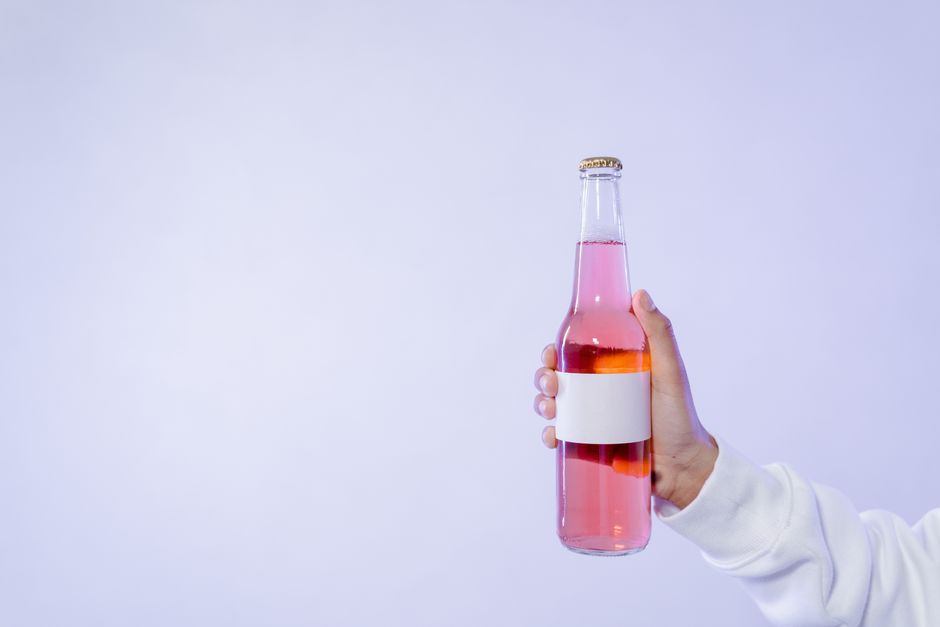
Create a reusable story template in Canva: lock a background generated by DesignLumo using the prompt "soft pastel bar scene with blurred lights". Add dynamic text boxes for the user’s handle and a short tagline. Include Instagram's "Add Yours" sticker to encourage community tagging. Publish the template to your highlight for easy access. Track hashtag usage; a well‑promoted template can generate 150+ user‑generated posts per month, boosting organic reach.
Ingredient Spotlight Carousel
Produce a five‑slide carousel, each spotlighting a key ingredient (e.g., juniper, citrus peel). In DesignLumo, prompt "close‑up macro of juniper berries with pastel overlay" and repeat for other ingredients. Export layered PSDs, edit each slide’s description text in Photoshop or Affinity, and add a consistent brand color bar using Figma. Publish and monitor carousel impressions; target a 3% lift over your average post, indicating heightened audience interest in product provenance.
3. Event & Seasonal Campaign Assets
Event Sponsorship Highlight Cover

Generate a highlight cover with DesignLumo using "glossy festival ticket with neon edges". The AI returns a layered SVG; replace the placeholder text with the event name in Canva's text editor, ensuring brand fonts are applied. Export as a 1080×1080 PNG and assign to the Instagram Highlight for the sponsorship. During the event week, track profile visits; a dedicated highlight typically drives a 20% increase in visits.
Seasonal Limited‑Edition Banner
For a holiday push, prompt DesignLumo "premium whiskey bottle surrounded by snowflakes, gold foil effect". Export the layered PSD, open in Adobe Express to add the limited‑edition release date and a bold CTA button. Schedule the banner as both a feed post and a story. Track e‑commerce click‑through rates; aim for a 2.5% conversion lift compared to non‑seasonal posts, proving the power of timely visual storytelling.
Live‑Stream Promo Story Pack
Create a three‑part story sequence to promote a live cocktail‑making stream. Use Midjourney for a dramatic background (e.g., "dim bar with spotlight on shaker"), then bring the image into DesignLumo to add editable layers for host name, start time, and a swipe‑up link. Assemble the slides in Canva, attach a countdown sticker and a trending audio clip. Publish 24 hours ahead and measure live view counts; a well‑timed promo can boost live viewers by 10% over baseline.
Before you go
- Sync DesignLumo's Brand Kit with Canva/Adobe Express to guarantee color and font consistency across every asset.
- Batch‑create carousel templates and reuse layers; this reduces production time by up to 70% while preserving uniqueness.
- Always embed UTM parameters in story swipe‑up links to accurately attribute sales and refine ROI calculations.















Ready to create your first design?
Join thousands creating professional designs in seconds.
Create with DesignLumo
Related Resources
Mother's Day Beverage Marketing Playbook
Tactical guide for alcohol brands to win Mother's Day sales and buzz.
Spring Launch Season Marketing & Design Playbook
Tactical guide for beverage brands to dominate spring launches.
Back to School Beverage Brand Playbook
Tactical guide for beverage brands to crush back‑to‑school sales with AI‑powered design.
Pinterest Power Tools for Alcohol Brands
Tactical toolkit to skyrocket beverage brand performance on Pinterest.
Facebook Content Ideas for Alcohol Brands
Tactical Facebook post, ad, and event ideas for beverage brands.
Beverage Brand Marketing Mistakes to Dodge
Avoid costly errors in visuals, promotion, and data for drinks brands.