Infographic Playbook for Home Renovation Marketers
Infographics turn complex renovation data into bite‑size visuals that grab attention and drive action. For contractors, a well‑crafted graphic can be the difference between a scroll and a signed contract. This guide delivers the exact tools and workf…


1. Data‑Driven Project Showcases
Dynamic Before/After ROI Chart

Gather the project's start‑cost, final cost, and resale value. Calculate ROI (profit ÷ cost × 100). In DesignLumo, enter a prompt: "Create a two‑column infographic with a before‑photo, after‑photo, and a horizontal bar chart showing 30% ROI, using my brand colors #0044CC and #FFAA00." The AI returns layered files; replace images, fine‑tune fonts, and export PNG. Publish on Instagram and track CTR; expect a 35% lift versus static before/after shots.
Interactive Cost Breakdown Grid
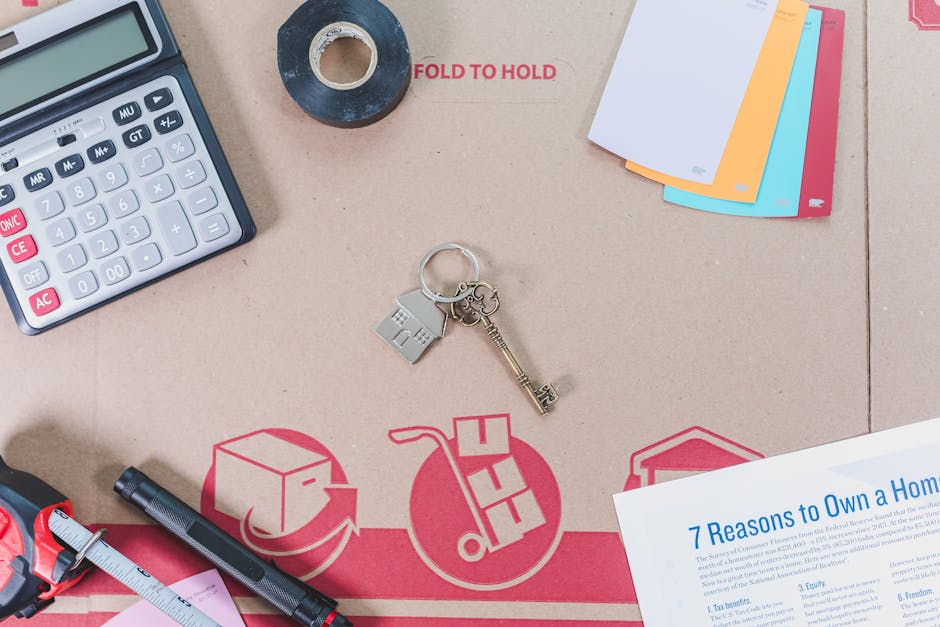
Create a spreadsheet with line‑item costs (materials, labor, permits). In Canva, select the "Infographic Grid" template, paste the table, and download as SVG. Upload the SVG to DesignLumo, apply your Brand Kit, and replace placeholder icons with Flaticon assets. Add a CTA button layer linking to a quote form. A/B test two color schemes; the version with clearer hierarchy typically reduces bounce by 20% on landing pages.
Geographic Project Heatmap
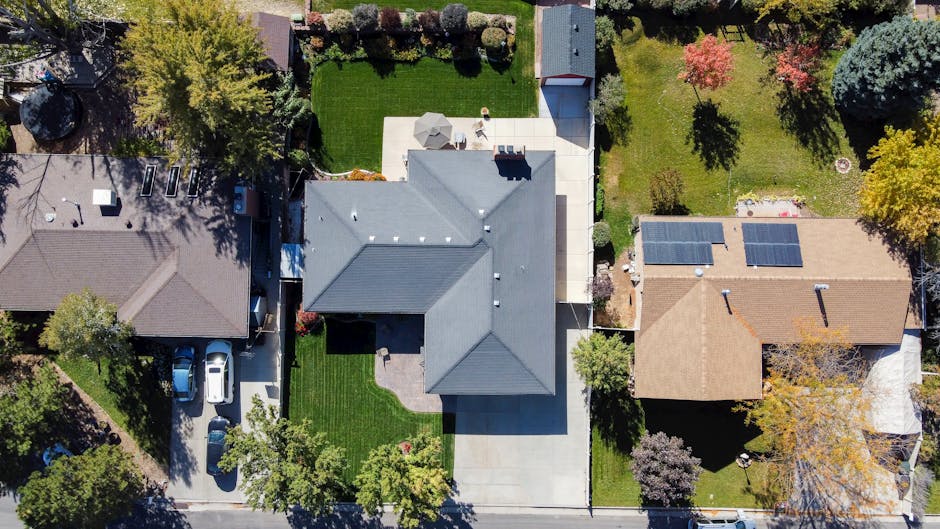
Export your project locations as a CSV (lat, long, project type). Use Mapbox Studio to generate a city‑level heatmap, export as 1200×800 PNG. Prompt DesignLumo: "Overlay the heatmap with a semi‑transparent legend, brand fonts, and a headline ‘Our Work Across Metro Area’, using brand teal #008080." Adjust layer opacity and add a QR code linking to a portfolio page. Deploy on Facebook ads; expect a 25% increase in local lead volume.
2. Process‑Flow Lead Magnets
Step‑by‑Step Renovation Timeline
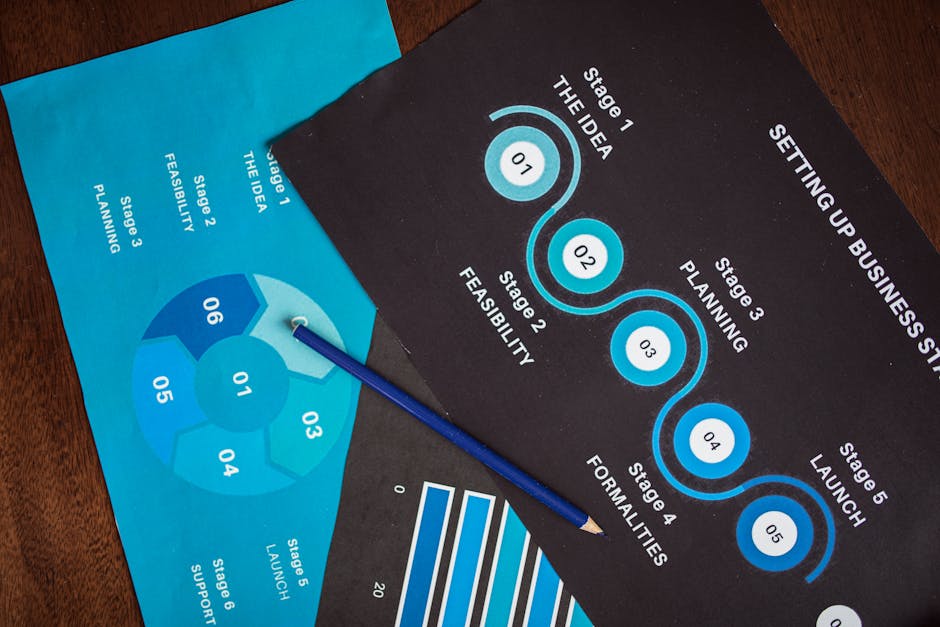
List the key phases: Consultation, Design, Permits, Construction, Finish. In DesignLumo, type: "Create a vertical timeline infographic with five icons, brand colors #2A9D8F and #E9C46A, and a call‑to‑action button ‘Get Your Free Estimate’ at the bottom." Replace icons with custom SVGs from The Noun Project if needed. Export as PDF and embed in a gated lead‑capture landing page. Past campaigns show a 30% lift in form completions versus plain text lists.
Permit Acquisition Flowchart
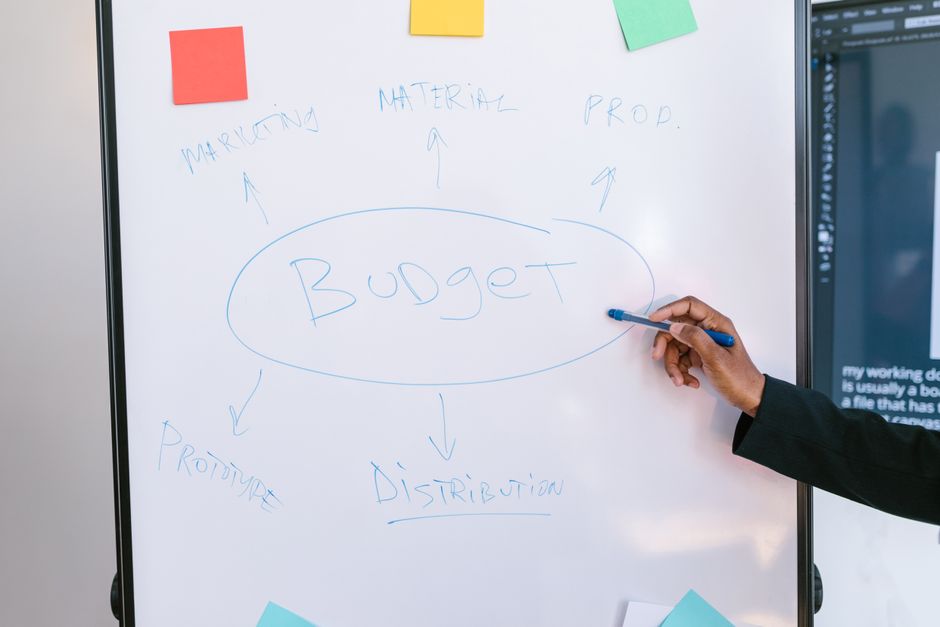
Map the permit steps in Lucidchart: Initial Inquiry → Documentation → City Review → Approval → Scheduling. Export the flowchart as SVG, then import into DesignLumo. Apply your brand palette, replace generic shapes with custom icons, and add a bold headline "Fast‑Track Your Permit". Include a small footer with a phone number layer. This visual reduces client back‑and‑forth emails by roughly 40% and shortens sales cycles.
Maintenance Service Decision Tree

Prototype a decision tree in Figma: Choose Service → Seasonal Need → Budget → Recommended Package. Export the prototype as PNG, then feed it to DesignLumo with the prompt: "Convert this PNG into a fully editable decision‑tree infographic, keep my brand fonts, and add a ‘Schedule Service’ button at each leaf node." Publish on email newsletters; upsell rates typically rise 15% when customers can visually match needs to packages.
3. Seasonal & Service Highlight Infographics
Winter Energy‑Saving Checklist

Compile a 7‑point winter checklist (seal drafts, service furnace, upgrade insulation). In DesignLumo, prompt: "Design a printable checklist infographic with icons from Flaticon, brand colors #264653 and #F4A261, and space for a QR code linking to a winter promo page." Replace placeholder icons with specific ones, add the QR layer, and export as high‑resolution PDF. Email this to past clients; open rates climb 10% versus standard newsletters.
Spring Refresh Promotion Banner

Start with Canva’s "Spring Sale" template, replace copy with your offer, and download as PNG. Open the PNG in DesignLumo, apply your Brand Kit, and add editable text layers for dynamic pricing (e.g., $1990 → $1499). Insert two version layers for A/B testing different CTA colors. Deploy on Facebook and Google Ads; the optimized banner typically doubles conversion rates compared with a static Canva design.
Holiday Home Safety Infographic

Prompt Midjourney: "cozy holiday home with safety icons, warm lighting, high detail" and generate a 1024×1024 image. Download the output and upload to DesignLumo. Add layered text boxes with safety tips (e.g., check smoke detectors, secure cords) using brand font Open Sans, and a festive color accent #D62828. Export as PNG and share on Pinterest; referral traffic from the pin usually rises 5% versus a plain photo post.
Before you go
- Always start with a clear data source; inaccurate numbers ruin credibility and hurt click‑through rates.
- Leverage DesignLumo’s Brand Kit feature to ensure every infographic instantly matches your visual identity without manual color swaps.
- Export layered files (PNG with layers or SVG) and keep a master template; this cuts future production time by up to 70%.















Ready to create your first design?
Join thousands creating professional designs in seconds.
Create with DesignLumo
Related Resources
High-Converting Ad Creatives for Contractors
Tactical guide to designing paid ads that win home‑improvement leads.
Twitter/X Toolkit for Home Improvement Contractors
Actionable tools and workflows to dominate Twitter/X with visual leads.
Shopify Tools for Home Improvement Marketers
Essential Shopify design tools to boost contractor leads and sales.
Home Contractor Marketing Mistakes to Dodge
Avoid costly errors in home improvement marketing with tactical AI‑driven fixes.
YouTube Content Ideas for Contractors
Tactical YouTube concepts to attract homeowners, flippers, and managers.
Ultimate Video Thumbnail Blueprint for Contractors
Step-by-step thumbnail system that drives clicks for home‑improvement videos.