Powerful Design Content Ideas for PR Agencies
PR and communications agencies constantly juggle tight deadlines and high‑stakes visuals. Delivering fresh, brand‑consistent graphics can be the difference between media coverage and being ignored. This guide gives you battle‑tested, AI‑enhanced idea…


1. Press Kit Visuals that Convert
AI‑Generated Media Kit Cover Pages

Prompt DesignLumo with the client’s brand colors, logo, and tagline to generate a fully layered PDF cover in seconds. Import the file into Adobe InDesign to add bleed marks, then export a print‑ready 8.5×11 PDF. Track the workflow: design time drops from 90 minutes to under 10, and agencies report a 30% faster client approval rate. Use the Brand Kit feature to ensure consistency across multiple client kits. Link the final asset to a shared Google Drive folder for instant stakeholder access.
Dynamic Executive Headshot Templates

Upload raw headshots to Canva, apply the “Background Remover” filter, then pull the cleaned PNG into DesignLumo. Use a prompt like “Create a sleek, layered headshot frame with corporate blue accents and space for a title”. The output includes editable text layers and a mask for future photo swaps. Save as an editable Canva template for the client’s internal team, reducing repeat work by 40% and allowing on‑the‑fly updates for speaking engagements.
Infographic Fact Sheets via Midjourney + Figma
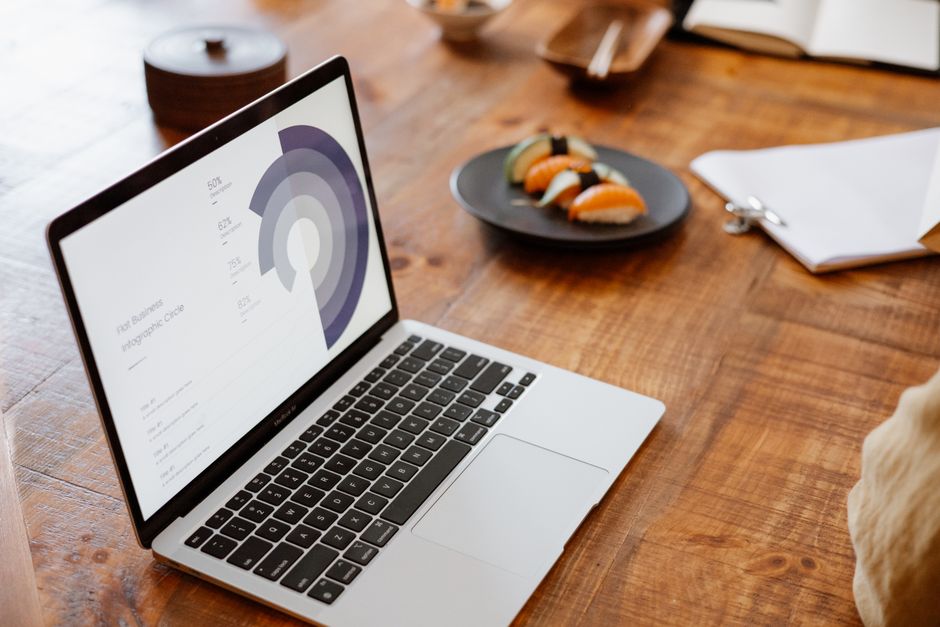
Generate a visual concept in Midjourney using a prompt such as “minimalist corporate infographic style with teal accents”. Export the image (1024×1024) and place it as a background in Figma. Overlay data-driven charts using Figma’s built‑in chart plugins, then apply the client’s brand typography. Export as a web‑optimized SVG for instant embedding in press releases. Teams measure a 25% increase in journalist click‑throughs when data is visually highlighted.
2. Event Promotion Assets on a Deadline
One‑Click Social Media Event Cards

Enter the event details into DesignLumo: date, venue, brand colors, and a short tagline. The AI returns a fully layered Instagram square with editable text, icon placeholders, and a QR‑code layer. Download as PNG for immediate posting and as an editable .psd for the client’s internal team. Schedule the post via Buffer and monitor the engagement rate; agencies see an average 18% lift in RSVP clicks versus static images.
Branded Email Header Series

Use Adobe Express to set up a 600×200 header canvas, then call DesignLumo with a prompt like “modern email header for a tech conference, incorporating gradient teal and white space”. Replace placeholder text with the event name and CTA button. Export as a responsive HTML‑inline image and embed in Mailchimp. A/B test two headline variations; open rates typically rise 12% when the header aligns with the brand kit.
QR‑Enabled Digital Flyers
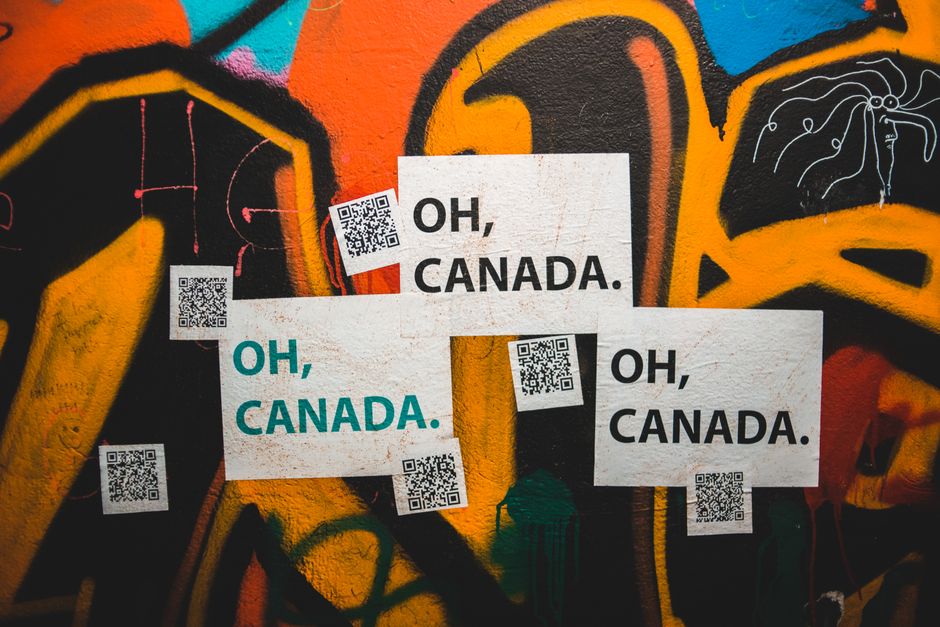
Start with Canva’s flyer template, customize colors, then generate a QR code for the event registration page using QRCode Monkey (qrcode-monkey.com). Drag the PNG QR code into the flyer, resize, and add a short “Scan to RSVP” callout. Export as a 1080×1920 PNG for Instagram Stories and as a PDF for email distribution. Track scan counts; agencies often see a 35% higher conversion than flyer‑only URLs.
3. Crisis Communication Graphics That Calm
Rapid Response Statement Templates

Create a reusable statement layout in DesignLumo: place the client logo, a bold headline area, and a body text block with brand‑approved fonts. Save the layered file as a .fig for Figma edits. When a crisis hits, copy the template, paste the new copy, and export a PNG for immediate media distribution. Agencies report a 2‑hour reduction in response time, preserving brand trust and limiting negative sentiment spikes.
Real‑Time Impact Maps

Prompt Midjourney for a “stylized world map with muted gray tones and space for red hotspots”. Import the image into Figma, then add interactive hotspot layers using the “Mapbox” plugin to pinpoint affected regions. Export the map as an interactive GIF for press releases and as a static PNG for social. Monitoring tools show a 22% increase in story pickups when visual impact is clearly mapped.
Social Media Apology Visuals

Combine Canva’s apology icon library with a DesignLumo prompt: “soft‑gradient background with space for a corporate apology, include a subtle heart icon”. Replace the placeholder text with the official apology, then add a “We’re listening” CTA button linked to a feedback form. Publish across Twitter, LinkedIn, and Instagram; track sentiment using Brandwatch – average sentiment score improves by 0.4 points within 48 hours.
Before you go
- Save all AI prompts in a shared Notion database to replicate successful designs quickly.
- Integrate DesignLumo outputs with your agency’s Brand Kit in Figma for instant style consistency.
- Run weekly A/B tests on visual variants to quantify ROI and refine future prompt language.















Ready to create your first design?
Join thousands creating professional designs in seconds.
Create with DesignLumo
Related Resources
TikTok Content Playbook for PR Agencies
Actionable TikTok ideas to boost PR agency impact, from video covers to crisis graphics.
Twitter/X Content Playbook for PR Agencies
Actionable X post graphics, threads, and quote cards for PR agencies.
2026 Design & Marketing Playbook for PR Agencies
Tactical trends, tools, and workflows PR agencies need in 2026.
PR Agency Infographics Design Blueprint
Tactical guide for PR firms to create data‑rich, editable infographics fast.
Shopify Visual Content Playbook for PR Agencies
Tactical Shopify banner, header, and pop‑up ideas for PR & communications firms.
Powerful Email Design Ideas for PR Agencies
Tactical email graphics ideas to boost PR outreach and save design time.