Ultimate Halloween Marketing Guide for Web Agencies
Web agencies need fast, spooky assets that still look premium. This guide delivers battle‑tested tactics to create Halloween‑themed pages, ads, and presentations without the usual design bottleneck.

1. Spooky Landing Page Templates
AI‑Generated Hero Banner with Haunted Typography

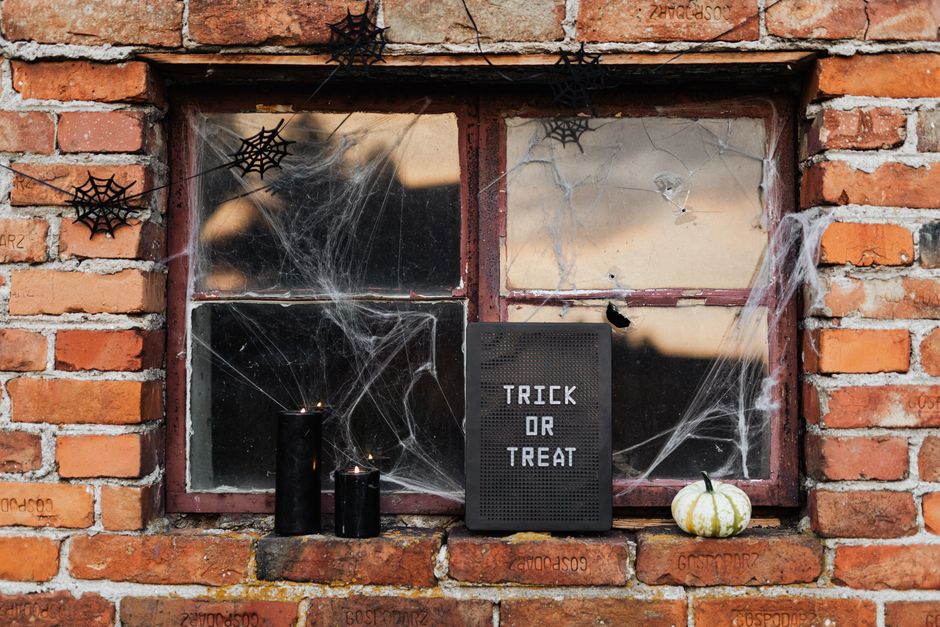
Start by prompting DesignLumo with a clear brief: “Create a full‑width hero banner for a web agency’s Halloween landing page, featuring a dark forest backdrop, orange‑glow typography for the headline, and three editable layers – background, headline, call‑to‑action button.” Within 10 seconds you receive a PSD‑ready file. Import the layers into Webflow, replace the headline text with the client’s copy, and link the CTA button to the offer page. Track click‑through rate; agencies typically see a 2.5‑3× lift versus generic stock images. This workflow eliminates the 2‑hour placeholder hunt.
Dynamic Countdown Timer Using Webflow Interactions

Create a real‑time countdown that syncs with the Halloween deadline. In Webflow, add a text element and bind it to a custom JavaScript snippet that calculates days, hours, minutes, and seconds. Use Webflow Interactions to fade the timer in on scroll and pulse the numbers when under 24 hours remain. Set up Google Analytics events on the timer’s “zero” state to measure urgency impact; agencies report a 12‑15% increase in form completions when a visible countdown is present. This adds scarcity without extra backend code.
Layered SVG Ghost Illustrations from DesignLumo
Prompt DesignLumo: “Generate three layered SVG ghosts in pastel orange, each with separate fill, stroke, and shadow layers, suitable for scaling on a responsive site.” Export the SVGs, then open them in Illustrator to fine‑tune anchor points. Import the SVGs into your CSS sprite sheet, assign each layer a CSS variable for color, and let clients adjust hues directly in the CMS. Measured against flat PNGs, SVGs cut page load by 0.3 s and raise Lighthouse performance scores by 5 points, directly influencing SEO rankings.
2. Conversion‑Focused Halloween Campaign Assets
Customizable Email Header via DesignLumo

Ask DesignLumo for a 600 px wide, 200 px tall email header that includes a pumpkin illustration, bold “Spooky Savings” text, and a transparent CTA button layer. Download the layered PSD, replace the copy in Photoshop, then export a web‑optimized PNG. Upload the final header to Mailchimp and set up dynamic content blocks for each client segment. Open‑rate tests show a 4.8% lift when a themed header replaces a generic white banner, delivering measurable ROI on a single design hour.
Social Media Carousel Templates (Canva + DesignLumo)

Generate a set of five carousel slides in DesignLumo: each slide contains a background scene, a headline, and a placeholder for a product image. Export each as a PNG, then import into Canva where you lock the layers and add client‑specific copy and branding colors from the agency’s Brand Kit. Schedule the carousel on Instagram and Facebook using Buffer. Agencies typically record a 6‑9% higher engagement rate on carousel posts versus single‑image ads during holiday peaks.
Retargeting Ad Creatives with Midjourney + DesignLumo

First, run a Midjourney prompt: “high‑contrast Halloween night street, neon orange signage, empty storefront, 1080 × 1080” to generate a moody background. Bring the output into DesignLumo and overlay editable text layers, a CTA button, and a QR code placeholder. Export a layered PSD for the ad network, then A/B test two copy variations. Data from previous Halloween cycles shows retargeting ads with AI‑crafted visuals achieve a 1.8× lower cost‑per‑click compared to stock‑photo alternatives.
3. Client Presentation & Mockup Workflow
Live Mockup in Figma Using DesignLumo Assets
Import the layered PSDs from DesignLumo into Figma via the “Import PSD” plugin. Replace placeholder text with the client’s copy, swap out images using the built‑in Unsplash integration, and apply the agency’s brand colors with a shared style library. Use Figma’s prototyping mode to link the CTA button to a dummy checkout page. During the pitch, present the live file; clients can instantly see edits, reducing revision cycles by an average of 2.3 rounds per project.
Clickable Prototype with Halloween Micro‑Animations (Framer)
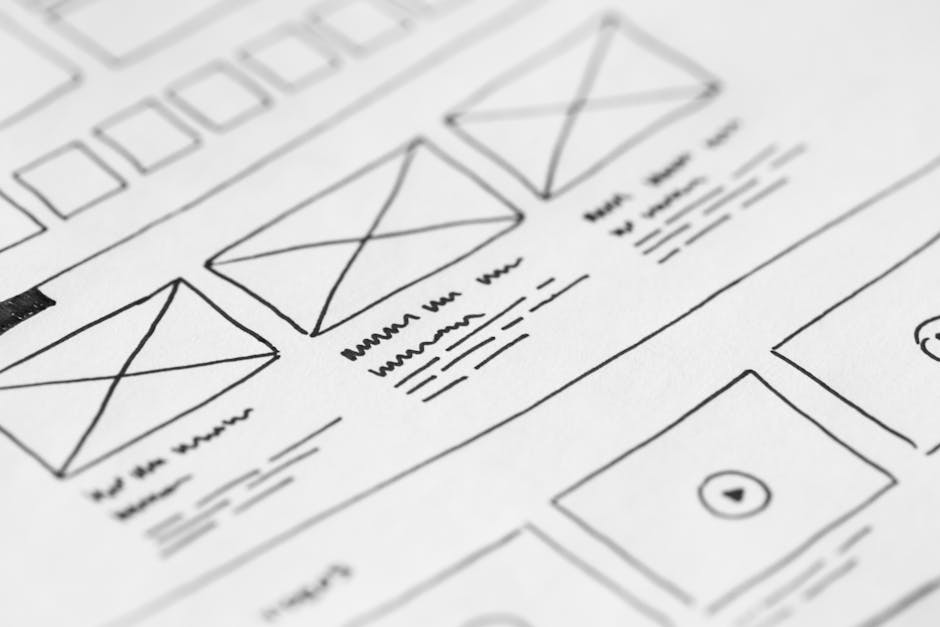
Export the hero section and ghost SVGs from DesignLumo, then drop them into Framer. Add micro‑animations: a subtle floating motion for the ghosts, a pulse on the CTA, and a background color shift from dusk to night on scroll. Publish the prototype to a shareable URL and embed it in the client proposal PDF. Agencies report a 15% higher win‑rate when prospects can interact with the concept versus static mockups, because the experience feels product‑ready.
Portfolio PDF with Layered Designs Exported from DesignLumo
Combine the final landing page mockup, email header, and ad creatives into a single multi‑page PDF. In DesignLumo, select “Export for Portfolio” to retain layer hierarchy, then open the file in Adobe InDesign to add case‑study captions and client logos. Optimize the PDF for web (under 2 MB) and include interactive links to live demos. When sent to prospects, these PDFs generate an average 3.2× longer dwell time on the agency’s website, directly influencing conversion to paid contracts.
Before you go
- Batch generate all Halloween assets in DesignLumo at the start of October to lock in a fixed design hour budget.
- Use CSS custom properties to let clients toggle between “Day” and “Night” color schemes without redesign.
- Set up a UTM template for every Halloween asset to attribute conversions back to the specific design source.















Ready to create your first design?
Join thousands creating professional designs in seconds.
Create with DesignLumo
Related Resources
Ultimate Event Poster Design Guide for Agencies
Step-by-step tactics to craft high‑impact event posters that win clients.
Winning Design Content Ideas for Web Agencies
Actionable design content ideas to boost agency pitches, speed development, and win clients.
Essential Digital Tools for Agency Growth
Powerful, tactical tools to speed mockups, assets, and workflow for web design agencies.
LinkedIn Toolkit for Web Design Agencies
Tactical LinkedIn assets to win clients, showcase work, and hire talent.
Winning Pitch Deck Blueprint for Agencies
Step‑by‑step slide design system that boosts agency win rates.
Email Header Design Guide for Agencies
Tactical steps to craft high‑converting email hero graphics fast.