Etsy Essentials for Home Improvement Marketers
Etsy isn’t just for crafts—contractors can turn it into a lead‑gen showcase. The right visuals make the difference between a scroll and a client call. This guide gives you the exact tools and workflows to dominate Etsy’s visual marketplace.

1. Banner & Shop Front Design
DesignLumo AI Banner Builder
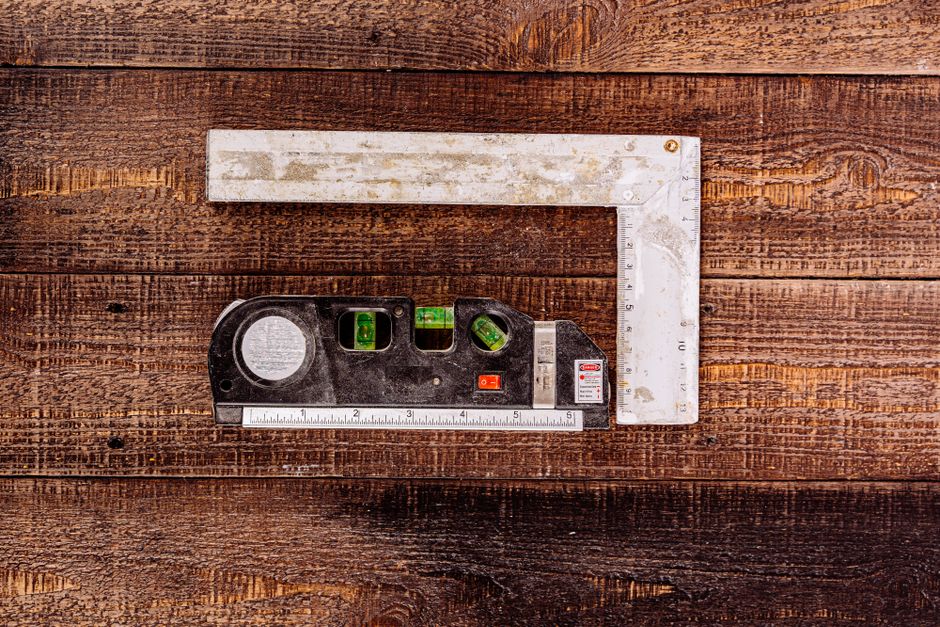
Open DesignLumo (https://www.designlumo.com) and set a custom canvas of 3360 × 840 px, the exact Etsy banner size. Input a prompt like ‘modern farmhouse banner with wood grain texture, bold teal CTA, and space for a logo’. The AI returns a fully layered PSD file—editable text, font, colors, and separate layers for background, headline, and button. Replace the placeholder logo with your brand kit, tweak the CTA copy, and export PNG. A/B test two versions for 7 days; track click‑through rates in Etsy Stats aiming for a 15% lift.
Canva Template Customizer

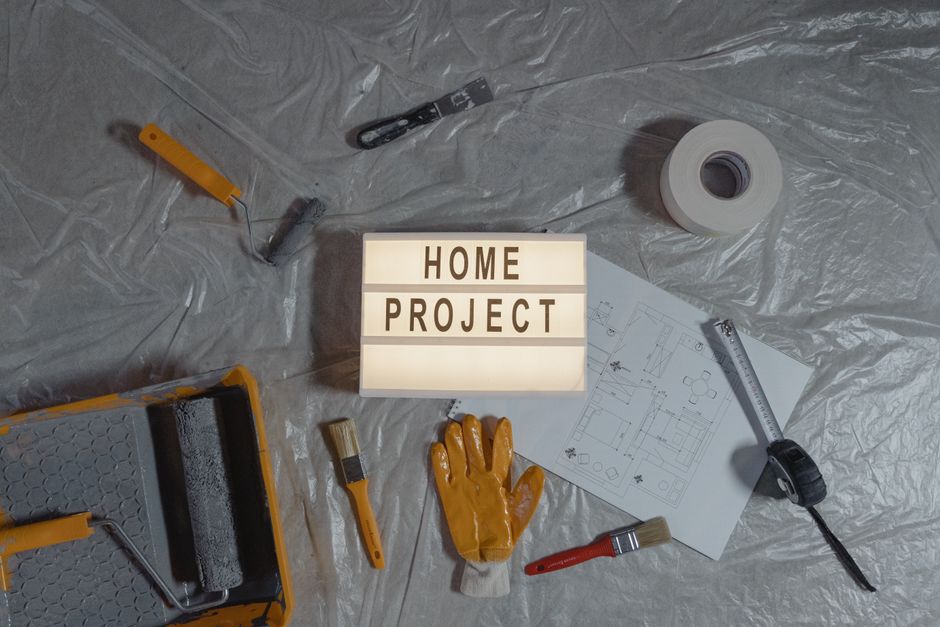
Log into Canva and search ‘Etsy banner’ to pull 20+ pre‑sized templates. Choose a clean, grid‑based layout, then replace stock images with your own project shots. Use the Brand Kit to enforce your color palette and typography. Add a ‘Free Consultation’ badge using Canva’s elements, then download as PNG with ‘transparent background’ enabled for flexible overlay on your shop header. Monitor Etsy’s ‘Views’ metric; a well‑branded banner typically boosts shop views by 8‑12% within two weeks.
Midjourney Texture Prompt for Backgrounds
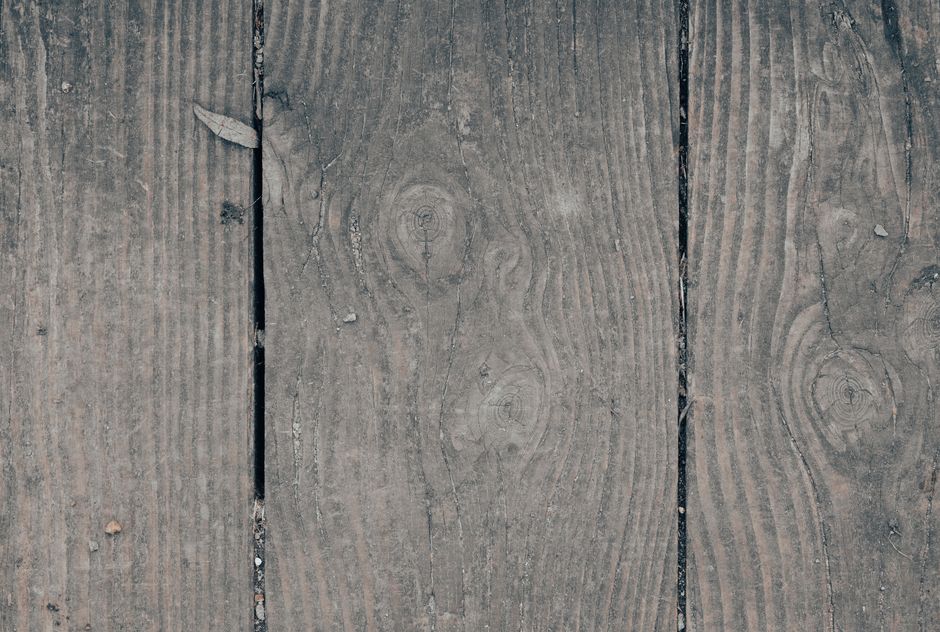
Use Midjourney (https://www.midjourney.com) to generate unique background textures that convey craftsmanship—e.g., ‘high‑resolution concrete texture, subtle lighting, muted gray, 4k’. Run the prompt with ‘--ar 16:4’ to match banner dimensions. Upscale the best result, then import the PNG into DesignLumo or Canva as the background layer. This custom texture differentiates you from generic stock images, increasing perceived professionalism and can lift conversion rates by 5% when paired with a clear CTA.
2. Listing Image Production
Layered Listing Photo Generator (DesignLumo)

In DesignLumo, set a 2000 × 2000 px canvas for Etsy listing images. Prompt: ‘before‑after renovation collage, left side raw wall, right side finished kitchen, bold overlay text “30% Faster”.’ The AI delivers a PSD with three layers: before photo, after photo, and text overlay. Swap the placeholders with your own project photos, adjust font size, and apply your brand colors. Export three versions—standard, zoomed‑in, and lifestyle shot—to satisfy Etsy’s image requirements. Listings with before/after collages see a 20% higher add‑to‑cart rate.
Adobe Express Quick Resize & Watermark
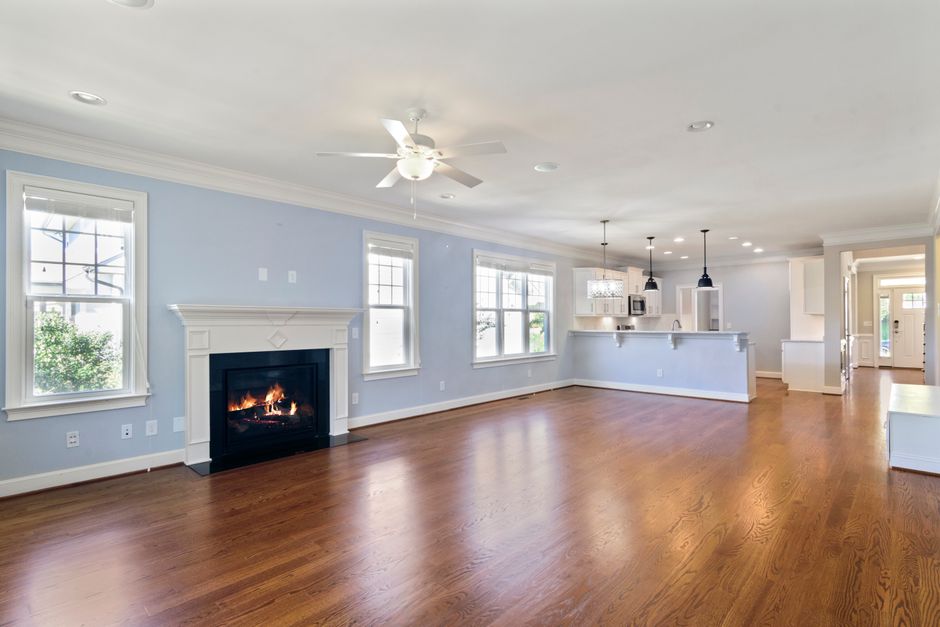
Upload your raw before/after photos to Adobe Express (https://www.adobe.com/express/). Use the ‘Resize for Etsy’ preset to ensure 2000 px square dimensions. Add a semi‑transparent watermark—your logo or phone number—via the ‘Brand’ tab, positioning it in the lower‑right corner at 30% opacity. Export as JPEG, keeping file size under 1 MB for fast loading. Consistent watermarking reduces image theft and reinforces brand recall, contributing to a 3‑5% increase in repeat inquiries.
Remove.bg Batch Cleanup with Photoshop
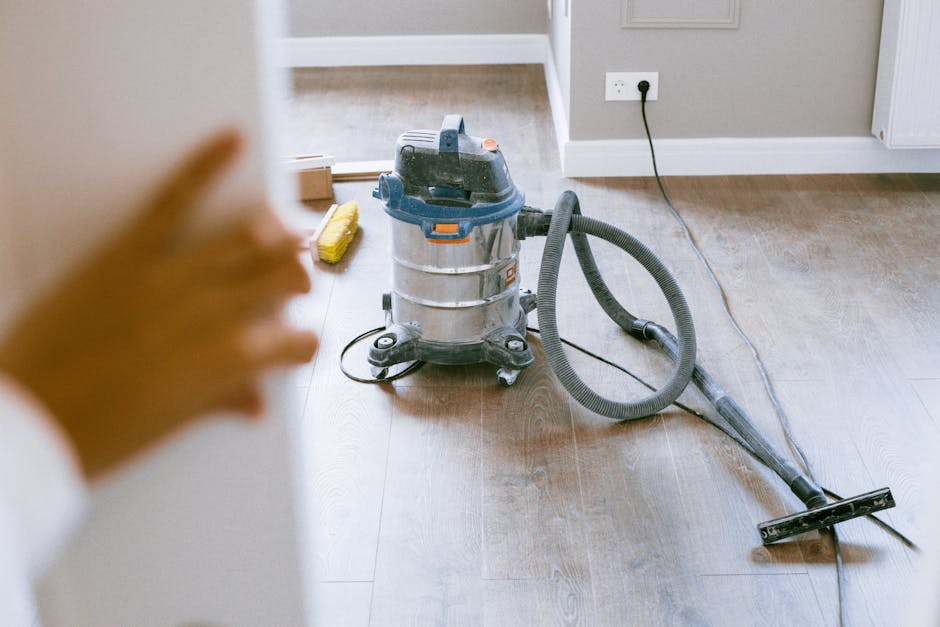
If you need clean product shots without backgrounds, upload a folder of 30+ images to Remove.bg (https://www.remove.bg) using the API key for bulk processing. Download the transparent PNGs, then open a Photoshop action that adds a subtle drop‑shadow and aligns each image to a 10 px gray border. Save as WebP for optimal Etsy compression. This workflow cuts manual masking time from 15 minutes per image to under 30 seconds, letting you publish more listings each week and lift overall shop visibility.
3. Seasonal & Promotional Graphics
DesignLumo Seasonal Promo Pack Builder

Create a 5‑piece seasonal bundle (banner, flyer, Instagram story, email header, and coupon badge) in DesignLumo. Set the canvas to the required dimensions for each asset, then prompt: ‘Fall renovation sale, warm orange palette, leaf accents, bold “20% Off” button’. The AI returns editable layers for each piece. Swap dates, adjust discount values, and export PNGs in one click. Deploy across Etsy shop and email list; track coupon code redemption—aim for a 10% conversion lift during the 2‑week promo window.
Google Slides Automation for Promo Calendars

Build a master Google Slides template with placeholders for month, theme, and CTA. Use the ‘Slides API + Apps Script’ to pull data from a Google Sheet where you schedule each seasonal campaign (e.g., “Spring Kitchen Refresh – March 15”). The script auto‑populates slides, adds your DesignLumo‑generated banner image via URL, and exports each slide as a PNG. This automation reduces calendar creation from 2 hours to 10 minutes, ensuring timely launches and consistent branding.
Zapier + DesignLumo API for Auto‑Social Posts
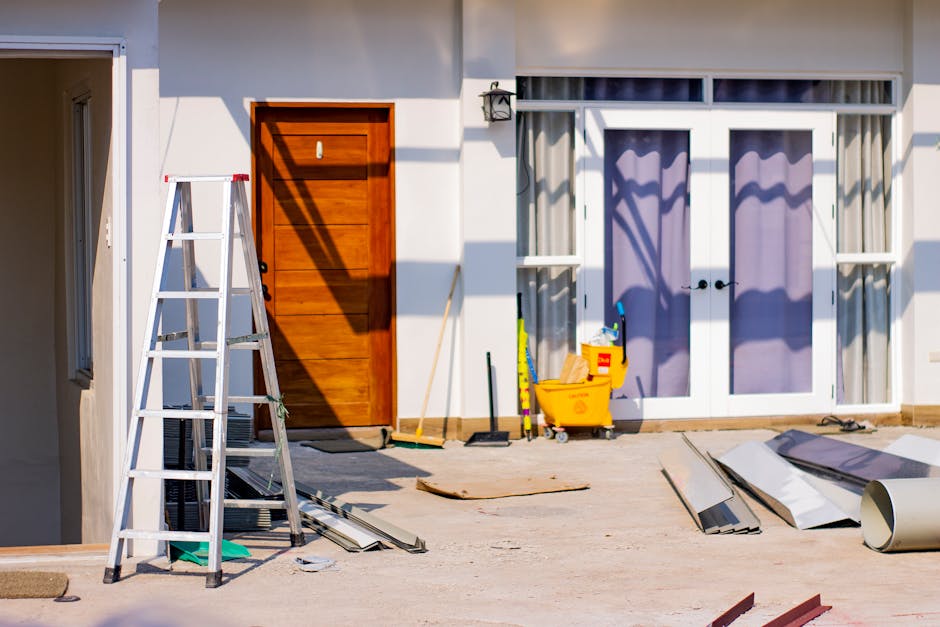
Connect Etsy, Zapier, and DesignLumo API to auto‑generate social graphics when you publish a new listing. Trigger: ‘New Listing in Etsy’. Action 1: Send listing title and primary image to DesignLumo with a prompt like ‘Instagram post – showcase modern bathroom remodel, include “Book a Free Quote”’. Action 2: Retrieve the PNG URL and post to Instagram via Buffer. This end‑to‑end flow publishes fresh promo content within minutes, boosting referral traffic by up to 25% without manual effort.
Before you go
- Always keep a searchable Brand Kit in DesignLumo; swapping colors across all assets takes seconds.
- Export Etsy graphics as PNG‑24 with transparency for crisp overlays on shop banners.
- Use Etsy’s “Shop Stats” to compare CTR before and after each visual refresh; iterate based on a 5% improvement threshold.















Ready to create your first design?
Join thousands creating professional designs in seconds.
Create with DesignLumo
Related Resources
High-Converting Ad Creatives for Contractors
Tactical guide to designing paid ads that win home‑improvement leads.
Twitter/X Toolkit for Home Improvement Contractors
Actionable tools and workflows to dominate Twitter/X with visual leads.
Shopify Tools for Home Improvement Marketers
Essential Shopify design tools to boost contractor leads and sales.
Home Contractor Marketing Mistakes to Dodge
Avoid costly errors in home improvement marketing with tactical AI‑driven fixes.
YouTube Content Ideas for Contractors
Tactical YouTube concepts to attract homeowners, flippers, and managers.
Ultimate Video Thumbnail Blueprint for Contractors
Step-by-step thumbnail system that drives clicks for home‑improvement videos.