High-Converting Email Headers for Contractors
Home improvement marketers need email headers that instantly showcase craftsmanship and spark inquiries. This guide breaks down proven tactics, from concept to performance tweaks, that turn generic newsletters into lead‑generating machines.


1. Strategic Foundations
Seasonal Color Palette Sync

Start by researching seasonal color trends on Adobe Color and Google Trends for keywords like "spring remodel" or "winter insulation". Build a 5‑color palette in DesignLumo's Brand Kit, then replicate it in Canva for quick mockups. Apply the palette to a header background, headline text, and CTA button, ensuring contrast ratios above 4.5:1 for accessibility. Test the header in a 500‑recipient pilot; aim for a 2% lift in open rate versus a neutral‑color baseline. Document the palette for future campaigns to maintain visual consistency.
Project Before/After Hero Layout

Use a 70/30 split layout: 70% before image on the left, 30% after on the right, with a bold overlay headline. Generate the base composition in DesignLumo by prompting "split‑screen home renovation before after, high‑resolution, editable layers". Import the raw photos into Photoshop to align perspective, then replace placeholders in the Lumo file. Add a thin border and a CTA button that reads "See the Full Transformation" linking to a portfolio page. Measure click‑through rates; a well‑executed split typically yields a 1.8% CTR boost over single‑image headers.
Localized Service Highlight Banner

Pull the top three ZIP codes from your CRM and feed them into DesignLumo via a CSV merge. Prompt: "banner for roof replacement in 90210, 90211, 90212, include city name, modern typography". The AI creates three layered variations; swap the ZIP code text layer for each email list segment in Mailchimp. Pair the banner with a limited‑time discount badge generated in Canva. Track conversion per ZIP; aim for a 5% higher reply rate in the targeted region versus a generic national banner.
2. Design Production Workflow
AI Prompt Blueprint for Email Header

Craft a reusable prompt template: "Create an email header for a residential remodeling service, 600 px wide, 200 px tall, include space for headline, brand colors #0066CC and #FFC107, layered text, and a call‑to‑action button. Output as PSD with editable layers." Feed this into DesignLumo, then iterate by swapping the headline variable (e.g., "Summer Kitchen Upgrade" vs "Fall Bathroom Refresh"). Each iteration takes under 30 seconds, cutting design time from 2‑3 hours in Photoshop to under 5 minutes while preserving full editability.
Layered Export & ESP Integration
After finalizing the header in DesignLumo, export both a web‑optimized PNG (max 150 KB) and a layered PSD. In Mailchimp, import the PNG for the email body, then use the PSD to edit copy directly in the ESP’s drag‑and‑drop editor via the “Upload HTML” feature. Ensure the headline text layer is set to 24 pt for mobile readability. Test the email with Litmus; confirm that the header renders correctly across Gmail, Outlook, and Apple Mail. This workflow eliminates the back‑and‑forth with designers, saving ~1.5 hours per campaign.
Batch Generation for Campaign Series

Leverage DesignLumo’s bulk mode by uploading a CSV containing variables: campaign name, discount amount, and launch date. Use a master prompt like "email header for {campaign name}, highlight {discount}% off, launch {date}, brand colors, editable layers". The AI spits out five unique PSD files in under two minutes. Immediately drop each PNG into your ESP’s campaign scheduler. Track production efficiency: batch creation reduces average design time from 2 hours per header to 12 minutes total, a 90% time saving that scales across quarterly newsletters.
3. Performance Optimization
A/B Testing Visual Elements

Create two header variants in DesignLumo: one with a hero image, another with a solid‑color background and bold iconography. Upload both to Litmus, then schedule a split send of 10% of your list. Measure open‑rate lift; a 2%+ increase validates the visual shift. Record the winning variant in a shared Google Sheet for future reference. Repeat quarterly to align visual trends with audience fatigue, ensuring each header contributes to sustained engagement growth.
File Size Optimization for Load Speed
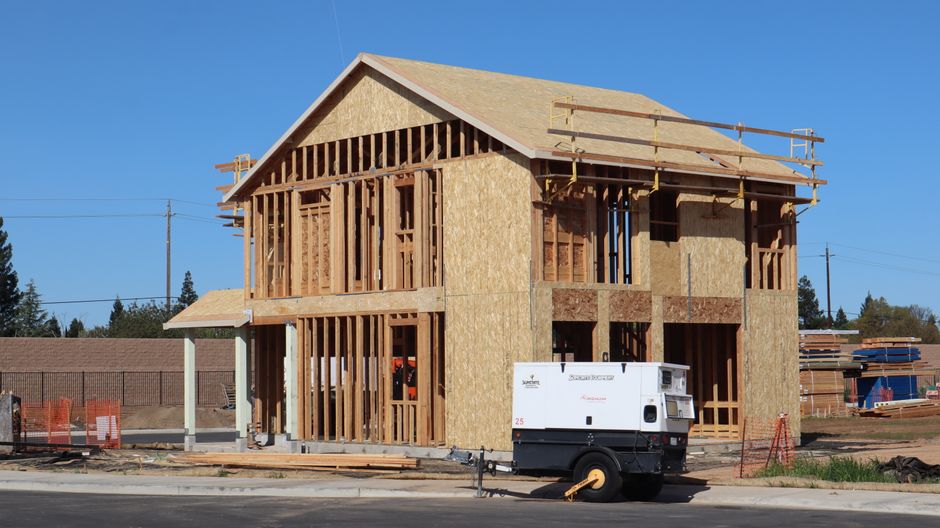
After exporting the header PNG, run it through TinyPNG (or ImageOptim) to compress without perceptible quality loss. Target a final size under 150 KB; emails loading under 1 second on 3G see a 6% higher click‑through rate per Google’s PageSpeed data. Verify file size in Chrome DevTools Network tab, then embed the optimized image in your ESP. Document the compression settings (e.g., 70% quality) for consistency across all future headers.
Dynamic Personalization via Merge Tags
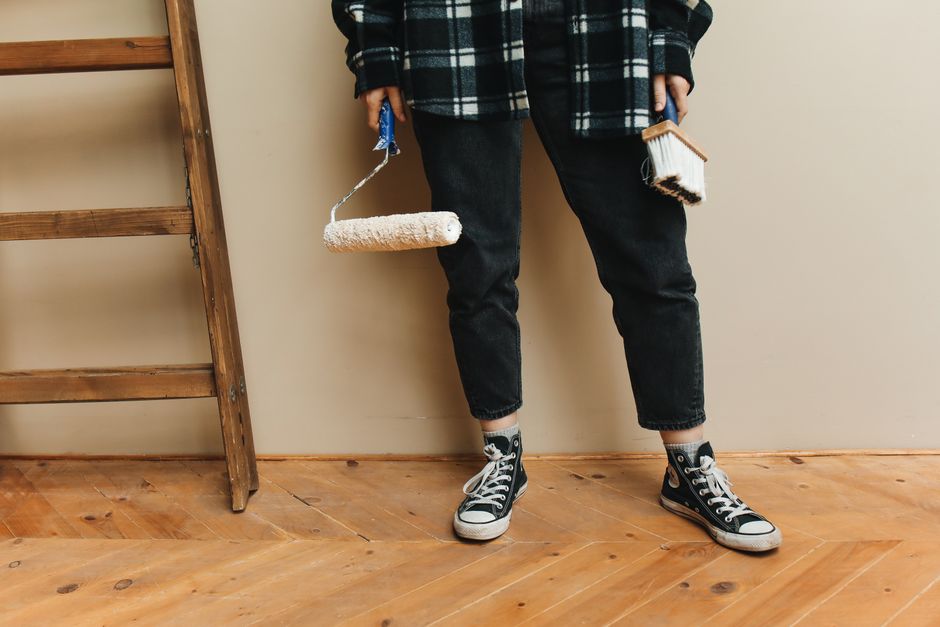
In DesignLumo, keep the headline text layer as a placeholder (e.g., "{{FirstName}}'s Dream Kitchen"). Export the PSD, then map the placeholder to your ESP’s merge tag (e.g., |FNAME| in Mailchimp). When the campaign launches, each subscriber sees their name embedded directly in the header graphic, boosting relevance. Benchmarks show a 1.5‑2% increase in click‑through rates for personalized images versus static text, making the extra setup time worthwhile.
Before you go
- Keep headline text under 30 characters to maintain readability on mobile devices.
- Use the same font family across header, body, and CTA to reinforce brand identity and reduce cognitive load.
- Refresh your header design every 8‑10 weeks to combat audience fatigue and keep open rates trending upward.















Ready to create your first design?
Join thousands creating professional designs in seconds.
Create with DesignLumo
Related Resources
High-Converting Ad Creatives for Contractors
Tactical guide to designing paid ads that win home‑improvement leads.
Twitter/X Toolkit for Home Improvement Contractors
Actionable tools and workflows to dominate Twitter/X with visual leads.
Shopify Tools for Home Improvement Marketers
Essential Shopify design tools to boost contractor leads and sales.
Home Contractor Marketing Mistakes to Dodge
Avoid costly errors in home improvement marketing with tactical AI‑driven fixes.
YouTube Content Ideas for Contractors
Tactical YouTube concepts to attract homeowners, flippers, and managers.
Ultimate Video Thumbnail Blueprint for Contractors
Step-by-step thumbnail system that drives clicks for home‑improvement videos.