Beverage Brand Design Tools Comparison
Beverage and alcohol brands need fast, on‑brand visuals for launches, cocktail cards, and event sponsorships. Selecting the right tool can shave hours off production and boost campaign ROI. This guide breaks down the most effective platforms and how…

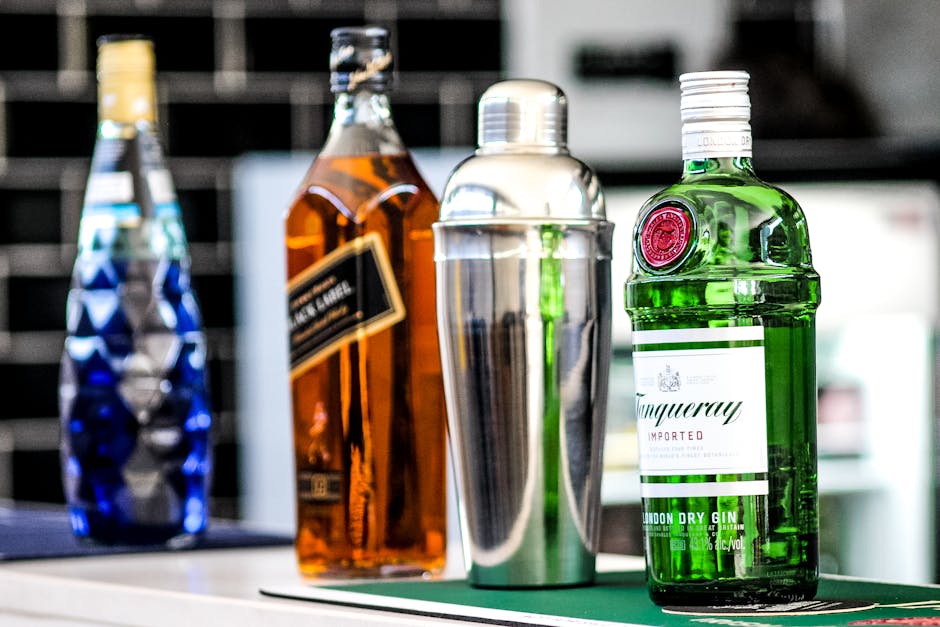
1. AI‑Powered Design Generators
DesignLumo – Fully Editable AI Designs
Enter a plain‑English brief (e.g., "vintage summer cocktail poster with teal accents and a 2025 launch tagline") into DesignLumo. In under 30 seconds it returns a layered PSD/AI file with editable text, fonts, colors, and vector graphics. Sync your brand kit to enforce brand colors and typefaces automatically. Teams report an 80% reduction in design time and a 15% lift in social ad click‑through rates because assets stay on‑brand without manual rework. Beginner‑friendly, with commercial rights included.
Canva Pro – Template‑Driven Brand Kit

Upload your logo, color palette, and font files to Canva's Brand Kit, then select from 5,000+ beverage‑specific templates. Drag‑and‑drop your product images, edit copy, and export PNG, PDF, or MP4. For a typical product launch, Canva cuts production from 4‑6 hours to ~1 hour, a 70% time saving. Integrated stock photo library reduces sourcing costs, and the collaboration comments feature speeds approvals. Best for teams needing quick turnarounds with minimal training.
Midjourney + Photoshop – Static AI Art + Manual Layering
Prompt Midjourney for a high‑impact cocktail illustration (e.g., "neon‑glow bourbon cocktail with frothy top, 4k, cinematic lighting"). Export the PNG, open in Photoshop, use Select Subject and Layer Masks to isolate elements, then rebuild text and branding layers manually. While the visual can be striking, the process averages 3‑4 hours per asset, and the resulting file isn’t natively editable for copy changes. Suitable for one‑off hero images but low ROI for ongoing campaigns.
2. Ready‑Made Template & Asset Libraries
Envato Elements – Unlimited Asset Subscription

For $16.50/month, Envato grants unlimited downloads of vectors, mockups, and beverage‑themed templates. Search "craft beer label" to find 120+ editable Illustrator files, then replace branding elements in Adobe Illustrator. Brands typically achieve a 30% cost reduction versus hiring freelancers and can spin up seasonal labels in under 2 hours. Pair with DesignLumo for AI‑generated hero images to fill template placeholders quickly.
Adobe Express – Branded Social Templates

Adobe Express offers 2,000+ pre‑styled social posts tailored to drinks, with auto‑sizing for Instagram, TikTok, and Facebook. Connect your Creative Cloud assets so logos and fonts auto‑populate. A/B test two variants of a cocktail recipe card in 15 minutes, then export as MP4 for Stories. Reported conversion uplift for cocktail promotions averages 12% when using these optimized templates.
Pinterest Business Collections – Trend Curation Boards
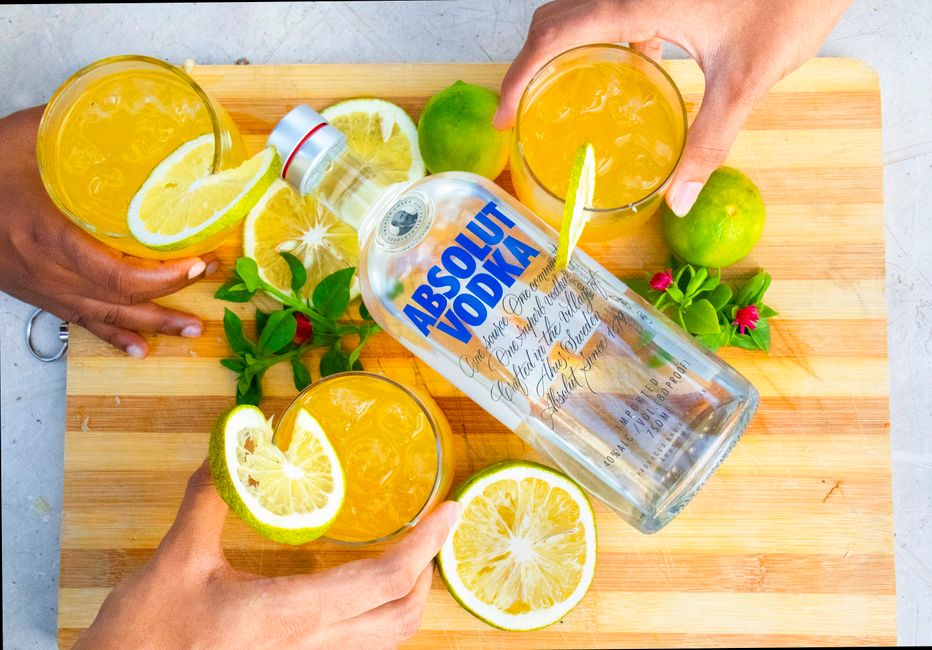
Create a private Business Collection titled "2025 Summer Cocktail Trends" and pin 30+ high‑performing cocktail visuals from top brands. Export the board as a PDF mood board to brief designers or AI tools. Using this data‑driven inspiration reduces guesswork, shortens concepting from 4 days to 1‑day, and improves engagement by 8% on average because visuals align with current consumer tastes. No direct cost beyond a free Pinterest Business account.
3. Collaboration & Asset Management Platforms
Figma – Real‑Time Design Collaboration
Import layered PSD files from DesignLumo directly into Figma for multi‑designer editing. Use shared libraries to enforce brand colors and icon sets across all campaign assets. Comment threads and version history cut stakeholder feedback loops from 48 hours to <4 hours. Teams report a 25% faster go‑to‑market for seasonal banners when using Figma’s auto‑layout and responsive resizing features.
Miro – Visual Planning & Storyboarding
Set up a Miro board for each product launch, embed Drafts of cocktail cards, event sponsor graphics, and timeline sticky notes. Use the built‑in wireframe templates to map out each asset’s size and placement across Instagram, POS displays, and email headers. The visual workflow reduces missed deliverables by 40% and aligns cross‑functional teams (marketing, sales, ops) in a single, real‑time canvas.
Trello + DesignLumo Power‑Up – Task‑Driven Asset Creation
Create a Trello board with lists for "Ideas," "In Production," and "Ready to Publish." Attach a DesignLumo Power‑Up to each card, allowing copy‑and‑paste of the prompt directly from the card. When the AI returns the layered file, move the card to "Ready" and automatically sync the asset to your cloud storage via Zapier. This workflow cuts hand‑off time by 60% and provides transparent metrics on assets per campaign.
Before you go
- Batch prompts in DesignLumo (e.g., 5 cocktail cards) to leverage its bulk export and keep brand consistency.
- Use Canva’s Brand Kit together with Envato mockups to instantly apply licensed visuals to product shots.
- Link Figma libraries to your social scheduling tool (e.g., Buffer) via API to auto‑populate post images and maintain version control.















Ready to create your first design?
Join thousands creating professional designs in seconds.
Create with DesignLumo
Related Resources
Mother's Day Beverage Marketing Playbook
Tactical guide for alcohol brands to win Mother's Day sales and buzz.
Spring Launch Season Marketing & Design Playbook
Tactical guide for beverage brands to dominate spring launches.
Back to School Beverage Brand Playbook
Tactical guide for beverage brands to crush back‑to‑school sales with AI‑powered design.
Pinterest Power Tools for Alcohol Brands
Tactical toolkit to skyrocket beverage brand performance on Pinterest.
Facebook Content Ideas for Alcohol Brands
Tactical Facebook post, ad, and event ideas for beverage brands.
Beverage Brand Marketing Mistakes to Dodge
Avoid costly errors in visuals, promotion, and data for drinks brands.