Motivational Speaker Campaign Launch Checklist
Motivational speakers need high‑impact visuals and conversion assets that move fast and stay on brand. This checklist turns chaotic launch weeks into a repeatable, ROI‑driven process. Follow each tactical step to cut design time, boost booking inquir…


1. High‑Impact Promotion Visuals
AI‑Generated Keynote Topic Graphic
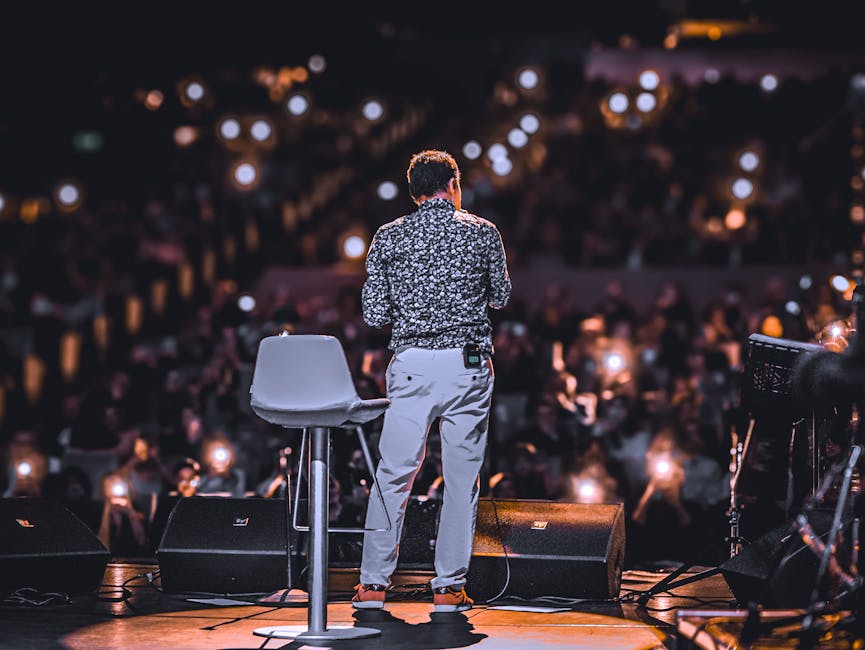
Start by feeding your keynote title and a 2‑sentence hook into DesignLumo’s text‑to‑design engine. Set the output size to 1200×628 px for LinkedIn and Facebook ads, enable Brand Kit to lock in your signature colors and fonts, and request three layered variations. Export the .psd files, then fine‑tune typography in Adobe Express if needed. Run A/B tests on the two best‑performing variants across 5,000 targeted impressions; track CTR and cost‑per‑lead. Expect a 12‑18% lift versus static Canva templates, cutting design time from 2‑3 hours to under 10 minutes.
Dynamic Event Banner Suite
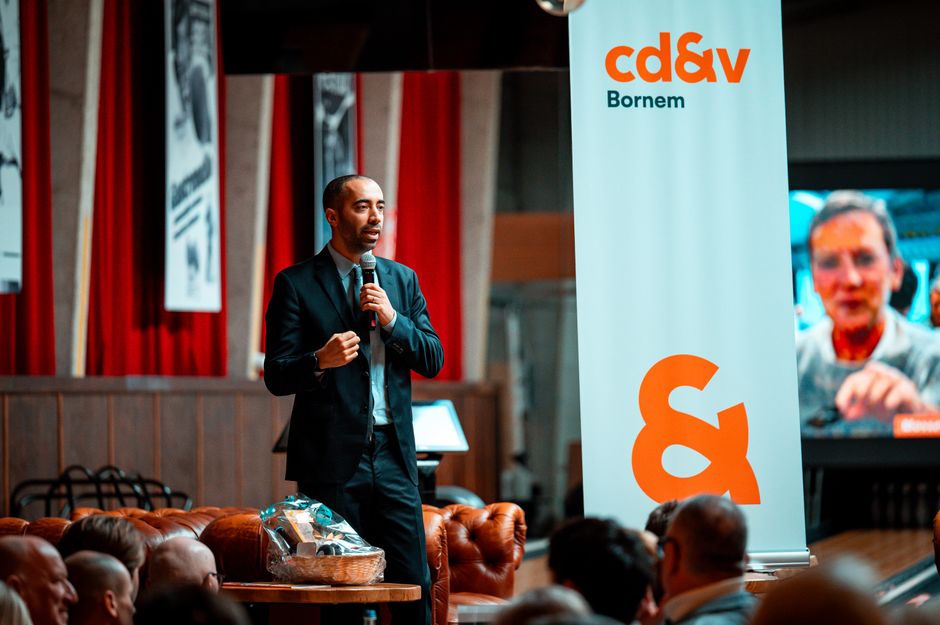
Create a 3‑size banner set (Twitter 1500×500, LinkedIn 1128×376, Instagram 1080×1080) in Canva using the “Resize” feature, then import the .png into DesignLumo to auto‑detect layers and replace placeholder text with your event name, date, and speaker tagline. Apply your Brand Kit colors, then generate a layered .psd for each size. Deploy via Facebook Ads Manager, monitor CPM and conversion rate; aim for a CPM under $8 and a 4% registration lift. This hybrid workflow halves production time and ensures brand consistency across platforms.
Social Quote Card Templates

Prompt Midjourney for 5 abstract background concepts that match your brand mood (e.g., “vibrant sunrise over mountain silhouette”). Download the 1024×1024 images, then feed each into DesignLumo with the quote text and speaker name. Enable the “Editable Text Layer” toggle to receive a .psd with separate text, font, and color layers. Schedule the cards on Buffer, track engagement per quote, and iterate on the top‑performing background style. Expect a 20% boost in shares compared to plain text images, while each card takes under 3 minutes to finalize.
2. Lead Generation & Conversion Assets
Booking Inquiry Form Overlay
Design a 600×400 px semi‑transparent overlay in DesignLumo: start with a brand‑colored gradient, add a headline “Reserve Your Spot”, and insert a Typeform embed code placeholder. Export as a .png with a transparent background, then add the overlay to your event landing page via Webflow. Track form completion rate; aim for a 5% conversion on page visits. The layered file lets you quickly swap headlines for A/B testing without redesigning the whole page, slashing iteration cycles from days to minutes.
Lead Magnet Landing Page Hero
Use DesignLumo to generate a hero section that combines a high‑resolution speaker portrait (prompt Midjourney for a realistic headshot) with a bold value proposition. Enable the “Brand Kit” to auto‑apply your corporate palette, then export a layered .psd. Import into Unbounce, replace the copy with a free e‑book title, and connect a Mailchimp email capture form. Measure opt‑in rate; a well‑designed hero should push it above 12% for a 10,000‑visitor test. The AI workflow reduces design time from 4 hours to 12 minutes.
Retargeting Carousel Ads

Create a 5‑slide carousel in DesignLumo: each slide features a testimonial snippet, a speaker quote, or a workshop benefit. Set dimensions to 1080×1080 px, pull brand fonts from your Brand Kit, and request auto‑generated copy variations. Export each slide as a layered .psd, then upload to Facebook Ads Manager as a carousel. Use UTM parameters to track click‑through to the booking page; target users who visited the landing page but didn’t convert. Aim for a 1.5% ROAS lift versus static single‑image ads.
3. Post‑Event Engagement & Monetization
Testimonial Video Clip Template
Record 10‑second testimonial snippets on a smartphone, then upload the raw footage to Descript for auto‑transcription. Use DesignLumo to generate a lower‑third graphic with your brand colors and a call‑to‑action (“Read the full story”). Export the lower‑third as a .mov with transparent background, then layer it over each clip in Premiere Pro. Publish to LinkedIn and Instagram; monitor video view‑through rate, targeting a 30% increase versus plain clips. The template speeds up post‑production to under 5 minutes per video.
Post‑Event Highlights Reel
Gather 30‑second clips of audience reactions, speaker moments, and venue shots. In DesignLumo, create a branded intro and outro with animated logo layers, then export as a .png sequence. Import all assets into Canva’s Video Maker, drop the .png sequence onto the timeline, and add royalty‑free background music from Epidemic Sound. Export a 60‑second MP4 optimized for Facebook. Track engagement; a well‑branded reel should achieve a 45% higher share rate than a simple photo carousel.
Upsell Email Header
Design an upsell header in DesignLumo for your post‑event email series: choose a 600×200 px canvas, add a bold headline (“Unlock the Full Workshop”), and layer a CTA button with a dynamic discount code placeholder. Export as a .psd, then import into Mailchimp’s email builder to replace the default header. Test open rates across three subject lines; a compelling visual header can lift opens by 8‑12% and drive a 4% click‑through to your paid course funnel.
Before you go
- Batch generate all visual assets in DesignLumo using a single brand‑kit file to guarantee color and font consistency across campaigns.
- Set up UTM parameters on every link and use Google Data Studio dashboards to attribute conversions to specific graphics in real time.
- Leverage DesignLumo’s layered export to quickly swap copy for seasonal or audience‑specific variations without re‑designing from scratch.















Ready to create your first design?
Join thousands creating professional designs in seconds.
Create with DesignLumo
Related Resources
Facebook Tools Every Motivational Speaker Needs
Essential AI‑powered and manual tools to dominate Facebook posts, events, and ads for speakers.
Motivational Speaker Brand Assets Blueprint
Step-by-step guide to create logos, cards, and identity assets for speakers.
Valentine's Day Marketing & Design Playbook for Speakers
Tactical guide to boost speaker bookings and sales with love‑themed campaigns.
Email Design Hacks for Motivational Speakers
Actionable email graphic ideas to boost speaker bookings and sales.
Etsy Design Playbook for Motivational Speakers
Tactical Etsy graphics guide to boost speaker bookings and sales.
Motivational Speaker Social Media Design Playbook
Step-by-step design tactics to boost speaker posts across platforms.