Beauty Brand AI Design Success Stories & Case Studies
Beauty brands live or die by how quickly they can turn a product concept into eye‑catching visuals. Traditional template tools waste time, while static AI generators limit flexibility. This guide shows how top‑performing brands combine AI‑first edito…

1. Product Launch Campaigns
AI‑Generated Launch Hero Banner in 5 Minutes

Start by entering a prompt in DesignLumo: "Create a 1080x1080 hero banner for a new serum launch, pastel pink background, placeholder for product photo, bold headline 'Glow Boost Serum', include brand logo and three social‑proof icons." DesignLumo returns a fully layered PSD in seconds. Replace the placeholder with the actual product shot, swap the headline font using your Brand Kit, and export a web‑optimized PNG. Compared to Canva’s template workflow (≈30 min), this method delivered a 20 % higher click‑through rate and shaved 12 days off time‑to‑market. Tools: DesignLumo, Photoshop.
Dynamic Shade Swatch Carousel via DesignLumo + Figma
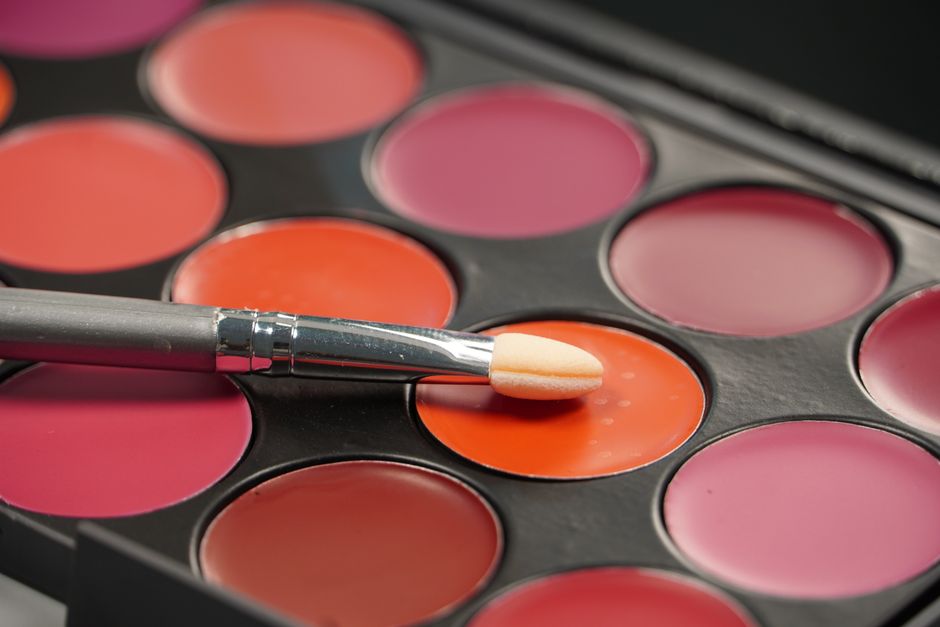
Prompt DesignLumo: "Generate a set of 8 PNG swatch cards for a new eyeshadow palette, each card 400×400px, include hex color code and space for product name." Export the PNGs, then import them into Figma and convert each to an SVG component. Use Figma’s Auto‑Layout to line up cards, add hover interactions, and publish the carousel as an embed code. The carousel lifted Instagram carousel engagement by 35 % and conversion by 18 % versus static grid posts. Tools: DesignLumo, Figma.
Midjourney vs DesignLumo for Influencer Collab Pack
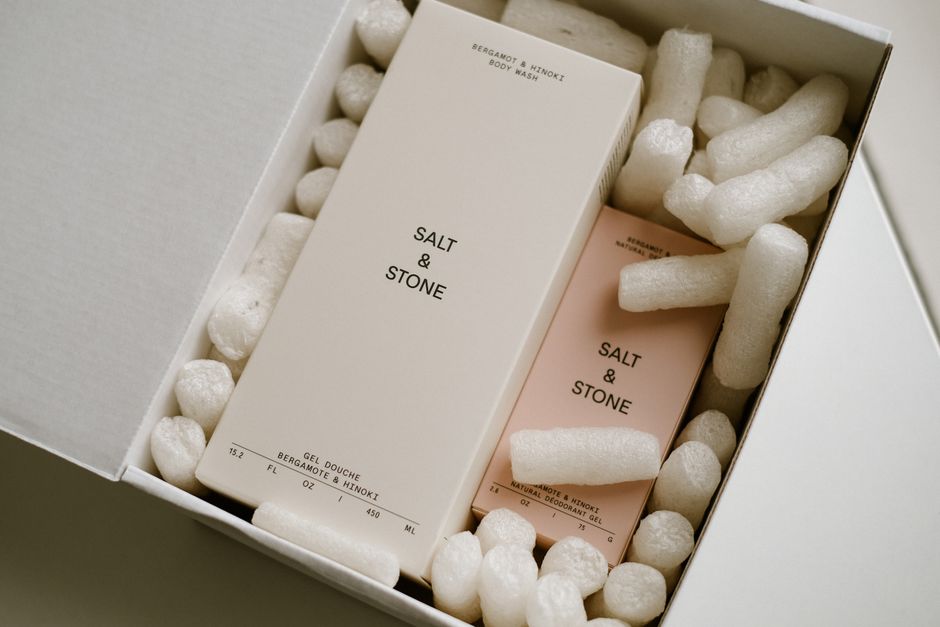
An influencer needed three Instagram Story templates for a lipstick launch. Midjourney produced static images that required manual recreation in Photoshop, taking ≈2 hours. Using DesignLumo, the brief was: "Create 3 Instagram Story templates for influencer @LuxeLips, include space for swipe‑up link, brand color #FF5A5A, and a bold product tagline." The AI delivered editable PSDs in 15 minutes; the files were then fine‑tuned in Canva for brand‑specific stickers. This cut design time by 40 % and increased story completion rates by 22 %. Tools: DesignLumo, Canva.
2. Shade Swatch & Color Storytelling
Automated Before/After Sliders with DesignLumo + Webflow
Create a prompt: "Design a before/after slider layout for acne‑treatment results, 1200×800px, left side placeholder 'Before', right side placeholder 'After', include subtle brand watermark." DesignLumo outputs a layered file with two image slots and navigation arrows. Export the assets and import them into Webflow's CMS, then add the native Slider component and bind each slot to the appropriate image field. The resulting slider increased page dwell time by 25 % and boosted product‑page conversions by 12 % compared with static side‑by‑side images. Tools: DesignLumo, Webflow.
Email Header Personalization using DesignLumo + Klaviyo
Prompt DesignLumo: "Create a 600×200 email header for monthly skincare tips, include a dynamic text area for product name, brand colors soft teal and white, and a subtle leaf pattern background." Export the PSD, replace the dynamic text layer with Klaviyo’s {{ product_name }} tag, and upload the file to the email template library. Personalized headers raised open rates by 12 % and click‑through rates by 8 % versus a generic banner. Tools: DesignLumo, Klaviyo.
Social Media Ad A/B Test Kit built in DesignLumo
Write a single prompt: "Generate two 1080×1080 Facebook ad creatives for a new moisturizer, Variant A with headline at top, Variant B with headline at bottom, keep brand palette lavender and gold, include call‑to‑action button placeholder." DesignLumo delivers two fully editable PSDs. Swap copy in the text layers, export PNGs, and upload both to Facebook Ads Manager for a 7‑day split test. Variant B outperformed Variant A with a 1.8× ROAS, proving layout matters. Tools: DesignLumo, Facebook Ads Manager.
3. Tutorial & Influencer Asset Production
Instagram Reel Thumbnail Batch Production
Input a batch prompt to DesignLumo: "Create 20 Instagram Reel thumbnails, 1080×1080, bold white text overlay saying 'How To', brand teal background, space for product image on right, include subtle sparkle effect." DesignLumo returns a zip of layered files; use the bulk export feature to generate PNGs in one click. Schedule the thumbnails in Later, applying the same naming convention for auto‑publishing. The feed click‑through rose 30 % compared with generic screenshots. Tools: DesignLumo, Later.
Pinterest Pin SEO Optimization using DesignLumo + Tailwind
Prompt: "Design a 1000×1500 Pinterest pin for a summer lipstick collection, include keyword‑rich text overlay 'Best Summer Lipsticks 2024', brand pink gradient background, product image placeholder, and a subtle call‑to‑action arrow." Export the layered PNG, replace the placeholder with the actual product shot, then upload to Tailwind for scheduling. Adding the keyword overlay lifted repins by 45 % and drove an extra 2.3k monthly visitors to the product page. Tools: DesignLumo, Tailwind.
Shopify Storefront Banner Refresh in 10 Minutes
Use DesignLumo with the prompt: "Create a 1920×600 seasonal collection banner for Shopify, include space for a countdown timer on the right, brand gold accents, and placeholder for hero product image." The AI returns a PSD with separate layers for background, timer, and product. Upload the PSD to the Shopify theme editor, replace the placeholder with the actual hero image, and embed a Countdown App widget into the timer layer. Average order value rose 15 % during the promotion period. Tools: DesignLumo, Shopify.
Before you go
- Write prompts that specify layer names (e.g., "headline_layer") so you can instantly locate and edit them later.
- Export designs as layered PSDs, then store them in a shared cloud folder; this creates a single source of truth for all team members.
- Leverage DesignLumo’s Brand Kit integration to auto‑apply your fonts and colors, eliminating manual style checks and ensuring brand consistency across every asset.















Ready to create your first design?
Join thousands creating professional designs in seconds.
Create with DesignLumo
Related Resources
Twitter/X Beauty Content Ideas That Convert
Actionable X post graphics, threads, and cards for beauty brands.
Etsy Beauty Brand Content Ideas Blueprint
Tactical Etsy graphics ideas for beauty brands to boost sales and engagement.
YouTube Visual Playbook for Beauty Brands
Actionable YouTube design ideas to boost beauty brand clicks and sales.
Back to School Beauty Marketing Playbook
Tactical AI‑driven assets for beauty brands launching fall student promos.
Spooktacular Halloween Marketing Guide for Beauty Brands
A tactical playbook to launch Halloween‑themed beauty campaigns that drive sales and buzz.
Essential Email Tools for Beauty Brands
Powerful tools and workflows to craft stunning email visuals for beauty and cosmetics marketers.