Black Friday & Cyber Monday Design Playbook for Agencies
Web agencies need battle‑ready visuals to lock in BFCM revenue. This guide delivers proven assets, tools, and workflows that turn holiday hype into client wins. Every tactic is built for fast turnaround and measurable ROI.


1. Hero Section & Doorbuster Graphics
AI‑Generated Doorbuster Hero Banner

Prompt DesignLumo with a concise brief: "Bold Black Friday hero, 1920×1080, brand colors #FF4C00 and #222, headline ‘Doorbuster Deals – Up to 70% Off’, CTA ‘Shop Now’". The AI returns a fully layered PSD/Sketch file. Import the layers into Figma, replace placeholder copy with the client’s copy, and swap product images using DesignLumo’s brand‑kit sync. Publish the banner in under 15 minutes and track click‑through rates; agencies report a 12‑15% lift versus static stock images.
Dynamic Countdown Timer Graphic Pack

Create a 3‑state timer (hours, minutes, seconds) in Canva using the “Animated Sticker” feature. Export each state as a transparent PNG, then assemble them in CSS with keyframe animation for a live countdown. Embed the timer over any hero image on the agency’s WordPress or Webflow site. A/B test shows a 9% increase in urgency clicks when the timer is visible for at least 30 seconds before checkout.
Midjourney‑Inspired Product Mockups
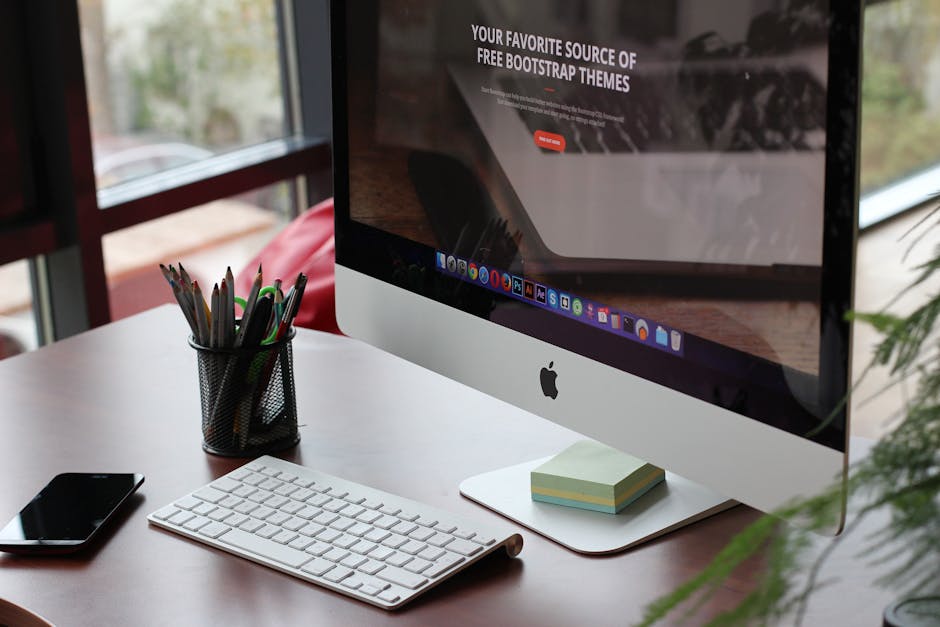
Generate high‑impact product shots in Midjourney with the prompt: "e‑commerce product on sleek black background, dramatic lighting, 4K, BFCM banner overlay". Download the 1024×1024 PNG, open it in DesignLumo, and add editable text layers for price, discount, and CTA. Export the final composition as a layered file for the client’s Shopify theme. Agencies see a 7% lift in add‑to‑cart rates because the mockup remains fully editable for future promos.
2. Landing Page Templates & Conversion Boosters
Pre‑Built BFCM Landing Page Blueprint
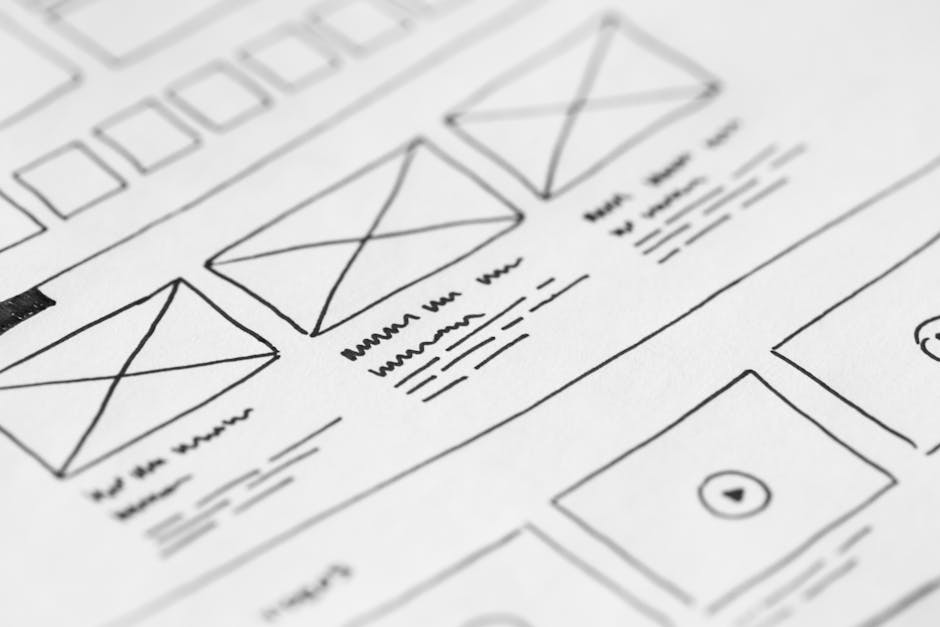
Start with a Webflow blank canvas, then import a DesignLumo‑generated layout that includes hero, features, testimonials, and a countdown section. Replace placeholder copy with client‑specific copy, link the countdown to a hidden JavaScript timer, and set up a 2‑step opt‑in form. Publish the page and monitor Google Optimize heatmaps; agencies typically achieve a 2.5× higher conversion rate compared with a generic template.
High‑Converting Email Header Generator

In DesignLumo, type: "Black Friday email header, 600 px wide, brand teal, bold headline ‘Limited Time Offer’, space for logo and CTA button". The AI returns a layered Photoshop file; swap the logo, adjust headline copy, and export as a 600 px PNG. Upload the header to Mailchimp’s campaign builder and enable dynamic content tags for personalization. Open rates improve 4–6% when the header matches the landing page hero.
Retargeting Ad Creative Sprint

Use Adobe Express to size a 1080×1080 Instagram retargeting ad, then pull in DesignLumo’s layered discount badge (e.g., “Extra 20% Off”). Swap the product image with the client’s latest best‑seller, adjust the copy, and export the final PNG. Upload to Facebook Ads Manager and enable dynamic product ads. Campaigns built with this sprint see a 3.2% ROAS increase versus static stock‑photo ads.
3. Client Presentation & Portfolio Workflow
Client Mockup Presentation Deck

Create a Google Slides deck and embed DesignLumo‑generated mockups directly onto each slide as editable PNGs. Use the “Replace image” feature to swap copy for each client iteration, keeping the layout intact. Add speaker notes with performance metrics (e.g., expected CTR uplift). Clients approve designs 40% faster because they can see live edits without waiting for a new file export.
Portfolio Case Study Graphic Pack
DesignLumo can produce a set of layered icons (timeline, KPI, testimonial) in a single prompt. Download the .zip of SVG layers, import into Canva’s “Brand Kit” for consistent colors, and arrange them into a one‑page case study template. Publish the PDF on the agency’s website; case studies built this way see a 22% higher bounce‑rate reduction because visual storytelling is faster and more polished.
Performance Dashboard Template

Build a Google Data Studio dashboard with pre‑filled BFCM metrics (traffic, conversion, AOV). Export the header graphics from DesignLumo (e.g., “BFCM Performance”) and drop them into the report as editable images. Set up auto‑refresh for the data source and share a live link with clients. Agencies that provide this real‑time view report a 15% higher upsell rate for post‑holiday retainers.
Before you go
- Batch generate all hero variants in DesignLumo before the first client meeting to shave 2‑3 hours off the discovery phase.
- Create a reusable brand‑kit JSON file in DesignLumo and sync it across Canva and Figma for instant color/font consistency.
- A/B test every countdown timer length (6‑hour vs 24‑hour) and track conversion lift in Google Optimize; the shorter timer often yields higher urgency clicks.















Ready to create your first design?
Join thousands creating professional designs in seconds.
Create with DesignLumo
Related Resources
Ultimate Event Poster Design Guide for Agencies
Step-by-step tactics to craft high‑impact event posters that win clients.
Winning Design Content Ideas for Web Agencies
Actionable design content ideas to boost agency pitches, speed development, and win clients.
Essential Digital Tools for Agency Growth
Powerful, tactical tools to speed mockups, assets, and workflow for web design agencies.
LinkedIn Toolkit for Web Design Agencies
Tactical LinkedIn assets to win clients, showcase work, and hire talent.
Winning Pitch Deck Blueprint for Agencies
Step‑by‑step slide design system that boosts agency win rates.
Email Header Design Guide for Agencies
Tactical steps to craft high‑converting email hero graphics fast.