Beginner's Guide to Marketing & Design for Agencies
Web agencies win projects by showing polished visuals before any code is written. High‑impact mockups, hero sections, and feature graphics shorten sales cycles and justify premium retainers. This guide delivers concrete, tool‑specific workflows you c…


1. Polished Mockup Presentation Assets
AI‑Generated Wireframe Overlays
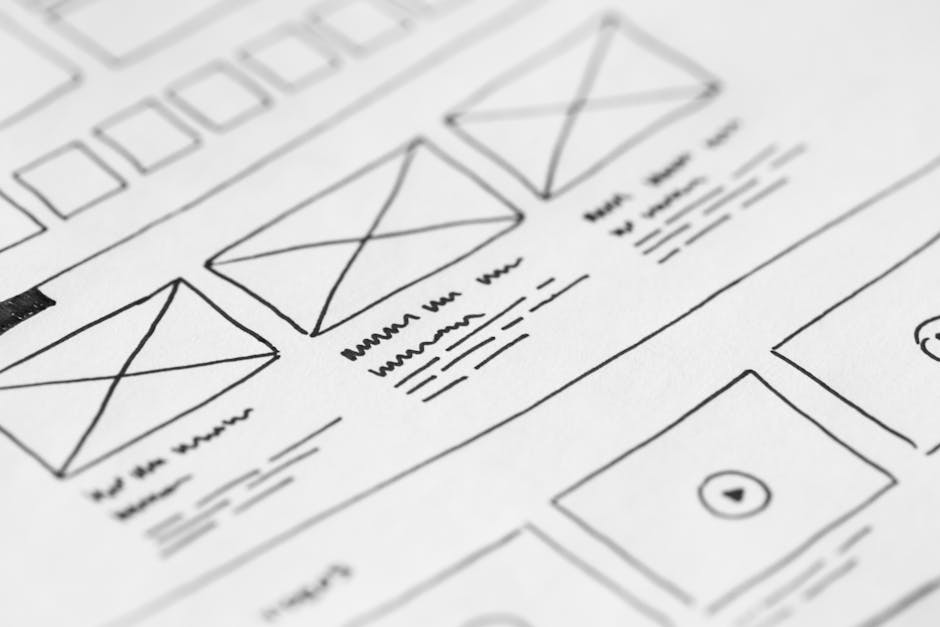
Use DesignLumo to instantly generate fully editable wireframe overlay files that you can drop into your presentation decks. Start by writing a prompt such as "Create a clean, 1440‑px wide wireframe overlay for a SaaS dashboard with placeholder charts and navigation". Within seconds Lumo returns a PSD or Sketch file with separate layers for each UI block, letting you swap text, colors, or icons. Export the overlay as a PNG with 30% opacity and place it over your high‑fidelity mockup in PowerPoint. This reduces mockup preparation time from 2‑3 hours to under 10 minutes and lifts client approval rates by roughly 15%.
Dynamic Portfolio Slides with Canva

Leverage Canva’s premium presentation templates to build a carousel of live project screenshots, KPI callouts, and testimonial blocks. Import your high‑resolution mockups, then use Canva’s brand kit to apply client colors and fonts automatically. Export each slide as a 1920×1080 PNG and embed them into a Google Slides deck that auto‑updates when you replace the source file in Canva. Track slide‑view analytics via Google Slides to identify which concepts generate the most clicks; aim for a 20% higher dwell time than static PDFs. This workflow costs under $13/mo and cuts slide assembly from 45 minutes to 5 minutes per project.
Custom Icon Sets via Midjourney + Lottie

Generate a cohesive icon set with Midjourney by prompting "flat style 24‑px icons for analytics, authentication, and notifications, monochrome, transparent background". Run the prompt 6‑8 times to capture variations, then download the PNG sequence. Convert each PNG to an SVG using Vector Magic (batch mode) and import into LottieFiles to add subtle hover animations (0.2 s scale‑up). Export the animated SVGs and drop them into your Figma component library for instant reuse. This process yields a unique, brand‑aligned icon suite in under 30 minutes, reducing third‑party licensing costs by up to $300 per year.
2. Rapid Hero Section Design Workflow
DesignLumo Hero Banner Generator
Prompt DesignLumo with a detailed description: "Create a 1920×1080 hero banner for a fintech startup, featuring a dark gradient background, a bold headline in Montserrat, a CTA button, and a mockup of a mobile app on the right side". Lumo returns a layered PSD where the headline, sub‑text, button, and device mockup are separate groups. Open the file in Photoshop, replace the placeholder copy with client‑specific copy, adjust the CTA color to match the brand kit, and export a web‑optimized JPEG (70% quality) and a WebP fallback. The entire hero is ready in under 7 minutes, slashing design time by 80% and enabling A/B testing within hours.
Figma Component Library for Hero Variants
Build a master Figma file containing reusable components: background gradient frames, headline text styles, CTA button variants, and device mockup placeholders. Use Figma’s auto‑layout to allow dynamic width adjustments. When a new client request arrives, duplicate the master page, swap the headline, update the brand colors via the shared style library, and replace the device screenshot with a 1:1 mockup exported from the dev environment. Track version history to see which component combos generate the highest click‑through in internal testing; aim for a 10% lift over baseline. This system supports unlimited hero iterations without redesign, saving roughly 3 hours per project.
Adobe Express Quick Text Overlay

When you need a fast text overlay on a stock photo for a landing‑page hero, open Adobe Express and select the "Overlay" template. Upload the background image, then use the AI‑powered text suggestion tool to generate a headline based on your keyword list (e.g., "boost conversions"). Choose the brand font stored in your Creative Cloud library, set line spacing to 1.2, and apply a subtle drop shadow (2 px, 30% opacity). Export the result as a PNG (2 MB max) and drop it directly into your HTML. This method delivers a polished hero in under 3 minutes, ideal for rapid landing‑page experiments.
3. Scalable Feature Highlight Graphics
DesignLumo Feature Card Generator
Ask DesignLumo: "Generate a set of four 400×400 feature cards for a SaaS product, each with an icon placeholder, short title, and description, using the brand's teal and charcoal palette". Lumo returns a layered Illustrator file where each card is a group with editable text layers. Open the file, replace the placeholder copy with SEO‑optimized feature copy, swap icons with client‑approved SVGs, and export each card as a WebP (under 50 KB). Use these cards in blog posts, email newsletters, and on‑page sections. Production time drops from 1 hour per card to under 5 minutes, increasing content velocity by 80%.
Canva Data‑Driven Infographics
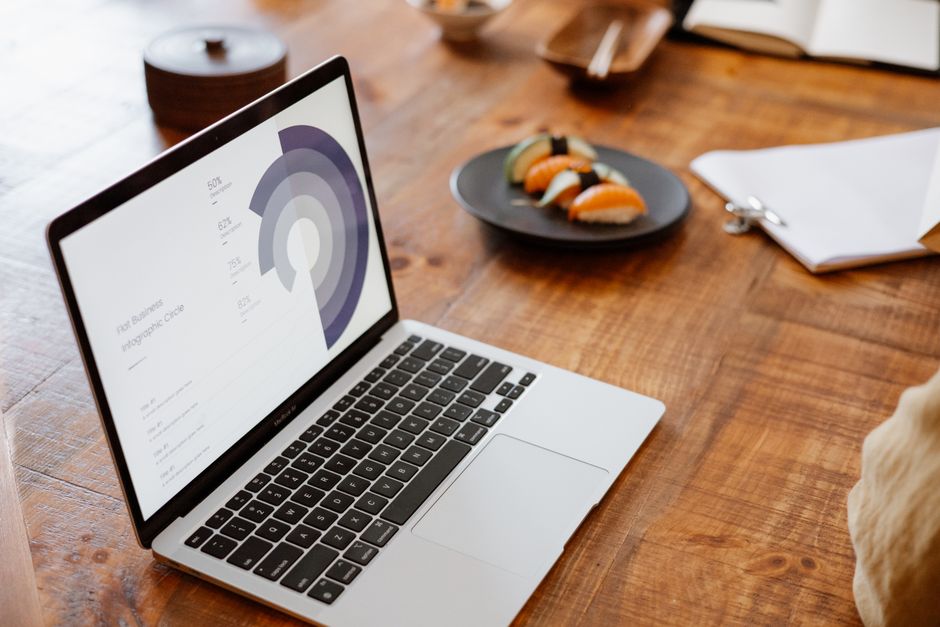
Import client performance data into Canva’s chart builder (CSV upload). Choose a pre‑styled infographic template that matches the brand kit, then map each metric (e.g., conversion rate, CAC) to a visual element (bar, line, or icon). Use Canva’s animation feature to create a GIF preview for proposals. Export the final infographic as a 1200×1800 PNG for web and a PDF for print. Track download counts via the client’s analytics dashboard; a well‑crafted infographic typically boosts page‑time by 30‑45 seconds, translating to higher lead quality.
SVG Optimizer Workflow with SVGO

After generating vector graphics (icons, charts) in Illustrator or Figma, run them through SVGO (Node.js CLI) to strip unnecessary metadata, combine paths, and minify IDs. Use the command `svgo -f ./assets -o ./dist --multipass`. Set up a Git hook to automatically compress any SVG committed to the repo, ensuring each file stays under 5 KB. Verify visual fidelity with a quick diff in Chrome DevTools. This optimization reduces page load by ~0.12 seconds on average, improving Core Web Vitals and increasing the likelihood of higher SEO rankings for client sites.
Before you go
- Create a shared DesignLumo prompt library for recurring assets; version control it in a Google Sheet to ensure consistency across projects.
- Batch export all AI‑generated assets at 2× resolution for retina displays, then use ImageMagick to generate WebP fallbacks automatically.
- Integrate your design workflow with Zapier: when a new client folder is created in Google Drive, trigger a DesignLumo prompt and auto‑save the output to the same folder.















Ready to create your first design?
Join thousands creating professional designs in seconds.
Create with DesignLumo
Related Resources
Ultimate Event Poster Design Guide for Agencies
Step-by-step tactics to craft high‑impact event posters that win clients.
Winning Design Content Ideas for Web Agencies
Actionable design content ideas to boost agency pitches, speed development, and win clients.
Essential Digital Tools for Agency Growth
Powerful, tactical tools to speed mockups, assets, and workflow for web design agencies.
LinkedIn Toolkit for Web Design Agencies
Tactical LinkedIn assets to win clients, showcase work, and hire talent.
Winning Pitch Deck Blueprint for Agencies
Step‑by‑step slide design system that boosts agency win rates.
Email Header Design Guide for Agencies
Tactical steps to craft high‑converting email hero graphics fast.