Agency Playbook for Faster Design & Marketing
Digital marketing agencies juggle dozens of client campaigns, and design delays can cripple revenue. This guide maps out proven, tool‑driven processes that eliminate those bottlenecks. Follow each tactic to deliver on‑brand assets at scale while keep…


1. Streamlined Creative Production Workflow
Prompt‑Driven Design Generation with DesignLumo

Create a brand‑kit in DesignLumo (colors, fonts, logo layers) and write a reusable prompt template: "Generate a 1080×1080 Facebook ad for {client} using #FF5733, Montserrat Bold, with headline {copy}." Run the batch API to spin up 30 variants in under five minutes. Export layered PSD files, then hand them to a junior designer for final copy tweaks. Compared to a 2‑3 hour Canva process, you save ~80% time, cut per‑creative cost to $0.05, and meet sub‑hour SLA for urgent requests.
Batch Asset Creation via Canva Magic Resize + API

Upload a master template to Canva, enable Brand Kit for colors and fonts, then use Magic Resize to auto‑generate Instagram, LinkedIn, and Twitter sizes. Connect Canva's REST API to your project management tool (e.g., Asana) so each new brief triggers a resize job. Track success by measuring average production time (≈12 min per batch) and error rate (<2%). This workflow is ideal for agencies that already have Canva licenses and need quick, on‑brand repurposing without custom code.
Version Control & Collaboration in Figma Libraries

Set up a shared Figma Team Library containing core components (buttons, icons, brand colors). Enable "Branching" for each client project, so designers can experiment without overwriting the master. Use the "FigJam" plugin to capture stakeholder feedback directly on the canvas. Measure impact by monitoring average revision cycles (target <3) and time‑to‑approval (goal <24 h). This method eliminates “wrong version” errors and provides a single source of truth for all creative assets.
2. Scalable Brand Consistency Engine
Centralized Brand Kit in DesignLumo + Adobe Fonts
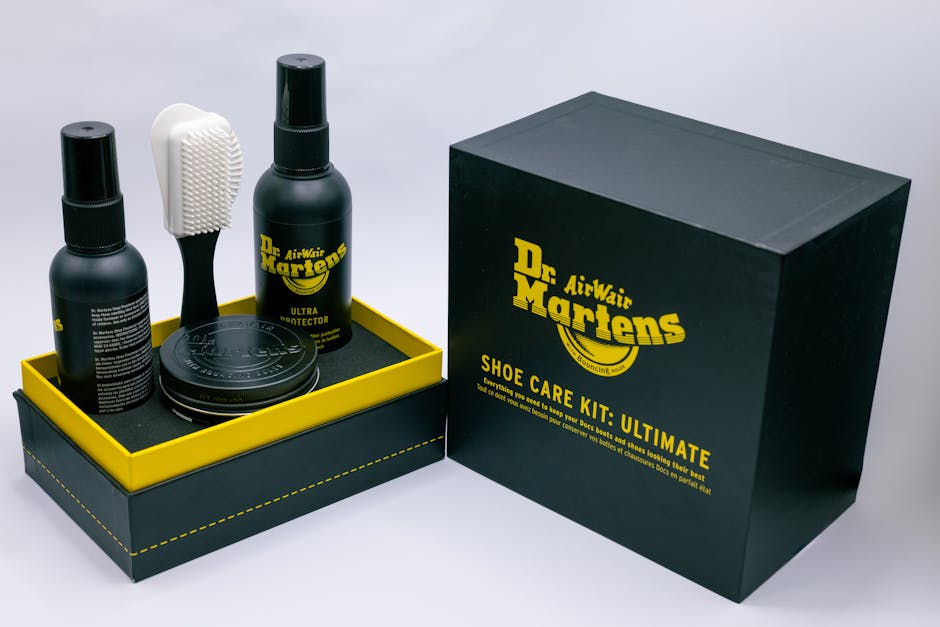
Import your client’s Adobe Fonts library into DesignLumo’s Brand Kit, then define primary, secondary, and accent colors with HEX codes. Every AI‑generated design automatically inherits these settings, guaranteeing on‑brand output without manual styling. Track compliance by running a weekly audit that checks 95% of assets for brand‑code matches. Agencies report a 40% reduction in brand‑approval revisions after adopting this centralized system.
Automated Style Guide Generation with Frontify
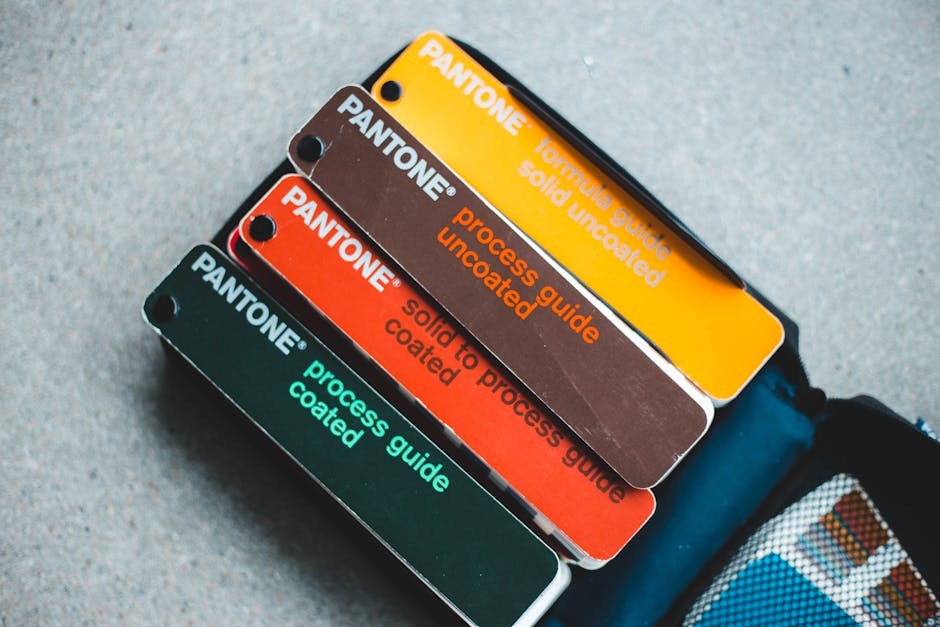
Link Frontify to your DesignLumo Brand Kit via API; Frontify pulls colors, fonts, and logo assets to auto‑populate a live style guide. Add usage rules, spacing tokens, and downloadable assets. When a designer updates a color in DesignLumo, Frontify syncs the change within minutes, keeping the guide current. Measure success by the drop in “missing asset” tickets (target <5 per month) and client satisfaction scores (+15%).
Dynamic Asset Personalization via Templatetoaster

Upload a master DesignLumo design to Templatetoaster, then map dynamic fields (name, location, offer) using CSV data. Generate 1,000 personalized PDFs or PNGs in a single click, perfect for localized ad bundles. Track KPI by monitoring click‑through lift (average +12%) and production time (≈30 sec per batch). This eliminates manual copy‑paste errors and scales hyper‑targeted creative without extra headcount.
3. Multi‑Channel Asset Toolkit
Ready‑to‑Publish Social Carousel Templates

Build a 10‑slide carousel master in DesignLumo, using placeholder frames for headline, image, and CTA. Export as layered PSD, then duplicate in Canva for quick copy swaps. Use Zapier to pull daily trending topics from BuzzSumo and auto‑populate slide 2 text. Aim for a 15% increase in engagement per carousel and a production cadence of ≤2 hours for a full 10‑slide set.
Performance‑Focused Landing Page Hero Graphics

Start with a Sketch artboard sized 1440×900, import a DesignLumo‑generated hero background (layered SVG), then apply brand‑specific CTAs. Use Chrome Lighthouse to test LCP; aim for <2.5 s. Export assets as WebP for optimal load. Track conversion lift by A/B testing hero variants; agencies typically see a 7‑10% lift after swapping to AI‑crafted graphics.
Programmatic Ad Creative Scaling with Google Web Designer

Create a master HTML5 banner in Google Web Designer, then link dynamic text layers to a JSON feed generated from DesignLumo’s AI‑crafted image library. Use the DoubleClick API to push 500 unique variants into a programmatic campaign within minutes. Monitor CPM and CTR; agencies report a 0.12% CTR boost and a 20% reduction in creative fatigue when rotating AI‑generated variants daily.
4. Creative Performance Analytics
A/B Test Creative Variants with Google Optimize

Connect each DesignLumo‑generated ad variant to a unique URL parameter (e.g., ?creative=A). Set up a Google Optimize experiment that splits traffic 50/50, then measure conversion lift, bounce rate, and time on page over a 14‑day window. Define statistical significance at 95% confidence. Agencies typically achieve a 5‑8% ROI lift by iterating only on the top‑performing creative.
Heatmap‑Driven Design Tweaks Using Hotjar

Install Hotjar on landing pages that feature DesignLumo hero graphics. Review click‑map and scroll‑map data to identify dead zones. Adjust image focal points or CTA placement directly in Figma, then re‑export to DesignLumo for rapid iteration. Aim for a 10% increase in click‑through on adjusted elements; typical agencies see a 3‑5% boost after the first heatmap‑informed tweak.
ROI Attribution Dashboard in Google Data Studio
Pull creative performance metrics (impressions, clicks, conversion) from Google Ads, and combine them with DesignLumo API data (design version, generation time). Build a Data Studio report that visualizes cost‑per‑acquisition by creative version, highlighting assets that deliver <$30 CPA. Set automated alerts for any creative whose CPA spikes >20% week‑over‑week. This visibility drives quarterly budgeting decisions and improves overall campaign ROI by 12‑15%.
Before you go
- Standardize prompt structures for DesignLumo to ensure consistent layer naming and easier post‑generation edits.
- Integrate brand‑kit updates via webhook so any color or font change instantly propagates to all live assets.
- Schedule a weekly 30‑minute review of the Data Studio ROI dashboard to prune underperforming creatives before they waste budget.















Ready to create your first design?
Join thousands creating professional designs in seconds.
Create with DesignLumo
Related Resources
Small Business Saturday Agency Playbook
Tactical guide for agencies to launch high‑ROI local campaigns on Small Business Saturday.
Print Materials Design Guide for Agencies
Tactical playbook to speed agency print design from concept to ROI.
Twitter/X Toolkit for Agency Creative Mastery
All the AI and workflow tools agencies need for X graphics, headers, threads, and quote cards.
Ultimate Email Header Design Playbook for Agencies
Step-by-step tactics to create high-converting email headers at scale.
Avoid These Fatal Mistakes in Agency Marketing
A tactical guide for agencies to fix creative, brand, and reporting errors.
TikTok Essential Tools for Agencies
Actionable AI and design tools to speed TikTok cover, overlay, and cross‑platform assets.