Back to School Event Marketing Playbook for Managers
Event managers need fast, cohesive visuals that adapt to last‑minute changes while keeping sponsors happy. This guide delivers plug‑and‑play assets and workflows built for the back‑to‑school season.


1. Pre‑Event Branding Assets
AI‑Generated Back‑to‑School Speaker Announcement Cards

Use DesignLumo to type a prompt like “high‑energy back‑to‑school speaker card with orange‑gray gradient, bold sans‑serif, and space for sponsor logo”. In 10 seconds you receive a fully layered PSD/AI file. Open it in your favorite editor to tweak copy, swap photos, or adjust brand colors. Track open rates of the emailed cards; aim for a 20 % click‑through lift versus static PDFs. This eliminates the 2‑hour designer handoff and ensures every speaker update stays on‑brand instantly.
Dynamic Multi‑Day Schedule Posters with Fall Palette

Create a master schedule template in Canva using the 2024 Fall Color Palette (burnt orange, mustard, deep teal). Export the design as a Canva “Magic Resize” project, then duplicate for each day. Replace dates and session titles via Canva’s bulk text replace feature, saving 30 minutes per poster. Publish PDFs to your event site and monitor PDF downloads; a 15 % increase signals better attendee planning. Canva’s brand kit syncs sponsor colors automatically, keeping branding consistent across all days.
Automated Sponsor Badge Kit (Adobe Express)
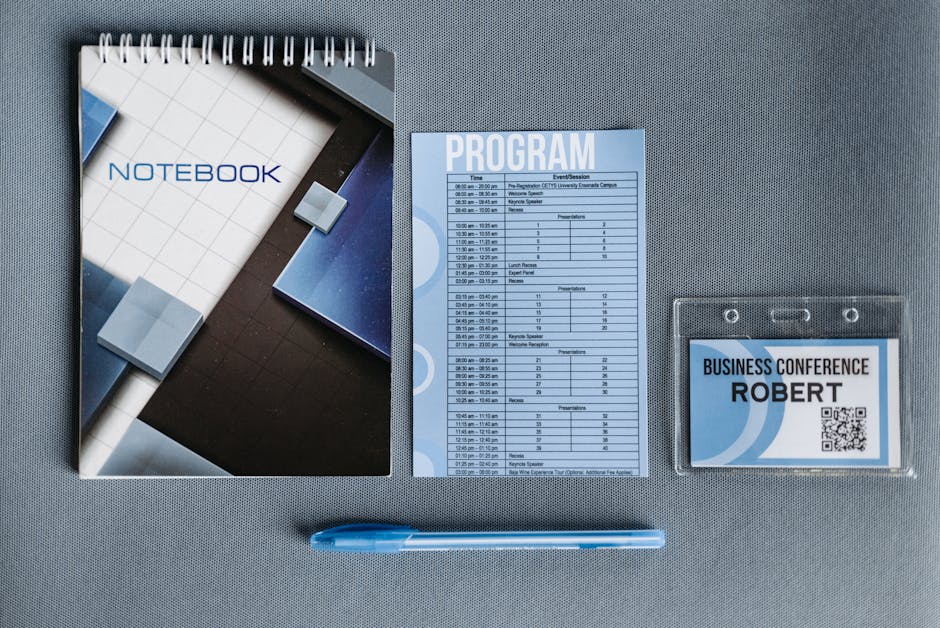
In Adobe Express, build a badge master with placeholders for sponsor logo, tier color, and QR code linking to their landing page. Use the “Data‑Driven Design” add‑on to import a CSV of sponsor names, colors, and URLs. The tool generates 50+ badge variations in under five minutes. Print‑ready PDFs are ready for on‑site badge printers, reducing production time from 2 hours to 10 minutes. Track sponsor impressions via QR scans; aim for 200+ scans per sponsor to prove value.
2. Real‑Time Onsite Visual Updates
Live Stage Screen Templates Powered by DesignLumo

Pre‑design three stage screen layouts in DesignLumo: (1) speaker intro, (2) session countdown, (3) sponsor spotlight. Each template includes editable text layers and brand‑locked colors. When a speaker cancels, edit the name field in the Lumo dashboard, export the updated PNG, and push it to the LED controller via a simple API call. This reduces on‑the‑fly graphic swaps from 15 minutes to under 30 seconds, keeping the audience engaged and sponsor spots on schedule.
QR‑Code Ticket Scanners with Auto‑Refresh Graphics (Eventbrite)

Integrate Eventbrite’s ticket scanner SDK with a webhook that triggers a DesignLumo script whenever a ticket is validated. The script overlays the attendee’s name on a branded “Welcome Back‑to‑School” graphic and pushes it to a large lobby screen. Measure dwell time on the screen; a 10‑second average indicates successful brand exposure. This real‑time personalization boosts perceived event value and can increase on‑site upsell conversions by 8 %.
Rapid Social‑Media Story Creators (Midjourney + DesignLumo)

Generate eye‑catching back‑to‑school backdrops in Midjourney with prompts like “students walking campus, pastel fall lighting”. Export the 1080×1920 image, import into DesignLumo, and add editable text layers for speaker shout‑outs or sponsor tags. Publish the story to Instagram and Snapchat directly from DesignLumo’s API. Track story views and swipe‑up rates; aim for a 12 % lift versus static images. The combined workflow cuts story creation from 45 minutes to 5 minutes.
3. Post‑Event Engagement & Sponsorship ROI
Thank‑You Email Header Generator (DesignLumo)
After the event, feed DesignLumo a prompt: “thank‑you email header featuring fall leaves, event logo, and sponsor logos in a clean layout”. Receive a layered PNG with editable text for personalized attendee names. Insert into Mailchimp or HubSpot campaigns. Monitor open rates; personalized headers typically raise opens by 18 % compared to generic banners, reinforcing sponsor appreciation and encouraging repeat attendance.
Sponsor Impact Infographic Builder (Canva)
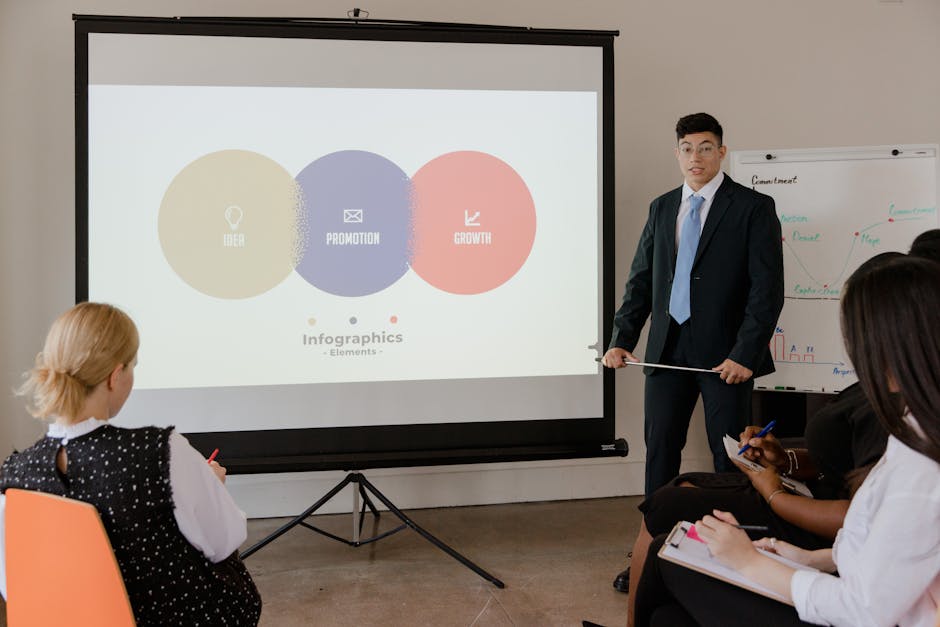
Export event analytics (attendee count, session ratings, QR scan data) to CSV. In Canva, use the “Infographic” template and its data‑visualization charts to map sponsor exposure: impressions, lead forms, and on‑site traffic. Apply each sponsor’s brand kit colors automatically. Share the PDF with sponsors within 48 hours; a fast turnaround improves renewal rates by up to 25 % because sponsors see tangible ROI quickly.
Data‑Driven Photo Gallery Slides (Google Slides)

Collect event photos in a shared Google Drive folder. Use a Google Slides add‑on that pulls the latest images and auto‑populates slide layouts with caption fields for speaker names and sponsor tags. Set the deck to update live; sales teams can present fresh galleries during post‑event debriefs. Track slide view analytics; a 30 % increase in sponsor‑tagged slide views correlates with higher sponsor satisfaction scores.
Before you go
- Create a brand‑kit file in DesignLumo once and lock colors/fonts to prevent accidental sponsor mis‑branding.
- Schedule automated webhook calls (e.g., via Zapier) to refresh on‑site graphics the moment a speaker change is logged in your event management platform.
- Bundle sponsor‑focused assets (badge kit, infographic, screen spotlight) into a single “Sponsor Success Pack” and price it as a premium add‑on to boost fee revenue.















Ready to create your first design?
Join thousands creating professional designs in seconds.
Create with DesignLumo
Related Resources
Event Campaign Launch Checklist for Event Managers
Step‑by‑step checklist to keep graphics, branding, and sponsor assets flawless from ticket to stage.
Event Email Header Design Blueprint
Actionable guide for event firms to craft high‑impact email headers fast.
Etsy Graphic Playbook for Event Management Shops
Tactical Etsy design ideas for event firms to boost sales and brand impact.
Shopify Content Ideas for Event Management Companies
Tactical Shopify design ideas to boost event company sales and branding.
Event Slides Design Playbook for Pitch Decks
Step‑by‑step guide for event managers to create high‑impact pitch decks and keynote slides.
Instagram Toolkit for Event Management Teams
Essential Instagram tools and workflows for event planners.