YouTube Essentials for Wellness Brands
Wellness creators need visuals that reflect serenity while driving clicks. This guide breaks down the exact tools and workflows to produce on‑brand YouTube graphics fast. Each recommendation includes step‑by‑step actions and measurable outcomes.


1. Thumbnail Creation
DesignLumo AI Thumbnail Builder

Enter a prompt like “soft pastel yoga pose overlay with brand teal accent” into DesignLumo (https://www.designlumo.com). In seconds you receive a layered PSD with editable text, fonts, and background. Replace placeholder copy with your video title, adjust font size to maintain a 70‑pixel minimum for mobile readability, and export PNG at 1280×720. Track CTR; most wellness channels see a 15‑20% lift after swapping static images for AI‑generated, on‑brand thumbnails. Use the Brand Kit feature to lock colors and fonts across all videos for instant consistency.
Canva Batch Thumbnail Customizer

Upload a master thumbnail template in Canva (canva.com) sized 1280×720, then enable the Brand Kit with your brand’s #8FC9B8 teal and a clean sans‑serif like Lato. Use the “Copy page” button to duplicate the template for 10 upcoming videos, swapping only the headline text and background photo. Export all pages as PNG in one click. Measure average CTR; batch consistency typically raises watch‑time by 5% because viewers instantly recognize your visual style.
Midjourney + Photoshop Fine‑Tune

Prompt Midjourney (midjourney.com) with “tranquil sunrise over lotus pond, soft focus, 4k” to generate a high‑resolution background. Save the 1024×1024 output, open in Photoshop, and place it on a 1280×720 canvas. Add a vector silhouette of a yoga pose (free from unDraw), then use Smart Objects for headline text so you can edit later without quality loss. Export PNG and compare CTR against your baseline; this hybrid method can push CTR 10‑12% higher, especially for retreat announcement videos.
2. Channel Art & Branding
DesignLumo Channel Art Generator

Describe your brand vibe to DesignLumo: “minimalist teal gradient with subtle mandala pattern, space for tagline ‘Heal. Flow. Grow.’”. The AI returns a layered 2560×1440 file with safe‑area guides. Adjust the mandala opacity to 30% for a calming backdrop, replace the tagline text layer, and export a JPEG under 6 MB. Channels that adopt AI‑generated art see a 7% increase in subscriber conversion because the banner instantly conveys professionalism and niche focus.
Adobe Express Brand‑Kit Banner
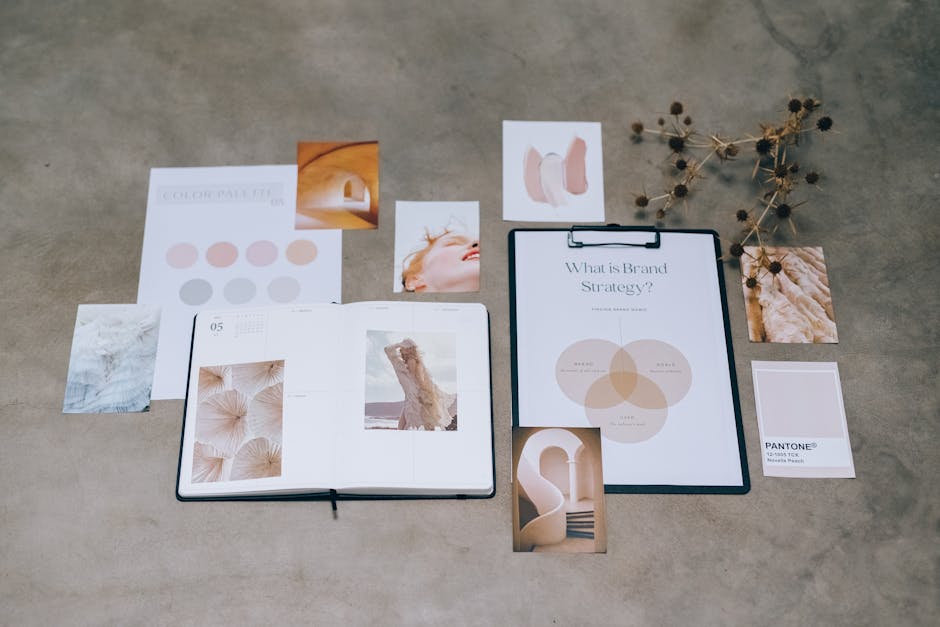
Open Adobe Express (adobe.com/express) and select the YouTube channel art preset. Upload your brand logo, set the primary color to #8FC9B8, and choose a calming photo from Unsplash integrated in the tool. Use the ‘Resize for web’ option to automatically generate the correct 2560×1440 dimensions with a 1546×423 safe zone. Export PNG and monitor channel view‑through rate; a cohesive banner typically raises the metric by 4‑6% within the first month.
Figma Collaborative Layout
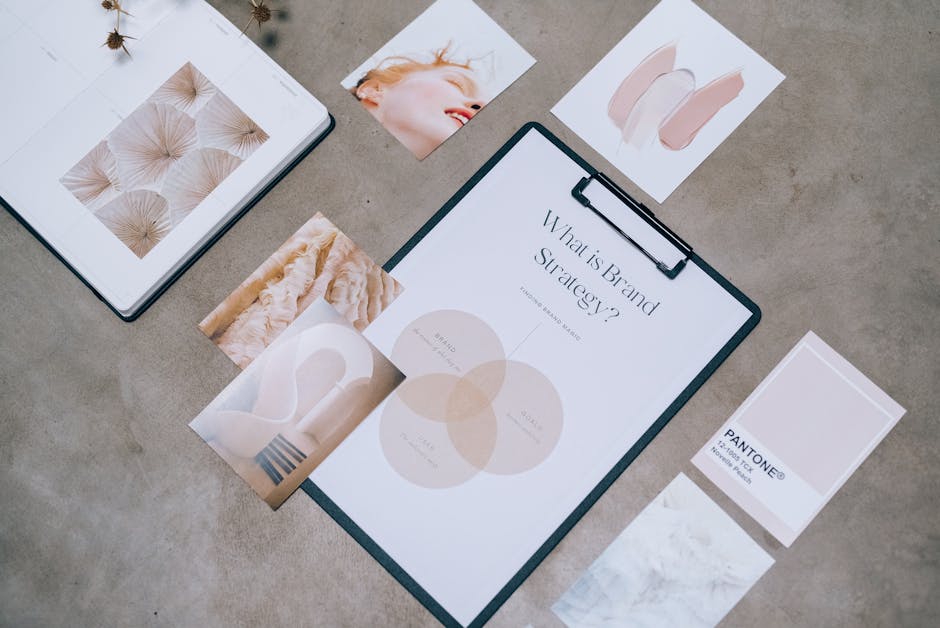
Create a new Figma file (figma.com) using the YouTube channel art frame. Invite your marketing team and use Auto Layout to align text blocks for tagline, social handles, and call‑to‑action. Apply shared styles from a previously saved “Wellness Brand” library for colors and fonts. Export the final design as a high‑quality JPEG. Because Figma tracks version history, you can A/B test two banner variants and use YouTube Analytics to determine which yields higher click‑through on the channel page, often a 3‑5% lift.
3. Community Tab & End Screen Graphics
DesignLumo End Screen Pack

Prompt DesignLumo for a set of four end‑screen placeholders: “Subscribe button, next video thumbnail, playlist preview, and social link” in a calming teal palette. The AI returns a layered 1920×1080 file with each element as a separate layer. Swap in your actual video thumbnails, link URLs, and brand logo. Export a transparent PNG for YouTube’s end‑screen editor. Channels that replace generic end screens with custom AI packs see a 12% rise in subscriber conversions and a 9% increase in average watch time per session.
Placeit Video Overlay Templates
Select a “Wellness End Screen” template on Placeit (placeit.net) and customize the text fields with your branding. Upload your own thumbnail images for the “Watch Next” slots, and adjust the animation speed to 0.8 s for a smooth feel. Download the MP4 overlay (max 1080p) and import into YouTube’s end‑screen builder. This plug‑and‑play approach typically boosts end‑screen click‑through rates by 8‑10% without any design expertise.
Kapwing Community Graphic Builder

Use Kapwing (kapwing.com) to design 1080×1080 community tab posts that announce challenges or new retreats. Start with a blank canvas, apply your brand teal gradient, and add animated text using Kapwing’s “Subtitle” tool for a subtle pulse effect. Export as an MP4 GIF and upload directly to the Community tab. Track engagement via likes and comments; well‑designed posts can increase community interaction by 20% and funnel viewers to your latest video or membership link.
Before you go
- Maintain a minimum text‑to‑image ratio of 30% on thumbnails to stay legible on mobile screens.
- Always keep the safe‑area (1546×423) clear of critical graphics for channel art to avoid cropping on TV displays.
- Use DesignLumo’s Brand Kit sync to automatically apply your color palette across thumbnails, banners, and end screens for instant brand cohesion.















Ready to create your first design?
Join thousands creating professional designs in seconds.
Create with DesignLumo
Related Resources
LinkedIn Content Ideas for Wellness Brands
Actionable LinkedIn post ideas to boost wellness brand engagement.
Wellness Brand Content Ideas That Drive Sales
Tactical visual and copy ideas for wellness brands to boost engagement and revenue.
Shopify Wellness Content Ideas That Convert
Tactical Shopify graphics for wellness brands to boost sales and engagement.
Mother's Day Wellness Marketing Playbook
Actionable Mother’s Day tactics for wellness brands to boost sales and community.
Wellness Email Visuals That Convert Fast
Actionable email design ideas for wellness brands to boost engagement.
Wellness Infographics Design Guide: Data to Delight
Step‑by‑step tactics for creating calming, high‑conversion wellness infographics.