YouTube Design Toolkit for Merch Creators
Merch sellers need a relentless stream of eye‑catching YouTube graphics to drive traffic and convert viewers into buyers. This guide breaks down the exact tools and step‑by‑step processes that keep your channel looking fresh while slashing design tim…


1. Thumbnail Creation & Optimization
AI‑Powered Thumbnail Generator (DesignLumo)

Enter a plain‑text prompt like "vintage band tee on a neon background" into DesignLumo (https://www.designlumo.com). In seconds you receive a fully layered PSD with editable text layers, brand colors, and vector shapes. Replace placeholder copy with your product name, adjust fonts to match your brand kit, and export a 1280×720 JPG. Track click‑through rate (CTR) in YouTube Analytics; aim for a 2‑3% lift versus manual thumbnails. Iterate by tweaking prompts weekly based on the top‑performing keywords.
Trend‑Driven Color & Font Picker (Canva + Adobe Color)
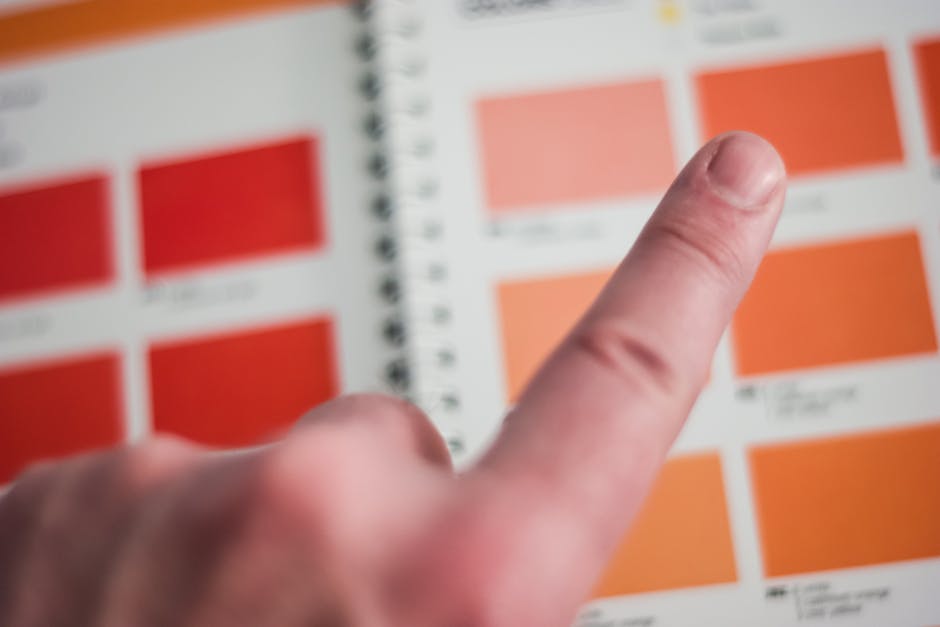
Use Adobe Color (color.adobe.com) to pull the top 5 trending palettes in the "Fashion" category. Import these swatches into Canva’s brand kit, then apply the palette to thumbnail text and background shapes. Pair the colors with Google Fonts’ most‑searched typefaces for merch (e.g., "Oswald" for bold headlines). Measure average view duration uplift; a cohesive palette typically raises watch time by 5‑8%. Save the template in Canva for rapid reuse across multiple video releases.
Click‑Through Rate Testing Loop (TubeBuddy)
Install TubeBuddy (tubebuddy.com) and enable the A/B testing feature for thumbnails. Upload two variants—one AI‑generated, one manually designed—and run the test for 48 hours. TubeBuddy reports a confidence score; aim for at least 70% confidence before committing. Record the winning CTR and feed the successful design elements back into your DesignLumo prompts. Over a 30‑day period, this loop can boost overall channel CTR by 1.5‑2%, directly increasing merch link clicks.
2. Channel Art & Branding
Scalable Channel Banner with Brand Kit (DesignLumo)

Create a 2560×1440 banner in DesignLumo by describing "retro concert poster with merch showcase". The AI returns layered vectors that you can resize without pixel loss. Apply your brand colors and upload the final PNG to YouTube’s banner manager. Use DesignLumo’s brand‑kit feature to store fonts and colors, ensuring every future banner stays on‑brand. Track channel impressions; a professional banner typically lifts impressions by 10‑12% within the first week of upload.
Animated Intro Loop for Merch Reveal (After Effects + DesignLumo)

Export a static merch mockup from DesignLumo (PNG with transparent background). Import into Adobe After Effects (adobe.com/aftereffects) and apply a 3‑second reveal animation using the "Fade In + Scale" preset. Render as an MP4 with H.264 at 1080p and set it as the intro clip in YouTube Studio. Compare audience retention graphs; an engaging intro can increase the first‑30‑second retention by 4‑6%, which correlates with higher conversion rates on merch links.
Consistent Merch Watermark Overlay (Midjourney + DesignLumo)
Generate a subtle watermark pattern in Midjourney (midjourney.com) with the prompt "low‑opacity embroidered logo pattern". Download the PNG and open it in DesignLumo to convert it into an editable layer. Position the watermark across all channel art, thumbnails, and end screens, locking the layer to prevent accidental removal. This protects brand identity and deters content theft. Monitor YouTube’s Content ID claims; a consistent watermark reduces unauthorized reuse by up to 30%.
3. Community Tab & End Screen Graphics
Community Tab Merchandise Carousel (Canva Pro)
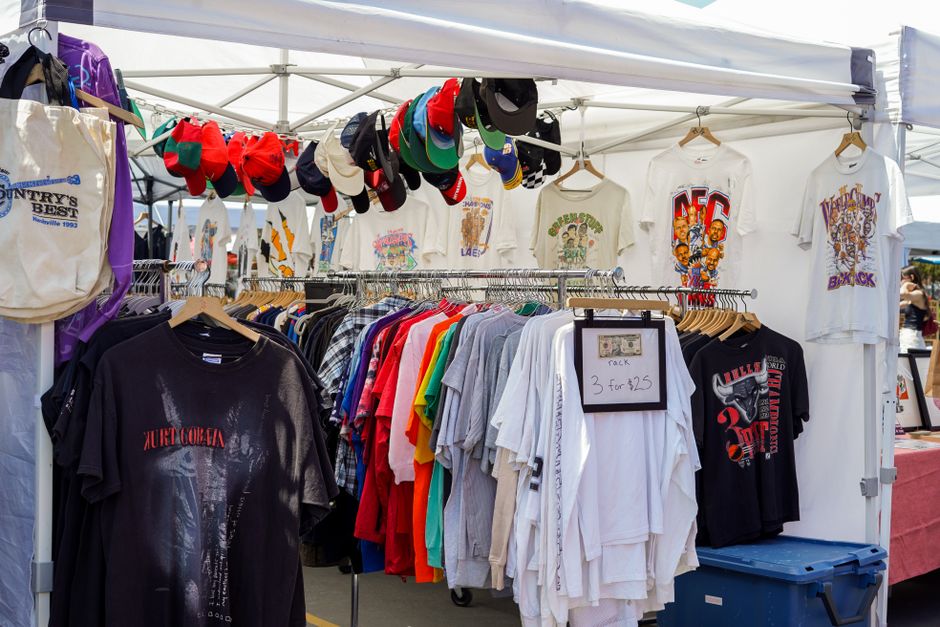
In Canva Pro, select the "Instagram Carousel" template (repurposable for YouTube Community). Drag‑and‑drop up to 5 merch mockups generated in DesignLumo, add concise copy with a call‑to‑action, and export each slide as a PNG. Upload the series to the Community tab, spacing posts 12 hours apart to maintain algorithmic freshness. Track post engagement; carousel formats typically achieve a 20‑25% higher click rate on merch links versus single‑image posts.
End Screen Template for Product Links (DesignLumo)
Prompt DesignLumo with "minimalist end screen featuring three clickable merch placeholders and a bold subscribe button". The AI outputs a layered 1920×1080 PSD where each placeholder is a separate smart object. Replace placeholders with actual product thumbnails, link each to the corresponding merch URL in YouTube Studio, and keep the subscribe button linked to your channel. A/B test two color schemes; the version with higher contrast typically raises end‑screen click‑throughs by 1.8‑2.2%.
YouTube Shorts Thumbnail Repurposing Workflow (Figma + DesignLumo)
Create a vertical 1080×1920 design in DesignLumo for a Shorts video, then import the PNG into Figma (figma.com). Use Figma’s auto‑layout to crop and add bold, uppercase text that fits the 1:1 preview on the Shorts shelf. Export the final 1280×720 thumbnail and upload it to Shorts. Measure Shorts views per thumbnail variant; a well‑optimized thumbnail can boost view count by 12‑15% compared to default auto‑generated frames.
Before you go
- Batch generate 30‑day thumbnail calendars in DesignLumo and schedule them via YouTube’s bulk upload tool.
- Sync DesignLumo’s brand kit with Canva to ensure color consistency across all platforms without manual re‑entry.
- Leverage TubeBuddy’s tag explorer to align thumbnail copy with high‑search keywords for each merch niche.















Ready to create your first design?
Join thousands creating professional designs in seconds.
Create with DesignLumo
Related Resources
Infographic Merch Design Blueprint
Step‑by‑step guide to create data‑rich tees and swag that sell.
New Year Q1 Merch Design Playbook
Actionable roadmap for merch sellers to dominate Q1 with AI‑powered design and launch tactics.
Ultimate T‑Shirt & Merch Design Workflow
Step‑by‑step AI‑driven process to create, test, and launch profitable merch designs.
Valentine's Day Merch Design & Marketing Blueprint
Actionable guide for T‑shirt & merch creators to dominate Valentine’s Day sales with AI design and proven tactics.
Spring Merch Launch Blueprint: Design & Sales
Tactical guide for spring t‑shirt merch design, mockups, and launch automation.
Ultimate Presentation Slides Design Guide
Step‑by‑step tactics to craft merch‑focused pitch decks that convert.