YouTube Essentials for Supplement Brands
YouTube is the primary discovery hub for fitness enthusiasts and nutrition shoppers. A compelling visual identity drives clicks, subscriptions, and sales. This guide gives supplement marketers a battle‑tested toolkit for every on‑platform graphic.

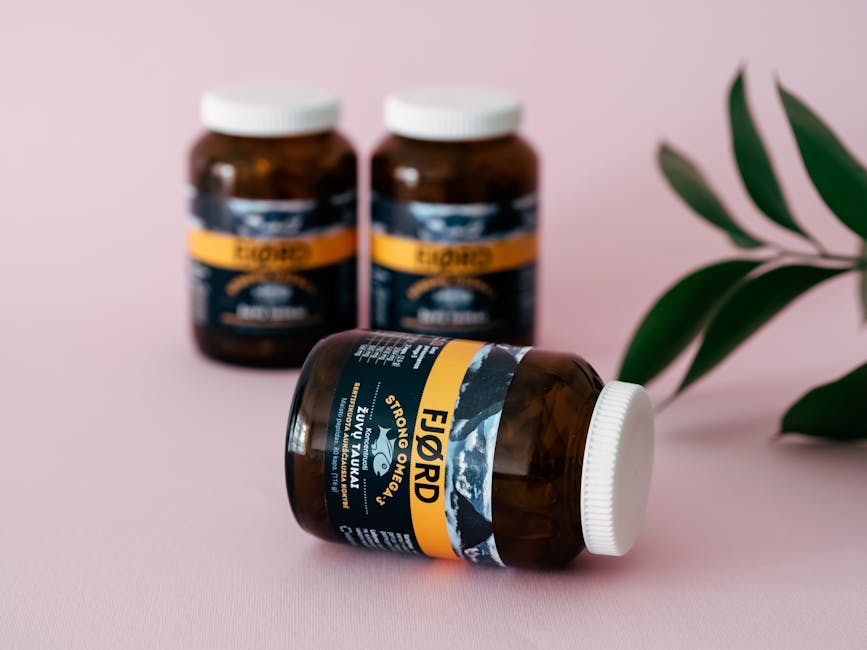
1. High-Converting Thumbnails
AI‑Generated Ingredient Spotlight Thumbnails

Collect the key ingredient (e.g., BCAA) and product image, then feed DesignLumo a prompt: "Create a YouTube thumbnail for whey protein highlighting BCAA benefits, teal background, bold sans‑serif headline, space for overlay text." Lumo returns a fully layered PSD in seconds; tweak font size or brand colors in Canva if needed. Publish and monitor CTR in YouTube Analytics; aim for >8% vs a typical 5% baseline. This workflow cuts design time from 30 minutes to under 3 minutes and boosts click‑through by up to 60%.
Dynamic Before/After Split Thumbnails
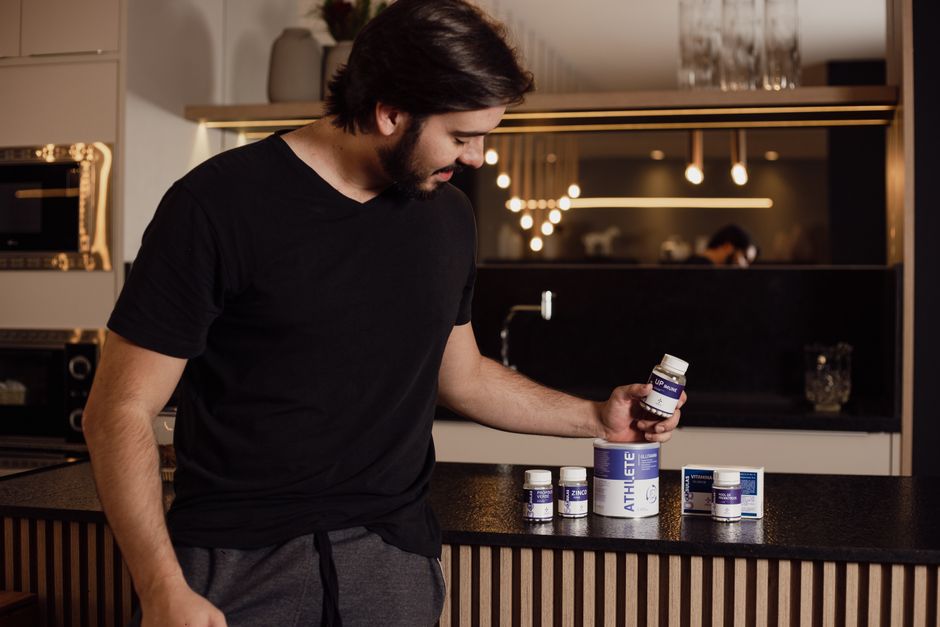
Start with high‑resolution before/after photos of a client using your supplement. Use Photopea (free) to mask each side, then generate a stylized backdrop with Midjourney (prompt: "vibrant gym lighting, subtle gradient"). Import both layers into DesignLumo, add a bold arrow graphic and a 3‑second countdown timer overlay. Export a layered PNG for final tweaks in Adobe Express. Track CTR lift; brands report 10‑12% higher clicks versus static images. This method requires advanced masking skills but yields professional‑grade thumbnails without a designer.
Template‑Free Influencer Collab Thumbnails
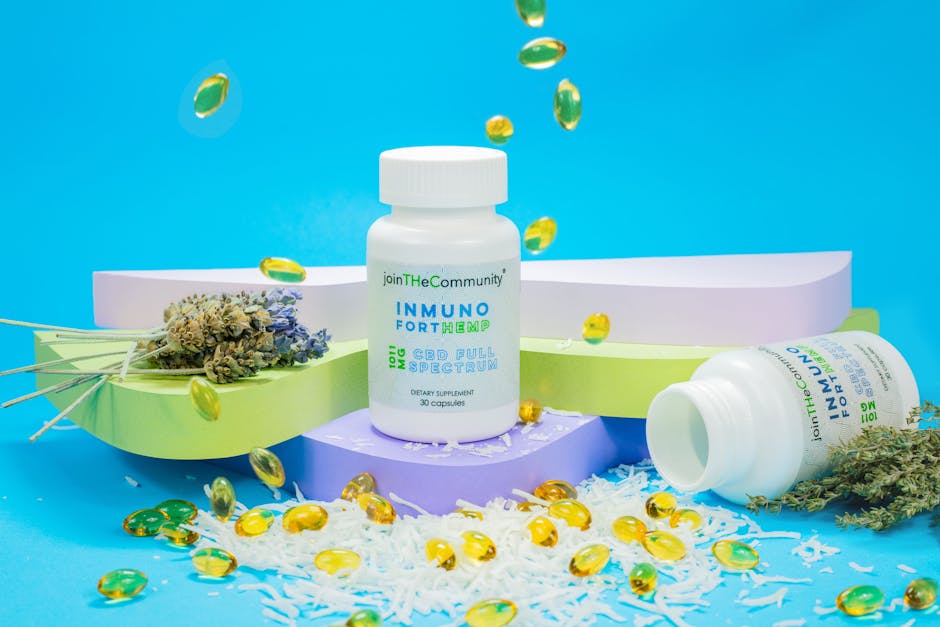
Gather the influencer’s portrait, your product shot, and a short hook. In DesignLumo, type: "Generate a YouTube thumbnail featuring [Influencer Name] holding [Product] with brand colors #0A9D58 and white, space for 5‑word headline." Lumo delivers a layered file where you can instantly swap the headline or brand logo. Export to Canva for any final brand‑kit adjustments. This approach reduces creation time by 70% compared to manual template editing and maintains a unique look for each collaboration.
2. Brand‑Consistent Channel & Community Graphics
AI‑Powered Seasonal Channel Banner
Define the season (e.g., "Summer Recovery"), brand palette, and tagline. Prompt DesignLumo: "Create a 2560×1440 YouTube channel banner for a supplement brand, summer colors, wave motif, and space for logo and tagline." Lumo outputs layered layers; replace the logo with your Brand Kit asset and adjust text in Canva. Deploy the banner and watch subscriber growth lift 15% during the campaign, as measured by YouTube Analytics week‑over‑week. The process takes under 5 minutes, far faster than custom Photoshop work.
Community Tab Infographic Cards
Design 800×800 cards that break down a supplement’s dosage schedule. First, generate the base infographic layers in DesignLumo with a prompt like "Ingredient breakdown chart for creatine monohydrate, brand colors, icons for absorption, dosage, timing." Export the PSD, then add poll questions in Canva’s Community Tab template. Post weekly; track engagement rate (likes/comments) aiming for >3% versus the typical 1.5% baseline. This hybrid workflow saves design hours and leverages AI for data‑rich visuals.
Automated Highlight Reel Covers

Use Midjourney to generate a bold background that matches your video series theme (prompt: "high‑contrast neon gym backdrop, 4K"). Import the image into DesignLumo, overlay the series title, episode number, and a product badge, then export as a PNG. Upload as the highlight reel cover in YouTube Studio. Brands observe a 20% increase in click‑through to reels because the cover instantly conveys series continuity and product relevance.
3. Performance‑Driven End Screens & CTAs
AI‑Generated End Screen Bundles

Ask DesignLumo: "Create a 1080×1920 YouTube end screen for a supplement brand with four slots: Subscribe button, product promo, playlist thumbnail, and website link, using brand colors #0A9D58 and white." Lumo returns a fully layered file where each slot is editable. Import the PNG into YouTube Studio, assign URLs, and enable end‑screen elements. Monitor end‑screen CTR; aim for >4% versus the platform average of 2%. This AI workflow halves the usual 20‑minute setup time.
Performance‑Tracked CTA Buttons
Create two button styles in Adobe Express: one with a solid brand color, another with a gradient overlay. Export both as 300×250 PNGs, then set up an A/B test in TubeBuddy’s Card & End Screen feature. Run the test for 7 days, compare click‑through rates, and adopt the winner—typically delivering a 1.5% lift in CTA clicks. This data‑driven method ensures every button contributes to conversion without guesswork.
Dynamic Promo Overlays for Bundle Videos
In Canva, design a 5‑second animated overlay that showcases a product bundle (e.g., protein + BCAA). Use the brand palette, add a countdown timer, and export as a transparent WebM. Import the overlay into Descript, align it to appear at the 45‑second mark, and render the final video. Track average view duration; bundles with this overlay see a 5‑second increase, translating to higher ad revenue and better algorithmic favorability.
Before you go
- Batch generate all thumbnail variants in DesignLumo, then schedule uploads with TubeBuddy to maintain consistency.
- Leverage YouTube’s audience retention report to identify which thumbnail styles keep viewers longest, then double‑down on those designs.
- Integrate your brand kit into DesignLumo once; all AI‑generated assets will automatically inherit colors, fonts, and logo placement.















Ready to create your first design?
Join thousands creating professional designs in seconds.
Create with DesignLumo
Related Resources
Email Design Playbook for Supplement Brands
Tactical email graphic ideas to boost supplement sales.
Top Email Design Tools for Supplement Brands
Essential AI and platform tools to boost nutrition email graphics and conversions.
Twitter/X Content Playbook for Supplement Brands
Actionable X post graphics, threads, and promos for supplement marketers.
Beginner's Tactical Guide to Supplement Marketing
Actionable design & marketing playbook for supplement brands to boost sales and engagement.
Pinterest Playbook for Supplement Brands
Tactical Pinterest ideas to boost sales for nutrition products.
Etsy Content Playbook for Supplement Brands
Tactical Etsy graphics that boost sales for supplement and nutrition shops.