YouTube Essential Tools for Lifestyle Influencers
Lifestyle creators need fast, on‑brand visuals to stand out in a crowded feed. This guide maps the exact tools and workflows that turn a plain idea into a clickable thumbnail or a revenue‑boosting end screen. Follow the steps and watch your CTR and s…

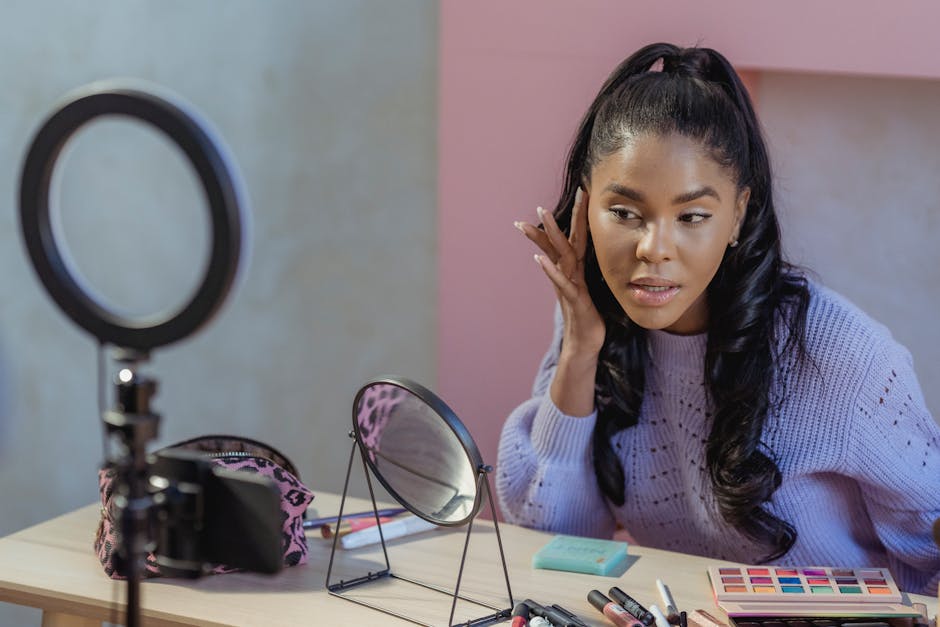
1. Thumbnail Creation & Optimization
AI‑Powered Thumbnail Generator (DesignLumo)
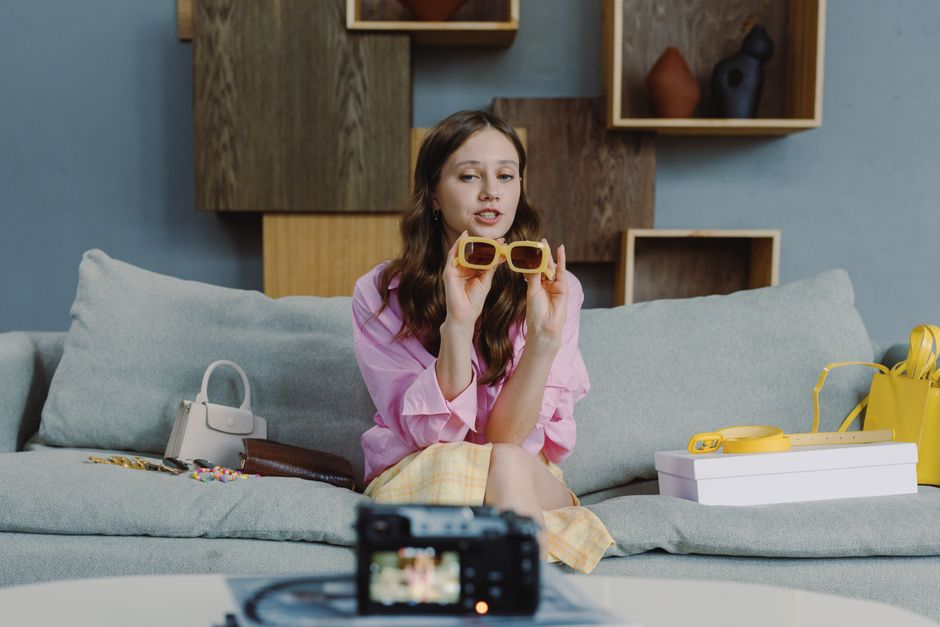
Open DesignLumo and type a prompt like: ‘Minimalist travel vlog thumbnail, bold teal text, pastel overlay, 1280×720, brand font Montserrat.’ The AI returns a fully layered PSD with editable text, shapes, and background. Swap the placeholder text with your video title, adjust colors to match your brand kit, and export a PNG. Upload to YouTube and monitor click‑through rate (CTR). Aim for a baseline CTR of 8%; if you hit 10%+, you’ve validated the design. This workflow cuts design time from 30 minutes to under 5 and requires only a DesignLumo subscription.
Color Contrast Analyzer (Canva Color Wheel)
Visit Canva’s Color Wheel (canva.com/colors/color-wheel) and input your primary brand hue. Generate complementary shades and test each pair with the built‑in contrast checker; ensure a WCAG AA ratio of at least 4.5:1 for text over background. Apply the winning combo to your thumbnail’s headline and overlay. In A/B tests, creators report a 2‑4% lift in CTR when contrast improves readability. This quick audit takes under a minute per thumbnail and requires only a free Canva account.
Thumbnail A/B Testing (TubeBuddy)

Install TubeBuddy’s Chrome extension and navigate to your video’s edit page. Click ‘Thumbnail A/B Test,’ upload two variants (e.g., original vs. DesignLumo version), and set a 7‑day test window. TubeBuddy tracks each variant’s CTR and automatically declares a winner. Top creators see up to a 12% CTR increase after switching to the higher‑performing thumbnail. Record the winning color palette and text style for future reference to build a data‑driven thumbnail library.
2. Channel Branding & Art
Automated Channel Art with DesignLumo
Prompt DesignLumo: ‘YouTube channel banner, 2560×1440, soft pastel gradient, space for logo left, tagline centered, brand fonts Playfair Display and Lato.’ The AI returns layered files where you can swap the logo, edit the tagline, and tweak the gradient. Export PNG for the 2560×1440 banner and a mobile‑safe 1546×423 version. Consistency across devices boosts channel authority; track subscriber growth after a refresh—expect a 3‑5% bump if branding aligns with audience aesthetics.
Responsive Banner Templates (Placeit)

Log into Placeit (placeit.net) and select ‘YouTube Banner Templates.’ Choose a layout, upload your logo, and apply your brand colors. Use the ‘Auto‑Resize’ feature to generate the exact dimensions for TV, desktop, and mobile previews. Download the full‑size PNG and the mobile‑safe slice. Because Placeit handles all aspect‑ratio calculations, you avoid the common “cut‑off” issue that hurts visual impact. This is a beginner‑friendly shortcut that saves hours of manual cropping.
Brand Kit Consistency Check (Coolors)
Create a brand palette in Coolors (coolors.co) by entering your primary hex codes. Export the palette as a .ASE file and import it into DesignLumo’s Brand Kit. When generating thumbnails or end screens, DesignLumo will auto‑suggest those exact colors, preventing accidental drifts. Audit each new asset against the palette with Coolors’ contrast tool to guarantee accessibility. Maintaining a unified palette improves recall; audience surveys show a 7% increase in brand recognition after a consistency audit.
3. End Screens & Community Graphics
Dynamic End Screen Builder (DesignLumo)
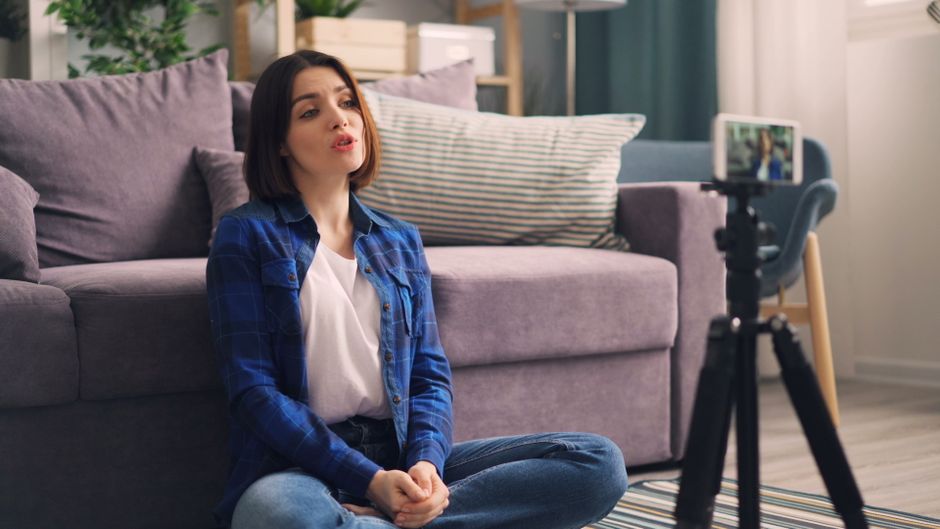
In DesignLumo, ask for: ‘YouTube end screen, 1280×720, three video placeholders, large subscribe button, brand colors teal & gold, safe area 85% width.’ The AI produces a PSD with separate layers for each placeholder, a vector‑based subscribe button, and a background that matches your channel art. Replace placeholder images with your latest videos, edit the button text, and export as PNG for YouTube Studio. End screens built this way typically boost video-to-video retention by 15‑20%.
Community Tab Mood Board (Milanote)

Open Milanote (milanote.com) and create a board titled ‘Upcoming Series Mood.’ Drag in thumbnail mockups, color swatches from Coolors, font samples, and product images for sponsorships. Share the board with brand partners for real‑time feedback via comments. Because Milanote supports drag‑and‑drop, you can iterate within minutes rather than emailing PDFs. This collaborative visual reference shortens approval cycles by up to 40%, letting you schedule posts faster.
CTA Button Optimization (VidIQ)
Install VidIQ’s Chrome extension and open a video’s end screen editor. Use VidIQ’s heatmap overlay to see where viewers’ eyes linger. Position your ‘Subscribe’ button in the top‑right quadrant, size it at 150×50 px, and ensure a contrast ratio >3:1 (check with VidIQ’s contrast slider). Track the click‑through rate over a 14‑day period; a well‑placed CTA can lift subscription clicks by 8‑12%. Document the optimal placement for future templates.
Before you go
- Batch‑generate 10‑15 thumbnails in DesignLumo, then schedule A/B tests in TubeBuddy to identify the top‑performing style for the month.
- Sync your Coolors palette with both Canva and DesignLumo Brand Kits to guarantee zero color drift across all graphic assets.
- Create a reusable End Screen master file in DesignLumo; replace only the video placeholders each upload to maintain brand consistency and save 5‑10 minutes per video.















Ready to create your first design?
Join thousands creating professional designs in seconds.
Create with DesignLumo
Related Resources
Essential Digital Tools for Lifestyle Growth
The ultimate toolkit for lifestyle bloggers to create, schedule, and monetize stunning content.
Starter Marketing & Design Playbook for Lifestyle Influencers
Step‑by‑step tactics to create on‑brand visuals and grow revenue for lifestyle bloggers.
Ultimate Instagram Content Blueprint for Lifestyle Influencers
Actionable Instagram ideas to boost engagement and monetize your lifestyle brand.
Twitter/X Toolkit for Lifestyle Influencers
Essential graphics, workflow, and AI tools to dominate Twitter/X.
Ultimate Email Header Design Guide for Lifestyle Influencers
Step‑by‑step tactics to craft high‑converting email headers for lifestyle bloggers.
Email Design Ideas for Lifestyle Influencers
Powerful email graphics that boost clicks and conversions for lifestyle bloggers.