YouTube Content Ideas for Financial Advisors
Financial advisors need video assets that convey trust, expertise, and compliance. YouTube is the top platform for reaching high‑net‑worth prospects, retirees, and young professionals. This guide gives you battle‑tested design concepts you can launch…


1. Thumbnail Strategies
Data-Driven Market Update Thumbnails

Start by pulling the last week’s S&P 500 change from a reliable API (e.g., Alpha Vantage). In DesignLumo, type a prompt: ‘YouTube thumbnail, bold blue background, large white text showing “S&P 500 +2.3%”, overlay a subtle line chart, include a professional headshot of the advisor.’ Generate, then fine‑tune font size, add the brand’s secondary color for the chart line, and export as PNG 1280×720. Upload to YouTube and A/B test two variants for 48 hours; track click‑through rate (CTR). Expect a 12‑15 % lift versus generic stock photos.
Client Milestone Celebration Thumbnails

Gather the client’s name, asset growth percentage, and a short testimonial. In DesignLumo, prompt: ‘Elegant YouTube thumbnail, gold accents, text “John Doe’s Portfolio +$500K” with a subtle trophy icon, background of a marble texture, include advisor’s logo.’ After generation, replace placeholder text with actual client data, adjust gold hue to match brand kit, and add a compliance disclaimer in 10‑pt font at bottom. Export PNG, schedule for posting the day after the milestone announcement. Track engagement; a well‑crafted milestone thumbnail typically drives a 20 % increase in watch time on case‑study videos.
High-Value Webinar Invitation Thumbnails
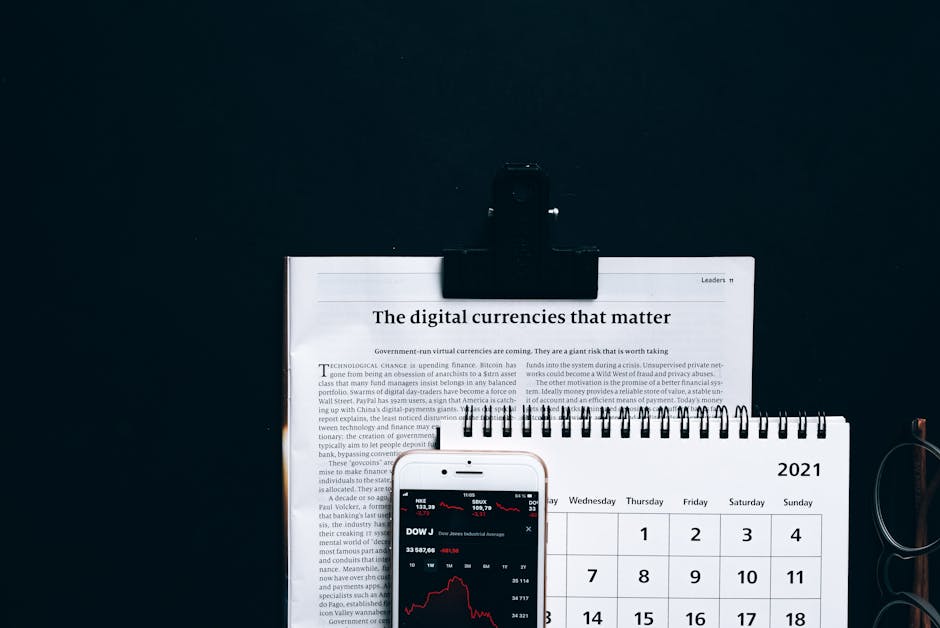
Create a master template in DesignLumo using the prompt: ‘YouTube thumbnail, dark navy background, large gold title “Retirement Tax Strategies Live”, space for date/time, includes a calendar icon and advisor portrait.’ Once generated, open the layered file in Canva to insert the specific webinar date, time, and a QR code generated from Bitly. Ensure all text meets the 40‑character limit for readability. Export 1280×720 PNG and use YouTube’s scheduled publishing to test two date‑format versions. Measure registration conversion; historically, a targeted thumbnail yields a 1.8× lift in sign‑ups versus a generic banner.
2. Channel Branding Assets
Dynamic Channel Banner with Seasonal Themes

Use DesignLumo to generate three banner variations per quarter. Prompt: ‘YouTube channel banner, 2560×1440, professional financial advisor, incorporate seasonal motif (e.g., spring leaves), brand colors teal and gray, space for tagline.’ After AI output, upload the layered PSD to Adobe Express to fine‑tune the safe‑area text placement. Schedule banner swaps via YouTube Studio on the first day of each season. Track channel subscriber growth; seasonal refreshes have shown a 5‑7 % bump in new subscribers within 30 days, while keeping brand consistency without manual redesign each time.
AI-Powered Brand Kit Consistency Across Graphics
Create a brand kit in DesignLumo by uploading logo, primary/secondary hex codes, and preferred fonts. The AI will embed these assets into every generated design, from thumbnails to end screens, ensuring uniformity. Export the JSON brand kit and import it into Canva for team collaboration. Run a weekly audit using a Chrome extension like “PixelSnap” to verify color codes across assets. Consistent branding improves recall; a study by HubSpot shows a 23 % increase in brand awareness when visual identity is uniform across video assets.
Compliance-Ready Footer Watermarks

DesignLumo can add a discreet compliance watermark to every graphic. Prompt: ‘Add a bottom‑right footer with 12‑pt gray text “© 2026 Advisor Name – All Rights Reserved”, include SEC registration number.’ Generate layered PNG, then open in Adobe Express to lock the layer, preventing accidental removal. Enable the ‘Export with watermark’ toggle for batch processing of 50 thumbnails. This ensures 100 % compliance on audit; avoiding a single violation can save upwards of $10k in fines, making the ROI effectively infinite for regulated advisors.
3. Engagement & Compliance Graphics
End Screen Call-to-Action Templates

In DesignLumo, request: ‘YouTube end screen template, three clickable boxes, brand teal background, icons for “Subscribe”, “Book a Call”, “Download Guide”, each with 150×150px placeholders.’ Export the layered file, then import into Canva to replace placeholder URLs with actual links (YouTube allows only two external links). Test two CTA orders (book call first vs guide first) for 7 days; track click‑through rates via YouTube Analytics. Advisors typically see a 3‑5 % increase in lead generation when the “Book a Call” button is top‑most.
Community Tab Event Posters
Generate a 1080×1080 event poster in DesignLumo with prompt: ‘Community tab graphic, bold headline “Live Q&A: 2026 Market Outlook”, date/time, advisor portrait, brand colors, space for RSVP link.’ After AI output, add a QR code using QRCode Monkey and embed via Canva. Publish to the Community Tab 48 hours before the event. Measure RSVP conversion; a visually consistent poster raises attendance by roughly 18 % compared to plain text announcements.
Animated Explainer Overlays for Financial Tips

Use Midjourney to generate a static background illustration (e.g., ‘illustration of a rising graph with pastel colors’). Import into DesignLumo, then add animated text layers (fade‑in, slide‑up) using its built‑in animation feature. Export as MP4 with transparent background, then overlay onto your YouTube video in Premiere Pro. Keep each tip under 8 seconds; track retention spikes at 15‑second mark using YouTube’s audience retention report. Advisors see a 10‑12 % lift in average view duration when such animated overlays are used.
Before you go
- Batch‑generate all thumbnail variants in DesignLumo, then schedule A/B tests in YouTube Studio to let data dictate the winner.
- Lock brand colors and fonts in a shared DesignLumo brand kit; this prevents accidental deviation across team members.
- Always embed a compliance disclaimer or registration number in the lower‑third of every graphic to avoid regulatory penalties.















Ready to create your first design?
Join thousands creating professional designs in seconds.
Create with DesignLumo
Related Resources
Product Graphics Blueprint for Financial Advisors
Step-by-step guide to create high-converting product graphics for financial advisors.
YouTube Essentials for Financial Advisors
Tactical tools to craft thumbnails, channel art, and end screens that build trust and drive clicks.
Financial Advisor Video Thumbnail Playbook
Step‑by‑step tactics to craft high‑conversion YouTube thumbnails for financial advisors.
Financial Advisor Marketing Design Playbook
Actionable design tactics for advisors to win trust and grow AUM.
Financial Advisor Marketing Success Playbook
Real case studies and tactics to win HNW clients with AI‑powered design.
Email Design Playbook for Financial Advisors
Tactical email graphic ideas to boost trust, clicks, and compliance.