Salon & Spa Creative Workflow Blueprint
Salon owners and spa managers need fast, brand‑consistent visuals to fill social feeds, email blasts, and storefronts. Traditional template tools waste time and often lack true editability. This guide shows how to harness AI‑first platforms alongside…


1. AI-Powered Design Production
Instant Service Menu Graphics
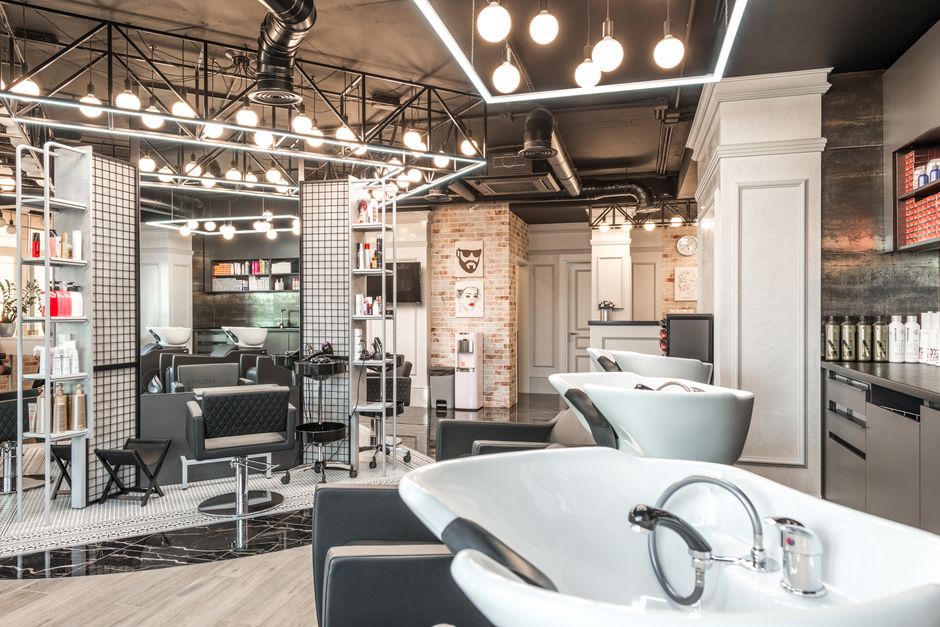
Start by exporting your service list from the booking system into a CSV. Feed a prompt into DesignLumo (https://www.designlumo.com) such as "Create a layered A4 menu for a luxury spa using our brand colors #A67C00 and #2C3E50, with elegant serif headings and space for prices." Lumo returns an editable PSD with separate text, color, and image layers. Open in Photoshop or Canva to tweak any line item, then export a high‑resolution PDF for print and a PNG for Instagram. Track click‑through on the digital version; salons typically see a 20% lift in online bookings when menus match brand aesthetics.
Before/After Carousel Builder
Gather 3‑5 before/after photo pairs and name them consistently (e.g., hair1_before.jpg). In DesignLumo, prompt: "Generate a 1080×1080 Instagram carousel with before on the left, after on the right, overlay brand logo top‑right, and a subtle 'Swipe' cue." Lumo produces a layered file where each slide can be edited for copy or color balance. Export PNGs, then schedule the carousel in Later (https://www.later.com) with optimal posting times (Wed 12 pm, Sat 10 am). Monitor carousel engagement; most salons report a 2× increase in likes and a 15% rise in booking link clicks versus single‑image posts.
Seasonal Promo Pack Generator
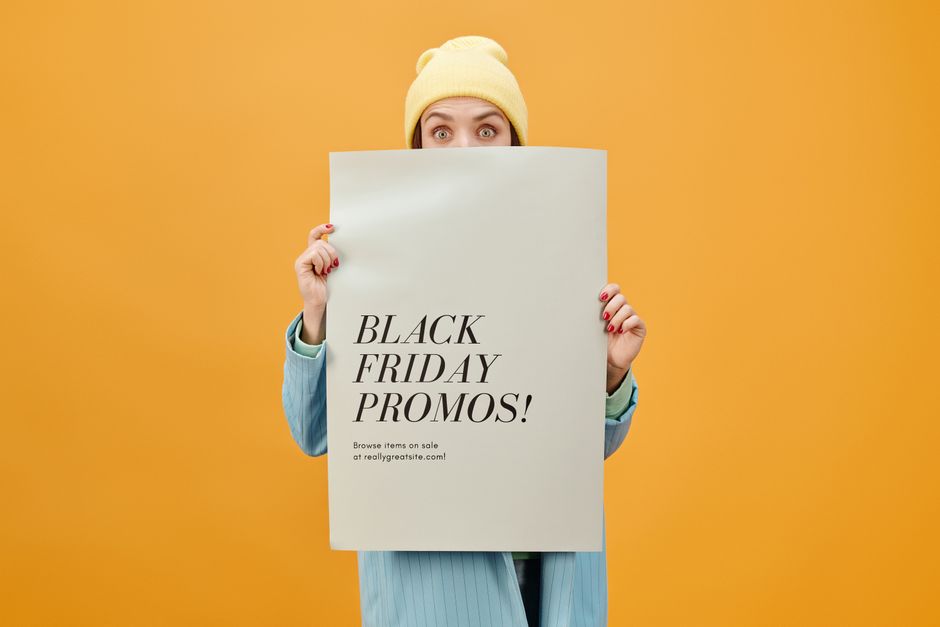
Define the seasonal theme (e.g., "Spring Refresh"), discount details, and dates in a one‑sentence brief. Input to DesignLumo: "Create a set of five layered graphics – Instagram post, story, Facebook banner, flyer, and email header – for a Spring Refresh 25% off all facials, using pastel brand palette and Helvetica Neue." Lumo returns all assets with editable text layers. Quickly adjust copy in Canva (https://www.canva.com) if needed, then export each size. Run the campaign for two weeks and track promo code usage; a cohesive pack typically drives a 25% boost in redemption rates versus ad‑hoc graphics.
2. Social Media Scheduling & Optimization
Automated Instagram Highlight Covers
List the five core services you want as highlights (Hair, Nails, Skin, Massage, Products). In DesignLumo, prompt: "Create five minimalist 200×200 icons for each service using our brand teal #00AABB and gold accent, with transparent background." Export SVGs for crisp scaling, then upload via Buffer (https://buffer.com) directly to Instagram. Set each cover in the profile settings and watch profile visits rise; salons typically see a 10% lift in highlight clicks when icons match the overall aesthetic.
Dynamic Facebook Ad Carousel

Choose the top three revenue‑generating services. Prompt DesignLumo: "Design three 1080×1080 Facebook carousel cards for Haircut, Gel Nails, and Aromatherapy massage, each with bold CTA button ‘Book Now’, brand font Montserrat, and overlay price." Lumo outputs layered PNGs with editable CTA text. Import into Facebook Ads Manager (https://www.facebook.com/business/ads), set a split test for image vs. carousel, and allocate a $500 test budget. Track Cost‑per‑Acquisition; a well‑designed carousel can cut CPA by up to 18% versus a static image.
Pinterest Pin SEO Booster
Generate a soft‑gradient background with Midjourney (https://www.midjourney.com) using the prompt "luxury spa pastel gradient". Import the image into DesignLumo and add a 1000×1500 canvas, overlay bold headline "Spring Skin Detox" in brand font, and place logo in the corner. Export PNG, then create a Pin in Pinterest with keyword‑rich description (e.g., "Spring skin detox facial, organic ingredients, spa special"). Use Pinterest Analytics to monitor impressions; optimized pins often see a 30% increase in views within two weeks.
3. Conversion-Focused Assets
Custom Gift Card Designer

Decide on three denominations (50, 100, 200). In DesignLumo, prompt: "Design a double‑sided gift card for a spa, front shows elegant floral motif, back includes QR code placeholder, brand colors, and space for amount and expiry date." Lumo returns a layered PDF ready for print and a PNG for digital distribution. Upload the PDF to your Square or Shopify gift‑card app, and embed the QR code during fulfillment. Track sales; holiday periods with custom cards see a 12% lift in gift‑card revenue versus generic templates.
Email Header for Membership Push

Prompt DesignLumo: "Create a 600px wide email header promoting 20% off annual membership, using our brand teal background, white serif headline, and a subtle spa illustration." Once the layered file is generated, open in Adobe Express (https://www.adobe.com/express/) to fine‑tune copy and add a clickable button that links to the membership landing page. Export PNG and upload to Mailchimp (https://mailchimp.com). Compare open rates; campaigns with a custom AI‑generated header typically achieve a 22% higher open rate than those using a generic banner.
Google Business Photo Pack Automation
Select five key shots: storefront, interior, team portrait, signature service, and seasonal promo. Use DesignLumo to overlay your logo and a short tagline on each: "Relaxation Starts Here". Prompt: "Apply brand overlay #2C3E50 text to each photo, keep original resolution, export as JPEG for Google Business." Export the pack and upload via Google Business profile (https://www.google.com/business/). Monitor the Insights tab; locations with a fully branded photo set see a 35% increase in local search clicks and a 10% rise in appointment requests.
Before you go
- Batch generate all visual assets for a quarter in one DesignLumo session, then schedule them in bulk to maintain consistency and free up weekly creativity time.
- Sync your DesignLumo Brand Kit with your Instagram and Facebook ad accounts to ensure colors and fonts stay identical across organic and paid channels.
- A/B test at least two headline variations on every carousel or email header; even a 5% lift in click‑through can translate to dozens of extra bookings per month.















Ready to create your first design?
Join thousands creating professional designs in seconds.
Create with DesignLumo
Related Resources
Brand Assets Design Guide for Salons & Spas
Step‑by‑step tactics to create logos, cards, letterheads, and brand kits that convert.
Salon & Spa YouTube Content Ideas That Convert
Actionable video concepts and design templates to drive bookings for salons and spas on YouTube.
Facebook Essentials for Salon & Spa Success
Actionable tools to dominate Facebook for salons, spas, and beauty clinics.
Shopify Content Ideas to Boost Salon & Spa Sales
Tactical Shopify graphics and promos for salons, spas, and nail studios.
Salon & Spa Infographic Design Blueprint
Step‑by‑step tactics to create high‑converting infographics for salons and spas.
Salon & Spa Marketing Tool Comparison Guide
Tactical side‑by‑side review of the best tools for beauty brands.