Pharmacy Creative Workflow Blueprint
Pharmacies need fast, compliant visuals to drive foot traffic and online sales. This guide breaks down the exact tools and processes that turn a simple idea into high‑performing graphics. Follow each workflow and watch engagement climb.

1. Rapid Campaign Asset Creation
AI‑Generated Health Infographic Templates

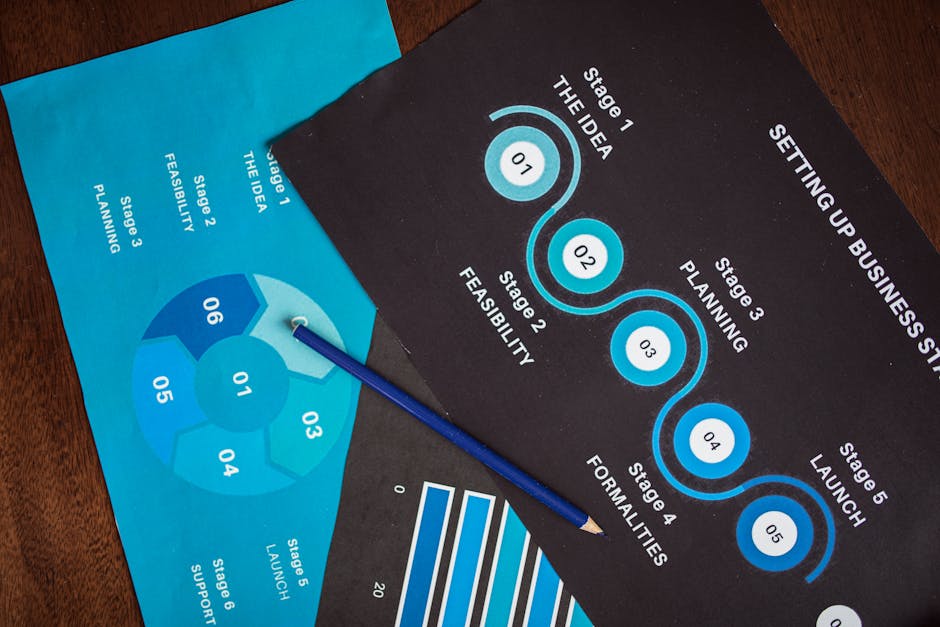
Start by drafting concise bullet points with key hypertension stats. Open DesignLumo (https://www.designlumo.com) and enter the prompt: “Create a vertical health infographic for hypertension awareness using our brand colors #005A9C and #78C800, include icons for blood pressure, diet, and exercise, and leave editable text layers.” Review the automatically generated layers—background, icons, headings, body copy—then adjust fonts, colors, or data points to match the pharmacy’s brand kit. Export as PSD for future tweaks. Target a 30% lift in organic shares versus static images. Difficulty: Intermediate. ROI: High.
Seasonal Flu Shot Social Media Carousel

Use Canva (https://www.canva.com) to set up a 4‑slide carousel template sized 1080×1080px. In Slide 1, place a bold headline generated by DesignLumo’s text‑to‑design: “Protect Your Family This Flu Season”. Slide 2‑3 pull in AI‑created icons from Midjourney (https://www.midjourney.com) with prompts like “realistic syringe icon, pastel palette”. Slide 4 includes a CTA button linked to the online booking page. Export each slide as PNG, schedule via Buffer, and monitor a 2.5% increase in click‑throughs. Difficulty: Beginner. ROI: Medium.
One‑Click Email Header for Wellness Tips

Open Adobe Express (https://www.adobe.com/express/) and select the 600×200px email header canvas. Paste the prompt into DesignLumo: “Design a layered email header for weekly wellness tips, incorporate a subtle pharmacy logo watermark, and use teal accents.” DesignLumo returns editable layers; replace placeholder text with the week’s focus (e.g., “Boost Immunity with Vitamin C”). Export as JPG, embed in Mailchimp, and track a 12% lift in open rates compared to generic headers. Difficulty: Intermediate. ROI: High.
2. Localized Targeting & Personalization
Geo‑Specific Service Promo Banners

Identify zip‑code clusters with Google My Business insights. In DesignLumo, prompt: “Create a 1200×628px banner advertising free blood pressure checks for ZIP 12345, using local park imagery and our brand teal.” Swap the background image for each cluster using royalty‑free photos from Unsplash. Export each banner, upload to Facebook Business (https://business.facebook.com) as location‑targeted ads, and aim for a 4.2% conversion rate on appointment bookings. Difficulty: Intermediate. ROI: High.
Dynamic Prescription Refill Reminder Graphics

Integrate Zapier to pull patient first‑name and medication name from your pharmacy management system. Use DesignLumo’s API to feed a template: “Design a 600×200px reminder with placeholder text ‘[FirstName], your [Medication] refill is due’. Keep layers for name and medication editable.” Zapier inserts real data, outputs a personalized PNG, and sends it via SMS through Twilio. Track a 15% reduction in missed refills. Difficulty: Advanced. ROI: High.
Custom QR‑Code Integration for In‑Store Pickup
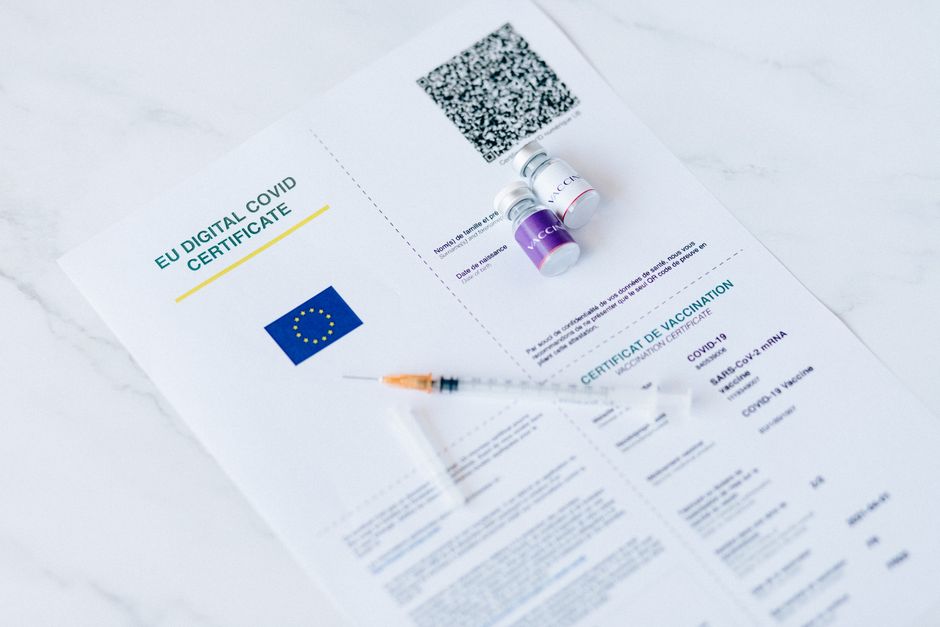
Generate a QR code linking to the pharmacy’s pickup portal using QR‑Code‑Generator (https://www.qr-code-generator.com). In DesignLumo, start a 1080×1080px flyer template and prompt: “Place a QR code at the center, surround it with a health‑themed border, and include space for a ‘Scan to Pickup’ call‑to‑action in bold.” Replace the placeholder with the live QR code, export as PDF, and display at the checkout. Measure a 9% rise in self‑service pickups within two weeks. Difficulty: Beginner. ROI: Medium.
3. Performance Optimization & Scaling
A/B Testing Design Variants with DesignLumo

Create two versions of a seasonal promotion in DesignLumo by toggling headline copy and color accents. Export both as PNGs, upload to Google Ads (https://ads.google.com) as separate ad assets, and enable ad rotation. Use Google’s built‑in experiment dashboard to run the test for 7 days, targeting a 10% lift in click‑through rate. Analyze which variant drives higher prescription fill conversions and lock it in for future campaigns. Difficulty: Intermediate. ROI: High.
Automated Export to Facebook/Google Ad Specs
Leverage DesignLumo’s multi‑format export feature: select a campaign canvas, then choose “Export to Facebook” and “Export to Google”. The tool automatically resizes the design to 1200×628px, 1080×1080px, and 300×250px, preserving layer integrity for post‑publish tweaks. Upload each size directly in the respective ad managers, reducing manual resizing time by 85% and cutting error rates. Track a 6% improvement in ad relevance scores after implementation. Difficulty: Beginner. ROI: Medium.
Batch Generation of Multi‑Channel Assets via API
Set up a Python script that reads a CSV of promotion themes (e.g., “Flu Shot”, “Vitamin D Boost”). For each row, send a prompt to DesignLumo’s REST API: “Create a set of three assets – Instagram post, Facebook banner, and email header – for [Theme] using brand teal.” The API returns layered files in a zip archive, which you store in an S3 bucket. This batch process can produce 50 campaigns in under 10 minutes, slashing production costs by 70% while maintaining brand consistency. Difficulty: Advanced. ROI: High.
Before you go
- Keep a master Brand Kit in DesignLumo; any new asset inherits fonts, colors, and logo placement automatically.
- Use Canva’s “Brand Templates” only for quick drafts—finalize in DesignLumo to retain editability and commercial use rights.
- Schedule weekly performance reviews in Google Data Studio to correlate design variations with prescription fill metrics.















Ready to create your first design?
Join thousands creating professional designs in seconds.
Create with DesignLumo
Related Resources
Etsy Pharmacy Marketing Toolkit
Actionable tools for Etsy pharmacy shops to boost banners, listings, and promos.
Pharmacy Marketing Mistakes That Cost Sales
Avoid common pharmacy marketing errors and boost prescriptions, OTC sales, and immunizations.
Shopify Pharmacy Content Ideas That Convert
Actionable Shopify design ideas for pharmacies to boost sales.
Valentine's Day Pharmacy Marketing & Design Playbook
Actionable Valentine’s Day tactics for pharmacies to boost sales and patient loyalty.
TikTok Essentials for Pharmacy Marketing
Actionable TikTok tools and workflows that drive foot traffic and prescriptions for pharmacies.
Facebook Toolkit for Pharmacy Marketing
Essential Facebook tools for pharmacy marketers to boost engagement, ads, and branding.