Music School Creative Workflow Blueprint
Music schools need eye‑catching visuals that move quickly from concept to classroom. This guide breaks down every step—from concept sketches to ticket sales—so you can churn out high‑impact assets without hiring a designer. Follow the exact tools, me…


1. Design Production Pipeline
AI‑Powered Recital Poster Creation

Start with a plain‑text brief in DesignLumo (e.g., "Spring piano recital, April 12, 7 pm, Classical & Jazz, 500 capacity"). The AI generates a layered PSD with editable fonts, colors, and placeholders. Open the file in Adobe Photoshop or Canva for final tweaks, then export PNG for social and PDF for print. Track click‑through rates (CTR) on the digital version; aim for >2% on Instagram Stories. Iterate by swapping background images using Midjourney prompts ("vibrant concert hall lighting") and re‑importing layers. Total turnaround: under 30 minutes.
Dynamic Instructor Spotlight Cards

Collect a 150‑word bio, headshot, and three teaching specialties per instructor. Feed this data to DesignLumo with a prompt for a "modern, brand‑kit‑compliant spotlight card". The AI outputs separate layers for photo mask, text hierarchy, and brand colors. Export each card as an Instagram carousel image (1080×1080). Use Buffer's bulk scheduler to post three cards per week, tagging the instructor. Measure engagement per card; target a 4% average like‑rate. If a card underperforms, swap the call‑to‑action layer in DesignLumo ("Book a trial lesson") without redesigning the whole card.
Editable Summer Camp Flyer Templates

Create a master flyer in DesignLumo by describing the camp theme, dates, and early‑bird discount. The AI produces a fully layered Illustrator file with editable date fields and a QR code placeholder. Replace the QR code with a dynamic link generated in Bitly (track clicks). Duplicate the template for each instrument program, swapping only the instrument icon layer. Export to PDF for local print and to JPG for Facebook Ads. Monitor print‑to‑online conversion; aim for at least 10% of QR scans converting to registration within 48 hours.
2. Promotion & Distribution Engine
Automated Social Scheduler with UTM Tagging
Connect your DesignLumo output folder to Later via Zapier. Set a Zap that, when a new PNG appears, automatically creates a post draft in Later with pre‑filled UTM parameters (utm_source=instagram, utm_medium=social, utm_campaign=recital2024). Schedule posts at audience‑peak times (Wed 3 pm, Fri 6 pm). Use Google Analytics to attribute traffic; a 15% uplift in session duration signals effective tagging. Adjust posting cadence based on the “best‑performing hour” report in Later, iterating the schedule every two weeks.
Targeted Facebook/Instagram Ad Creative Loop
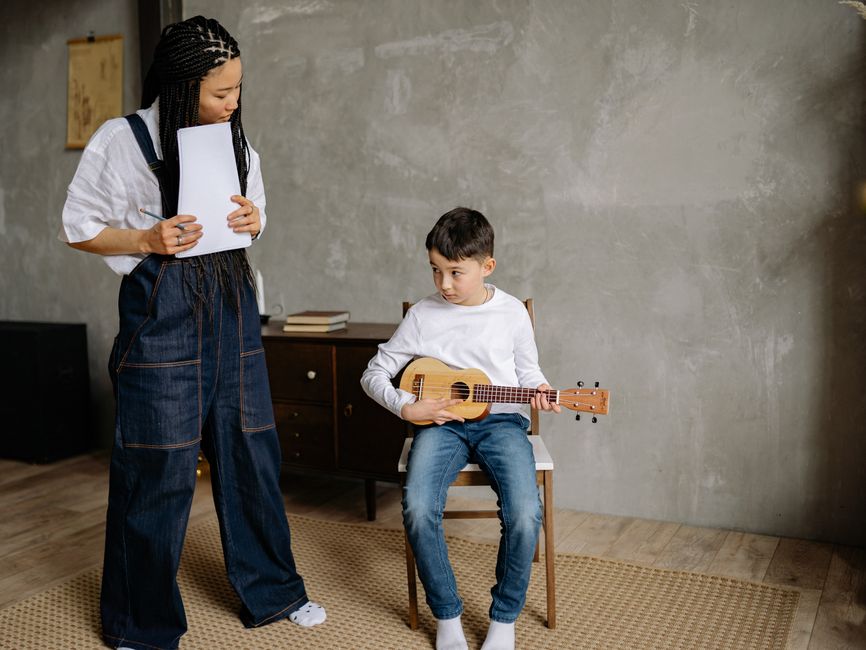
Generate three ad variants in DesignLumo: one with a student performance photo, one with a teacher testimonial, and one with a countdown timer layer. Export each as a 1080×1080 JPG. Upload to Facebook Ads Manager, set A/B test with a $20 daily budget per variant, and use interest targeting ("classical music", "music education"). After 48 hours, pull CPM and conversion cost; keep the variant with CPL < $5. Refresh the winning creative weekly by swapping only the date layer in DesignLumo, preserving ad relevance scores.
Email Header Series via DesignLumo
Compose a 4‑week email campaign in Mailchimp. For each week, prompt DesignLumo for a header that matches the email theme (e.g., "Week 1: Welcome – Bright piano keys"). Export layered PNGs, then replace the headline text layer directly in Mailchimp’s editor to personalize per segment. Track open rates; aim for >22% on the first header and >25% after the second. Use Mailchimp’s A/B testing to compare static vs. AI‑generated headers, documenting the uplift for future campaigns.
3. Conversion & Revenue Optimization
Landing Page Mockup Sync with Shopify
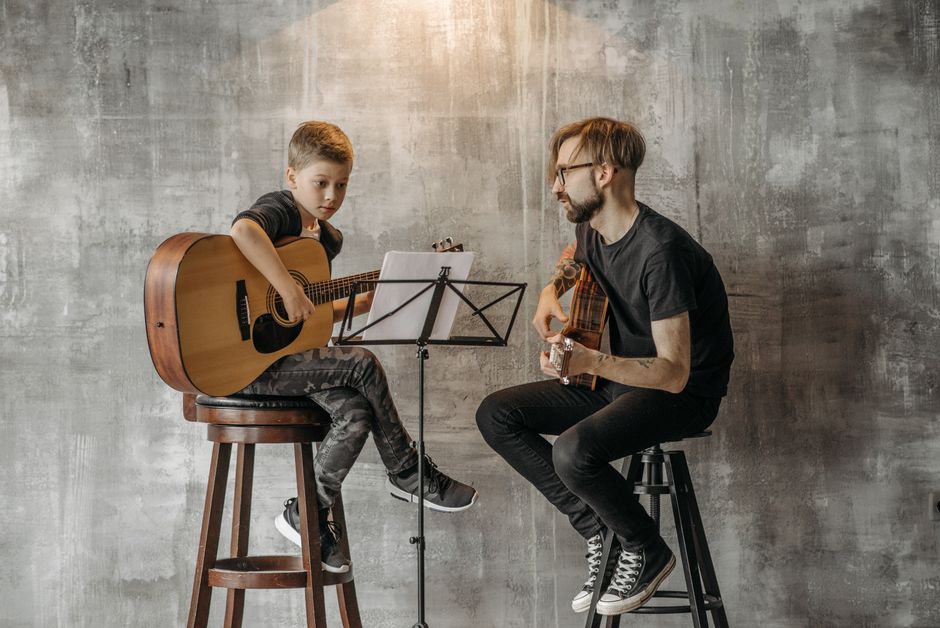
Design a high‑conversion landing page mockup in DesignLumo, specifying sections: hero image, program benefits, testimonial carousel, and CTA button. Export as a Sketch file, then import into Shopify's Page Builder (Shogun). Replace only the hero image layer with the latest recital photo to keep the page fresh. Add a Shopify discount code widget tied to the CTA. Use Hotjar heatmaps to verify button click zones; aim for a 3% conversion rate from organic traffic within the first month.
Ticket Sales Countdown Graphics
Create a countdown timer layer in DesignLumo (e.g., "5 days left"). Export as an animated GIF. Embed the GIF in the event page and schedule daily Instagram Stories using Buffer, each with the updated countdown (automated via Integromat to replace the layer). Track ticket sales spikes; target a 12% increase on the final 48 hours. Record the correlation between each graphic update and sales velocity to refine the optimal posting frequency.
Referral Incentive Badge System
Design a set of three referral badges (Bronze, Silver, Gold) in DesignLumo, each with a distinct color scheme and editable "referrals" count layer. Export PNGs and upload to your LMS or student portal. When a student reaches a threshold, a Zap updates the badge layer automatically. Promote the badge system via weekly email and social posts. Measure referral enrollment; a 20% lift in new student sign‑ups indicates a successful incentive loop.
Before you go
- Batch generate all visual assets for a semester in one DesignLumo session; you’ll cut design time by up to 70%.
- Always lock brand‑kit colors in the AI prompt to maintain consistency across flyers, ads, and social posts.
- Link every visual to a UTM‑tagged URL; without tracking, you can’t prove ROI and you’ll waste ad spend.















Ready to create your first design?
Join thousands creating professional designs in seconds.
Create with DesignLumo
Related Resources
Spring Launch Playbook for Music & Art Schools
Actionable spring marketing tactics to fill classes, sell tickets, and boost revenue.
Etsy Essentials: Marketing Tools for Music Schools Success
Actionable Etsy design tools to boost banners, listings, and seasonal promos for music and art schools.
Pinterest Playbook for Music & Art Schools
Tactical Pinterest strategies to fill classes, sell tickets, and grow your creative school.
Instagram Toolkit for Music & Art Schools
Essential Instagram tools and workflows to boost music & art school enrollment.
Twitter/X Content Playbook for Music Schools
Tactical Twitter/X graphics ideas to boost music school enrollment and events.
Product Graphics Playbook for Music Schools
Actionable guide to AI‑powered product graphics that sell music & art school services.